

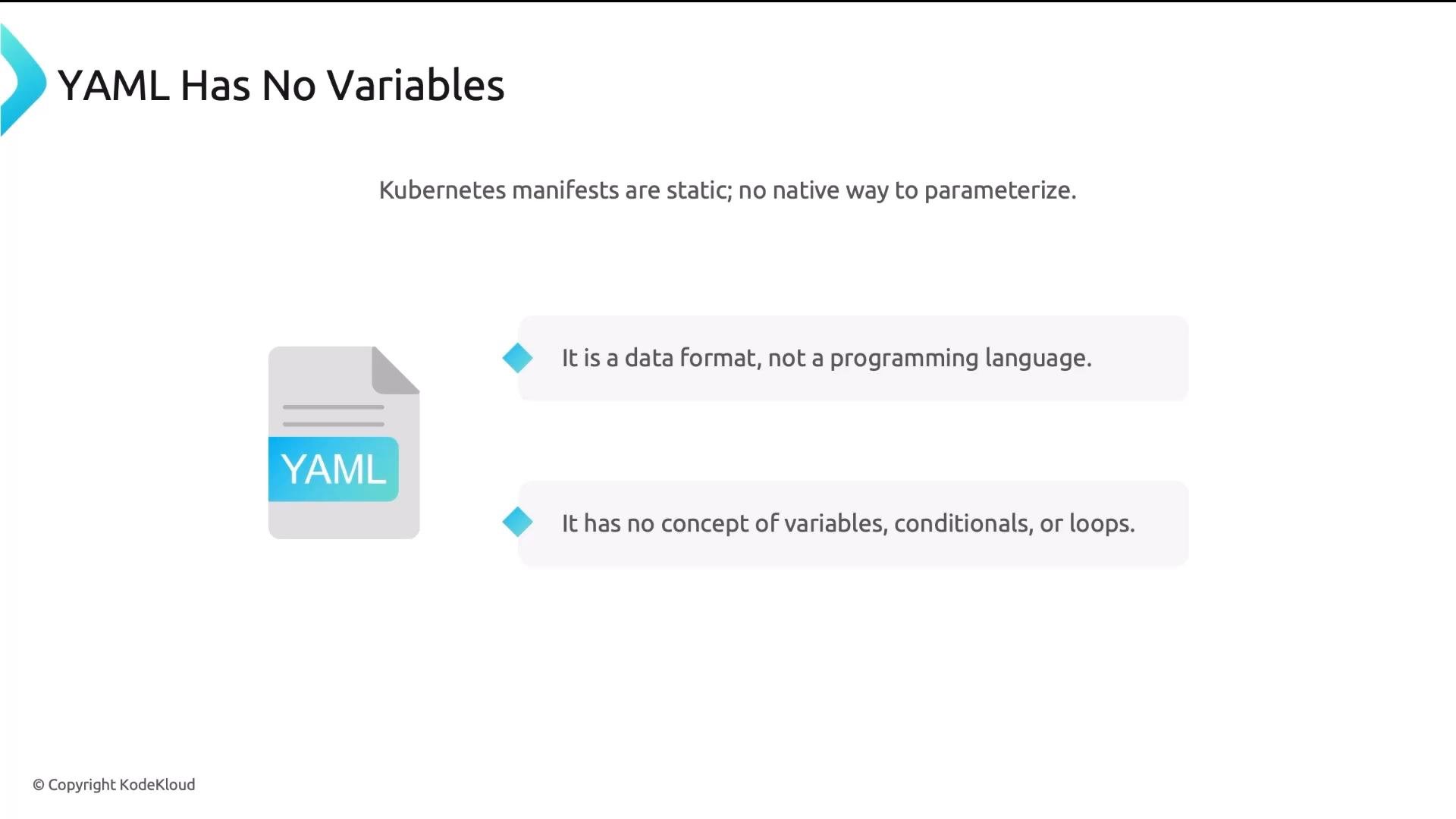
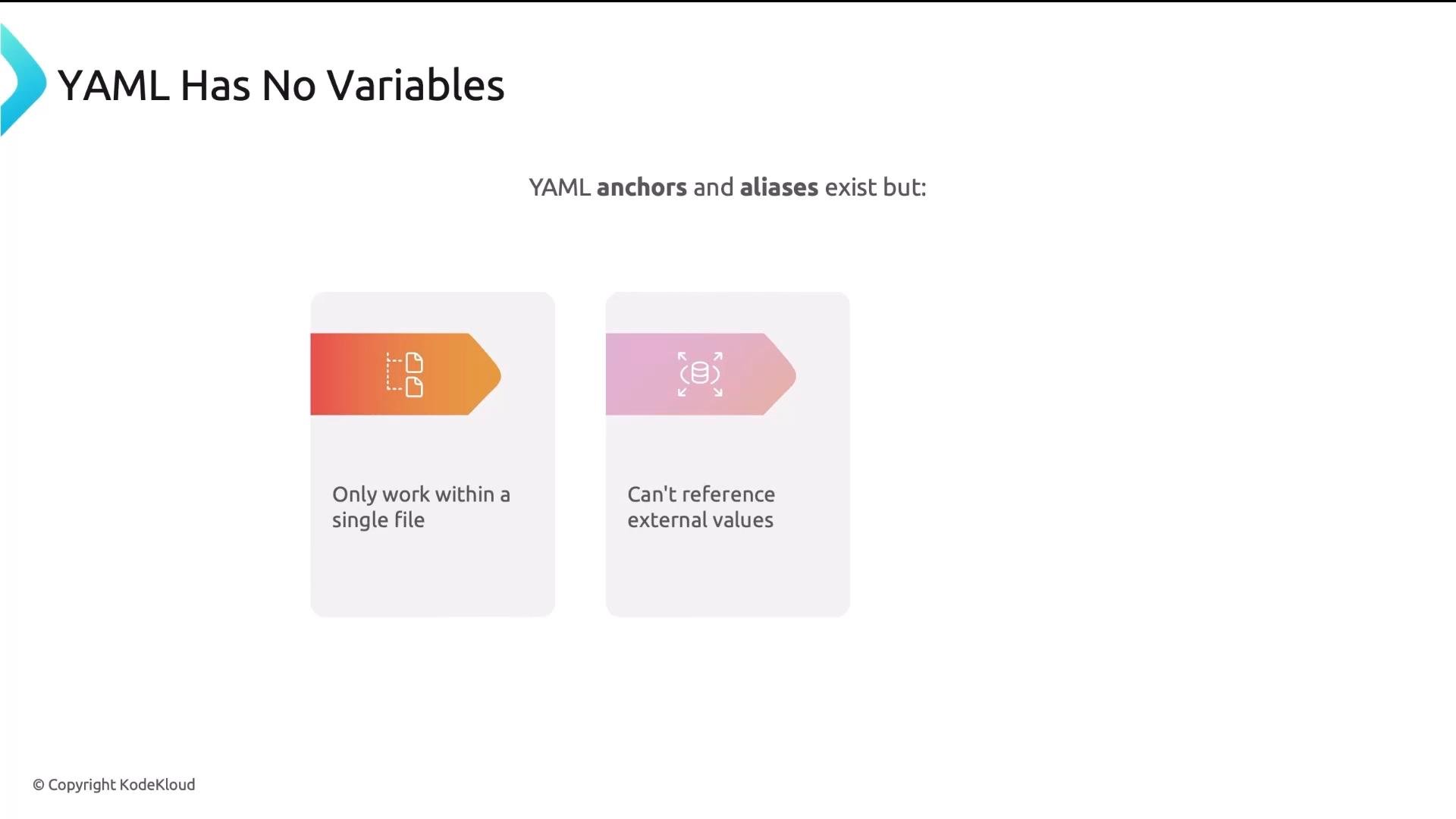
base and overlay directories, but the base YAML files remain static. Many values are hard-coded.
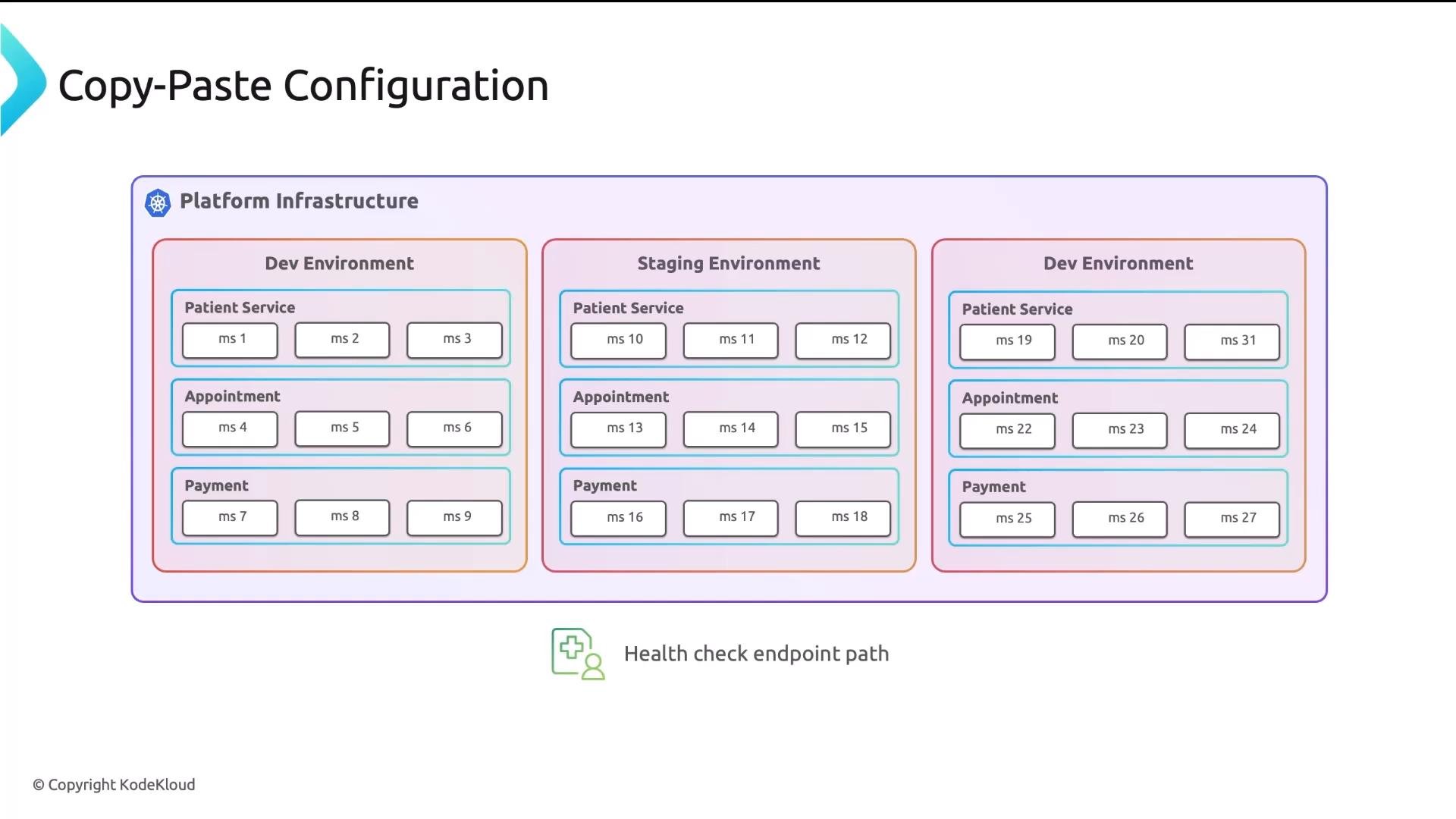
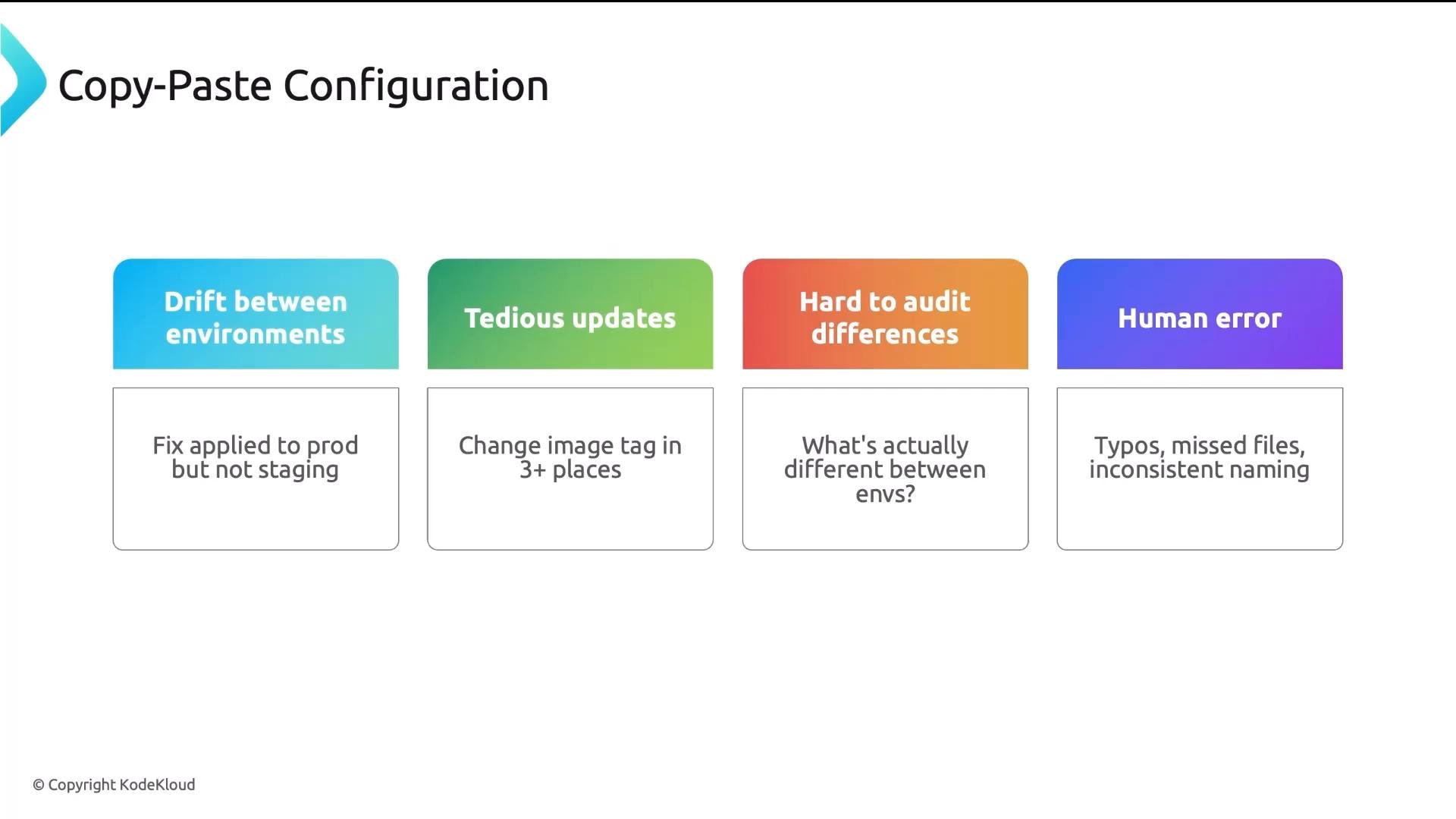
If you need the same application deployed to three environments with different replica counts, images, and resource limits, what do you do? The naive approach is copy-and-paste—but that doesn’t scale.
In this lesson you will:
- Understand why copy-and-paste configuration breaks at scale.
- Learn how Helm templates and Kustomize overlays provide parameterization.
- Compare Helm and Kustomize and when to pick each.
- See how both integrate with GitOps tools like Argo CD and Flux for continuous delivery.
- Helm — a templating engine that generates Kubernetes YAML from templates and values.
- Kustomize — a patching system that declares small environment overlays on top of valid base YAML.
{{ .Values.replicas }} and provide environment-specific values in YAML files.
Example chart layout:
templates/deployment.yaml):
values.yaml (defaults)
values-prod.yaml
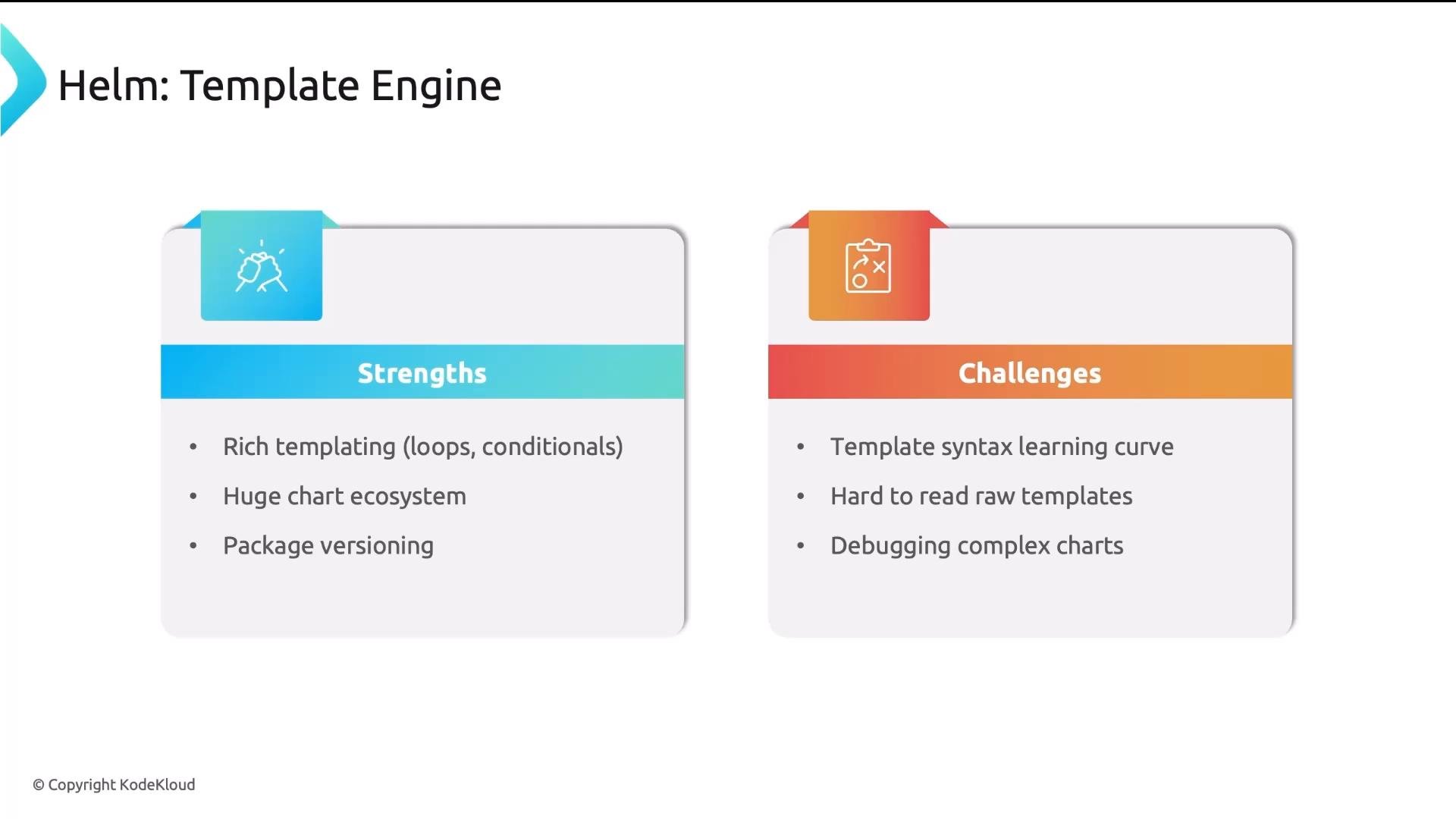
- Rich templating language (variables, loops, conditionals).
- Large ecosystem of packaged charts on Artifact Hub.
- Chart packaging, versioning, and dependency management.
- Go template syntax can be terse and non-intuitive.
- Complex or heavily-conditional charts can be hard to debug.
base/ directory, and create environment-specific overlays that patch those base resources. Base files remain plain YAML (deployable directly with kubectl apply), and overlays only describe the differences.
Example repo layout:
base/deployment.yaml (valid Kubernetes manifest)
overlays/prod/kustomization.yaml
overlays/prod/replicas-patch.yaml
- Base files stay as valid YAML — easy to read and debug.
- Overlays express only the small diffs per environment.
- Built into
kubectl(no extra install required). See the Kubernetes kustomize docs for more details.
- No native conditionals or loops.
- Complex transformations can become verbose or require generators/plugins.
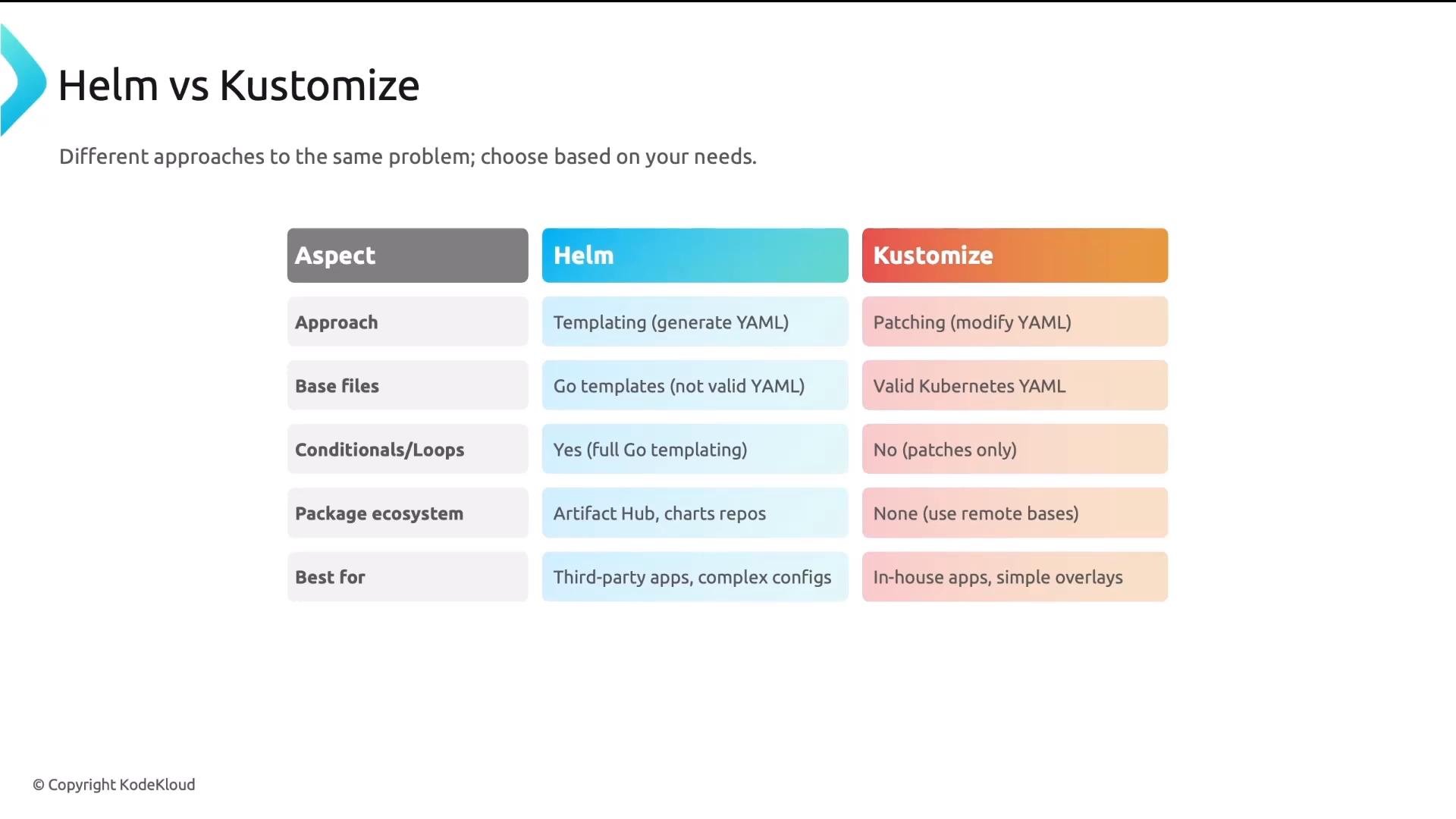
Which one should you use?
Practical rule of thumb:
- Use Helm for third-party projects or when you need a packaged chart with many configurable options (for example, Prometheus or cert-manager). The community often provides well-maintained charts.
- Use Kustomize for your own services when you prefer readable base YAML and small, explicit overlays for environment differences.
Use Helm when you need powerful templating and packaged charts. Use Kustomize when you want simple, readable base YAML and concise overlays for your own apps. Both integrate with GitOps tools like Argo CD and Flux.
- Avoid copy-and-paste for multi-environment Kubernetes YAML—it’s fragile and hard to maintain.
- Helm generates YAML from Go templates and values files — great for packaged, configurable charts.
- Kustomize patches valid base YAML with environment overlays — great for clear, readable differences.
- Pick the tool that fits your team and use both when it makes sense. For more:
- Helm: https://helm.sh
- Kustomize docs: https://kubernetes.io/docs/tasks/manage-kubernetes-objects/kustomization/
- Artifact Hub: https://artifacthub.io
- Argo CD: https://argo-cd.readthedocs.io
- Flux: https://fluxcd.io/