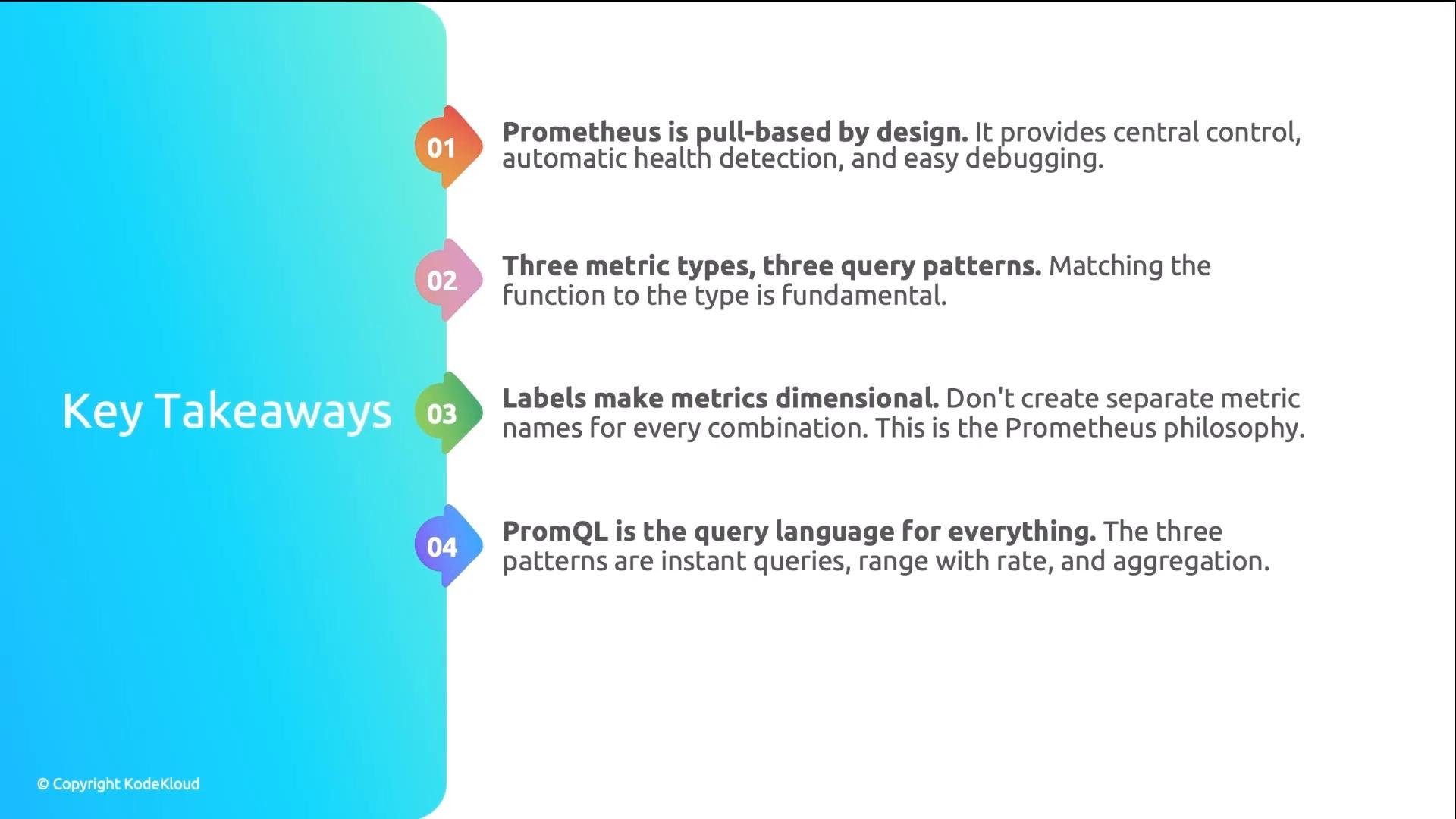
- A unified metrics collection architecture and why it matters
- How Prometheus uses a pull-based model for scraping and detecting health
- The three primary Prometheus metric types and which PromQL functions to use
- How labels make metrics dimensional and enable powerful aggregations
- Enough PromQL to build Grafana dashboards and alerts
/metrics endpoints, node exporters, cAdvisor, kube-state-metrics, and external systems. Without a unified collection approach you get:
- No single source of truth
- Formatting fragmentation and inconsistent label sets
- Limited ability to correlate metrics across components
- Multiple dashboards showing different views of the same incident
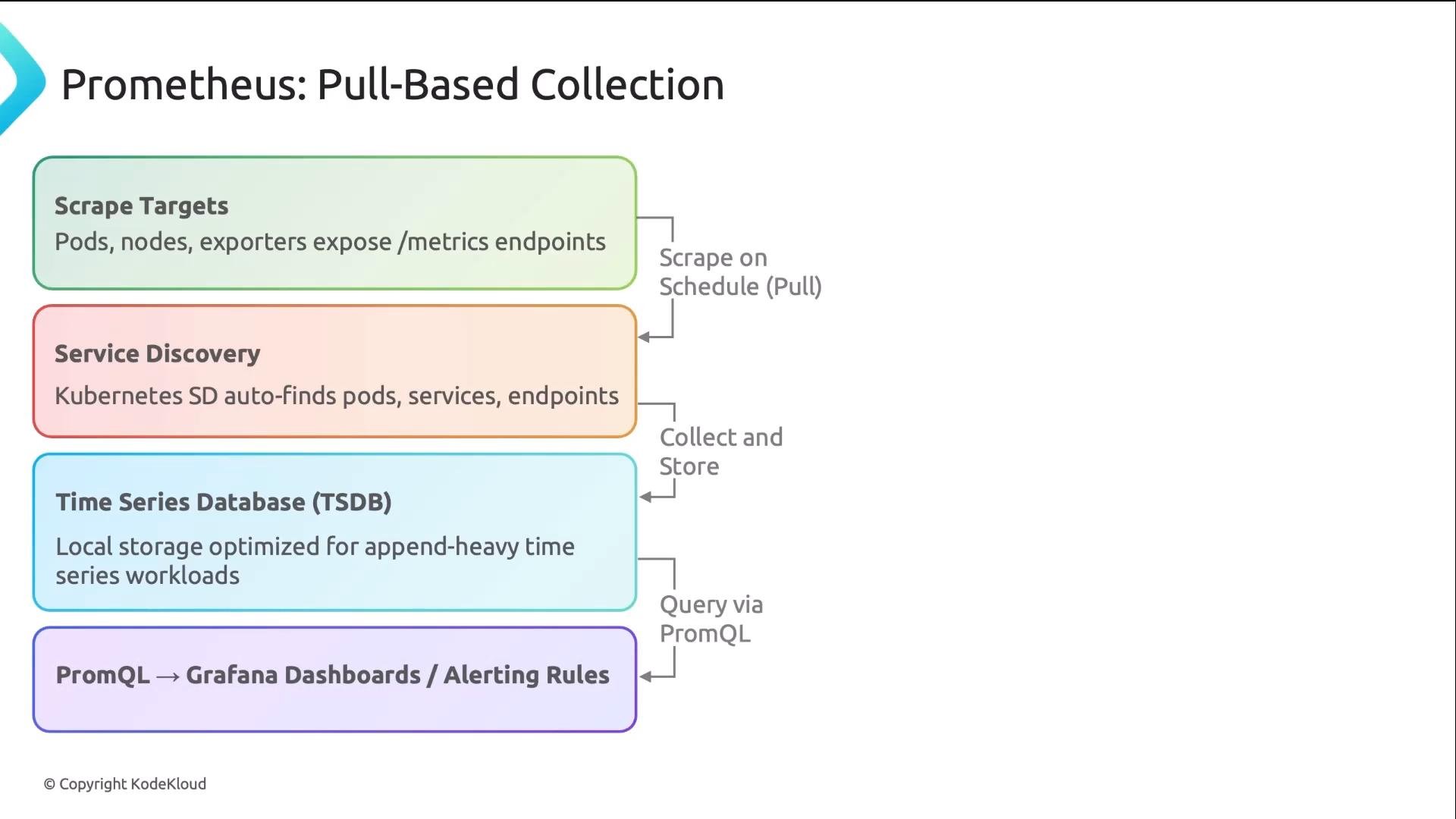
- Targets expose an HTTP
/metricsendpoint. - Service discovery finds targets (Kubernetes SD, file_sd, DNS, etc.).
- Prometheus scrapes those endpoints at configured intervals.
- Scraped samples are stored in Prometheus’ time-series database (TSDB).
- PromQL queries the TSDB for dashboards, alerts, and analysis.
- Central control — a single place controls what gets scraped and when, simplifying configuration and rate limits.
- Health detection — failed scrapes are recorded as missing samples. Debugging is as simple as curling a target’s
/metricsendpoint to compare what Prometheus scraped.
Illustrative sequences:
rate()— convert counter samples into per-second rates over a time windowincrease()— compute total increments over a windowhistogram_quantile()— derive percentiles from histogram buckets- Aggregators:
sum(),avg(),max(), etc.
Tip: Applying
rate() to a gauge is meaningless (gauges can move up and down). Conversely, reading a counter’s raw value is usually meaningless — convert it to a rate or delta first.Warning: Histograms require correct instrumentation. Avoid attempting percentiles from manually aggregated values — use Prometheus histograms and
histogram_quantile() instead.- Filter to a subset (e.g.,
namespace="production") - Group and aggregate (e.g.,
sum by (service) (...)) - Create targeted alerts (e.g.,
service="checkout", severity="critical")
namespace, pod, container) when using the appropriate exporters and the Prometheus Operator, making namespace- or pod-level queries straightforward.
PromQL basics — three common patterns
PromQL can appear complex, but three patterns cover most needs:
- Instant vectors — retrieve the current value of a metric (optionally filtered by labels).
- Range vectors + functions — apply functions like
rate()orincrease()to counters over a time window. - Aggregation — roll up series with
sum by (...),avg by (...),max by (...).
- Pod annotations (quick and simple): add annotations so Kubernetes SD picks them up. Example pod annotation:
- ServiceMonitor CRDs (recommended for production): provided by the Prometheus Operator;
ServiceMonitorresources declaratively define scrape targets for Services and are much easier to manage at scale. - Static config / file_sd: useful for external systems and legacy services outside the cluster.
- kube-state-metrics — exposes the state of Kubernetes objects (Deployments, ReplicaSets, Pods)
- node-exporter — node-level hardware and OS metrics (CPU, disk, network)
- cAdvisor / kubelet metrics — container-level CPU and memory stats
- Application
/metricsendpoints — custom business and application metrics
Links and further reading
- Prometheus documentation: https://prometheus.io/docs/
- PromQL basics: https://prometheus.io/docs/prometheus/latest/querying/basics/
- Prometheus Operator / ServiceMonitor: https://github.com/prometheus-operator/prometheus-operator
- Kubernetes documentation: https://kubernetes.io/docs/
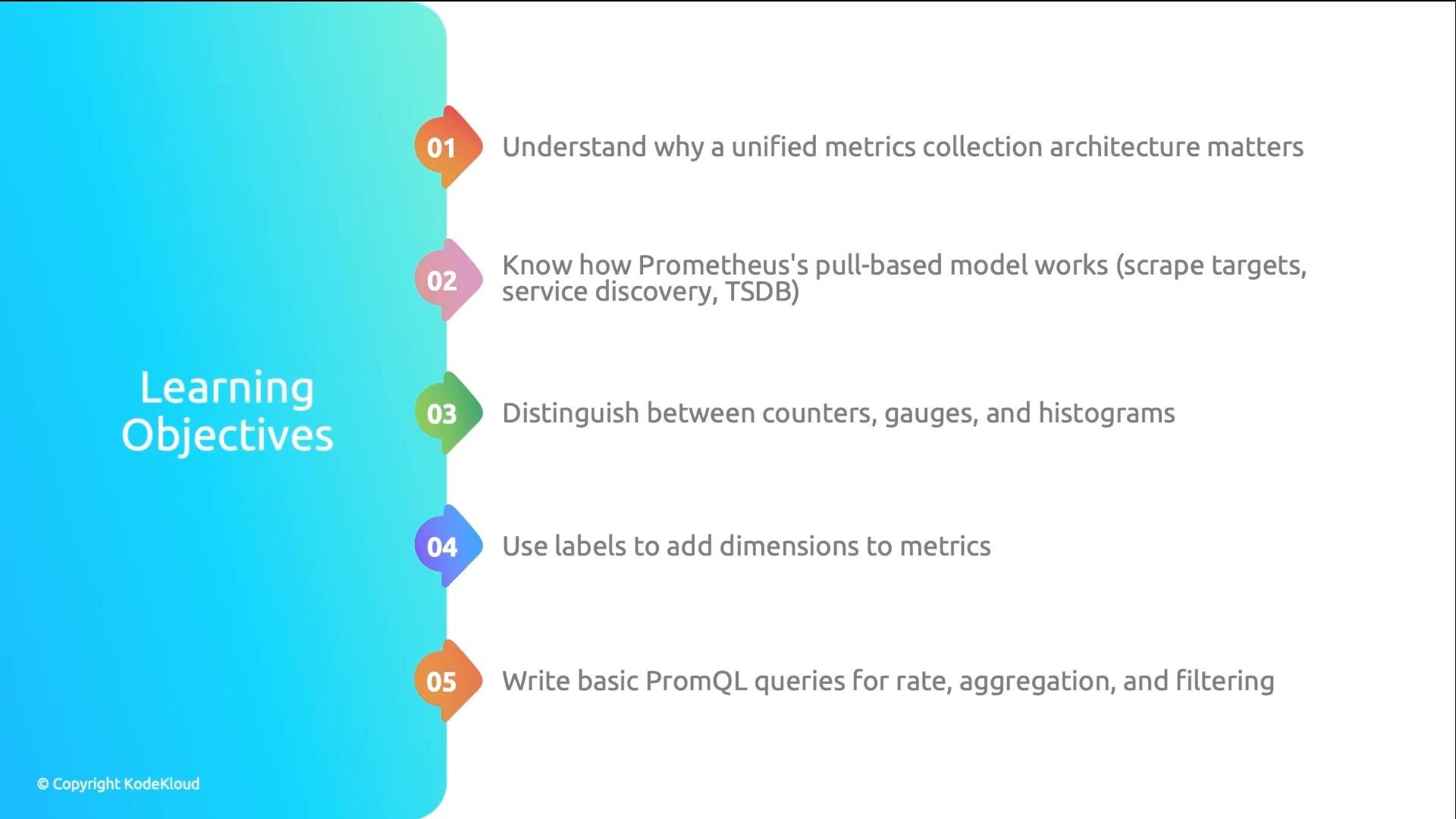
- Design a single collection architecture and enforce consistent metric names and labels.
- Remember the three metric types: counters, gauges, histograms — and which PromQL functions to use for each.
- Prefer pull-based scraping in Kubernetes for central control and health visibility.
- Use labels to make metrics dimensional and powerful for aggregation and alerting.
- Practice common PromQL patterns: instant vectors,
rate()on counters, and aggregation by labels.