

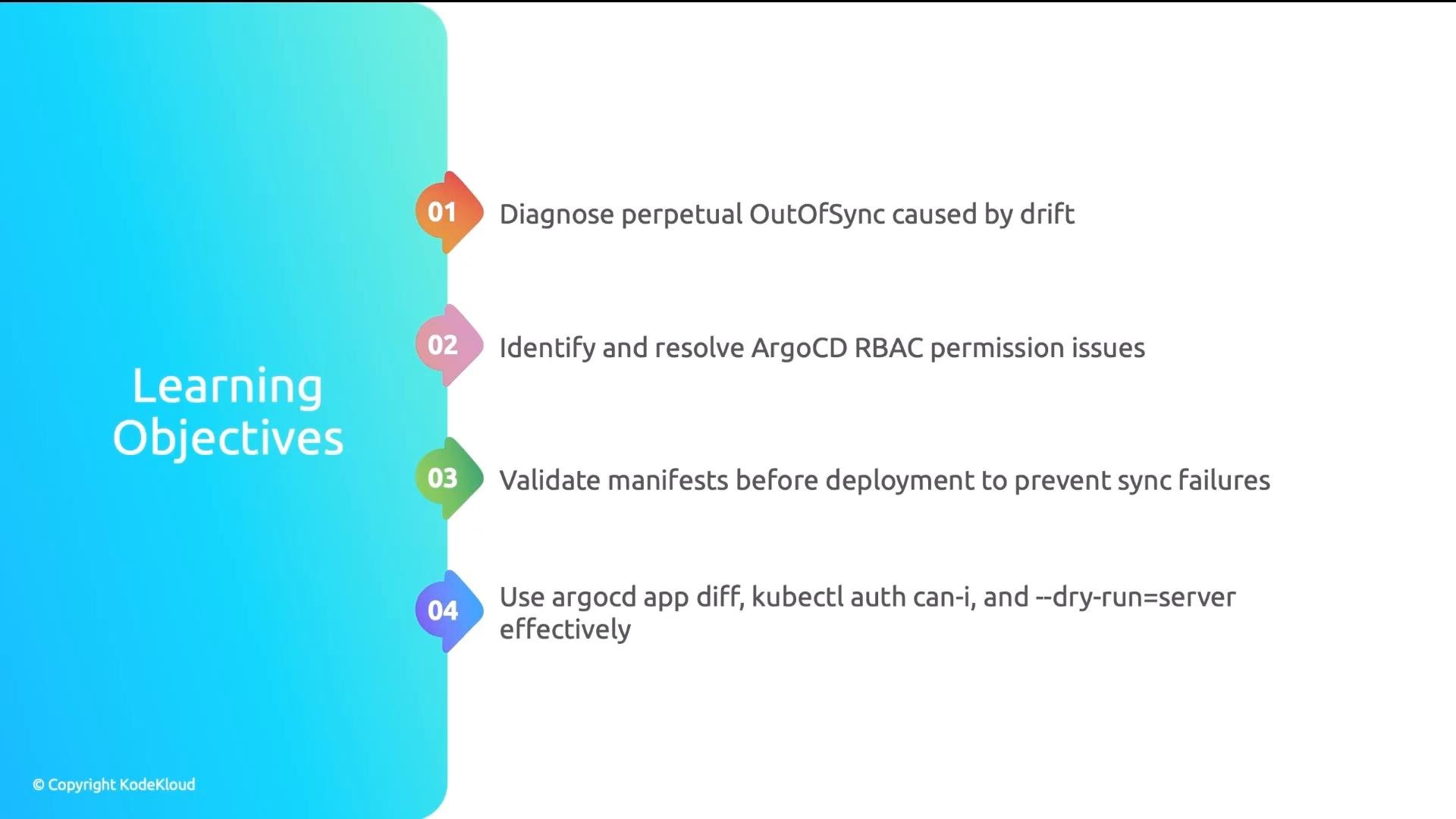
- Drift caused by controllers or manual edits
- Role-based access control (RBAC) permission problems
- Invalid or misconfigured manifests
Real-world example: perpetual OutOfSync loop
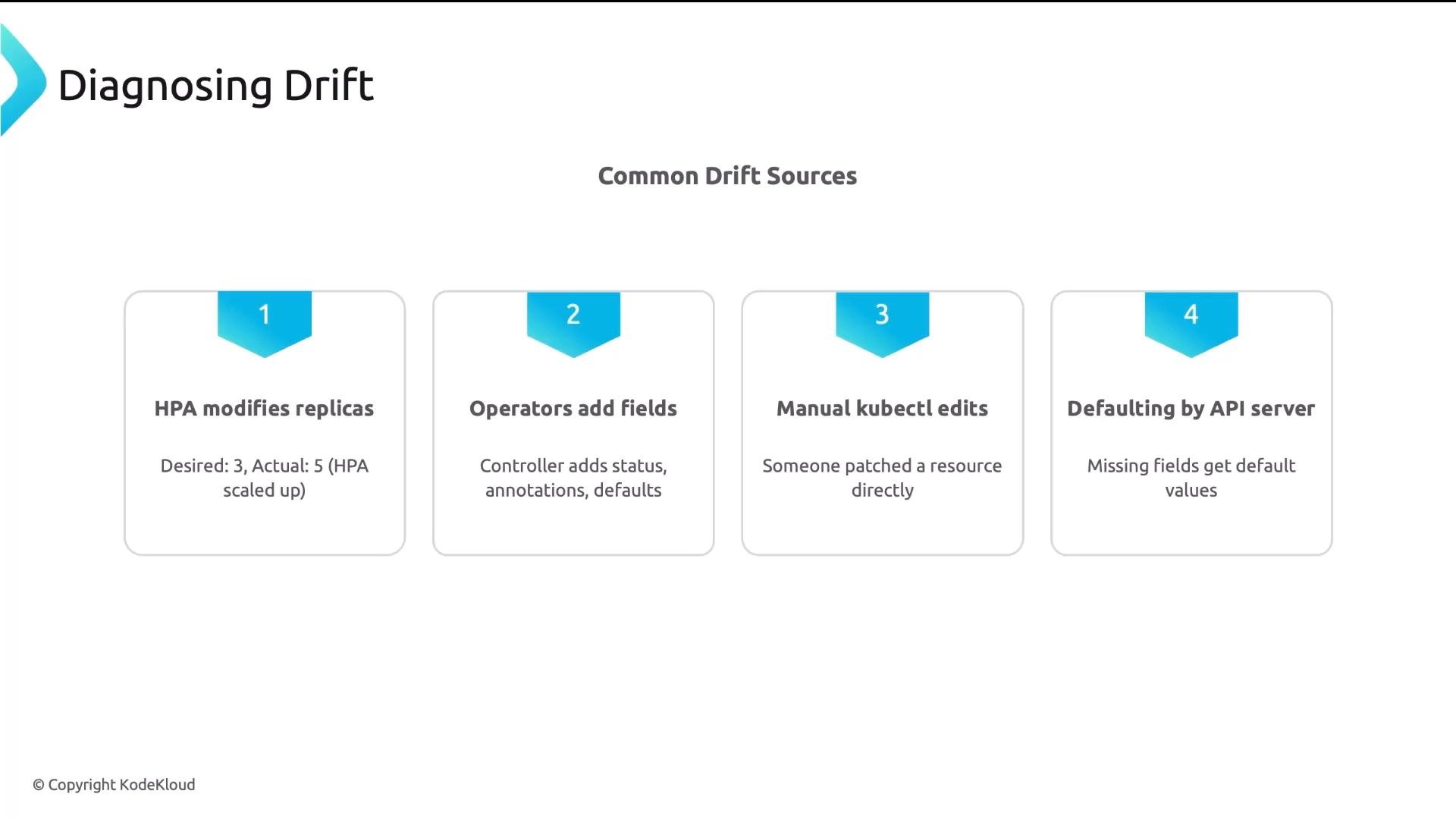
A platform team spent four hours debugging an Argo CD Application stuck OutOfSync even after repeated manual syncs. Git config was correct, cluster connectivity was fine, and manifests were valid — yet every sync reverted to OutOfSync within seconds. Root cause: an HPA controlling replicas. Git declaredreplicas: 3; the cluster’s HPA kept the Deployment at 7. Argo CD synced to 3, the HPA scaled to 7, and the app returned to OutOfSync—resulting in a perpetual drift loop.
Key lesson: not all differences are errors. Some drift is expected when controllers (HPAs, operators) manage fields. Recognize that pattern and decide whether to tolerate or reconcile that drift.
Common symptoms and likely causes
Diagnosing drift
If your application is always OutOfSync even after syncing, start with an exact comparison between Git and the cluster.- CLI diff:
- Or use the Diff tab in the Argo CD UI.
spec.replicas desired: 3 vs actual: 7, or extra annotations present only in the cluster.
Common drift sources:
- HPA modifies
spec.replicas - Operators or controllers add fields, annotations, or labels
- Manual
kubectledits or patches - API server defaulting (fields populated by the server that you didn’t set)
ignoreDifferences to the Application spec:
Use
ignoreDifferences sparingly. Ignoring fields hides drift from Argo CD — acceptable for controller-managed fields (like replicas managed by an HPA), but avoid ignoring fields that should be reconciled by Git.- Prefer scoping ignores narrowly (resource kind, name, and specific JSON pointers).
- Consider documenting ignored differences in your repo so platform consumers understand which fields are controlled by cluster controllers.
Diagnosing RBAC / permission issues
When Argo CD reports forbidden errors, fails to prune resources, or produces partial syncs, RBAC is a common cause. Symptoms:forbiddenerrors shown in sync logs- Partial creation: some resources created while others fail (e.g., Deployments succeed but CRDs or cluster-scoped resources fail)
- Resources persist despite auto-prune (delete permission missing)
- Check effective permissions of the Argo CD controller service account with
kubectl auth can-i. Run this as the Argo CD controller SA to emulate what Argo CD can do:
- Inspect controller logs for detailed error messages:
- Missing ClusterRole or ClusterRoleBinding: grant cluster-scoped permissions if Argo CD must manage cluster resources.
- Role bound instead of ClusterRole for resources that require cluster scope.
- Application Project restricts kinds or namespaces — update the Project allow-list if appropriate.
Be careful when granting cluster-wide permissions. Follow least privilege: only add verbs and API groups required for the resources your Argo CD instance must reconcile. Review ClusterRoleBindings and avoid granting system:admin unless absolutely necessary.
- Granting create/update/delete on a cluster-scoped resource (ClusterRole + ClusterRoleBinding).
- Allowing specific resource kinds in an Argo CD Project:
Diagnosing bad manifests and validating before Argo CD sees them
Bad manifests cause SyncFailed or Degraded states. Catch them early in CI/CD using server-side dry-run validation to test against the cluster API. Common manifest issues:- Invalid YAML (indentation, missing punctuation)
- Schema validation errors (wrong field type, unknown fields)
- Referencing CRs when CRDs are not installed
- Target namespace not created or mismatched
argocd app diff my-app to preview what Argo CD will change before committing to Git or initiating a sync.
Quick reference: diagnostic commands
Five things to remember
- Use
argocd app diffto see exact differences between Git and the cluster. - Use
ignoreDifferencesto exclude expected controller-managed drift (narrowly scoped). - Use
kubectl auth can-ias the Argo CD service account to verify permissions. - Use
kubectl apply --dry-run=serverin CI to catch schema and CRD issues early. - Most GitOps issues fall into drift, permissions, or configuration errors — learning to diagnose each saves hours.
- Argo CD documentation: https://argo-cd.readthedocs.io/
- Kubernetes RBAC: https://kubernetes.io/docs/reference/access-authn-authz/rbac/
- kubectl apply dry-run: https://kubernetes.io/docs/reference/using-api/server-side-apply/