

Useful links:
Before creating Tasks and Pipelines, make sure Tekton Pipelines controllers and webhook are installed in the
tekton-pipelines namespace and that you have a working tkn CLI. Also create the namespace you will use for your CI resources:Verifying Tekton control plane
Check the Tekton Pipelines namespace to ensure the controllers and webhook pods are running:Creating a minimal Task
Start with a simpleTask that runs one step and prints a message. Save this as hello-task.yaml:
tkn:
Parameterizing a Task
Make the Task reusable by adding a parameter. Updatehello-task.yaml to include a message parameter:
-p:
A Task with multiple steps
Real CI jobs typically include multiple sequential steps (clone, build, test). Group related steps into one Task when appropriate — here isbuild-task.yaml:
app-name parameter:
Creating a deploy Task
Keep deployment logic separate as its own Task. Save asdeploy-task.yaml:
Wiring Tasks together with a Pipeline
Composebuild-task and deploy-task into a Pipeline so they run in sequence. Save as ci-pipeline.yaml:
build TaskRun run its clone, build, test steps first, then the deploy TaskRun execute. Example condensed output:
Tekton Dashboard
Tekton provides a web dashboard where you can visualize Pipelines, PipelineRuns, Tasks, and TaskRuns. The dashboard lets you inspect logs, view parameters and statuses, and start runs from the UI.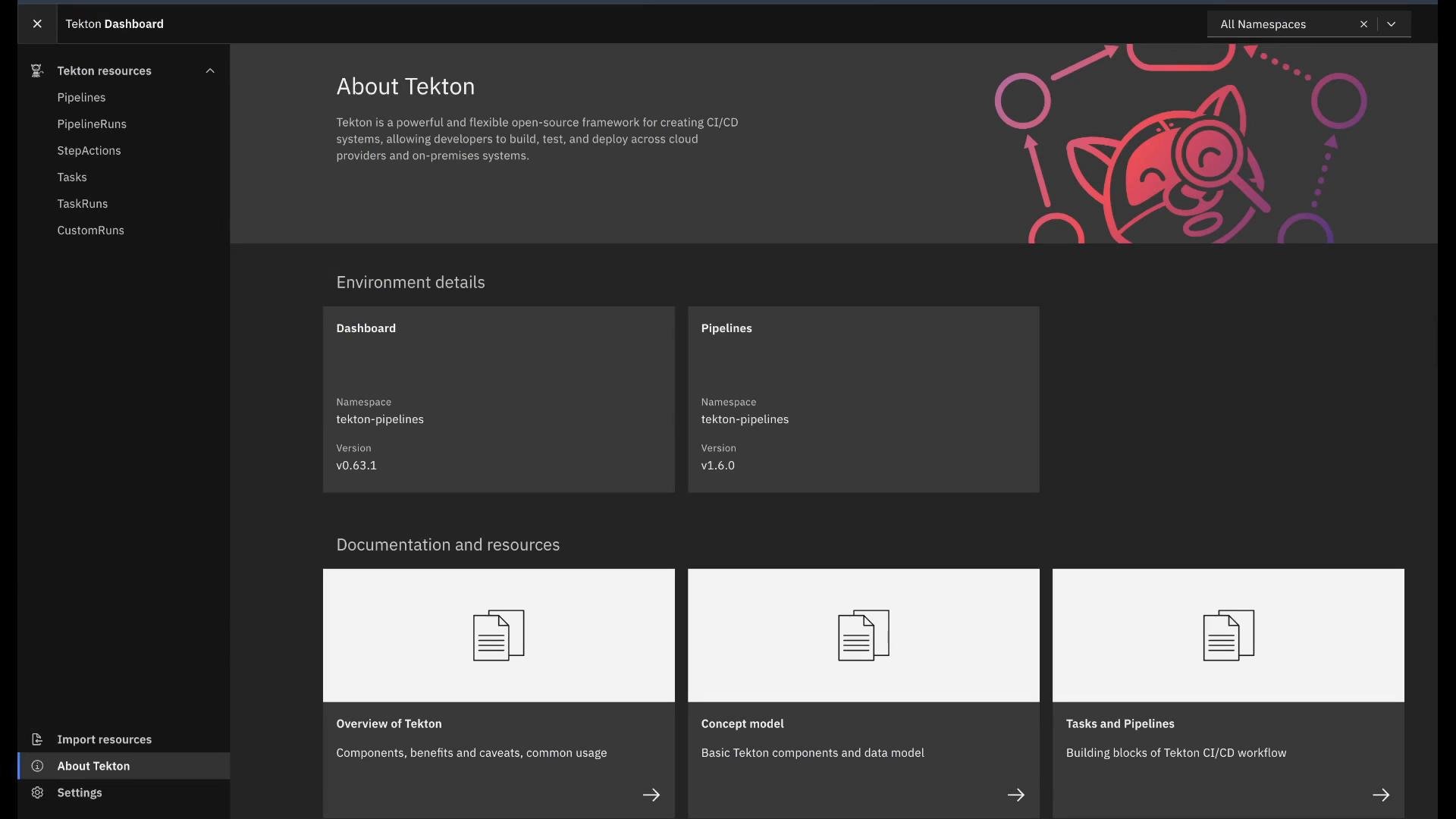
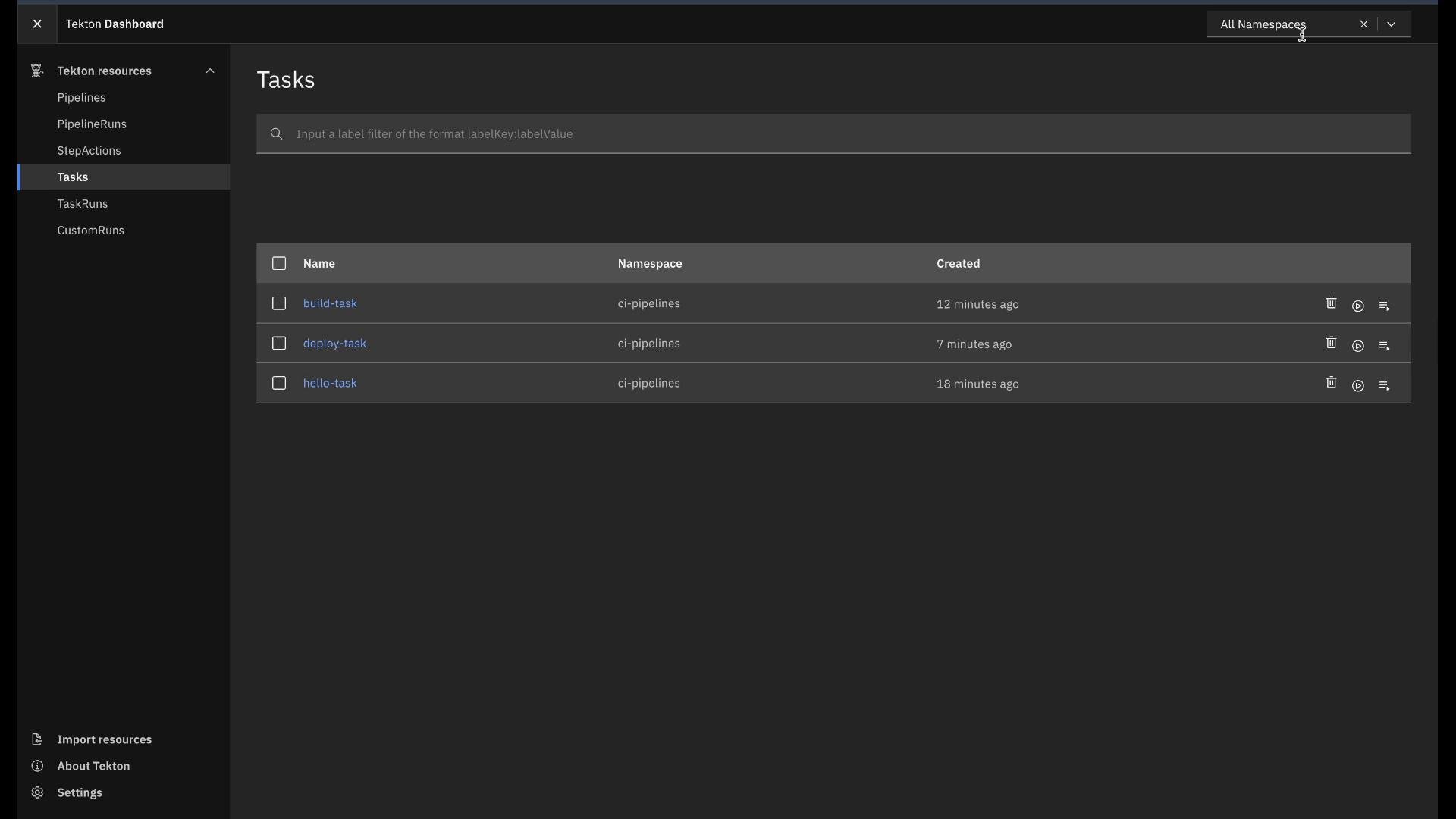
If your cluster uses strict RBAC or network policies, ensure the Tekton webhook and controllers have the required permissions. Webhook admission failures can prevent TaskRun and PipelineRun pods from being created.
Summary
- Tasks group sequential steps executed in container images.
- Parameters make Tasks reusable and configurable.
- Pipelines compose Tasks and control ordering with
runAfterand parameter/result wiring. - TaskRuns and PipelineRuns are runtime objects that create pods and execute steps.
- The Tekton dashboard provides a visual interface to inspect and trigger runs.