

spec.size: small on an XR become provider.instanceClass: db.t3.micro on an RDS resource? That programmable mapping and transformation is handled by functions.
In this lesson you will:
- Understand why compositions need programmable logic.
- Learn the pipeline architecture used for function-based compositions.
- Inspect the structure and configuration of the
function-patch-and-transforminput document. - Apply patch types and transforms and trace a complete patch-with-transform example end-to-end.
- Developers prefer friendly inputs like
smallorlarge. - The platform maps those friendly values to cloud-specific instance types (
db.t3.microon AWS,db-f1-microon GCP). - The platform composes unique names (e.g.,
orders-prod) from multiple inputs. - Different environments (dev, staging, prod) require different overrides (replica counts, sizes, regions).
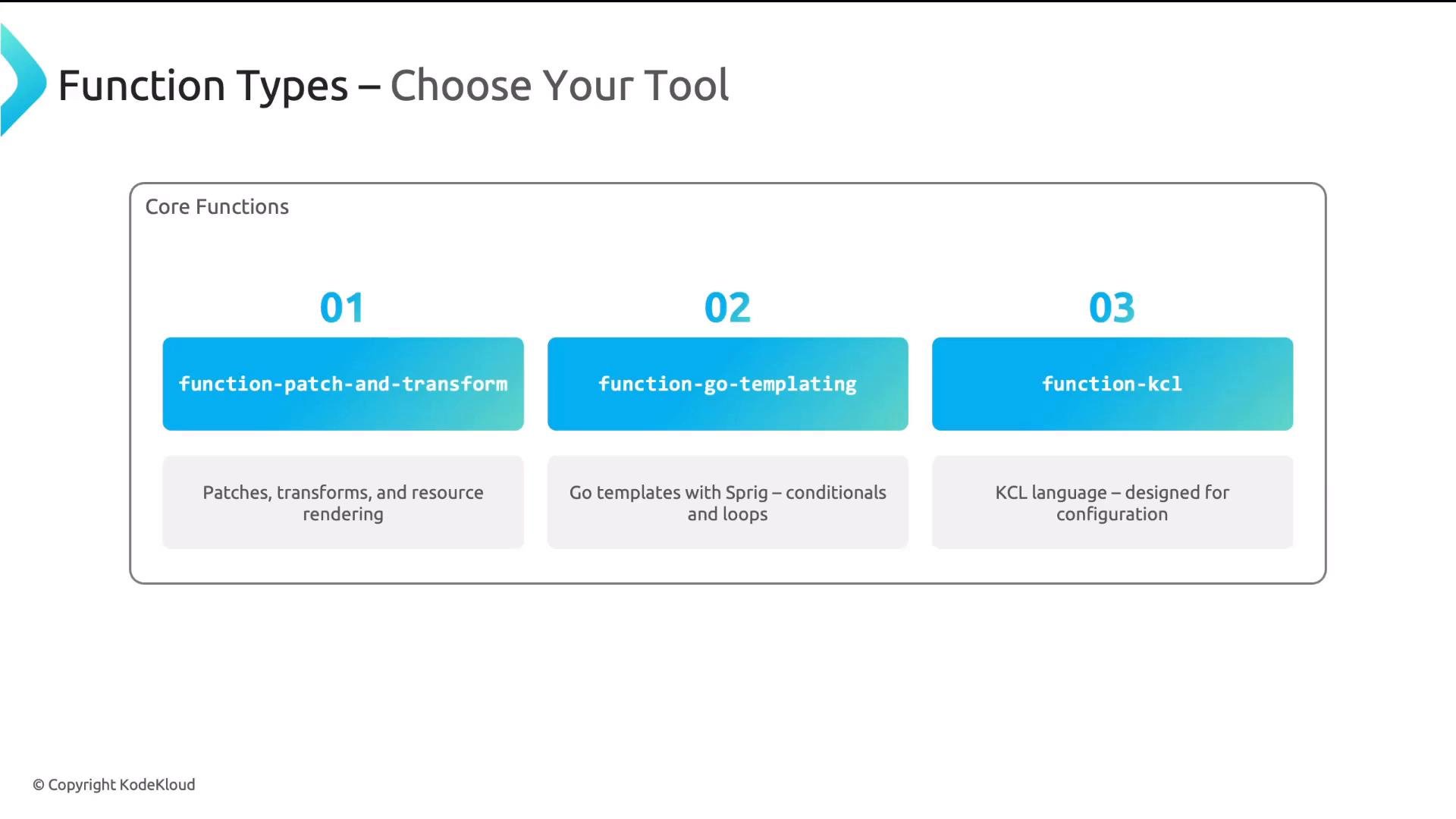
function-auto-ready— set the XR Ready status automatically based on composed resource readiness.function-cel-filter— filter resources using a CEL expression.- Custom functions — author in Go or Python for special logic.
mode: Pipeline and include a list of pipeline steps. Each step references a function (commonly function-patch-and-transform) and supplies an input document that declares resources and patches.
Example pipeline snippet:
resources contains:
name: an identifier used by later patches and pipeline steps.base: a template for the composed managed resource (apiVersion, kind, spec defaults).patches: an array of patch definitions that move data between the XR and the composed resource (either direction).
Common examples
From XR to resource — single field copy:
FromCompositeFieldPath and CombineFromComposite — they cover most mapping and naming tasks.
Transforms
Patches move values; transforms mutate those values during the move. Transforms are declared alongside patches and are applied in order. Common transform categories include string transforms, type conversion, and math operations.
String transforms
- Format — build strings from templates:
- Map — a lookup table (the most common pattern for mapping friendly sizes to provider types):
- Convert — change the data type (e.g., string -> integer):
- Math — basic arithmetic (useful for unit conversions, e.g., GB -> MiB):
- Developer submits an XR with
spec.size: "small". - A
FromCompositeFieldPathpatch readsspec.size. - A
maptransform convertssmall->db.t3.micro. - The final value is written to
spec.forProvider.instanceClasson the managed resource.
FromCompositeFieldPath + map transform pattern is the most frequently used mapping pattern — practice it until it feels natural.
Focus first on the declarative
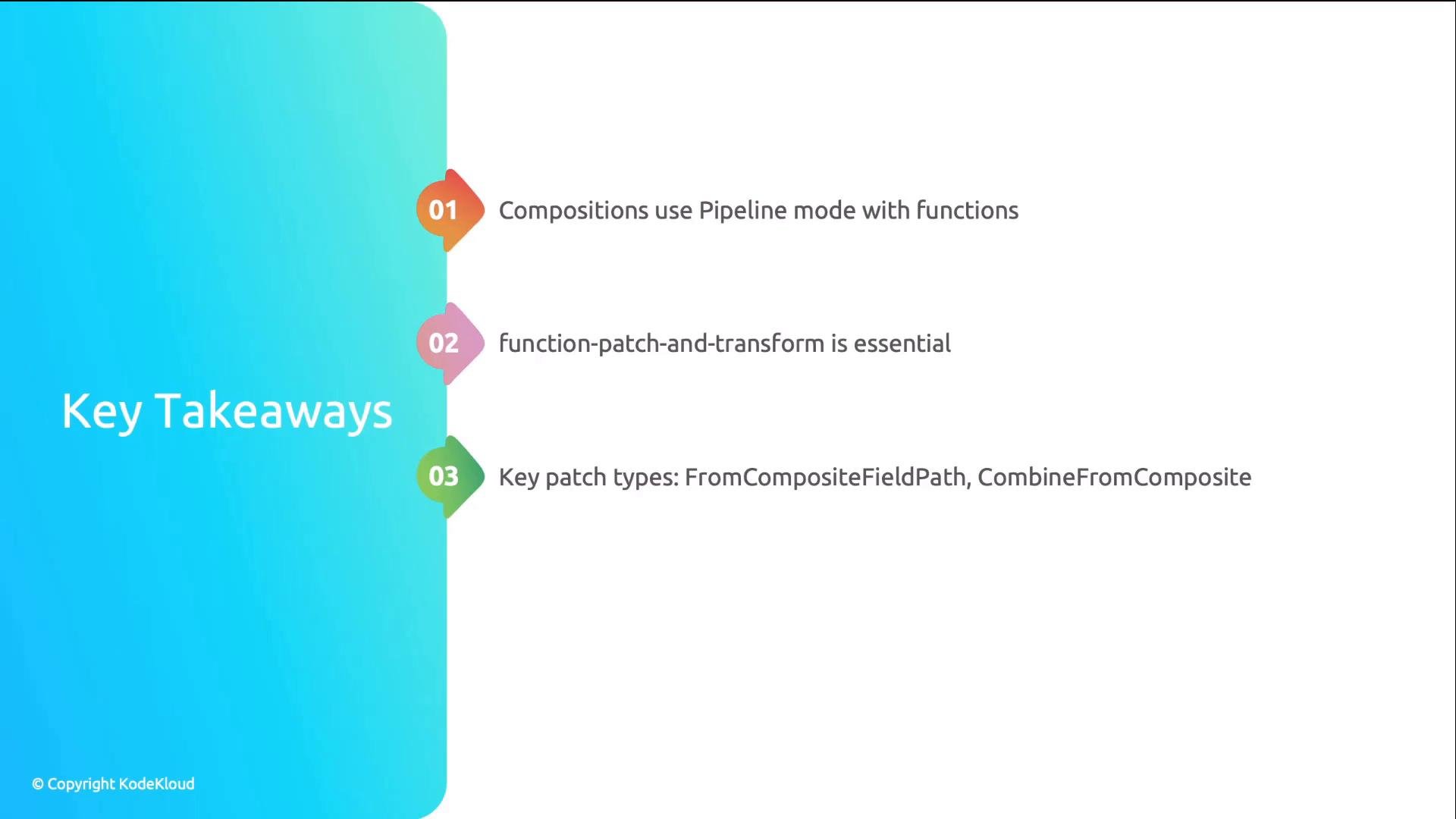
function-patch-and-transform patterns: FromCompositeFieldPath and CombineFromComposite, together with string transforms (Format and Map). They solve most real-world mapping and naming needs.- Use Composition
mode: Pipelinewith functions when you need programmable composition logic. function-patch-and-transformis the essential, declarative function for most mapping, naming, and conversion work. ItsinputusesapiVersion: pt.fn.crossplane.io/v1beta1andkind: Resources.- Master
FromCompositeFieldPathandCombineFromCompositefor XR -> resource mappings and naming. - Use
Maptransforms for friendly-to-provider mappings andFormatfor string composition. - Reserve
function-go-templatingandfunction-kclfor scenarios that require more expressive templating or logic.
- Crossplane documentation: https://crossplane.io/docs/
- Crossplane Functions (pt.fn) repository and examples: https://github.com/crossplane/stack-aws (see function examples)
- CEL (Common Expression Language) for crossplane filters: https://opensource.google/projects/cel
- KCL: https://kcl-lang.io/