

- Define an Argo CD Application that maps Git or Helm sources to a target cluster and namespace.
- Configure sync policies to enable true GitOps automation (auto-sync, self-heal, prune).
- Deploy Helm charts through Argo CD (server-side rendering, values overrides).
- Scale application provisioning using ApplicationSets and generators.
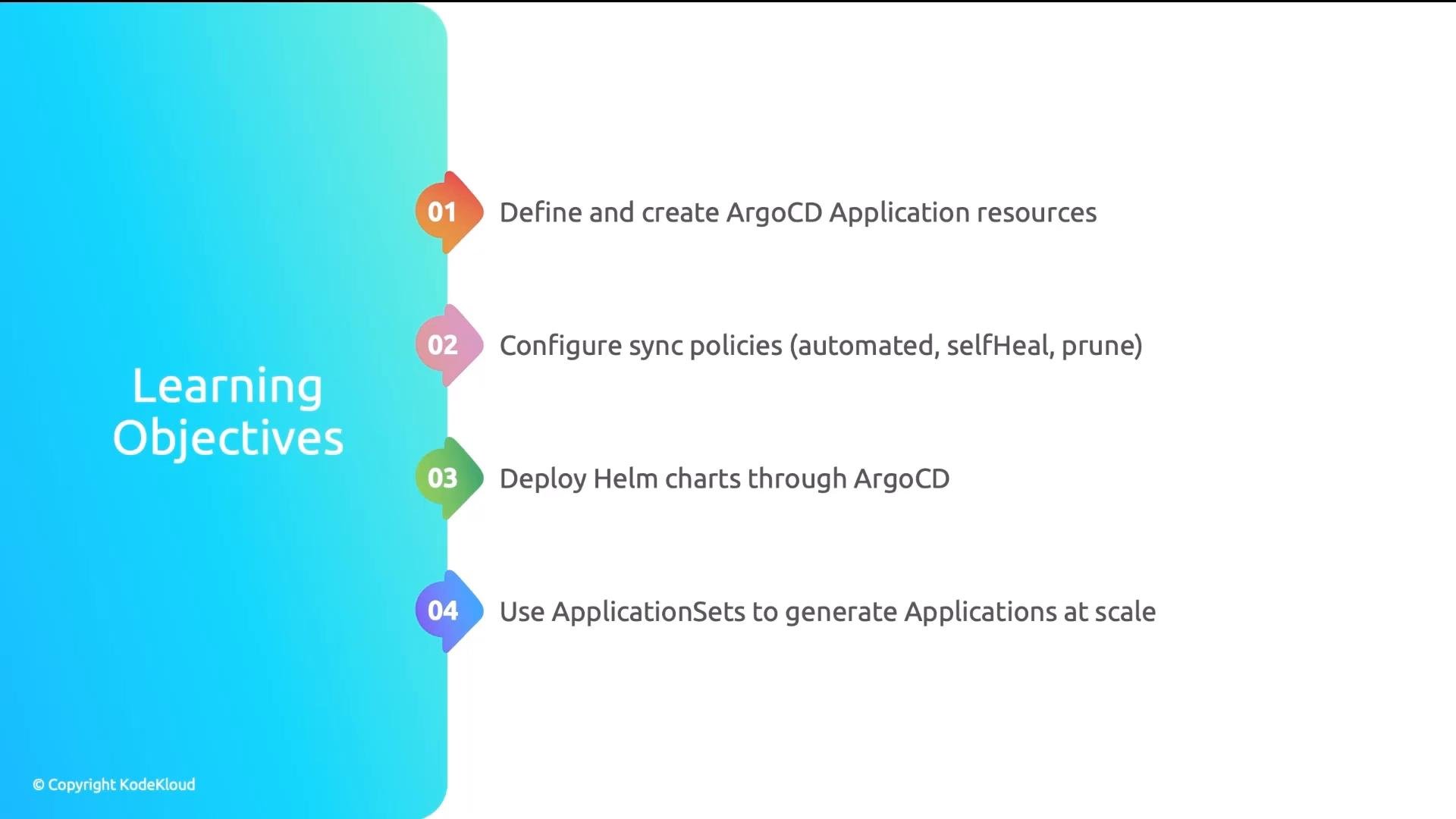
- Developer pushes a change to Git.
- Argo CD marks the Application OutOfSync.
- A platform engineer must manually open the UI and click Sync to deploy.
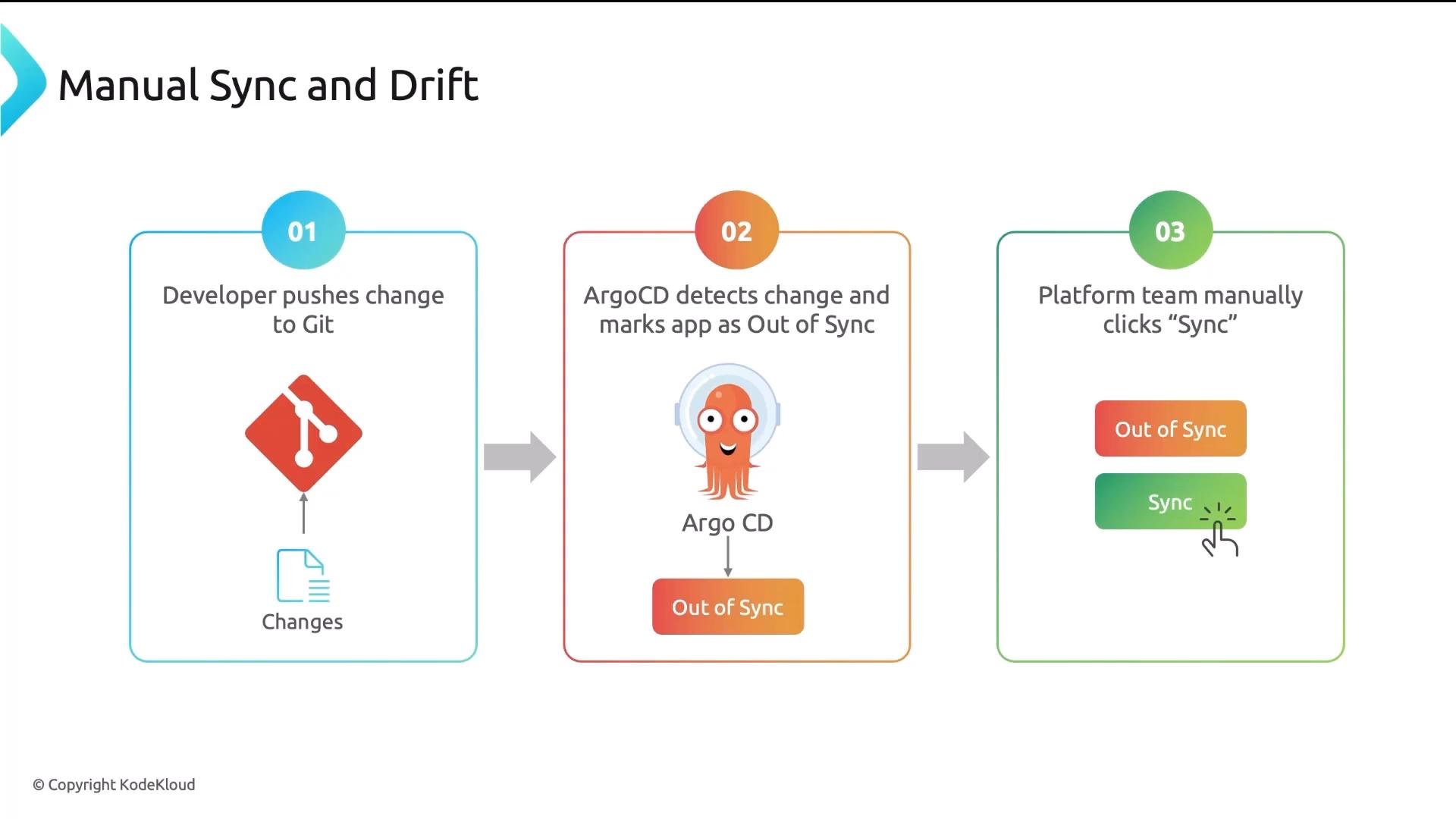
- Deployment bottleneck: someone must click Sync, delaying urgent fixes.
- Drift accumulates: manual
kubectledits persist until reconciled. - Orphaned resources: deleted manifests in Git are not removed automatically from clusters.
- Inconsistency: mixed auto/manual sync leads to unpredictable environments.
- source: for Git-based apps this includes
repoURL,targetRevision(branch/tag/commit), andpath. For Helm charts it usesrepoURL+chart(or an OCI registry + chart). - destination:
server(cluster API URL) andnamespace. - project: logical grouping to apply policies and RBAC.
- spec.syncPolicy: controls automation behavior.
- automated: apply changes automatically when Git changes are detected.
- selfHeal: revert manual cluster drift back to the Git-defined state.
- prune: delete resources that were removed from Git.
Recommended production sync policy
Enable
automated with selfHeal: true and prune: true in production to achieve true GitOps: automatic reconciliation, removal of resources deleted from Git, and automatic correction of manual drift.helm install from CI or developer workstations. For Helm-based Applications the source block points to a chart repository (or an OCI chart), and you can supply values through:
helm.values: inline YAML string for small or simple overrides.helm.valueFiles: reference value files stored in a Git repo for more complex, version-controlled overrides.
helm.values vs helm.valueFiles:
- Use
helm.valuesfor one-off, small overrides (e.g., bump replicas). - Use
helm.valueFilesfor larger configuration sets or when you want overrides tracked as files in Git.
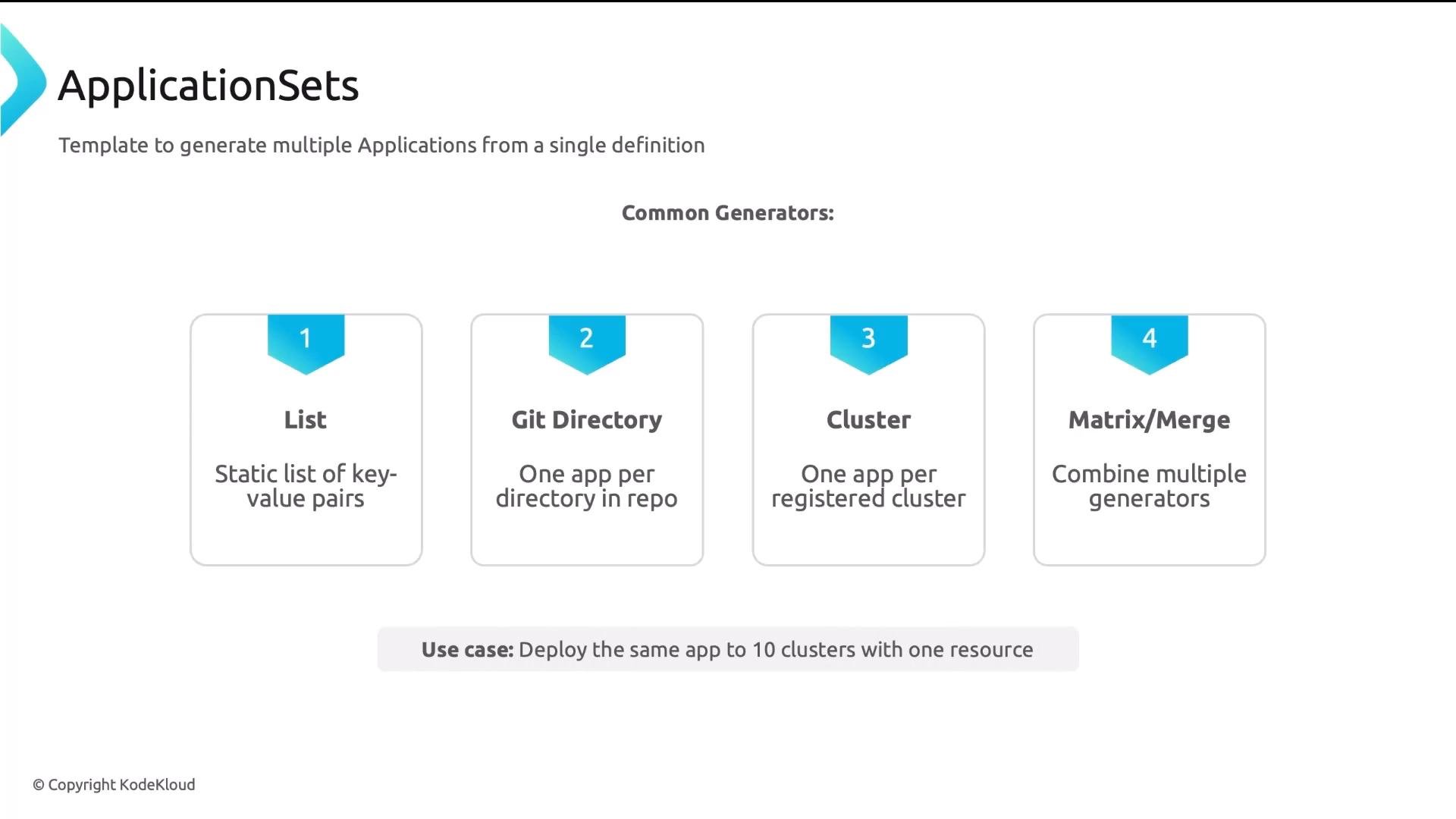
dev and prod)
metadata.name in the template uses placeholders such as myapp-{{cluster}} which will render to myapp-dev and myapp-prod for each generator element.
Recap — what to remember
- The Application CRD maps a source (Git or Helm) to a destination (cluster + namespace) and belongs to a Project for policy boundaries.
- For reproducible GitOps automation, enable
automatedtogether withselfHeal: trueandprune: true. - Use Argo CD’s server-side Helm rendering. Prefer
helm.valuesfor small inline overrides andhelm.valueFilesfor larger, version-controlled overrides. - Use ApplicationSets + generators to create many Applications programmatically (multi-environment or multi-cluster deployments).
- Mastering the Application spec, syncPolicy, and Helm settings enables reliable Argo CD operations and helps answer exam or interview questions about GitOps workflows.
- Argo CD Documentation
- ArgoCD Application CRD reference
- ApplicationSet Controller
- Helm Charts Best Practices