

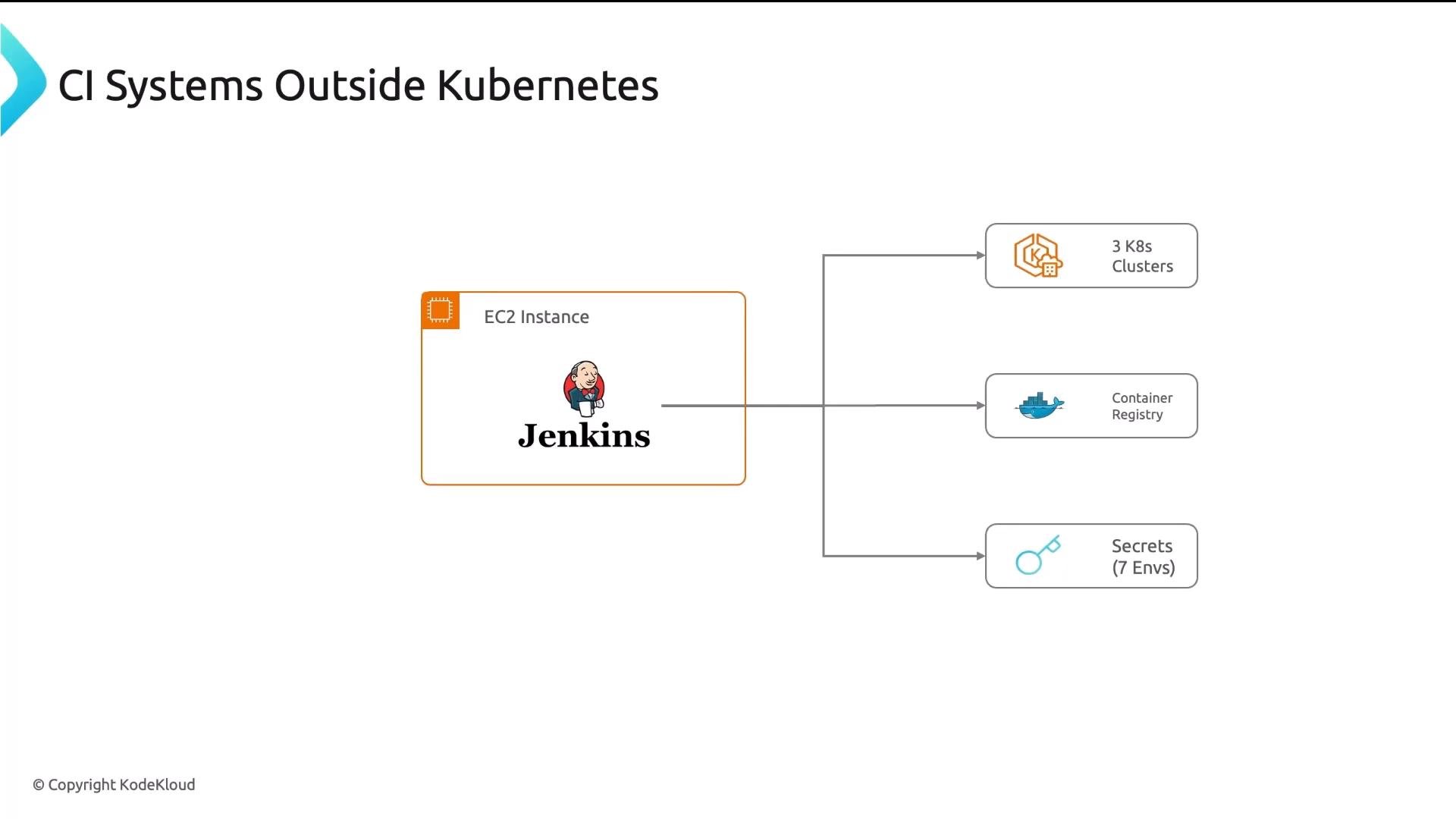
Centralized CI servers with broad privileges create a single blast radius. If the external CI control plane is compromised, attackers can access clusters, registries, and secrets. Plan for least privilege and minimize credential exposure.
- Separate infrastructure to manage: another server/VM or cluster to patch, secure, and scale.
- Credential sprawl: CI pipelines require
kubectlcredentials, registry push tokens, and environment secrets. A single compromised host exposes them all. - Resource inefficiency: static runners or always-on VMs often remain idle between builds.
- Limited native integration: external CI cannot easily leverage Kubernetes RBAC, service accounts, pod-level resource limits, or pod security policies.
- Pods as on-demand runners: each task runs in an isolated pod that Kubernetes schedules and scales—no need to manage long-lived runner VMs.
- Native RBAC and least privilege: pipelines authenticate using Kubernetes service accounts and can be limited by fine-grained RBAC.
- Secrets integration: mount
Secrets directly into build pods (no copying or storing credentials externally). - Declarative pipelines: pipelines are CRDs (CustomResourceDefinitions) that can be stored in Git and managed via GitOps.
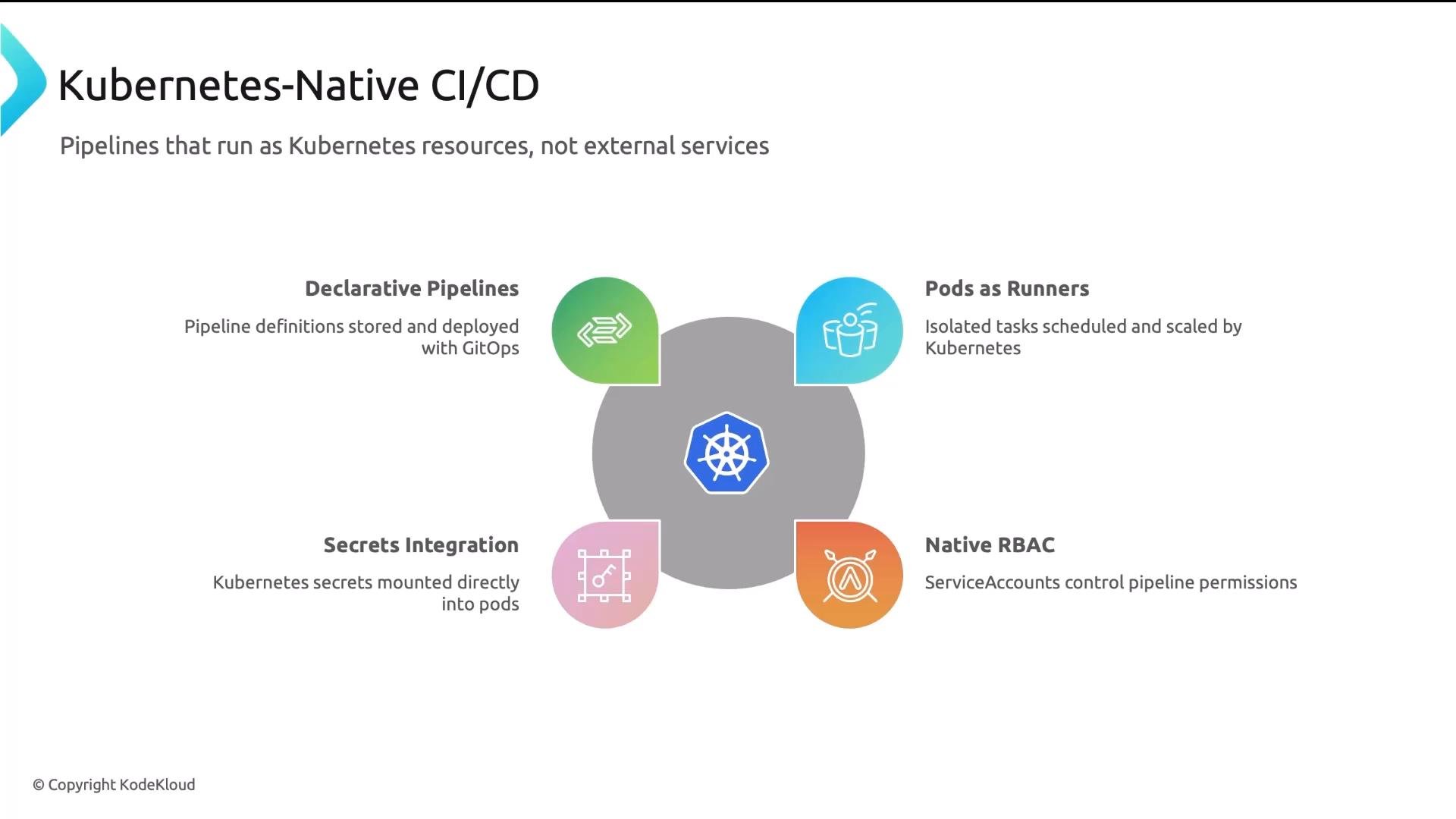
Kubernetes-native CI turns pipeline steps into Kubernetes objects. That makes pipelines observable, auditable, and manageable with the same tooling you already use for workloads (kubectl, RBAC, NetworkPolicies, ResourceQuotas).
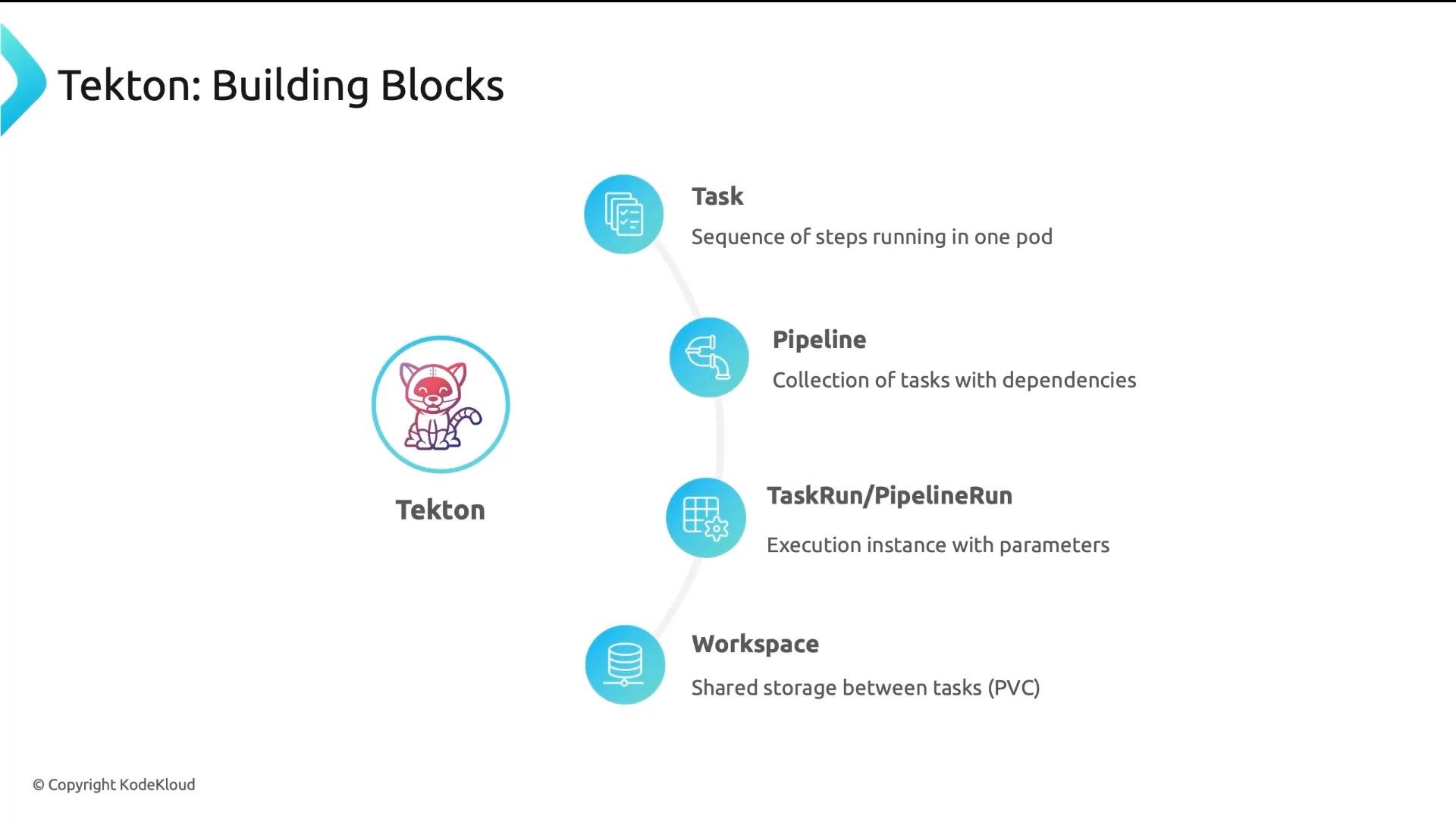
- Task: a sequence of steps that run in the same pod. Each
stepis a container. Steps share the pod filesystem and can use the same workspace. - Pipeline: a collection of
Tasks with ordering and dependencies (so you can express “run tests after build”). - TaskRun / PipelineRun: runtime instantiations of
TaskorPipelinewith concrete parameters and resources. - Workspace: a PVC-backed volume that allows different pods (tasks) to share files like compiled artifacts or test reports.
- A pipeline with three tasks —
FetchSource(clone repo),BuildImage(run Kaniko to build and push), andTest(execute test suites). runAfteror explicit dependency ordering controls execution. Tasks that have no dependencies run in parallel.- Because all
stepsin aTaskshare a pod filesystem, passing build artifacts between steps is simple (no external artifact store required).
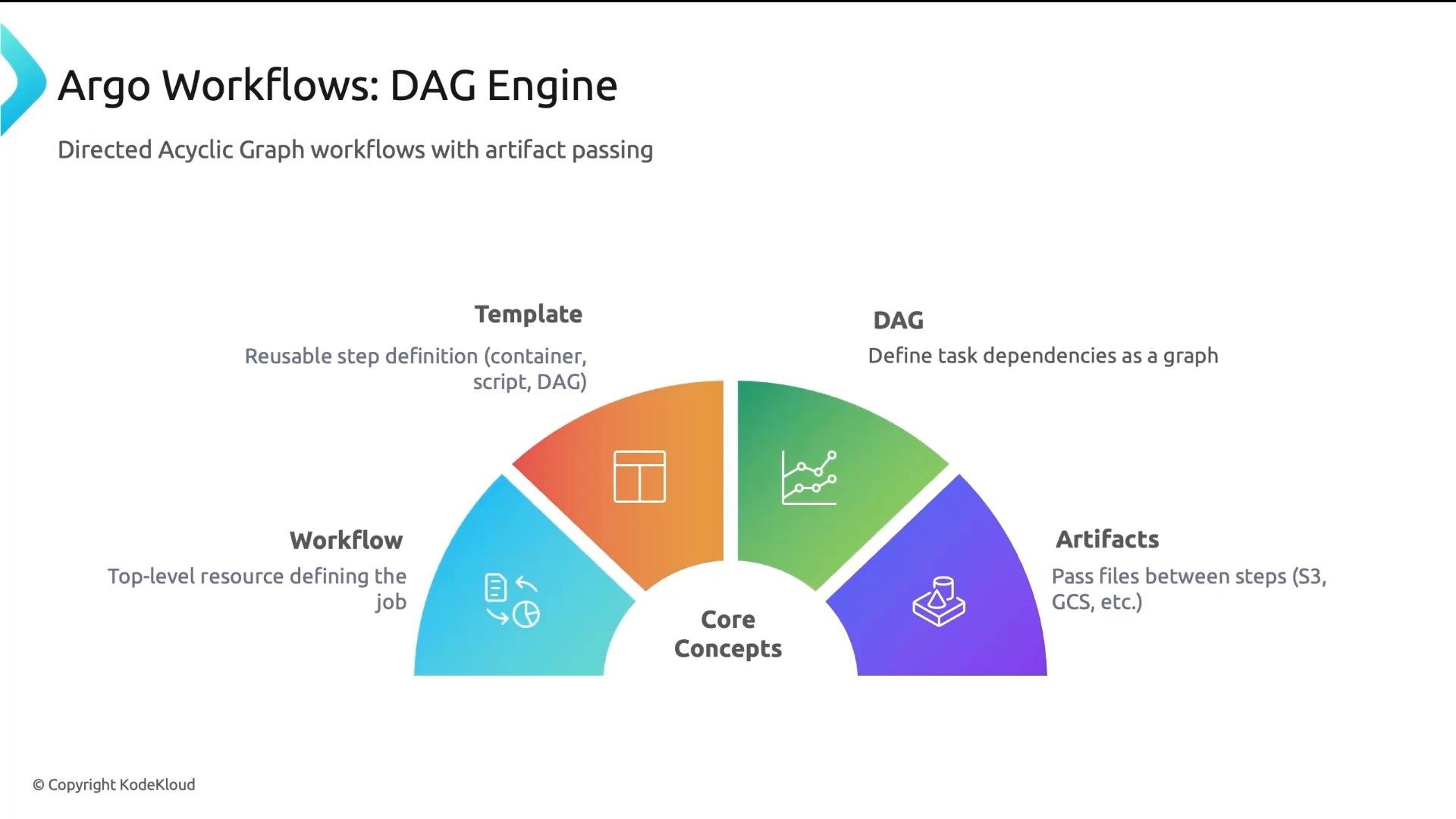
- Workflow: top-level resource that describes the full job.
- Template: reusable step definitions (container, script, DAG, or resource).
- DAG (Directed Acyclic Graph): express dependencies between steps as a graph.
- Artifacts: file passing between steps typically uses object stores (S3, GCS) or artifact repositories because each step runs in a separate pod.
runAfter/dependency behavior, but Argo’s per-step pod model requires artifact passing (e.g., upload build artifacts to an S3-compatible store, then download in downstream steps).
Comparing Tekton and Argo Workflows
Use this comparison to pick the right tool for your CI/CD needs:
When to choose which:
- Choose Tekton if you want a CI-first solution where tasks share filesystem state (build artifacts, compiled binaries) and you prefer a modular, task-oriented API.
- Choose Argo Workflows if you need complex DAG orchestration, strong isolation per step, or are orchestrating heterogeneous workloads (data processing, ML, CI/CD).
- Store pipeline definitions (CRDs) in Git and apply them via GitOps tooling.
- Trigger pipelines from Git events and push build artifacts to registries or object stores.
- Let your GitOps deployment tool (e.g., Argo CD) manage releasing the built artifacts to clusters.
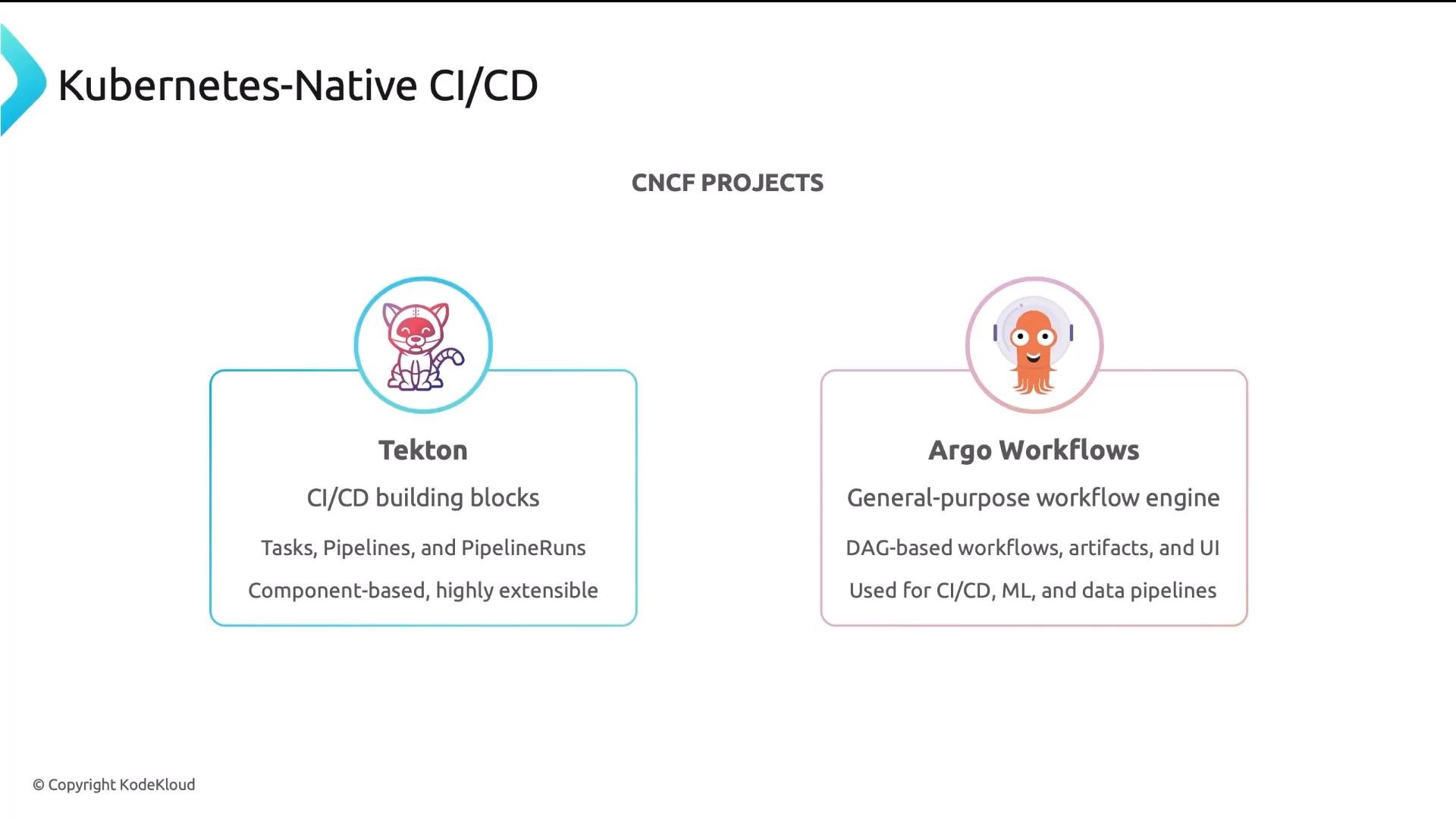
Tasks and PVC-backed Workspaces. Argo Workflows is a powerful DAG engine that runs each step in its own pod and uses artifact passing to move data. Both are CRD-based, Git-friendly, and compatible with GitOps-driven delivery.
Useful links and references
- Tekton: https://tekton.dev/
- Argo Workflows: https://argoproj.io/projects/argo-workflows/
- Kaniko: https://github.com/GoogleContainerTools/kaniko
- GitOps patterns and Argo CD: https://argo-cd.readthedocs.io/