GitOps prescribes “put everything in Git” — great guidance, but it doesn’t tell you how to organize those files. Without a deliberate structure, your GitOps repo quickly becomes the YAML equivalent of a junk drawer: hard to understand, risky to change, and slow to onboard new engineers. This guide shows a practical, scalable repo layout and promotion patterns that separate concerns, clarify ownership, and make promotions explicit and auditable. By the end, you’ll have a simple reference architecture you can apply right away.
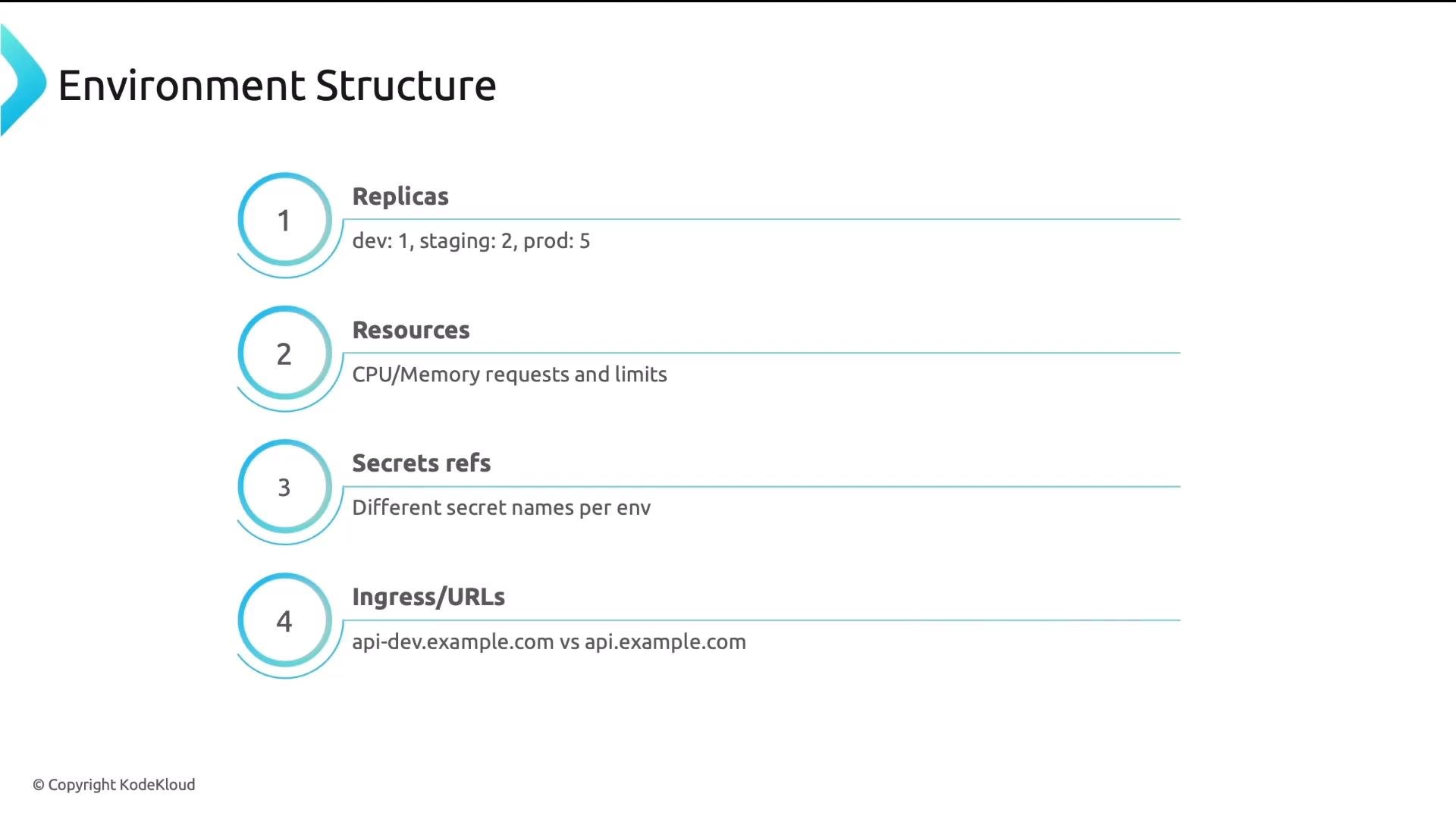
A presentation slide titled "Learning Objectives." It lists three points about repo structure for GitOps: why it matters, monorepo vs multi-repo tradeoffs, and designing environment-specific configs using base + overlays.
Example: how a small repo becomes unmanageable A typical story: one developer drops a few YAMLs into a repo. Over time files multiply and names diverge — -prod, -staging, BACKUP, DO-NOT-DELETE. New hires spend days asking “which file is the truth?” Example of a flat, unstructured repo:
Symptoms and impact of an unstructured GitOps repo Why this happens: Git is flexible but neutral. You must design the layout and rules. Separate application code from GitOps configuration Application source and GitOps config have different lifecycles, owners, and review processes:
  • Application code: frequent commits, feature reviews, CI pipelines.
  • GitOps config (manifests, Helm values, Kustomize overlays): less frequent, security and platform review, different change cadence.
  • Ownership: dev teams typically own app repos; platform teams own cluster-level and platform config.
Keep them in separate repositories to reduce noise, limit blast radius, and enable distinct access controls. Example repo separation Code repo (application):
GitOps config repo:
This prevents frequent code commits from triggering unrelated GitOps reconciliations and enables separate review workflows. Helpful resources: Monorepo vs multi-repo for GitOps configs Deciding between storing all GitOps configs in a single repository or splitting them depends on size, team boundaries, and operational needs. Recommendation: start with a monorepo for small-to-medium teams. Consider migrating to multi-repo when you exceed ~20–30 services or need stricter access boundaries. Example layouts
Manage environment-specific configuration with base + overlays (Kustomize pattern) A robust pattern is to store canonical manifests in a base/ directory and keep per-environment differences in small overlays/ folders. This mirrors the Kustomize approach and makes diffs small and auditable. Example structure:
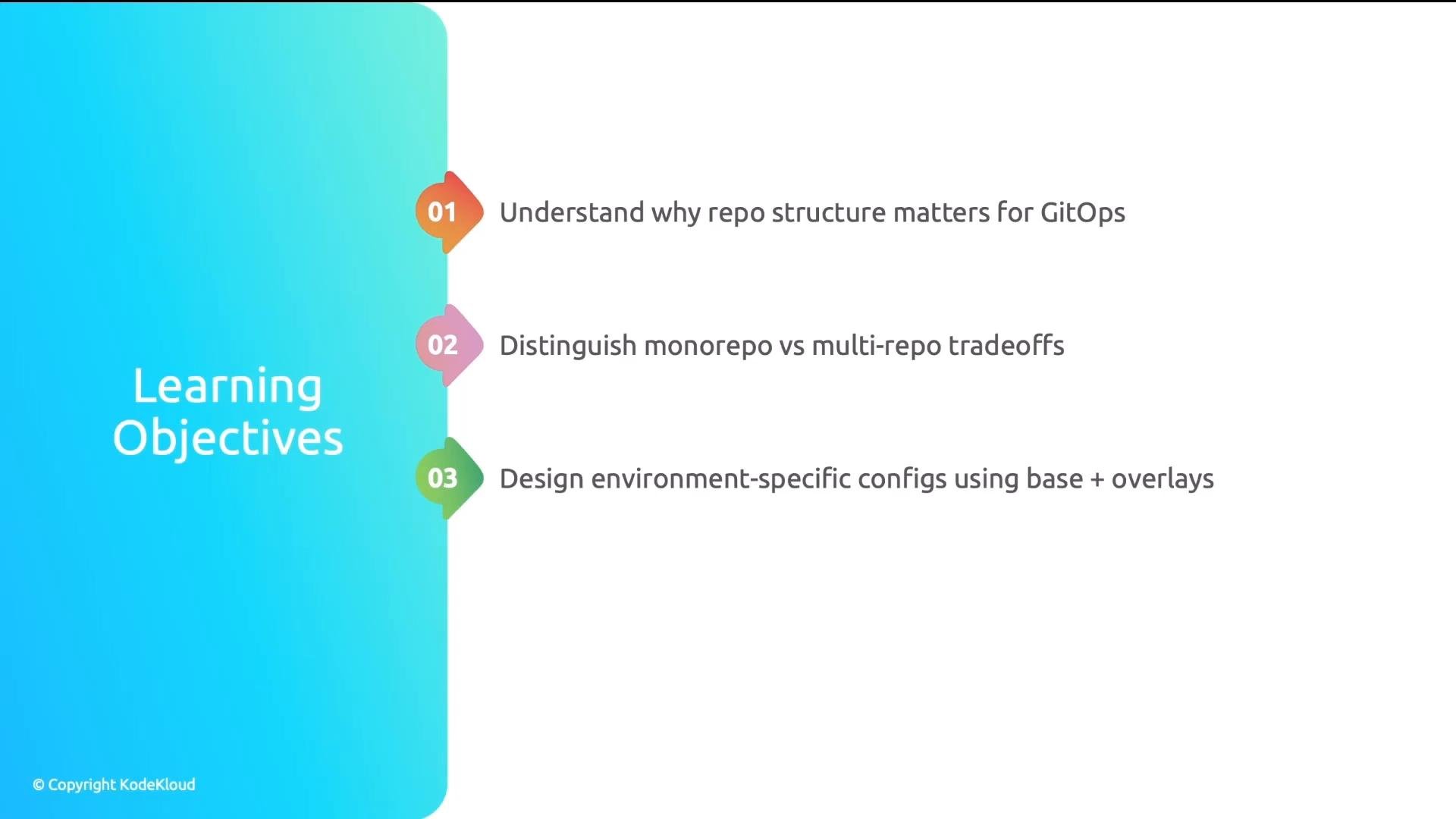
Common environment differences
  • Replicas (dev: 1, staging: 2, prod: 5)
  • Resource requests/limits (small in dev, larger in prod)
  • Secret references (each environment uses its own secret names)
  • Ingress/URLs (e.g., api-dev.example.com vs api.example.com)
A presentation slide titled "Environment Structure" showing a numbered checklist of deployment settings. Items include Replicas (dev:1, staging:2, prod:5), Resources (CPU/Memory requests and limits), Secrets refs (different secret names per env), and Ingress/URLs (api-dev.example.com vs api.example.com).
Principle: keep base configs identical; overlays contain only environment deltas. If your prod overlay is dozens of lines long, refactor — the overlay should be minimal and declarative.
Keep overlays minimal. Express only environment deltas (replicas, resource sizes, secret names, URLs). Avoid duplicating the entire manifest in overlays.
Promotion strategies — how changes flow between environments Choose a promotion pattern that matches your team’s workflow and compliance needs. Common patterns:
  1. Branch-based
    • Each environment maps to a branch (dev, staging, main/prod).
    • Promotion = merge from lower env branch to higher env branch.
    • Pros: conceptually simple. Cons: branch management overhead.
  2. Directory-based
    • Each environment has its own directory (envs/dev, envs/staging, envs/prod).
    • Promotion = open a PR that updates the next environment’s directory.
    • Pros: Git-native audit trail via PRs; works well with CI checks.
  3. Image tag–based (often combined with directory-based)
    • Environments reference image tags in overlays/values.
    • Promotion = update the image tag in the next environment’s file.
    • Pros: clear traceability of which image is running where; compatible with automated deployment pipelines.
Summary example:
Recommended pattern in practice Directory-based layout combined with image tag promotion provides a clear, auditable promotion path: PRs update the environment directory or the referenced image tag, and GitOps tooling applies the change to the target cluster. Reference repo structure (recommended) A straightforward, opinionated top-level layout that clarifies ownership and purpose:
Tools like Argo CD ApplicationSets can scan these directories and generate Application resources per app/environment automatically. See Argo CD documentation for ApplicationSets and automation patterns: https://argo-cd.readthedocs.io/ Benefits of this layout
  • Clear ownership boundaries: developers manage app folders; the platform team manages infra.
  • Consistent patterns across teams make the repo self-documenting and minimize tribal knowledge.
  • Easy automation: ApplicationSets or templating tools can onboard new apps and environments quickly.
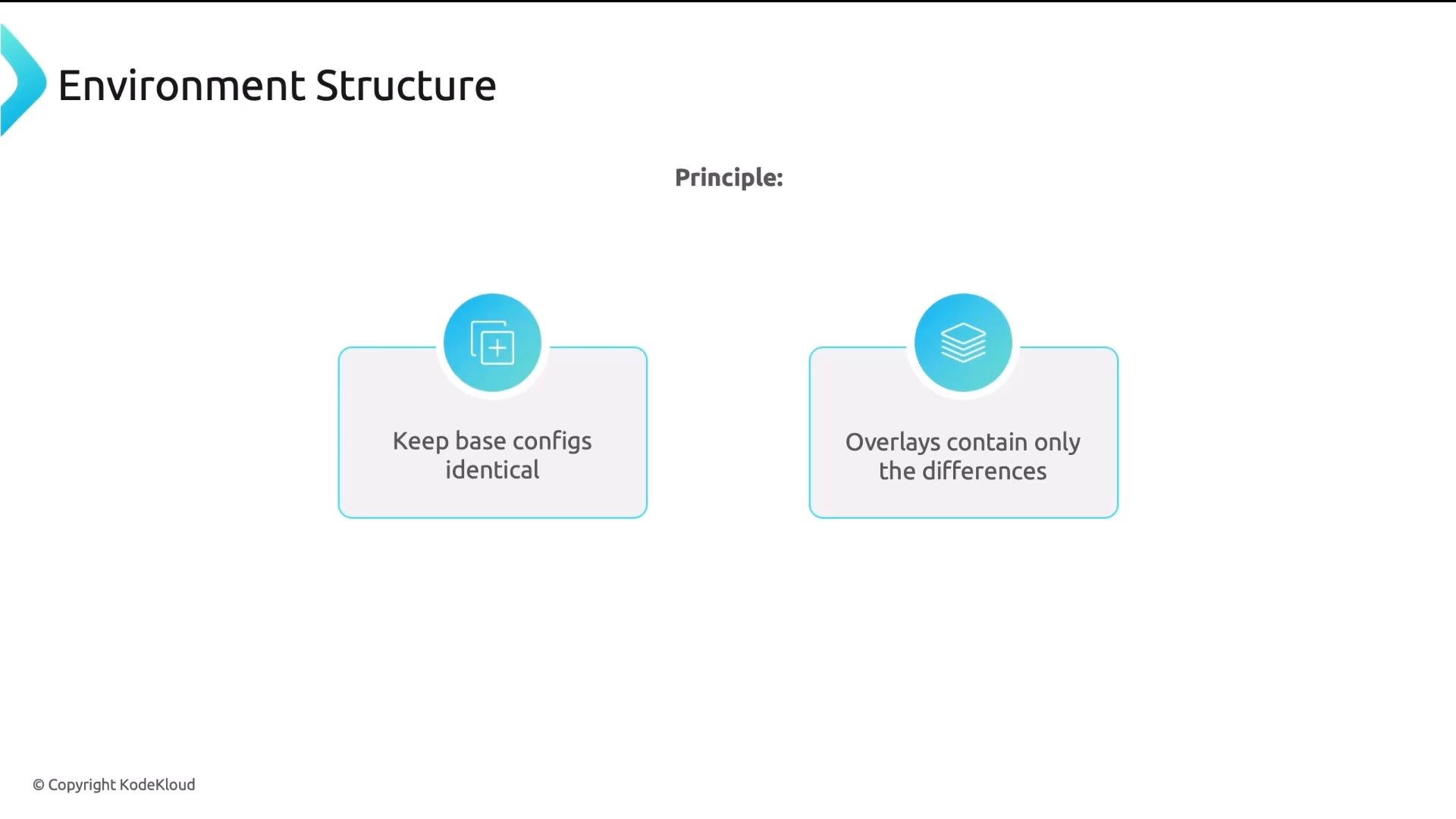
A presentation slide titled "Environment Structure" that states a principle. It shows two panels: "Keep base configs identical" and "Overlays contain only the differences," each with a blue circular icon above.
Four key takeaways
  • Separate code from config: different lifecycles, owners, and review processes mean separate repos and access controls.
  • Use base + overlays to avoid duplication and keep per-environment diffs small and auditable.
  • Define and document a clear promotion path (directory-based + image tag promotion is a practical default).
  • Separate apps from infrastructure so teams can operate independently and safely.
With a small, consistent structure and explicit promotion rules, your GitOps repo becomes a readable, auditable, scalable source of truth.

Watch Video