

monitoring namespace.
Environment: kube-prometheus-stack is installed in the monitoring namespace. Verify the Prometheus and Grafana pods and services with kubectl.
For background on in-cluster DNS resolution and service names, see the Kubernetes DNS docs: https://kubernetes.io/docs/concepts/services-networking/dns-pod-service/
Next, open Grafana and add Prometheus as a data source.
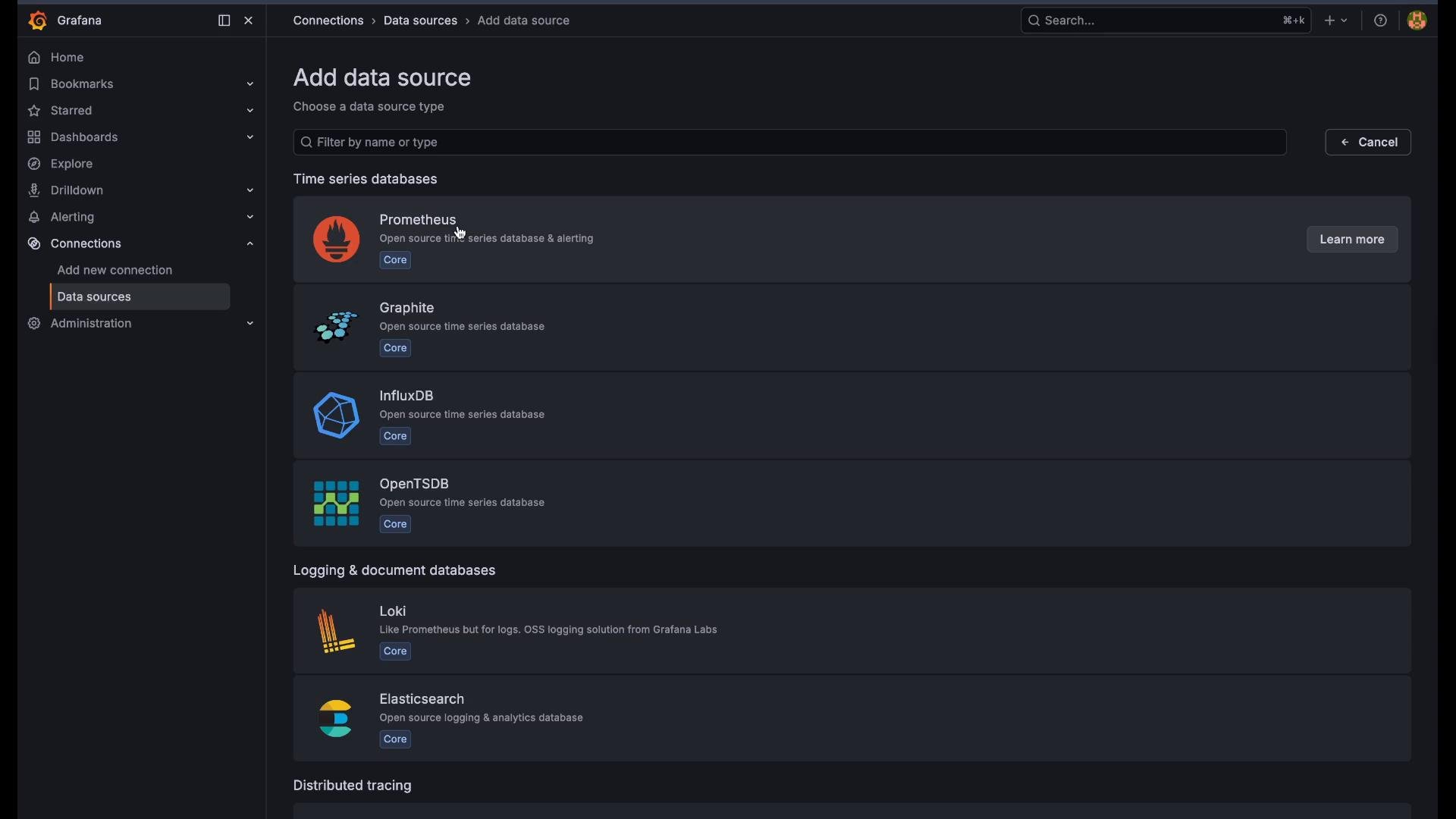
Click “Add your first data source” (or Add data source) and choose Prometheus from the list:
- Leave Name as the default (
Prometheus) unless you need multiple Prometheus endpoints. - Set the URL to point to your Prometheus service inside the cluster. When Grafana runs inside the same cluster, use the in-cluster DNS name in this form:
service-name.namespace.svc.cluster.local:port.
If Grafana runs inside the same Kubernetes cluster, the in-cluster DNS name (
prometheus-operated.monitoring.svc.cluster.local:9090) will resolve automatically. If Grafana runs outside the cluster, point the URL to an external address such as the NodePort (e.g., http://<NODE_IP>:30090) or an Ingress endpoint instead.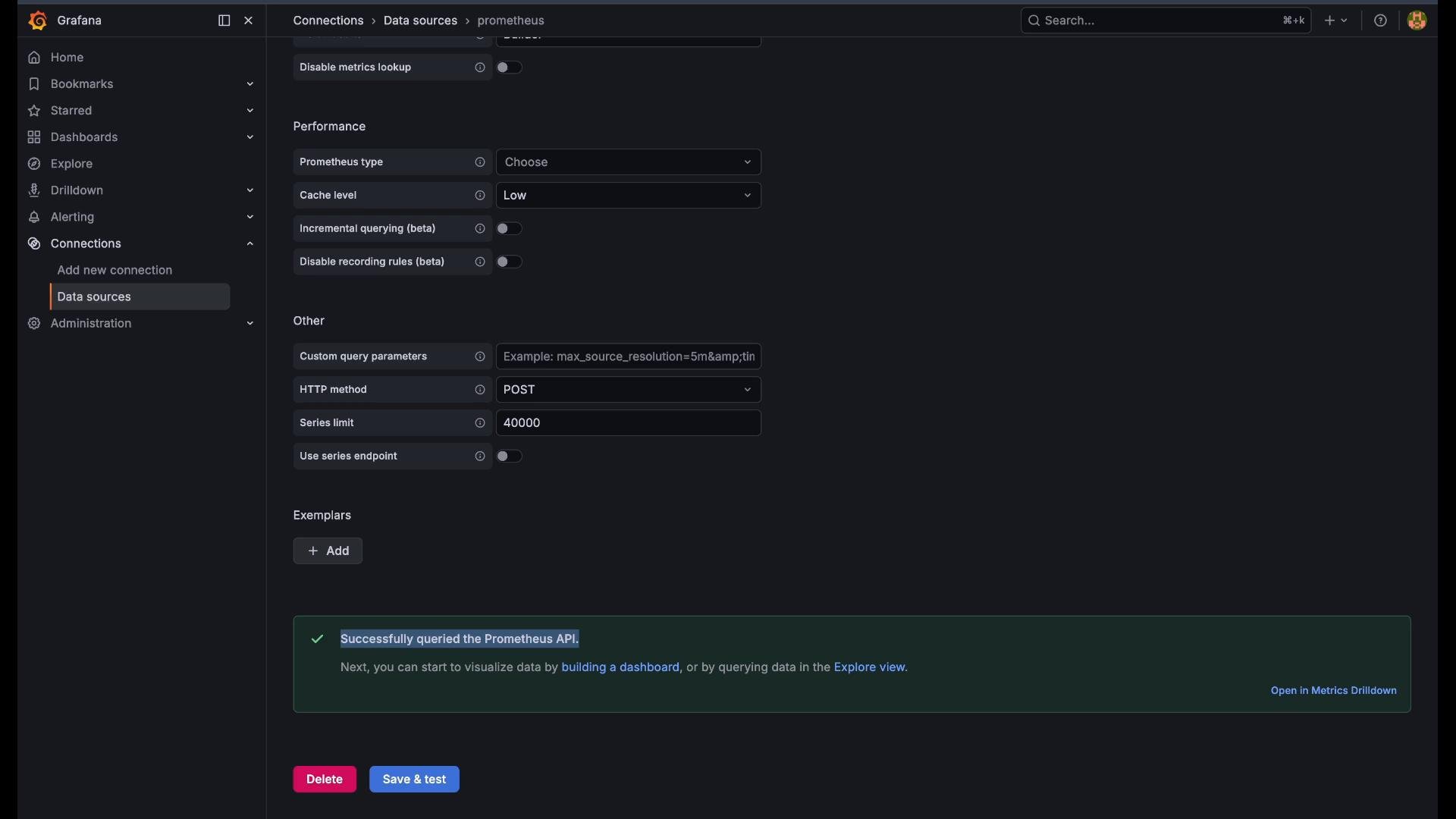
- Ensure the URL includes the scheme (
http://) and correct service name, namespace and port. - Confirm Prometheus is running:
kubectl get pods -n monitoring. - Verify Grafana’s network access:
- If Grafana is in-cluster, ensure it can resolve the in-cluster DNS name (test with a busybox or curl pod).
- If Grafana is external, test connectivity to the NodePort or Ingress (
curl http://<NODE_IP>:30090/api/v1/status/flags).
- Check Prometheus logs for errors:
kubectl logs -n monitoring prometheus-kube-prometheus-stack-prometheus-0.
Avoid exposing Prometheus or Grafana publicly without authentication or network restrictions. If you use NodePorts or Ingress, add proper access controls (Ingress auth, network policies, or firewall rules).
- With Prometheus connected, you can build dashboards and panels in Grafana using PromQL queries.
- For Prometheus query examples and the HTTP API, see: https://prometheus.io/docs/prometheus/latest/querying/api/
- For more on configuring Grafana datasources and advanced settings, see Grafana docs: https://grafana.com/docs/grafana/latest/datasources/add-a-data-source/