

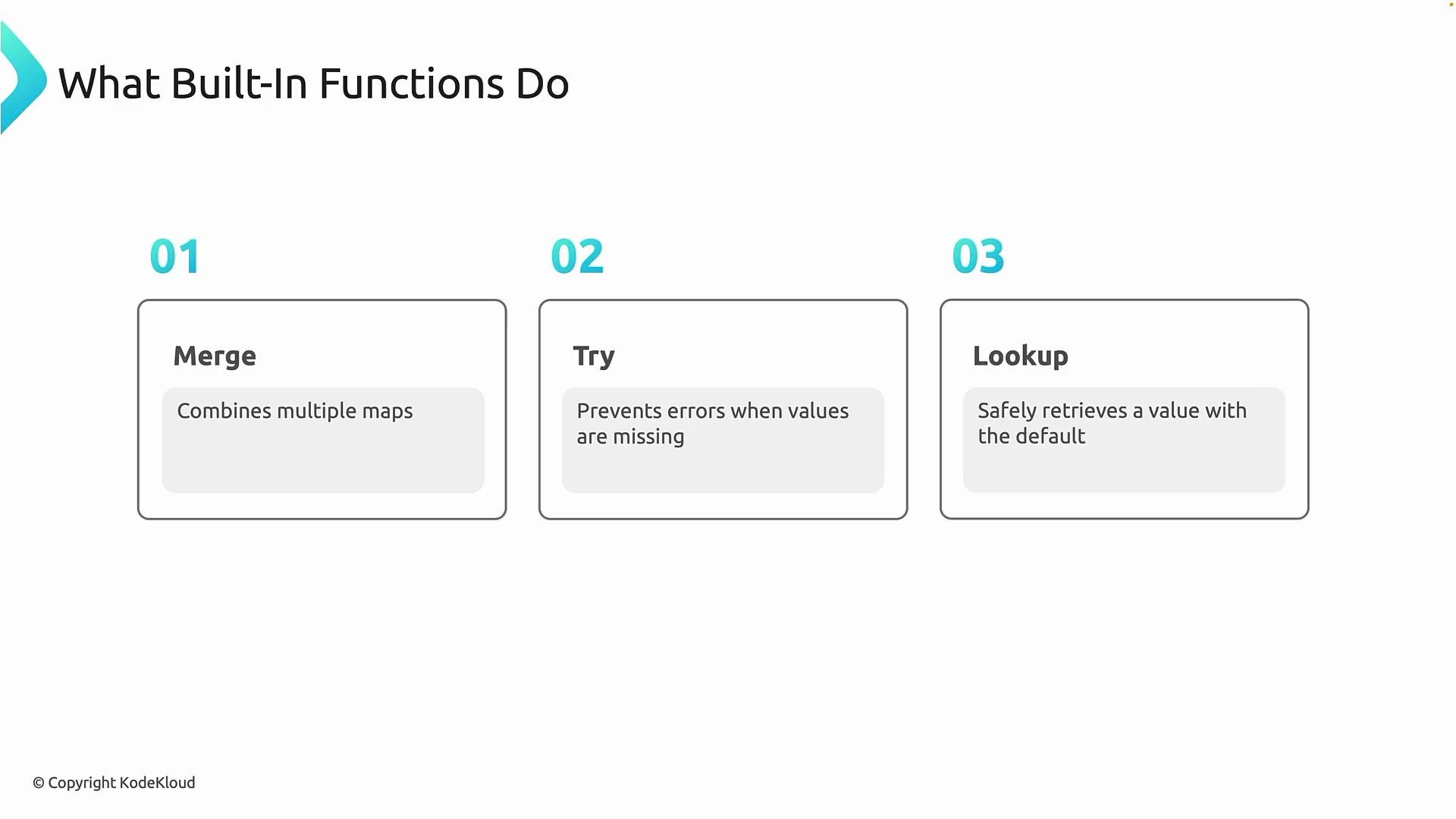
merge— combine multiple maps into a single map (useful for tags and layered defaults).try— evaluate expressions in order and return the first one that doesn’t fail (useful for optional or potentially-erroring values).lookup— retrieve a value from a map with a fallback if the key doesn’t exist.
- Optional inputs: Guard variable usage with
tryandlookupso missing values don’t cause plan/apply failures. - Environment-specific configuration: Map environment names to regions, SKUs, or sizes with
lookup. - Layered defaults and tags: Compose base tags and optional overrides with
mergeso resources consistently receive metadata.
Example: combining tags and deriving location
Below is a concise Terraform example that demonstrates
merge, try, and lookup. It defines an environment variable, an optional extra_tags map (with a safe default), and local values that compose final tags and select a location based on the environment.
- Variables
environmentis required and must be a string.extra_tagsis optional and defaults to an empty map ({}).
- Locals
base_tagscontains required tags (here, the environment).final_tagsusesmergeto overlay anyvar.extra_tagsontolocal.base_tags.try(var.extra_tags, {})ensures that if evaluatingvar.extra_tagserrors for any reason, Terraform falls back to an empty map rather than failing the plan.locationuseslookupto map environment names to region strings. Ifvar.environmentis not a key in the provided map,lookupreturns the default value"eastus".
The
try function returns the first expression that does not produce an error. Use it to guard against missing or invalid values. If a variable already has a safe default (for example, default = {}), try may be redundant in that specific case, but it remains handy when reading values that can error at evaluation time.Avoid overusing
try to silently swallow errors. While try prevents crashes from optional or invalid inputs, it can also mask issues that should be surfaced during development (for example, mis-typed variable names or unexpected nulls). Use it intentionally for inputs that are genuinely optional.- Prefer explicit defaults on variables when possible; use
tryfor expressions that can error at runtime (data source failures, complex expressions). - Use
mergefor predictable tag composition: keep minimal required tags in a base map and overlay optional maps. - Centralize mappings (like environment → region) in locals for clarity and single-point updates.
- Document fallback defaults so teammates understand why a particular region or value was chosen when keys are missing.
- Terraform language functions: https://developer.hashicorp.com/terraform/language/functions