

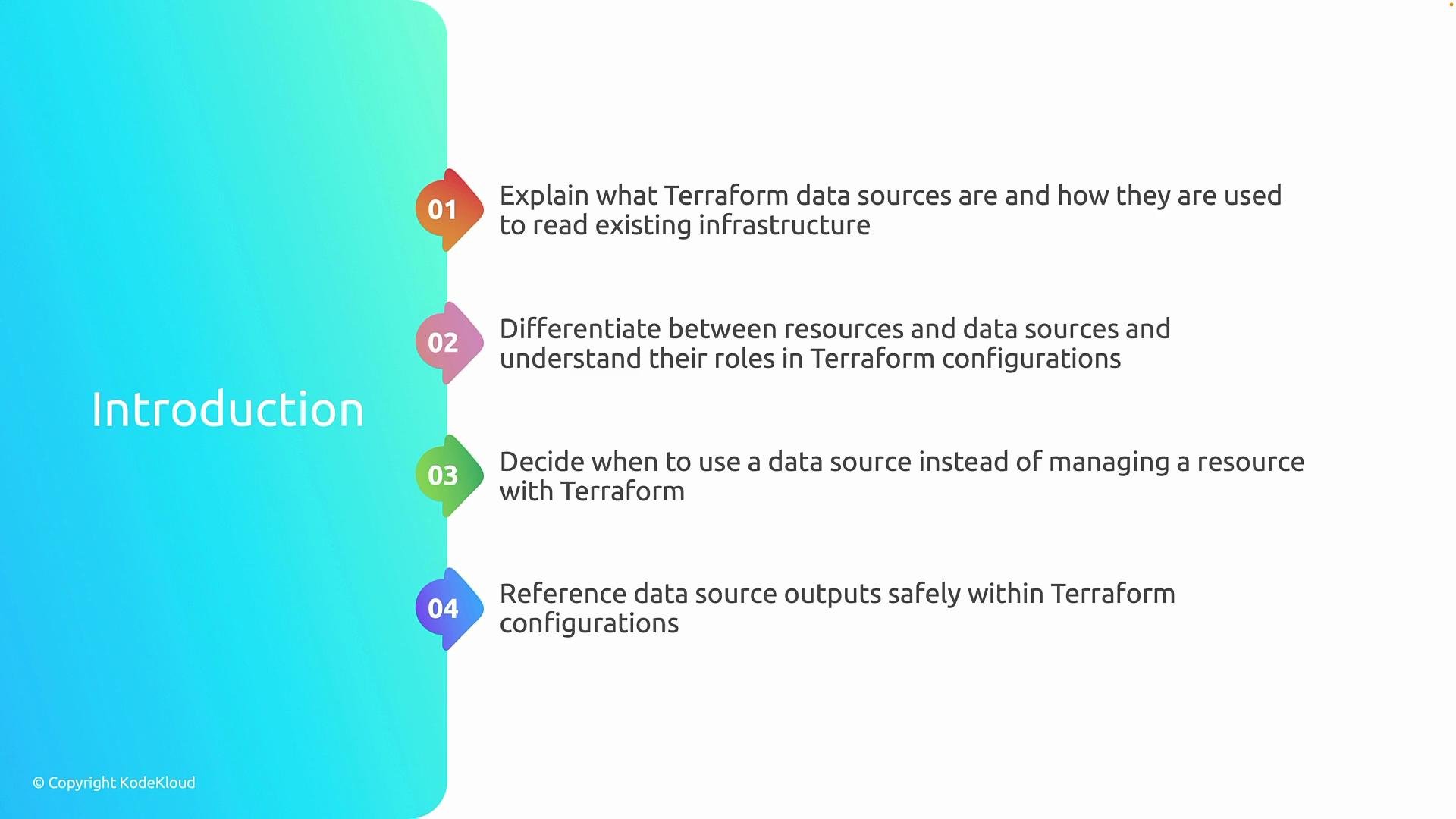
- What Terraform data sources are and how they let Terraform query existing infrastructure.
- How a
resourceblock differs from adatablock: resources manage lifecycle operations (create, update, delete); data sources only query and return information. - When to prefer a data source—for example, when a resource is centrally managed, shared across projects, or provisioned outside the current Terraform configuration.
- How to safely reference values returned by data sources and pass them as inputs to other resources without unintentionally taking lifecycle control.
Use data sources when you need to look up values from resources you do not manage directly in this Terraform project—such as shared subscriptions, centrally managed network components, or existing resource groups in Azure.
- Data sources prevent you from redefining or taking ownership of resources that other teams or automation manage.
- They keep your Terraform state focused on resources you create and manage, while still letting you reference important existing values.
Examples
Resource block (manages lifecycle):
- Prefer data sources when the resource is owned by another team, created by a different Terraform workspace, or created outside Terraform entirely.
- Keep lookups stable: use unique identifiers (IDs) or names that are unlikely to change.
- Avoid using data sources to implicitly “import” resources into your project’s lifecycle—if you need to manage lifecycle, use a
resourceand import it explicitly into state.