

Terraform’s state file is the source of truth and therefore represents ownership. Proper isolation of state and execution context prevents accidental cross-environment changes.
Core strategies for environment separation
Below are the practical, production-ready methods to achieve environment separation in Azure with Terraform. These reduce the chance of destructive mistakes and make CI/CD safe and auditable.- Separate state files
- A Terraform state file represents the authoritative view of a set of resources. If two environments share one state file, they share ownership.
- Use one state file per environment so Terraform tracks resources independently. This prevents accidental updates, deletes, or drift across environments.
- Separate state files are the foundational step for logical separation.
- Configure separate backends
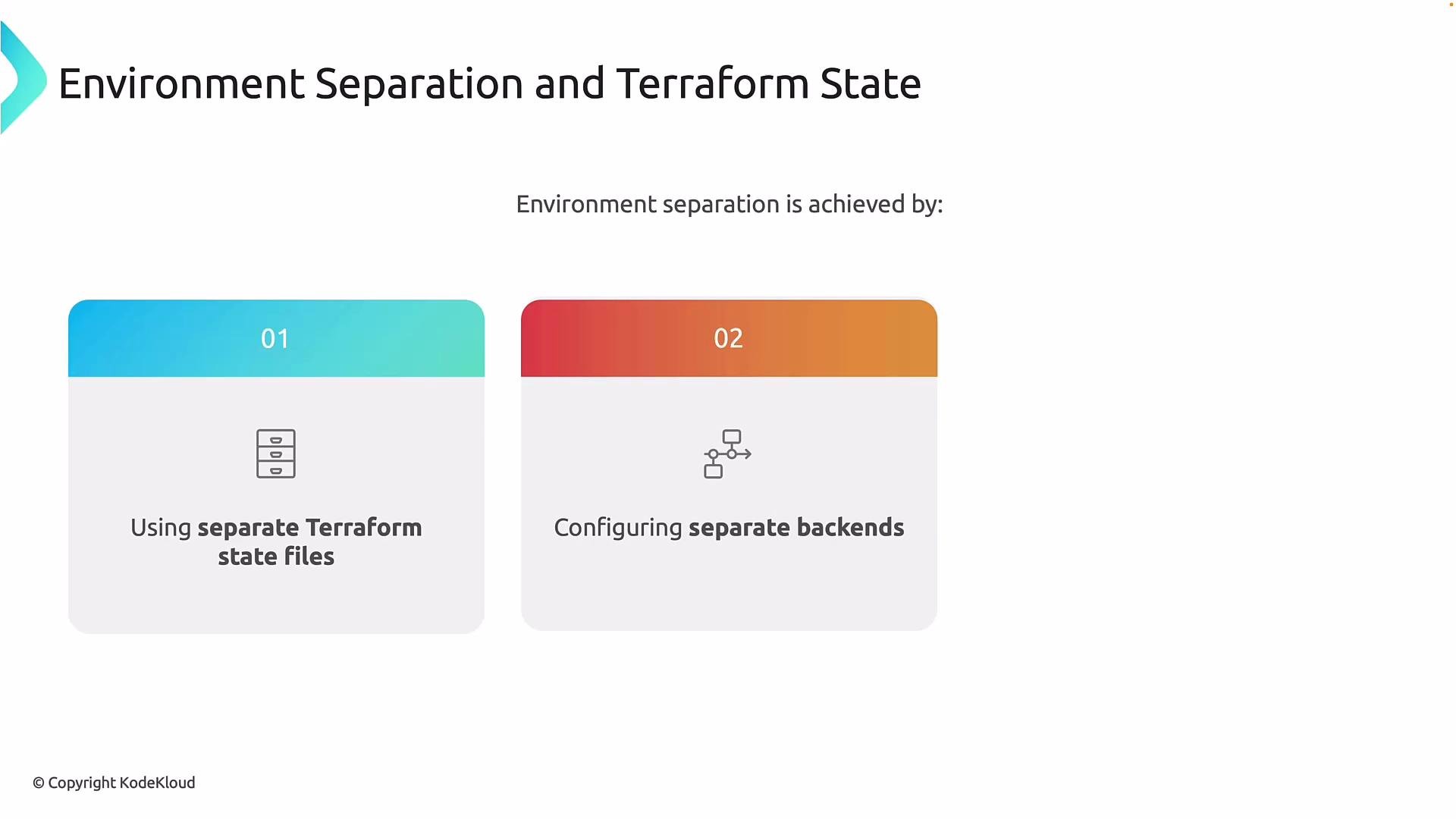
- Isolate backends by using separate storage accounts, containers, or distinct state keys (object names) per environment.
- Ensure state locking and concurrency control are scoped to each environment. Shared backends can lead to one environment locking or overwriting another environment’s state.
- Azure remote backends (e.g., Azure Storage with state locking via Cosmos/Blob leases) should be configured per environment to avoid cross-environment interference.
- Run Terraform from separate workflows/pipelines
- Execution context matters as much as state. Each environment should have its own CI/CD pipeline, credentials, and approval flow.
- Treat pipelines as security and governance boundaries: production pipelines typically require stricter approvals and more restrictive service principals or managed identities.
- Keep non-production pipelines faster and more flexible but still isolated to prevent accidental promotion of changes across environments.
Azure isolation primitives: subscriptions and resource groups
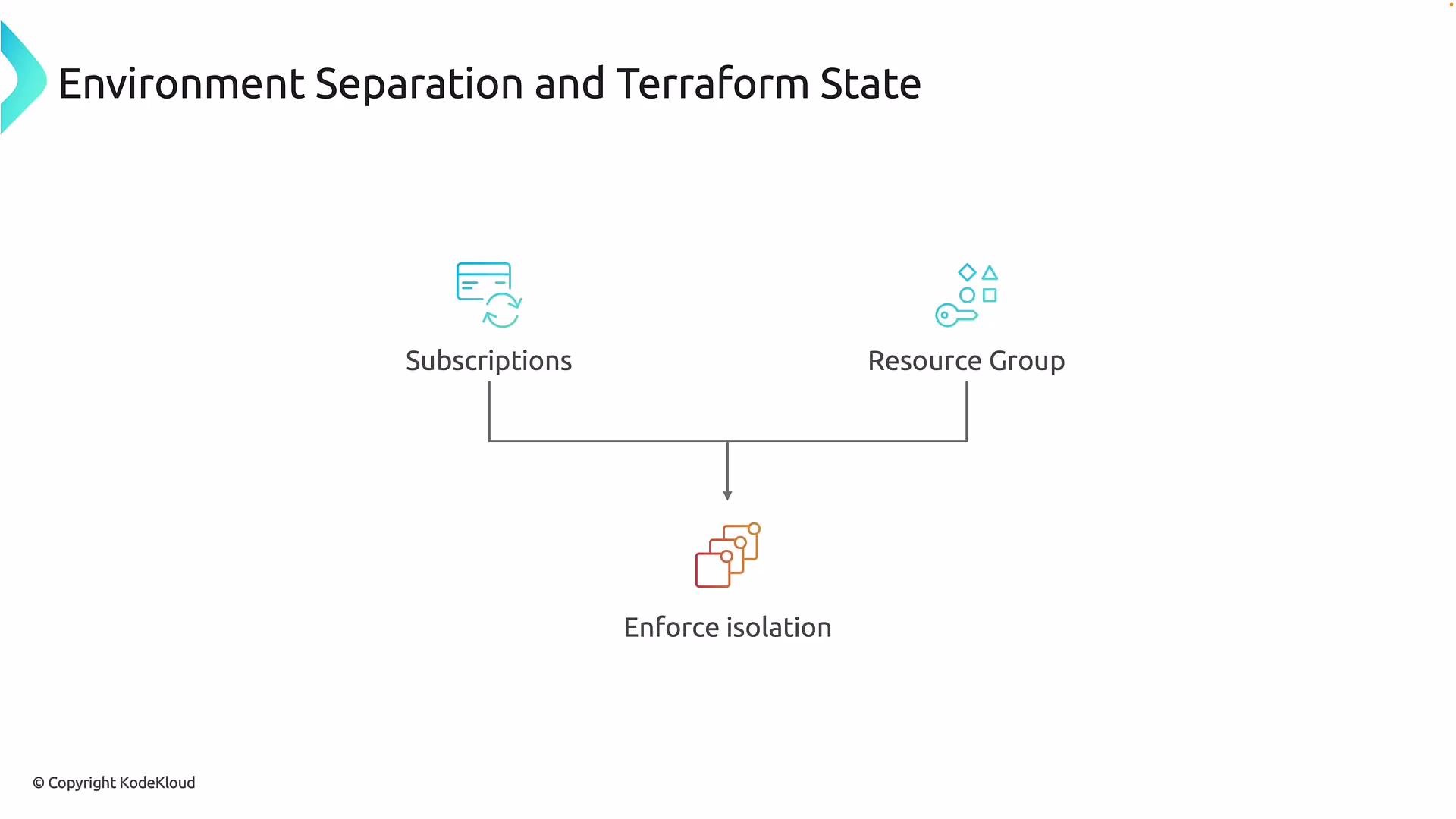
Azure enforces isolation mainly using subscriptions and resource groups. Use them deliberately to align with organizational ownership, billing, and lifecycle requirements.- Subscriptions: outer boundary for billing, RBAC, policies, quotas, and limits.
- Resource groups: define lifecycle boundaries — resources that are created, updated, or deleted together.
How Terraform evaluates infrastructure changes
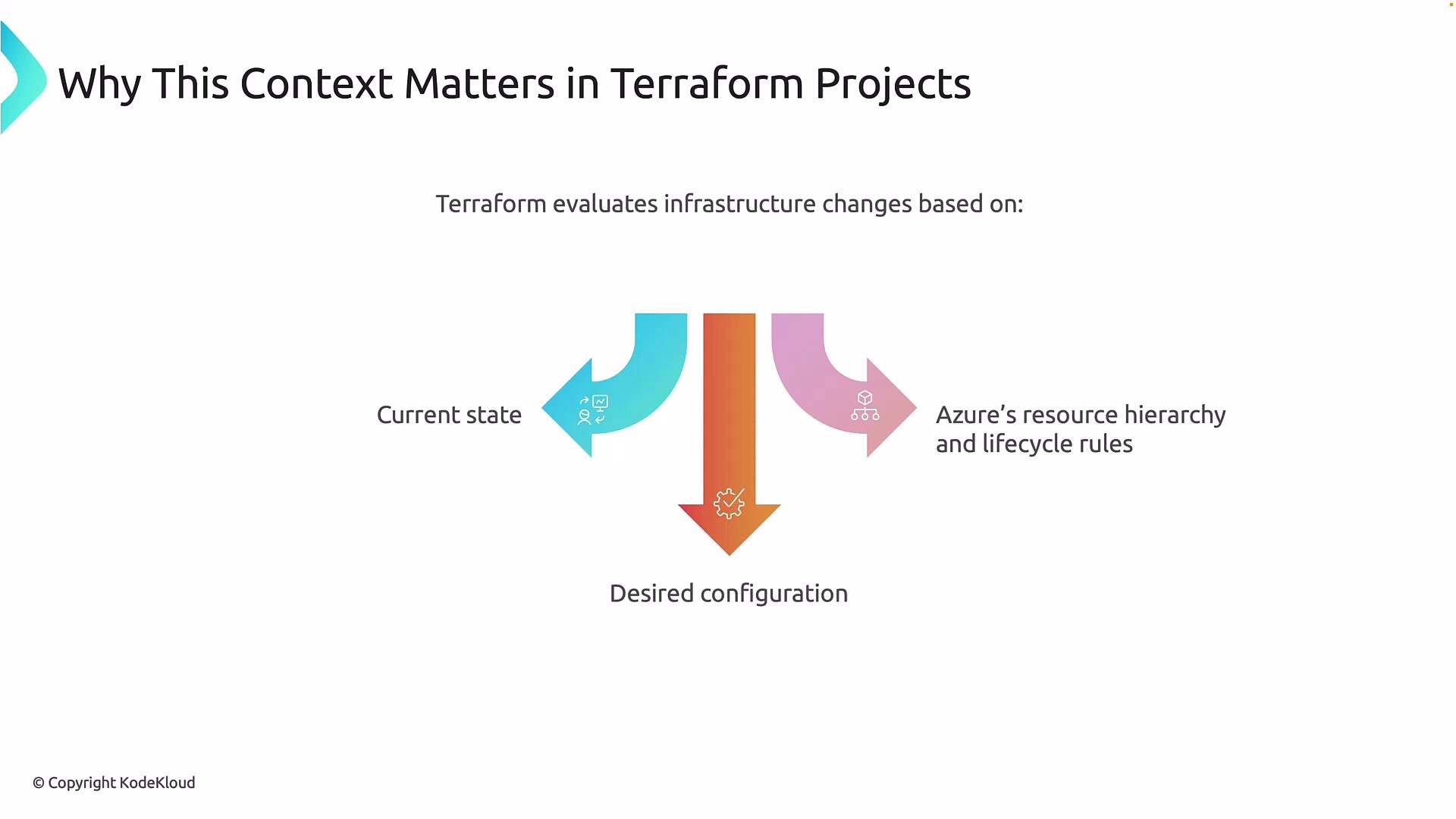
Terraform calculates a plan by comparing three sources:- The current Terraform state file (what Terraform thinks exists).
- The desired configuration (your .tf files).
- The actual resources and lifecycle rules in Azure.
Risks: unexpected destroys, hard rollbacks, and loss of data
Terraform is not a backup system. Once Azure has destroyed a resource or data, Terraform cannot restore it unless you have external backups or recovery procedures. Rollbacks after destructive changes can be complex or impossible without separate backups or state snapshots.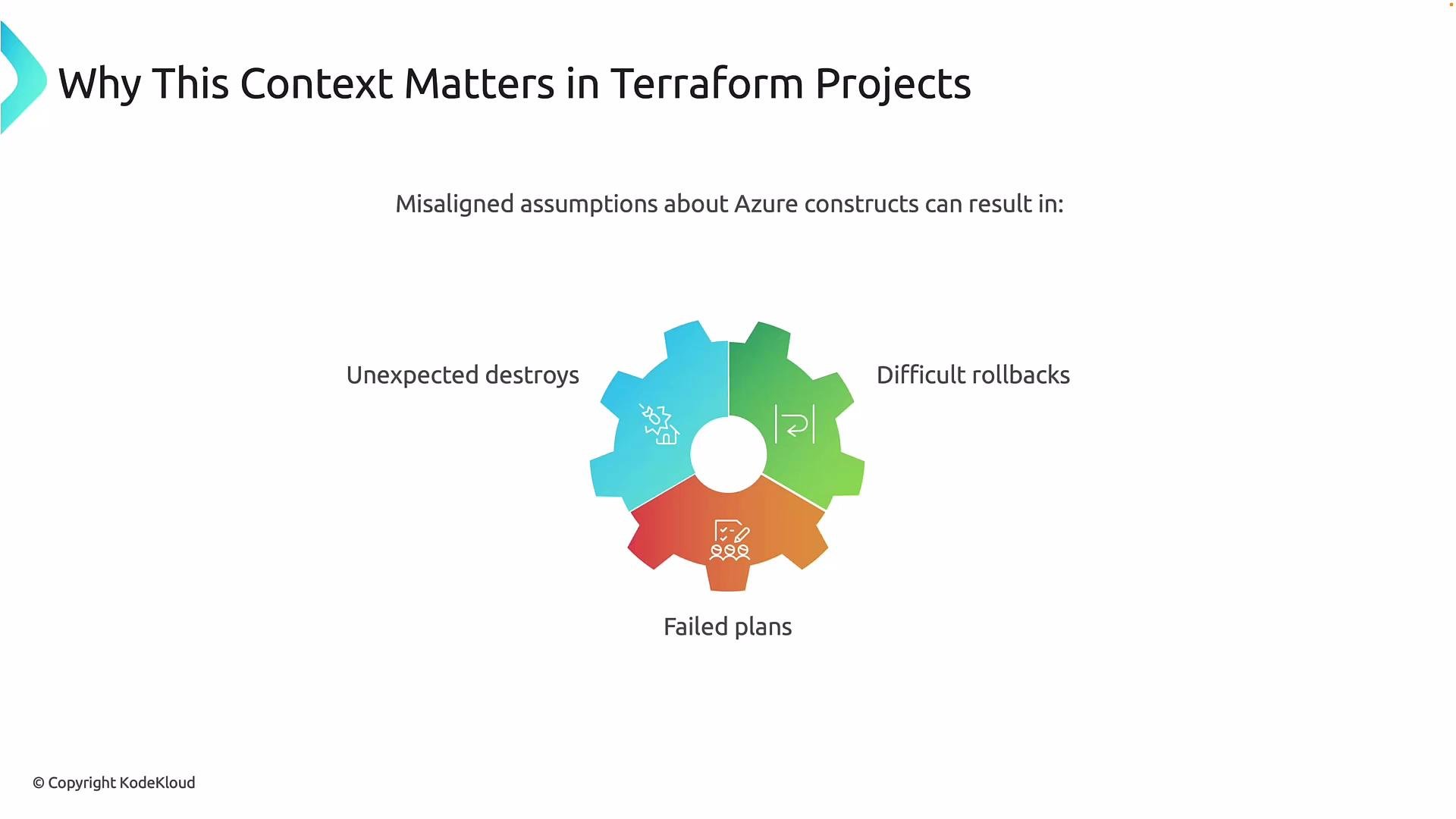
Terraform will apply the actions it calculates based on state and configuration. If the context is wrong, those actions may be destructive and irreversible without backups.
Recommended patterns and examples
Below are recommended patterns for different levels of isolation. Choose the pattern that matches your organization’s governance, risk tolerance, and team ownership model.
Operational recommendations
- Use distinct service principals or managed identities for each environment with least privilege.
- Use separate backend configurations per environment and distinct state keys.
- Implement pipeline approvals for production and audit logging for state changes.
- Back up your Terraform state (and Azure data) regularly. Consider automated snapshots for critical resources.
Benefits of correct environment separation
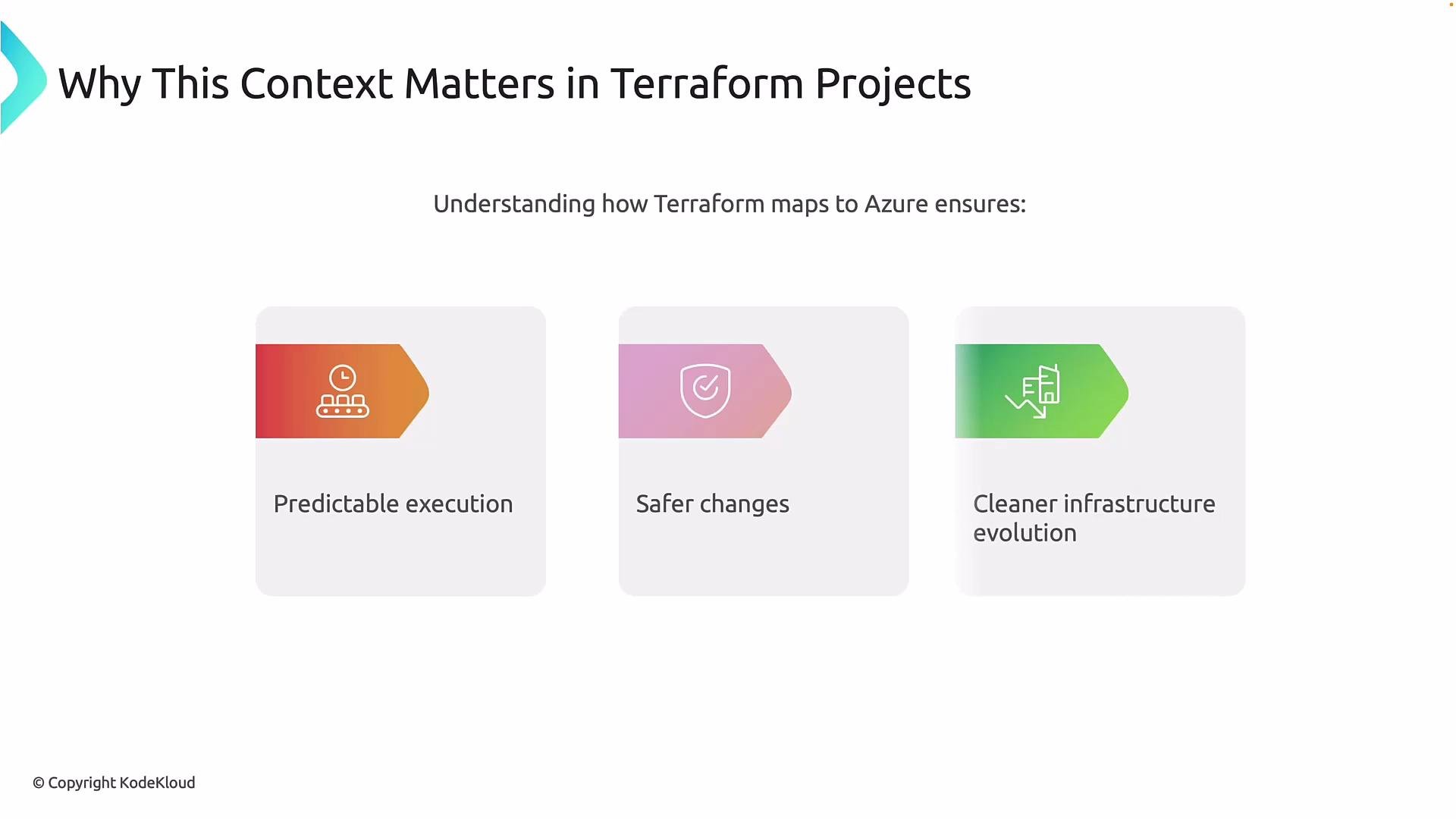
When context and isolation are implemented correctly:- Plans become predictable — you can trust that the plan targets the intended environment.
- Changes are safer — the blast radius is limited to a single environment.
- Teams can refactor and evolve infrastructure independently, reducing technical debt and enabling safer migrations.
Key takeaway
Terraform is powerful but context-blind. It will do exactly what your configuration and state tell it to do. Enforce environment separation with Azure primitives (subscriptions, resource groups), isolated backends, distinct pipelines, and least-privilege credentials. When those boundaries are correct, Terraform is predictable and safe; when they’re not, Terraform can quickly make mistakes irreversible. Following this conceptual grounding, the next step is to transition to practical examples and start writing real Terraform modules and backend configurations for each environment.Links and references
- Azure subscriptions and management groups
- Terraform remote state
- Terraform backend configuration for Azure
- Azure RBAC documentation