

-
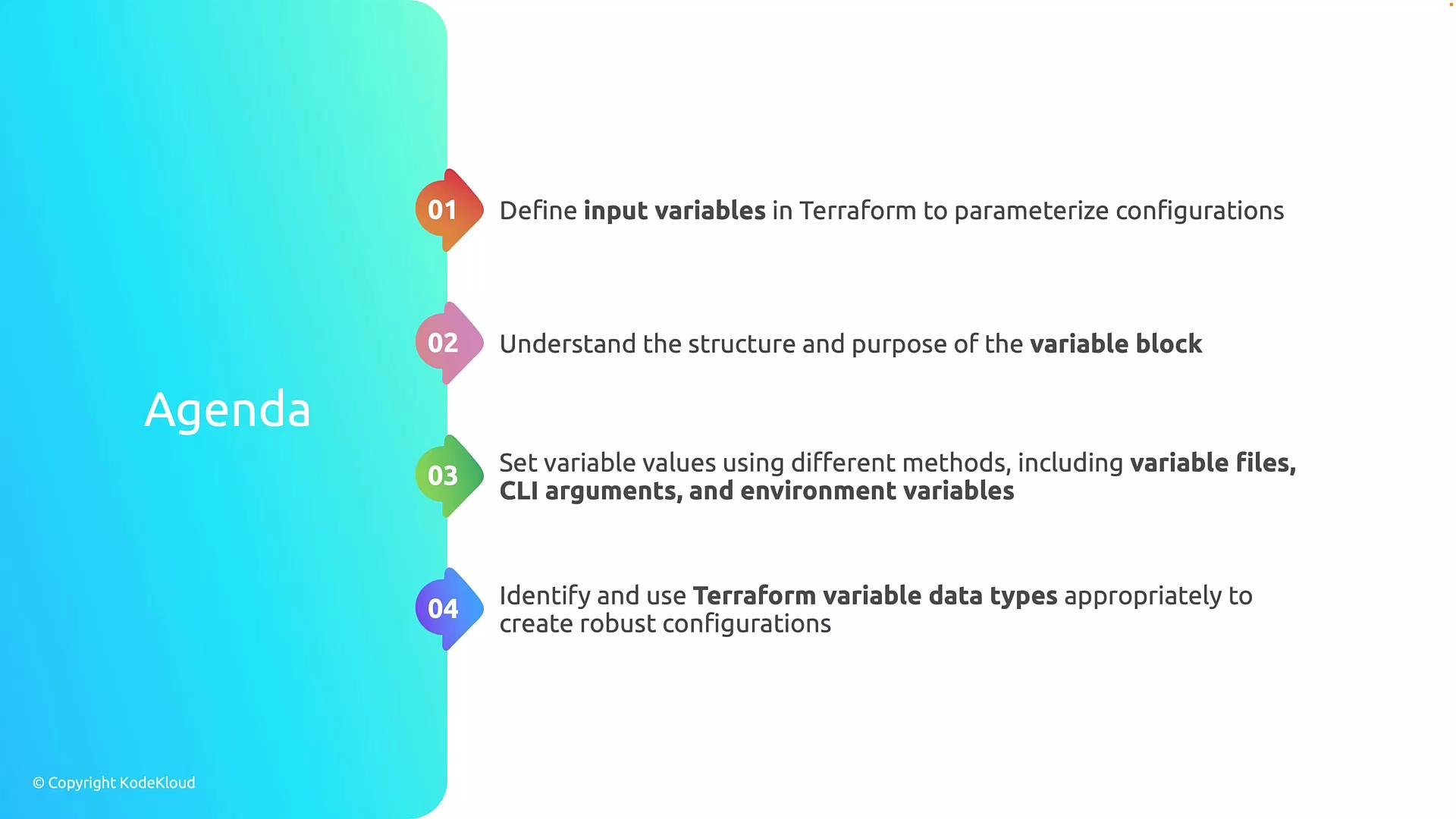
Define input variables in Terraform
- Externalize values such as region, resource names, SKUs, subscriptions, and environment-specific settings.
-
Understand the
variableblock- Learn the structure and purpose of the
variableblock, including metadata such astype,default, anddescription. Note that the variable’snameis declared in the block header (e.g.,variable "name" { ... }) rather than as a field inside the block.
- Learn the structure and purpose of the
-
Supply values to variables
- Explore ways to provide variable values:
.tfvarsfiles, command-line arguments (-varand-var-file), environment variables, and interactive prompts.
- Explore ways to provide variable values:
-
Work with Terraform variable types
- Review primitive types (
string,number,bool) and complex types (list,map,object) with usage examples.
- Review primitive types (
Use variables to decouple environment-specific data from configuration. This enables the same Terraform codebase to provision different environments by supplying different variable values.
variable block.
Declaring input variables
Avariable block defines an input variable for a module or root module. The block header contains the variable name; attributes inside define metadata and constraints.
Basic example:
description— human-readable context for the variabletype— the data type (e.g.,string,number,bool,list(string),map(string),object({...}))default— optional value used if none is suppliedsensitive— optional boolean to mark values as sensitive (prevents them from being shown in CLI output)
map and object:
var namespace:
Variable types — quick reference
When providing examples or inline values that include braces (
{}) or double-curly syntax, wrap them in backticks to avoid MDX parsing issues. For example: `[{ "object": "person", "bbox": [0,0,10,10] }]`.
Ways to supply variable values
Terraform supports multiple ways to provide values for input variables. Choose the method that fits your workflow (local testing, automation, CI/CD, or secret management).
Example
terraform.tfvars:
Do not commit secrets (passwords, API keys) into
.tfvars files stored in version control. Use a secrets manager or mark variables sensitive = true and supply values via secure pipelines or Terraform Cloud/Enterprise variable sets.Best practices
- Prefer
tfvarsfiles for environment-level defaults and-var-fileto select them at runtime. - Use typed variables (
list(...),map(...),object(...)) to validate inputs and catch mistakes early. - Document variable
descriptionvalues to aid collaborators and automation. - Avoid hard-coding environment-specific values inside modules—pass them as inputs to keep modules reusable.
Links and references
We will next walk through concrete examples of using variables in modules and how to organizetfvars files per environment.