

- Fundamentals of Infrastructure as Code (IaC) and how Terraform Cloud integrates with your workflow.
- Setting up your local environment and authenticating to Azure.
- Core Azure resources and concepts that Terraform manages.
- HashiCorp Configuration Language (HCL) and providers: AzureRM and AzAPI.
- Iteration and logic patterns:
count,for_each, expressions, conditionals,locals,dynamicblocks, and built-in functions. - Terraform state: how it works and best practices for storing state remotely in Azure Storage.
- Production-ready features: lifecycle meta-arguments, data sources, provisioners, debuggers, and modules.
- CI/CD: integrating Terraform with Azure DevOps (pipelines with plan, approvals, and apply).
Getting started — install Terraform (Debian/Ubuntu)
The examples in this course assume a Debian/Ubuntu environment. Use HashiCorp’s apt repository to install Terraform:
These commands install Terraform and enable shell autocomplete. If you’re on macOS or Windows, follow the official installation guides for your platform.
Do not commit sensitive values (like
subscription_id, client secrets, or credentials) into source control. Use environment variables, Azure managed identities, or secrets in your CI/CD provider to keep credentials secure.terraform init— installs provider plugins and initializes the working directory.terraform plan— creates an execution plan.terraform apply— applies the plan and creates resources.
count, for_each, expressions, locals, dynamic blocks, and built-in functions.
Example of a network security rule resource in HCL:
for_each or count, Terraform will plan multiple creates. Example plan summary:
terraform.tfstate file:
Production readiness: modules, lifecycle, and outputs
Modularization and lifecycle controls are essential for maintainable infrastructure. You will learn to structure code into modules, use lifecycle meta-arguments, and expose outputs.
Example outputs and module usage:
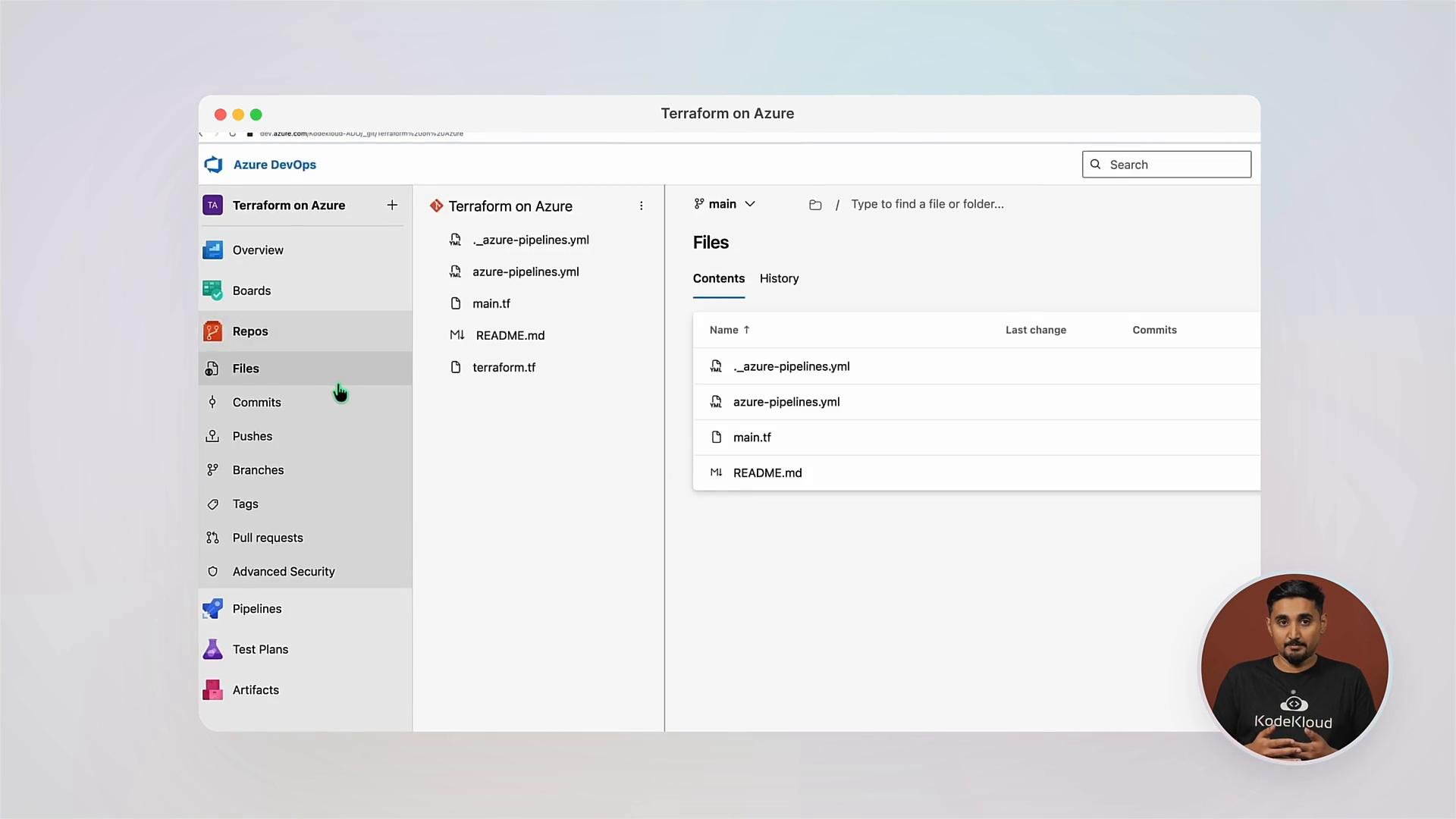
- Design and deploy Azure infrastructure using Terraform.
- Move from local experimentation to production-grade pipelines.
- Implement secure state management, modular code, and reliable CI/CD workflows.
- Terraform Documentation — Getting Started
- Terraform Cloud
- Azure Provider (azurerm) Docs
- Azure DevOps Documentation