

What is a Terraform module?
A module is a folder that defines how to create something. Note the emphasis on “how”: a module is not limited to a single resource. It represents a logical unit of infrastructure—this could be a storage account, a virtual machine, or a full environment composed of many resources (Resource Group, VNet, Subnet, NSG, VM, etc.). Think of a module as a recipe:- Input variables = ingredients
- Resources = steps to prepare
- Outputs = the finished dish and what you serve
Core files inside a module
A typical Terraform module contains these primary files: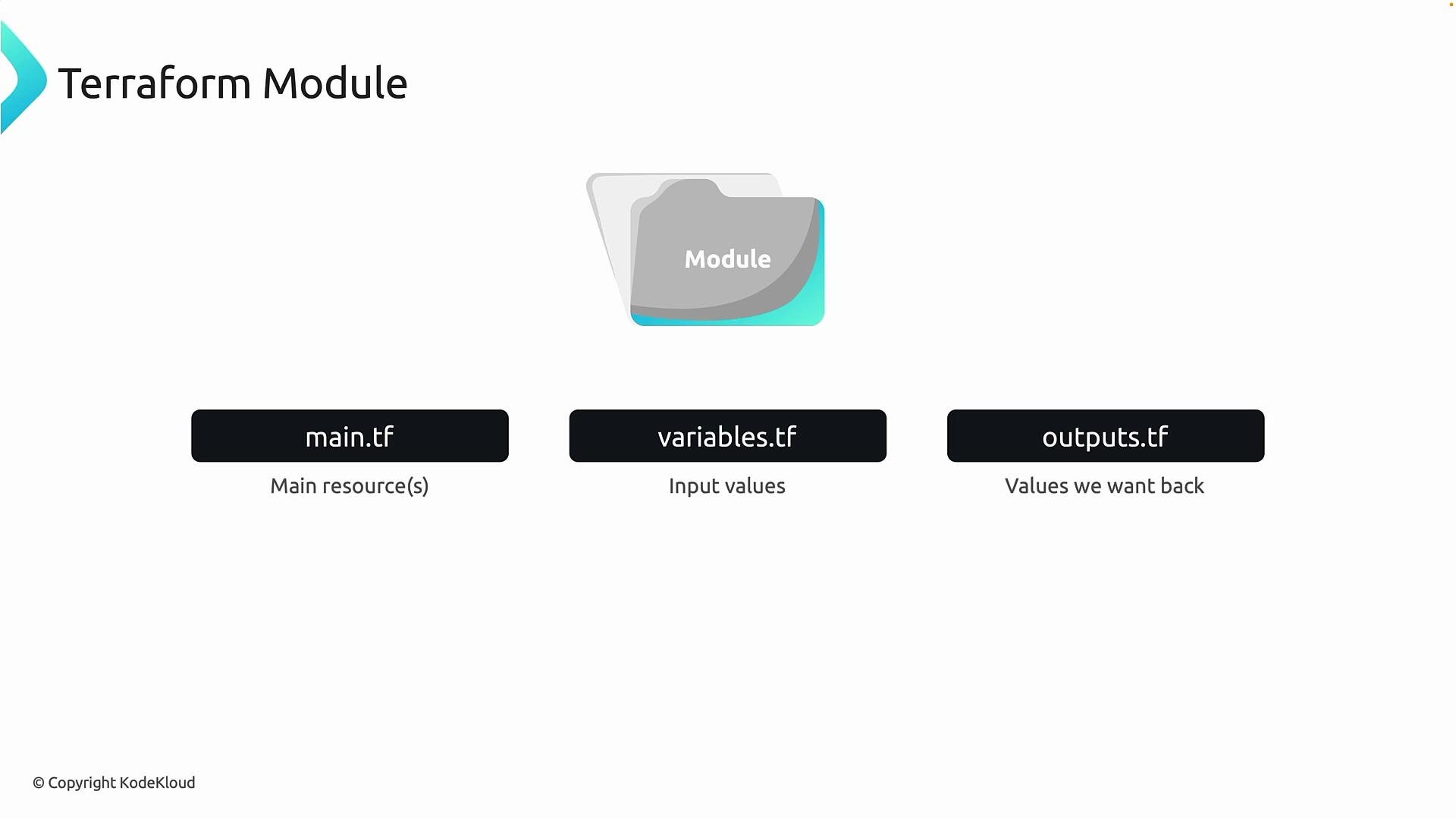
Why use modules?
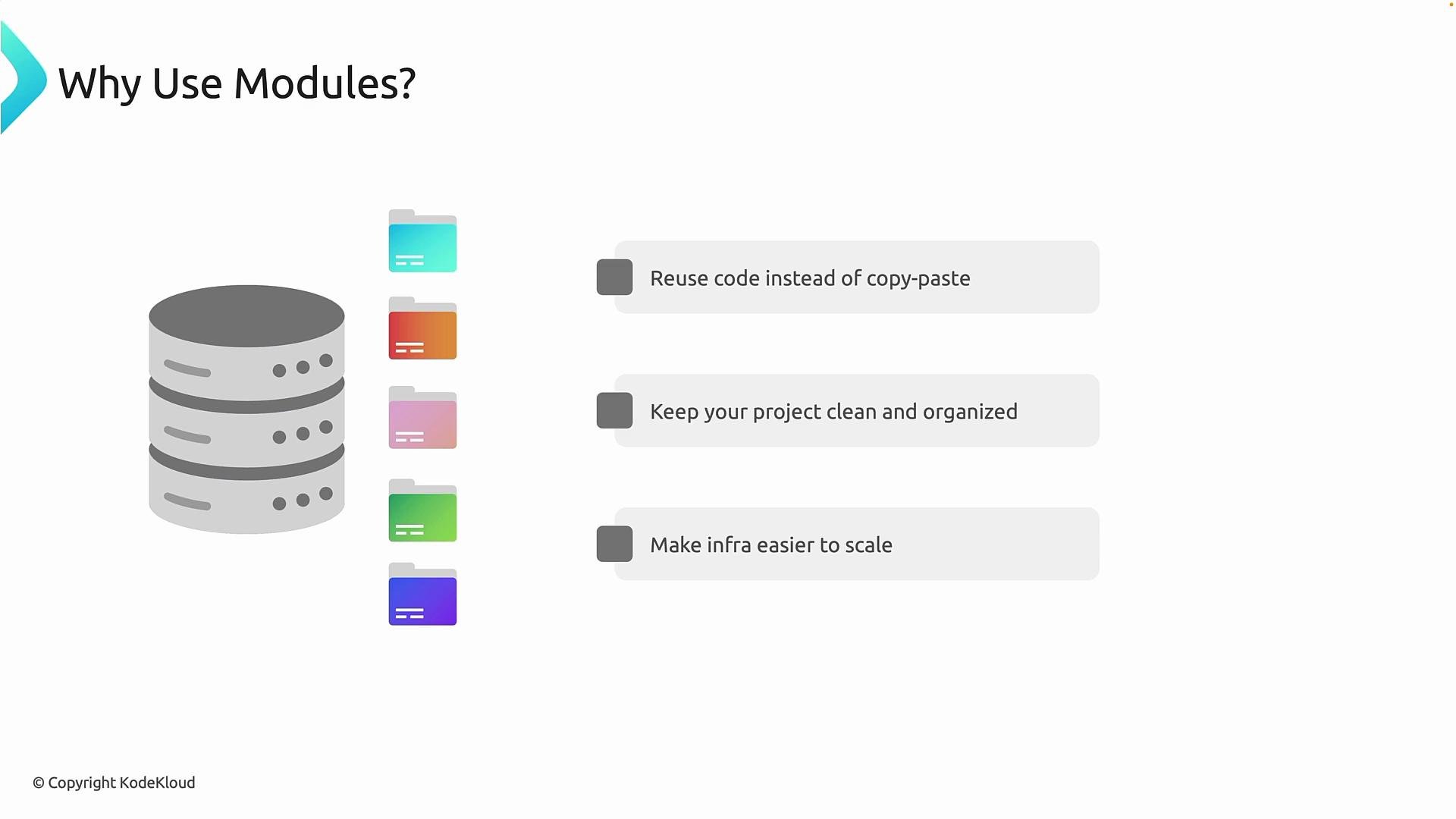
Why not write everything directly in the root configuration? Modules provide three concrete advantages:- Reuse instead of copy-paste — avoid duplicating resource blocks across environments (dev, test, prod), which reduces human error and configuration drift.
- Organization and maintainability — split large, monolithic files (e.g., 1,500-line
main.tf) into focused modules likenetwork,compute, andstorage. This makes code easier to read and troubleshoot. - Scalability — instantiate the same module across regions or tenants by changing inputs. Infrastructure becomes a configuration task, not a rewrite.
Operational risk reduction
Without modules, the same configuration parameters (replication type, TLS settings, tagging strategy) are repeated in many places. If you need to change a policy later, you must update every instance, which is error-prone. With modules, that logic is centralized. Callers only pass inputs. If you update module logic, all callers inherit the change. This is abstraction, and it lets infrastructure teams scale safely. However, be mindful: over-abstracting can push important implementation details out of reach for callers, making debugging harder.Use modules to standardize and reuse infrastructure logic. Avoid over-abstraction that hides too much implementation detail from callers.
Example: a storage module and how to call it
Below is a concise example demonstrating the storage resource inside a module and how a root configuration invokes that module. Resource inside the module (modules/storage/main.tf):variables.tf inside the same module might include:
outputs.tf could expose helpful values:
source points to the module folder that contains the main.tf, variables.tf, and outputs.tf. Callers pass inputs; the module contains the creation logic. Update the module to apply improvements across all callers.
Key takeaways
- A Terraform module is a folder grouping Terraform configuration for a specific unit of infrastructure.
- Modules enable reuse, cleaner structure, and easier scaling.
- Common files:
main.tf,variables.tf,outputs.tf. - Use modules to enforce standards and reduce duplication—while avoiding excessive abstraction that makes debugging harder.
Next steps and references
- Start by converting repeated resource blocks into modules (one resource type at a time).
- Create clear variable names, sensible defaults, and concise outputs to make modules easy to consume.
- Version and publish reusable modules (e.g., private registry or Git tags) to promote safe upgrades.