

dev, prod) while keeping the same Terraform code.
Below is the high-level terraform workspace usage and available subcommands:
Workspace subcommands (quick reference)
How workspaces affect state and configuration
- Workspaces isolate state files but reuse the same configuration files.
- The active workspace determines which state Terraform reads from and writes to during
planandapply. - Use the built-in expression
terraform.workspaceinside your configuration to adapt resource names or logic by workspace.
Do not expect Terraform to substitute variables into a backend block during
terraform init. Backend configuration is evaluated before variable values are applied. If you need workspace-specific backends you must configure them explicitly or use automation outside of Terraform init.Example: AzureRM provider and single-file demo
Below is a compact example used for the demo. In production you should split provider, variables, resources, and backend into separate files.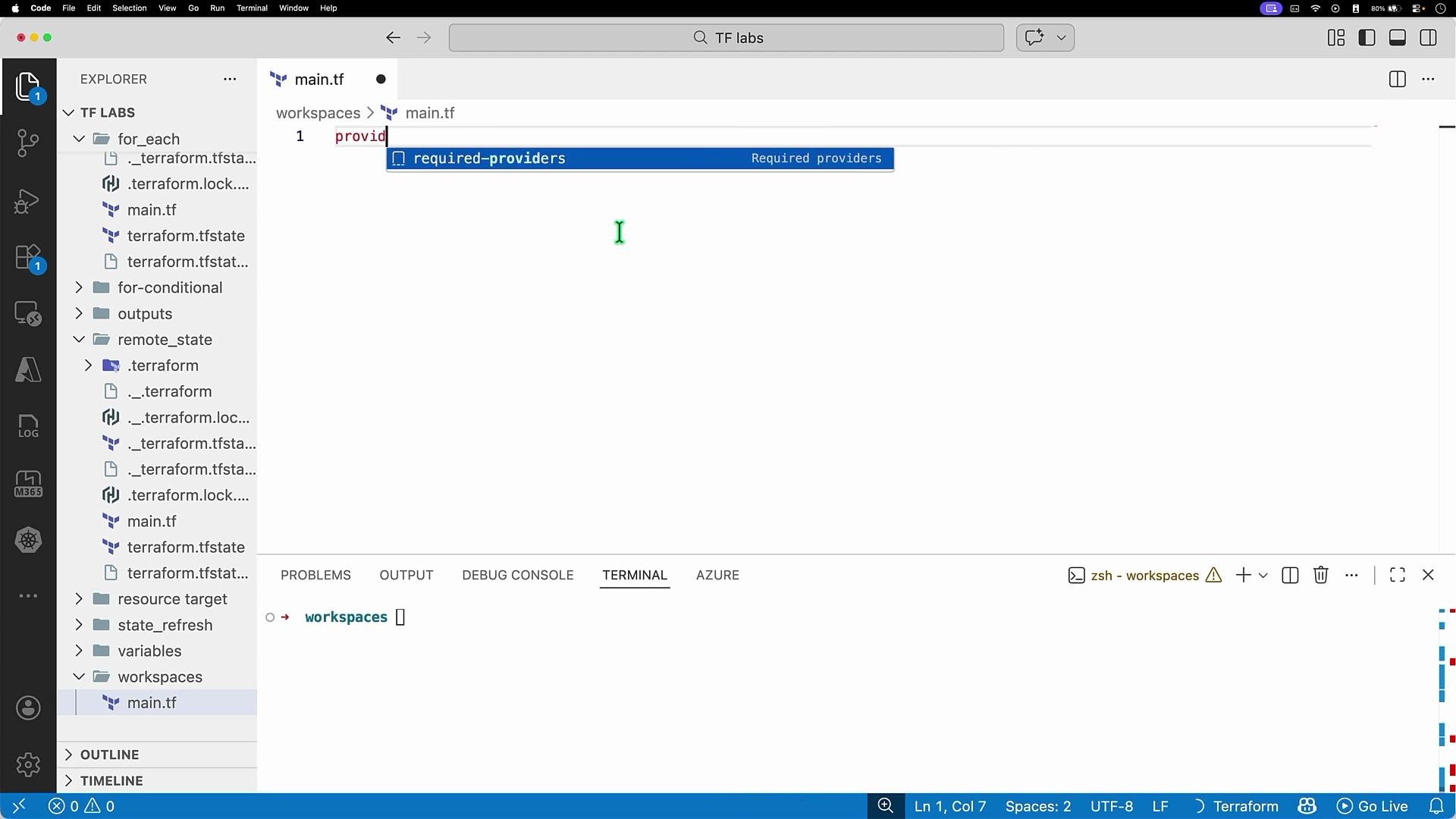
- The
environmentvariable is used to name the resource group. - The backend block shown above is static — variables are not expanded at
terraform inittime. - The
keyvalue determines the root state object name in the remote backend; Terraform will append workspace identifiers to that key when using workspaces (see below).
Initialize the backend
After creating your configuration, run:Working with workspaces (common workflow)
- List existing workspaces:
- Create and switch to a new workspace:
- Plan and apply for the workspace (supply variable values as needed):
How workspace state is stored in Azure Storage
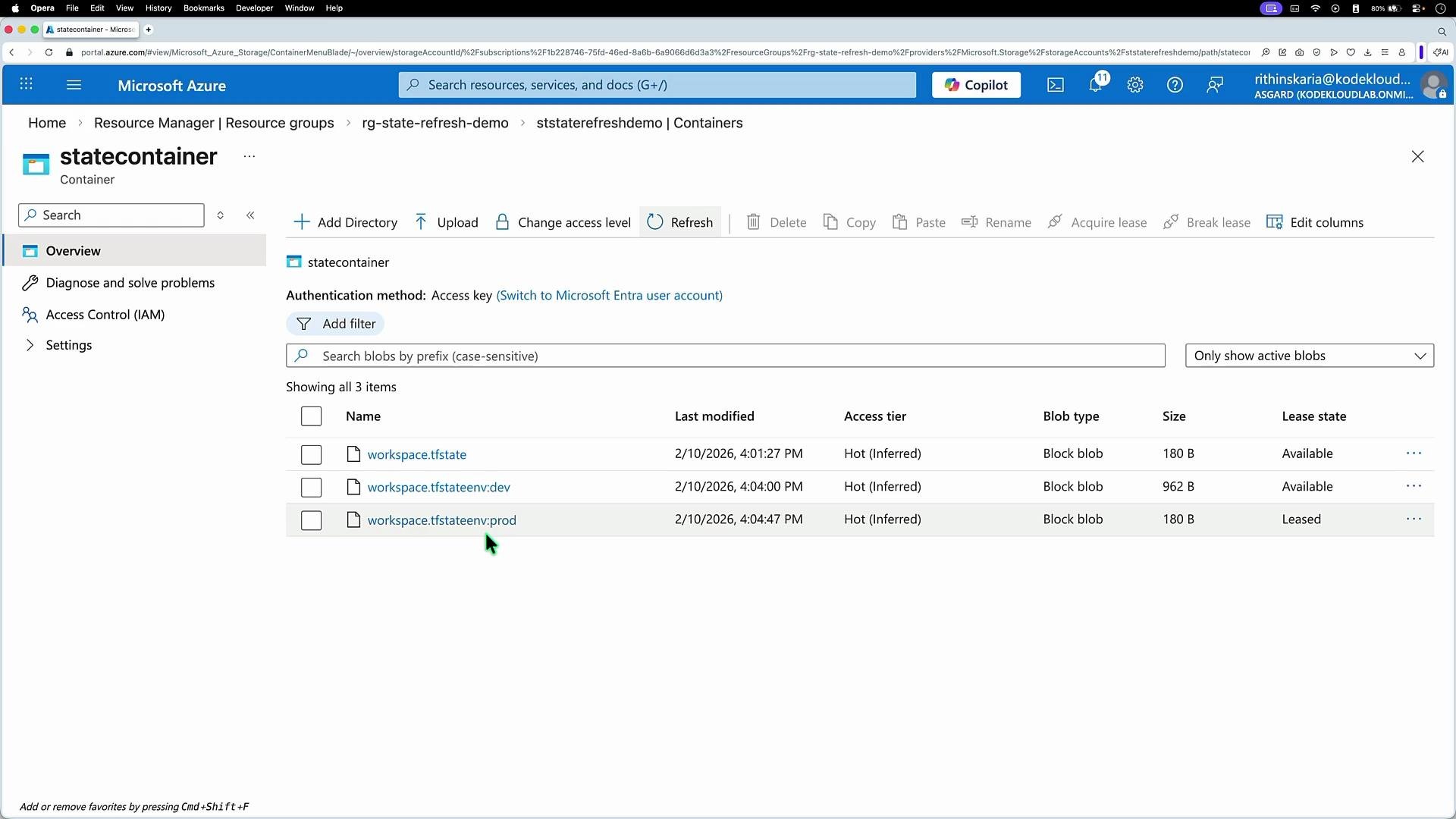
When using the AzureRM backend, Terraform stores separate state blobs per workspace. For example, if your configured key isworkspace.tfstate, the backend will typically create blobs such as:
workspace.tfstateworkspace.tfstate?env=dev(backend implementation may vary; common naming patterns include workspace suffixes)workspace.tfstate?env=prod
Deleting a workspace — safety checks
Terraform prevents accidental loss of tracked remote objects. You cannot delete a workspace that contains tracked resources unless you first remove those resources from Terraform (destroy them) or you force Terraform to forget them. Example error when attempting to delete a non-empty workspace:-force flag:
Deleting a workspace that contains resources can leave real infrastructure orphaned and unmanaged. Always run
terraform destroy in the workspace first if you intend to remove the actual cloud resources. Use -force only when you understand the consequences.Summary & best practices
- Use workspaces to isolate state (e.g., dev/prod) while reusing the same Terraform code.
- Do not attempt to reference variables inside the backend block for
terraform init. - Name resources or use
terraform.workspaceto generate workspace-specific names. - Verify remote state objects (storage container, S3 bucket) to understand how workspaces map to backend state files.
- Always destroy resources before deleting a workspace to avoid orphaned infrastructure.