

dev, test, prod) has its own isolated state file while evaluating the same configuration. This enables Terraform to track separate infrastructure lifecycles per environment without duplicating configuration. The core concept is state isolation, not configuration duplication.
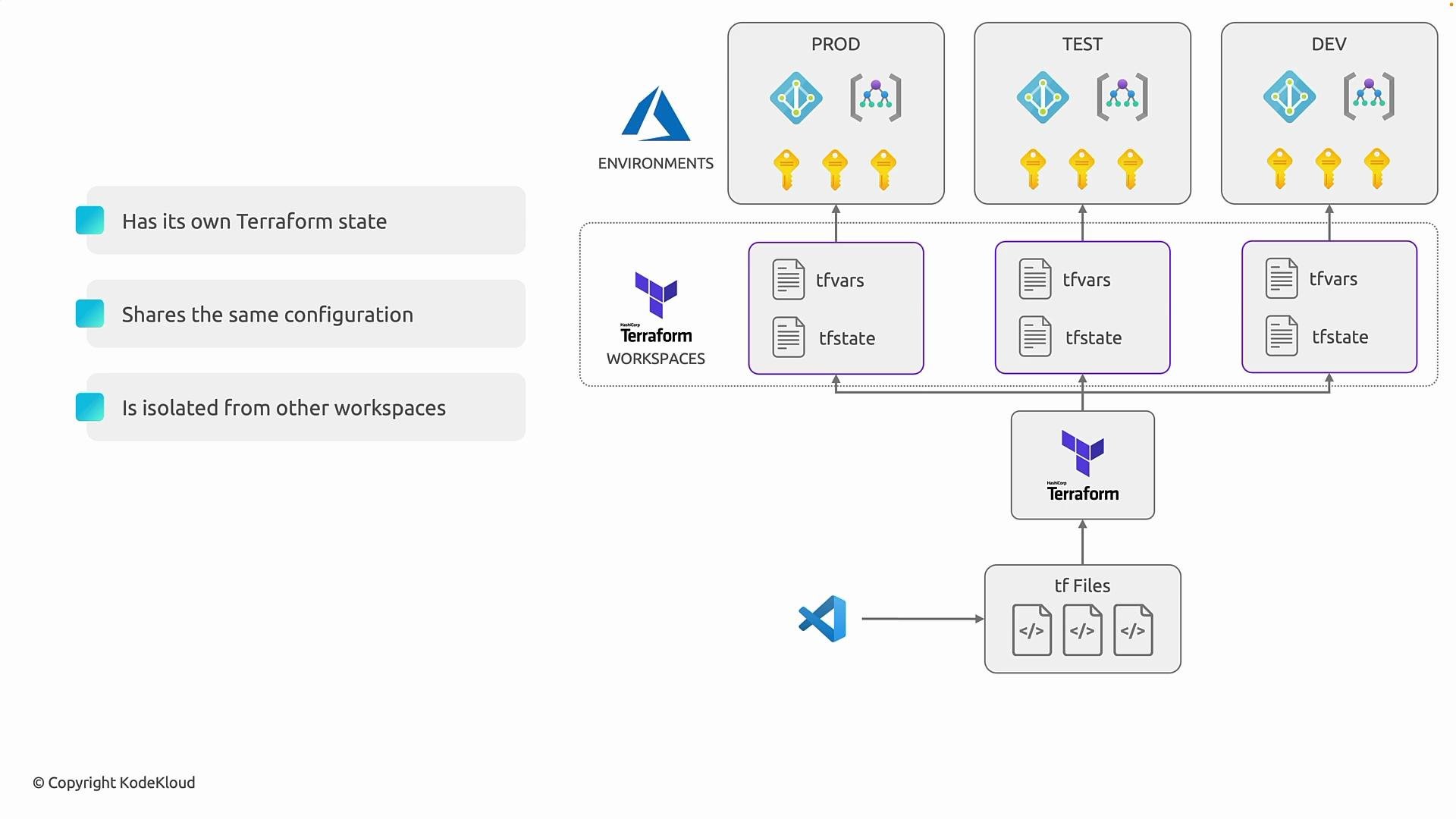
Workspaces provide lightweight state isolation for identical infrastructure topologies. Use them when you need separate state files for multiple environments without duplicating configuration.
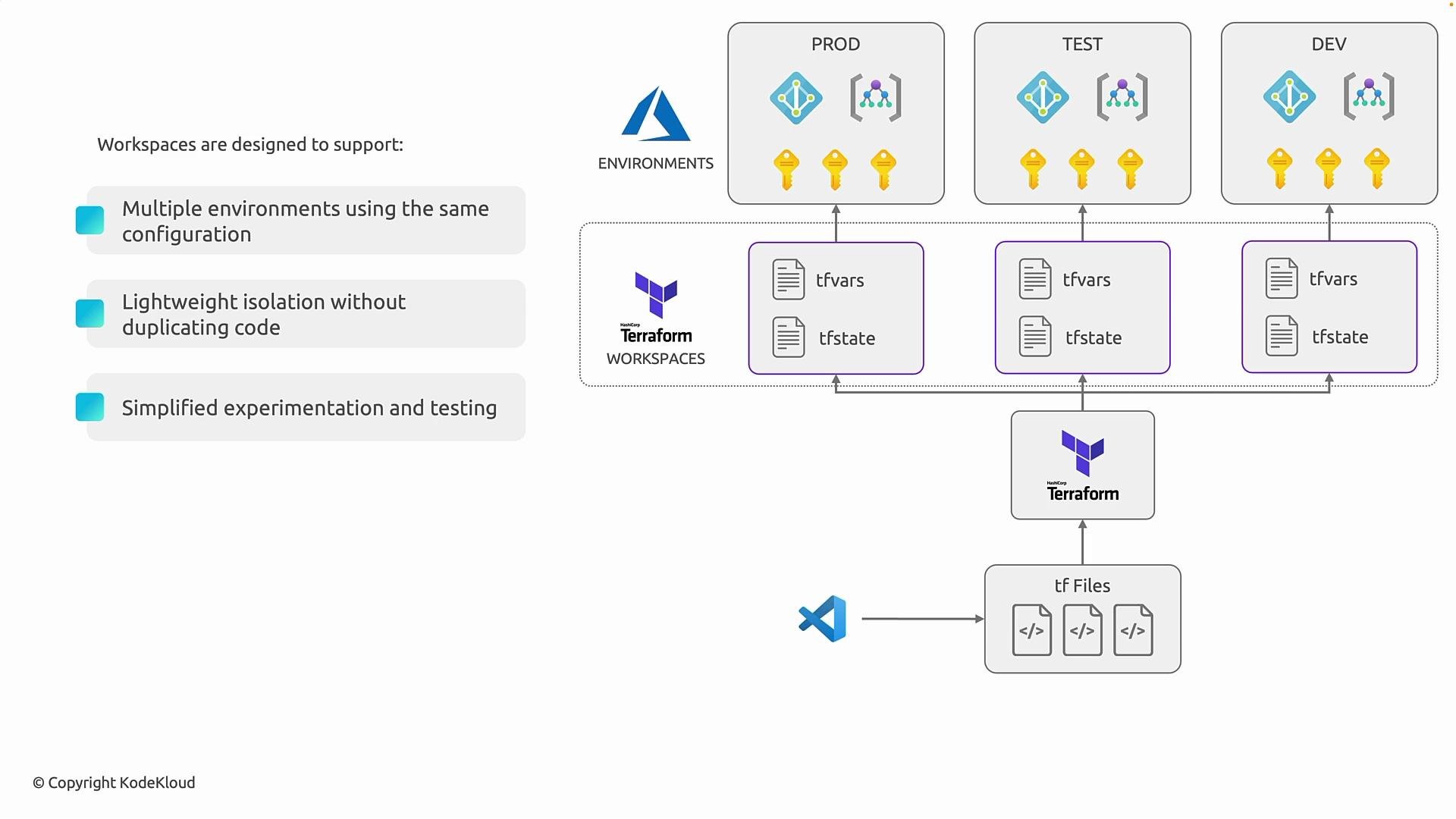
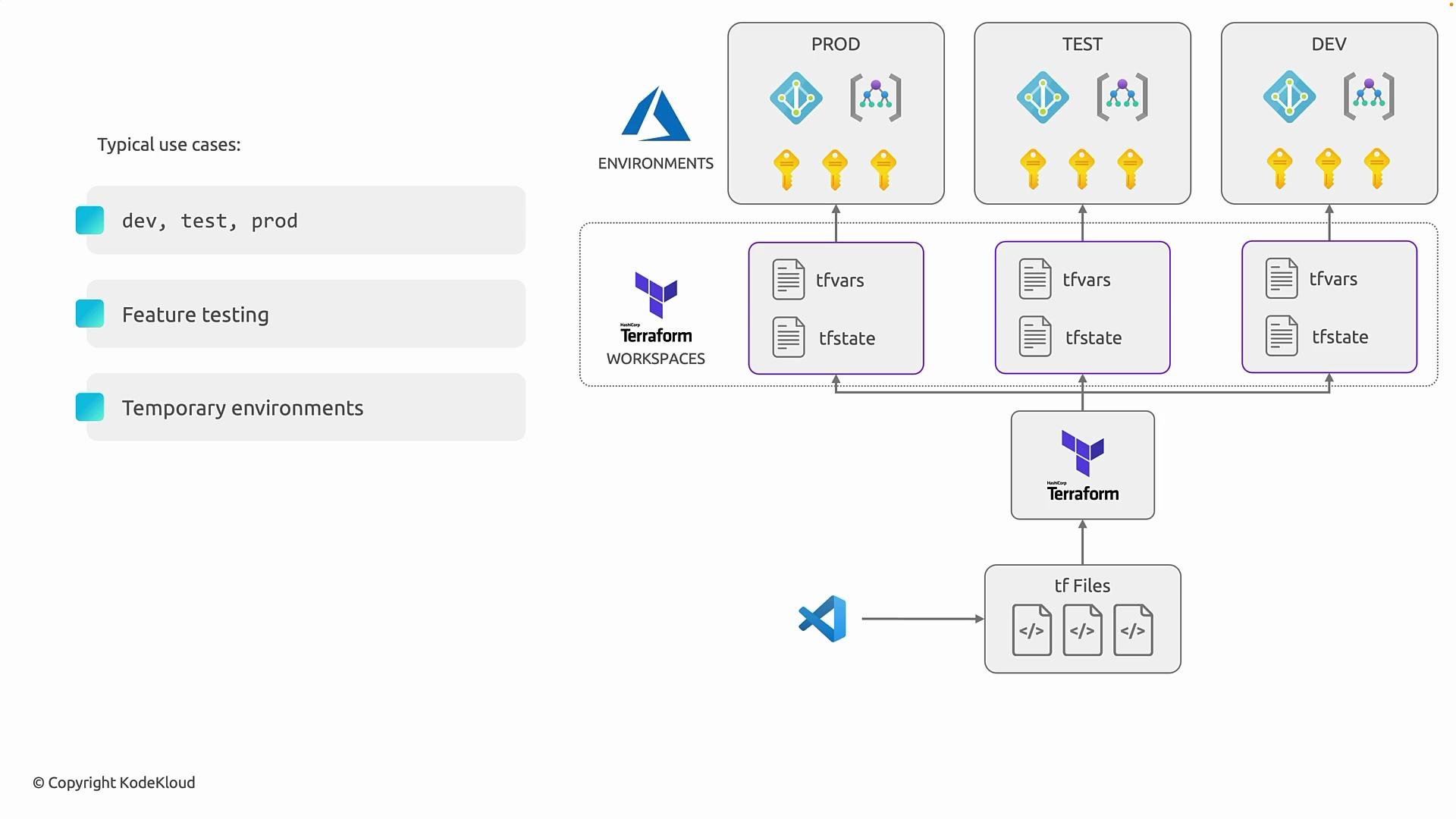
- Standard environment separation (development, testing, staging, production) when all environments follow the same architecture.
- Feature branches or ephemeral environments for validating changes without impacting other states.
- Short-lived sandboxes for experimentation or demos.
Examples:
- Remote backends typically store workspace-specific state using distinct keys or namespaces, so workspaces are compatible with many remote backends. Backend implementations (for example, Amazon S3 or Consul) may differ in how they manage workspace-related keys.
- Understand your backend’s semantics before relying on local CLI workspaces for production separation. For example, some hosted platforms treat the workspace concept as a first-class entity and map workspaces to repositories or configurations differently.
- Further reading:
- Amazon S3: https://aws.amazon.com/s3/
- Consul: https://www.consul.io/
- Terraform Cloud & Enterprise: https://www.terraform.io/docs/cloud/
- Workspaces isolate state, not configuration. Use them when multiple environments share the same infrastructure design.
- They are ideal for light-weight separation: experiments, feature branches, and temporary environments.
- For long-term divergent environments (different resources or lifecycle requirements), prefer separate configurations or dedicated backends.