In this lesson we introduce Terraform data sources — a read-only mechanism that lets Terraform query existing infrastructure and expose attributes you can reference in your configuration. Data sources are ideal when you need to reference resources that are managed outside your current Terraform run (for example, an IT-managed resource group or storage account) without importing or recreating them. Why use data sources?
  • Reuse attributes (location, id, name) from existing resources.
  • Avoid duplicating configuration values across stacks or pipelines.
  • Keep Terraform operations non-destructive for resources managed elsewhere.
General data source structure
Reference attributes from a data source using:
Common example: read an existing Resource Group and reference its attributes
In this example Terraform creates the storage account, but it derives the location and resource group from an existing resource group via the data source. This ensures consistency and prevents duplicating values. Scenario: Deploying into IT-managed resources Imagine your IT team manages a resource group and a storage account. You want to deploy additional resources into that same resource group from a separate pipeline without modifying or recreating the IT-managed resources. Use data sources to read the existing resources, then create your own resources that reference them. Step 1 — Read the existing resource group
Step 2 — Two common approaches Option A: Create your own storage account inside the existing resource group
Option B: Reference an existing storage account (managed by IT) and create a blob container inside it
Common errors and fixes Running Terraform in the configuration directory Initialize the working directory:
Plan with a variable value (if st_name is declared):
Apply (with the same variable):
Example plan output (creating an azurerm_storage_container):
The argument storage_account_name on azurerm_storage_container is deprecated in favor of storage_account_id. Use storage_account_id = data.azurerm_storage_account.storage.id to be future-proof.
Verify in the Azure portal After terraform apply, confirm the blob container appears under the storage account’s Blob containers in the Azure portal. The screenshot below shows the Storage Account overview and navigation to Storage browser / Blob containers.
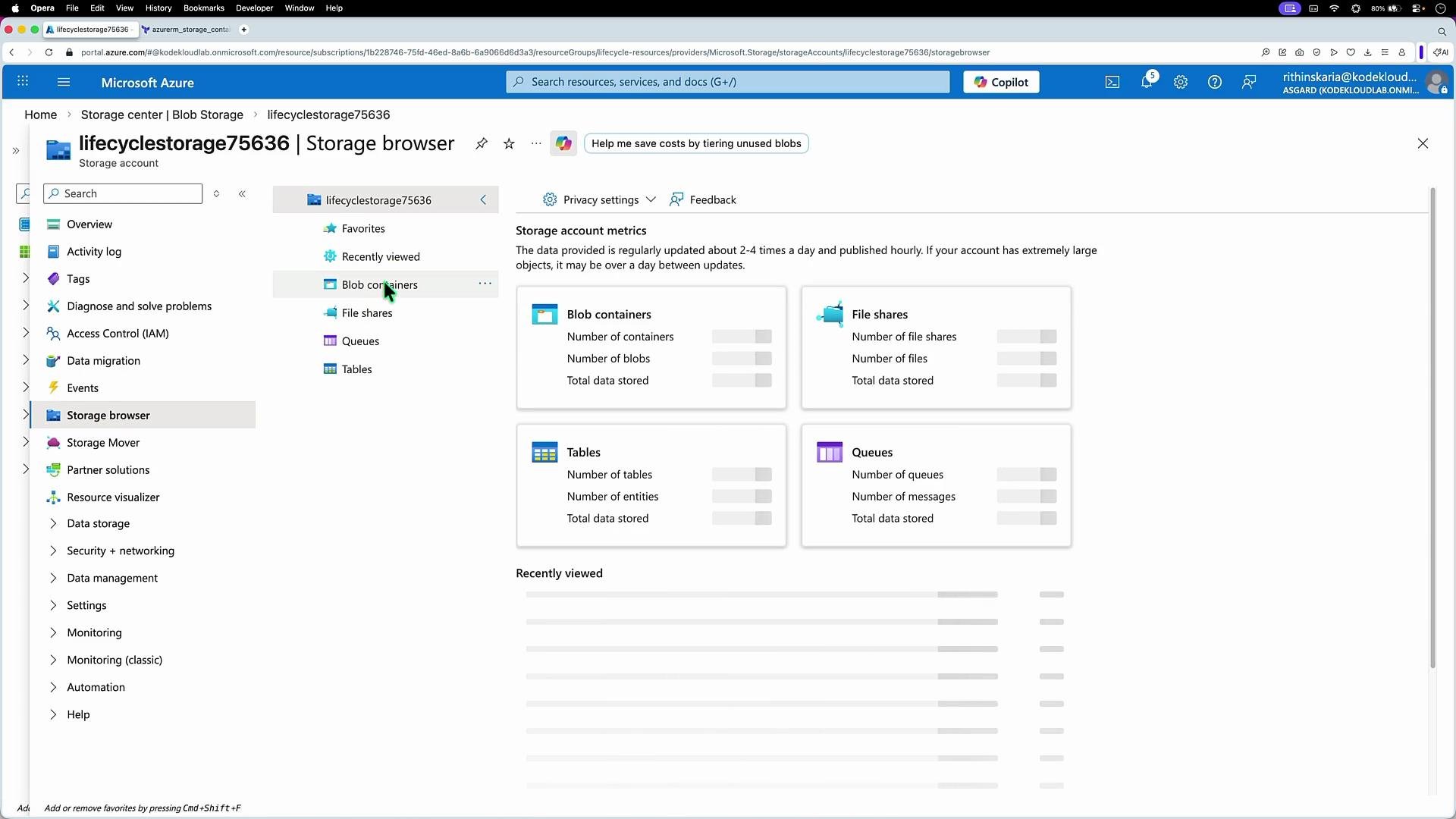
The image shows a Microsoft Azure portal interface displaying a storage account overview with metrics for blob containers, file shares, tables, and queues. The sidebar includes options like overview, activity log, tags, and storage browser.
You should see the “reports” container (or whatever name you used) created inside the storage account retrieved by the data block. Summary and best practices
  • Use data sources to read existing infrastructure and expose attributes for use in resources and modules.
  • Define data sources with data "<provider>_<type>" "<name>" { ... } and reference attributes with data.<provider>_<type>.<name>.<attribute>.
  • Prefer provider-recommended attributes (e.g., storage_account_id) to avoid deprecated arguments.
  • Common issues are usually due to undeclared variables or incorrect resource/type names—declare variables and verify resource names against the provider documentation.
Links and references

Watch Video