

terraform apply on their laptop. In a team or enterprise setting you need consistent execution, traceability, and governance. The diagram below shows a typical enterprise workflow and why CI/CD is essential.
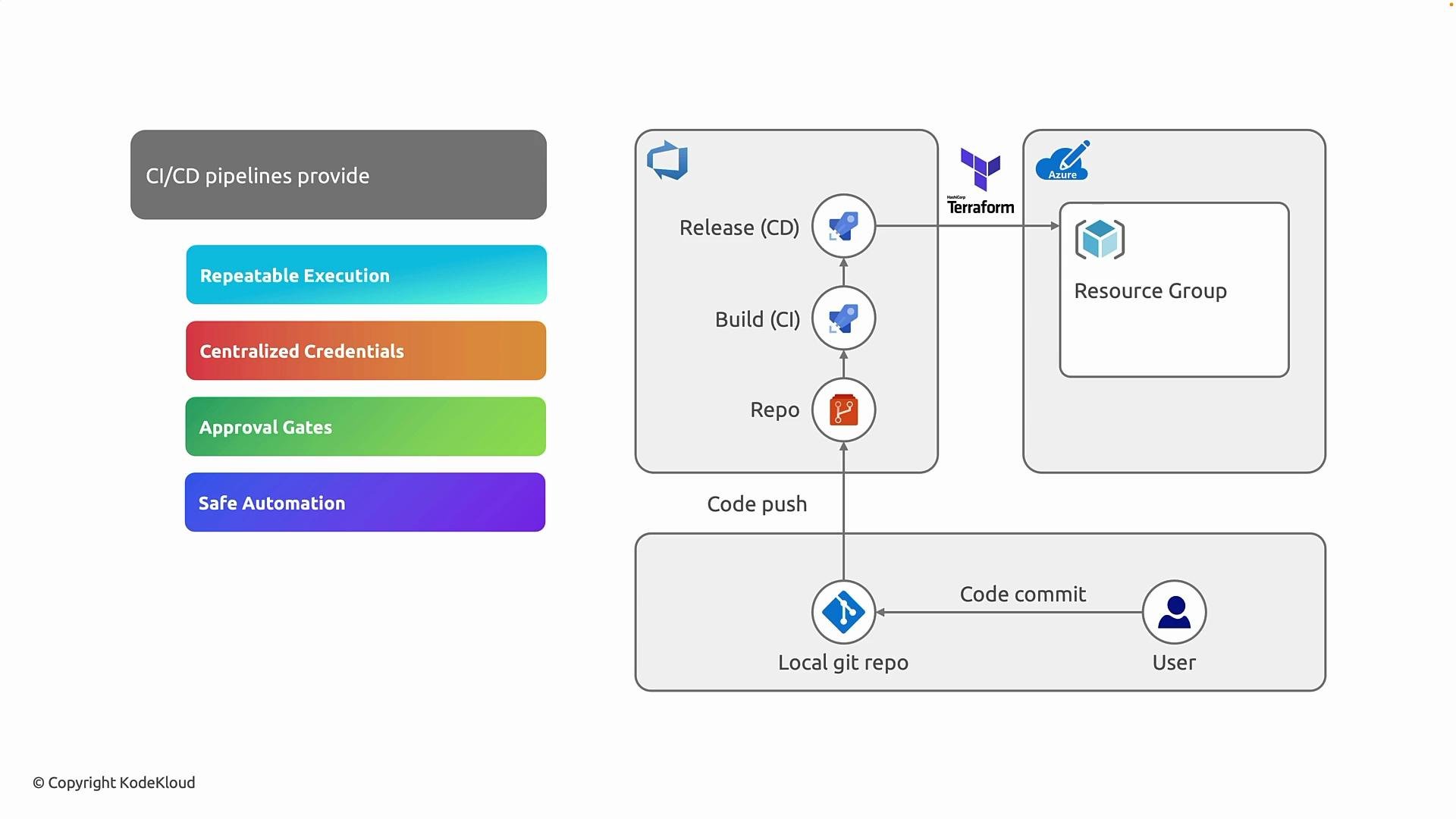
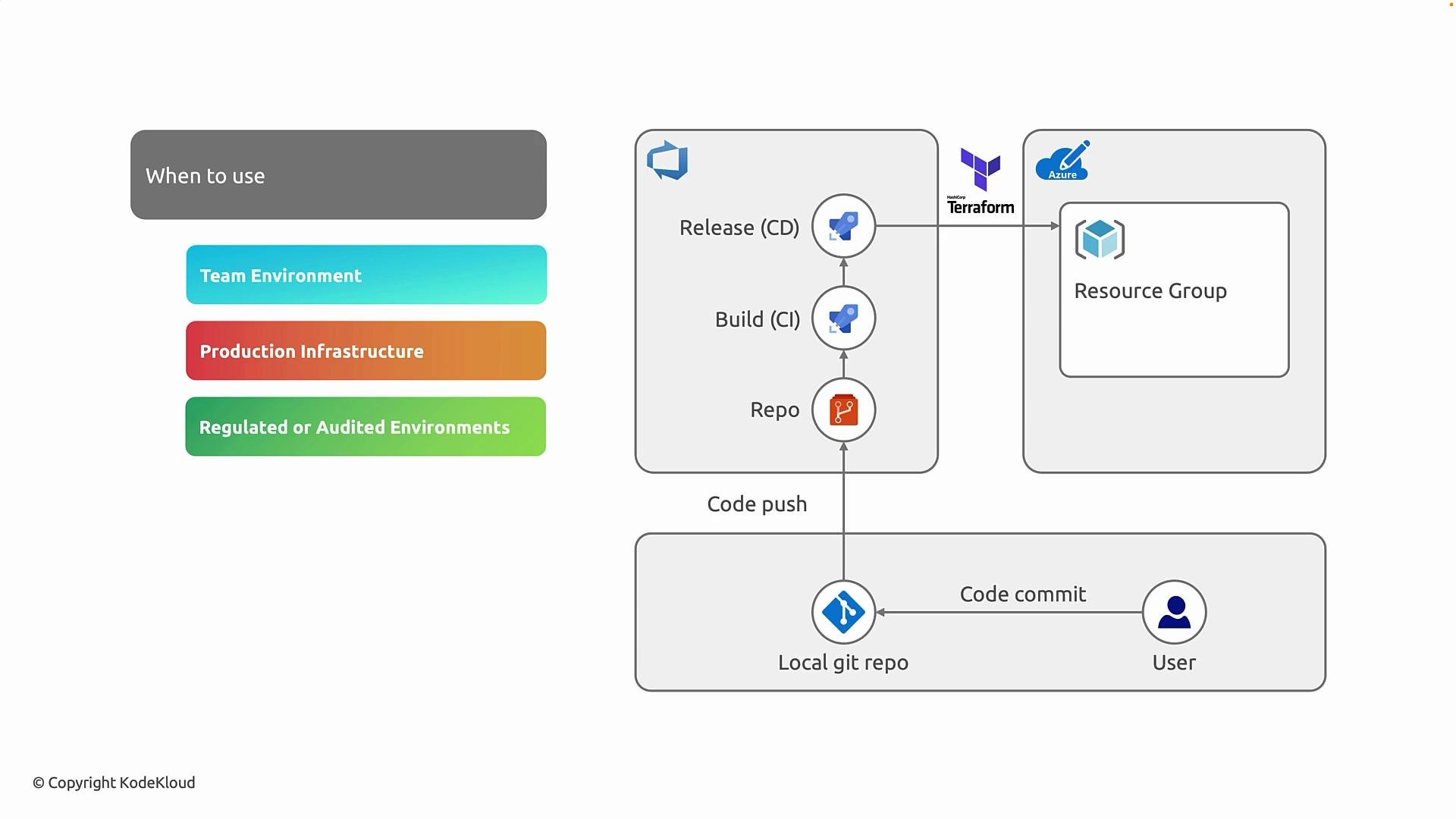
At the bottom is an engineer working in a local Git repository. They author Terraform code, commit it, and push to a centralized repo (for example, Azure DevOps). Pushing code triggers the CI pipeline, which prepares and validates the changes; after CI succeeds, the CD pipeline applies approved changes to the cloud provider (Azure in this example).
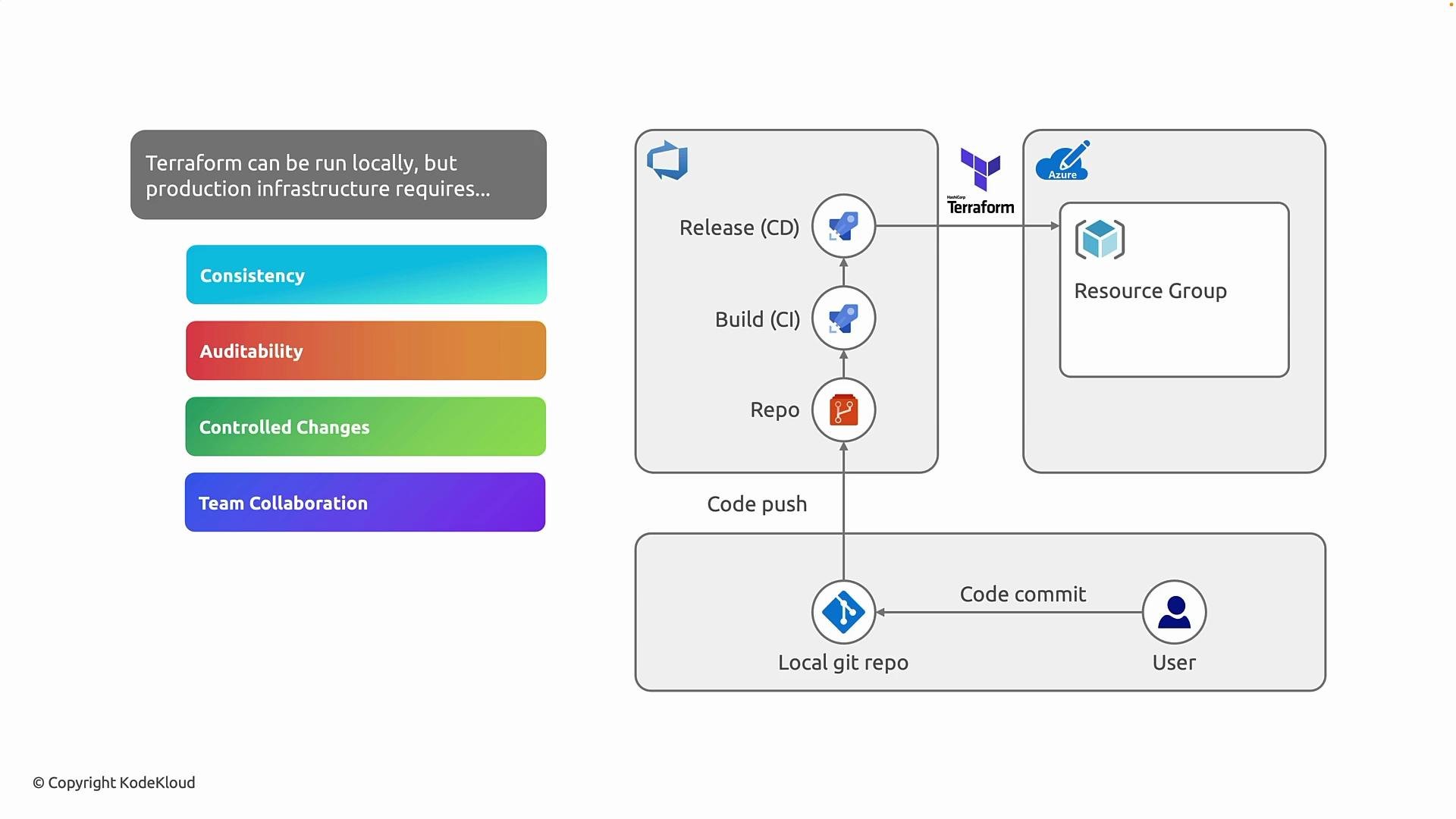
CI/CD provides consistency, repeatability, and an auditable trail—turning ad-hoc infrastructure changes into governed, reviewable, and reproducible operations.
terraform init— configures backend, downloads providers and modules.terraform validate— checks syntax and internal consistency.terraform plan— produces an execution plan that shows proposed changes.
Once CI finishes and reviewers approve the plan, CD performs the guarded
terraform apply. The result is a separation of responsibilities:
- Developers write and version infrastructure code,
- Pipelines execute and enforce the delivery process,
- Azure (or another cloud) receives the validated deployment.
- Consistency: Pipelines fix the Terraform version, provider versions, and command order so results are repeatable.
- Auditability: Runs, logs, and archived plans provide a searchable history of what changed, when, and by whom.
- Change governance: PRs, automated plan generation, and approval gates enforce review workflows before apply.
- Team collaboration: Infrastructure becomes part of the normal code review and delivery lifecycle.
terraform apply locally, creating risk and reducing traceability. Pipelines transform changes into controlled, auditable events.
Credentials and secrets
Store credentials centrally in your CI/CD system—use Azure DevOps service connections or service principals with secrets kept in the pipeline secret store. Where possible prefer managed identities to avoid long-lived credentials on machines.
Do not embed secrets in code or store long-lived credentials on developer machines. Centralize secrets in your pipeline or use managed identities to minimize operational risk.
terraform apply, require approvals (manager, security, or change board) as appropriate. The recommended sequence is: plan → review → approve → apply. This preserves automation benefits while maintaining control.
- Terraform
- Azure DevOps
- Azure DevOps service connections:
https://learn.microsoft.com/azure/devops/pipelines/library/service-endpoints?view=azure-devops&tabs=yaml - Service principals:
https://learn.microsoft.com/azure/active-directory/develop/app-objects-and-service-principals - Managed identities:
https://learn.microsoft.com/azure/active-directory/managed-identities-azure-resources/overview - Compliance references: ISO, SOC, HIPAA