

- AzureRM: a high-level, opinionated provider that enforces schemas, performs input validation, and provides strongly typed resources. It’s jointly maintained by HashiCorp and Microsoft and is the most commonly used provider for Azure infrastructure.
- AzAPI: a lower-level provider exposing direct access to Azure Resource Manager (ARM) APIs. It’s maintained by Microsoft and supports any ARM resource type and API version with minimal abstraction—ideal for preview or newly released features not yet available in AzureRM.
Quick provider summaries
You can combine AzureRM and AzAPI in the same Terraform project: use AzureRM for stable, validated resource types and AzAPI for features that are not yet supported by AzureRM.
AzureRM (high-level) — what you get
- Official provider for public Azure cloud.
- Maintains resource lifecycle via ARM APIs.
- Strongly typed resources with schema validation and built-in lifecycle handling.
- Best choice for stable, well-supported Azure services.
- Limitation: may lag behind Azure for preview or newly released features.
AzAPI (low-level) — characteristics & benefits
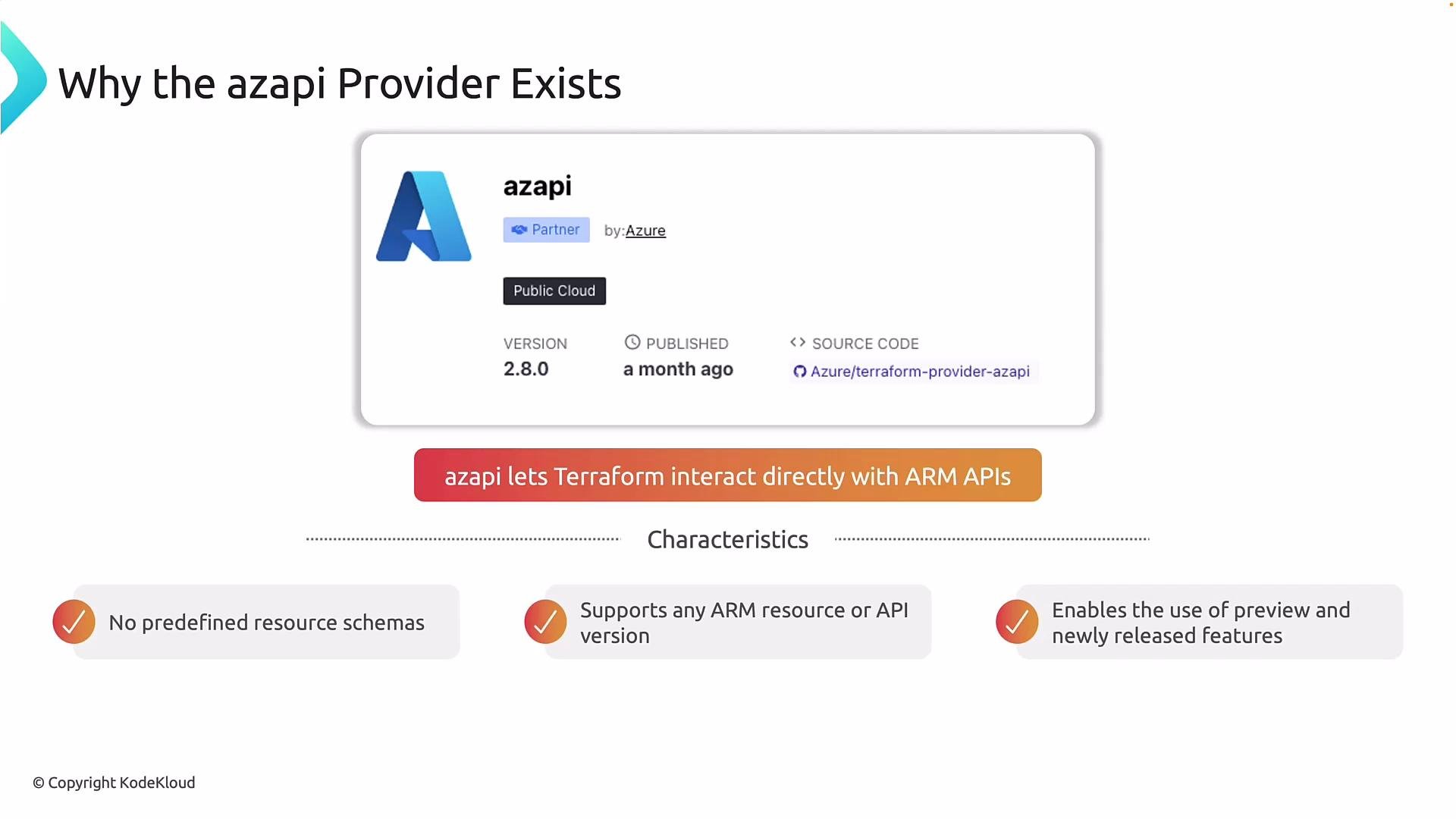
- No predefined resource schemas: you specify the ARM resource type and API version directly.
- Support for any ARM resource or API version: use new or preview APIs immediately.
- Enables preview and newly released features without waiting for AzureRM provider schema updates.
AzAPI provides flexibility but no compile-time schema validation. Mistakes in API version or property names will only surface at
terraform apply. Use AzAPI for targeted gaps, not as a default for everything.AzAPI use cases and trade-offs
- When a feature is not yet supported in AzureRM (new or preview capabilities).
- Advanced or edge-case configurations and platform experimentation.
- Trade-offs: you must choose API versions manually, deal with runtime errors, and perform more detailed ARM knowledge checks during development.
Practical examples
1) AzureRM-only provider (typical setup)
provider configuration:2) Adding AzAPI alongside AzureRM
Declare both providers underrequired_providers and configure each provider block. Terraform loads all .tf files in the working directory.
- Terraform loads all
.tffiles in a directory. Many teams useproviders.tf(orprovider.tf) for clarity, especially when multiple providers are present.
Creating the same resource: AzureRM vs AzAPI
AzureRM resource group (strongly typed and validated):typeuses the format<namespace>/<resourceType>@<apiVersion>.- For complex resources you can pass a full ARM JSON body (use
jsonencode()), or set specific properties as required. - Because AzAPI lacks a typed schema, verify the API version and property names against ARM documentation—errors will appear at apply time if mismatched.
When to use which provider
- Use AzureRM when you want:
- Schema validation
- Predictable lifecycle behavior
- Coverage for the majority of common Azure resources
- Use AzAPI when you need:
- Immediate access to new or preview ARM features
- Niche property control or resource types not exposed by AzureRM
- Common approach: use AzureRM for most resources and AzAPI selectively to fill gaps.
Real-world scenario
If Microsoft releases a new capability for Azure Database for PostgreSQL that’s not yet available in AzureRM, you can target the correct ARM resource type and API version with AzAPI to enable that capability immediately while keeping the rest of your infrastructure managed by AzureRM.Wrap-up
AzureRM and AzAPI are complementary:- AzureRM = stability, validation, conventional provider behaviors.
- AzAPI = agility, immediate ARM access, and coverage for preview/new features.