create_before_destroy, how it changes replacement ordering, and what to consider when using it with Azure to support zero-downtime deployments.
What create_before_destroy does
- By default, Terraform replaces resources using a destroy-then-create sequence. Enabling
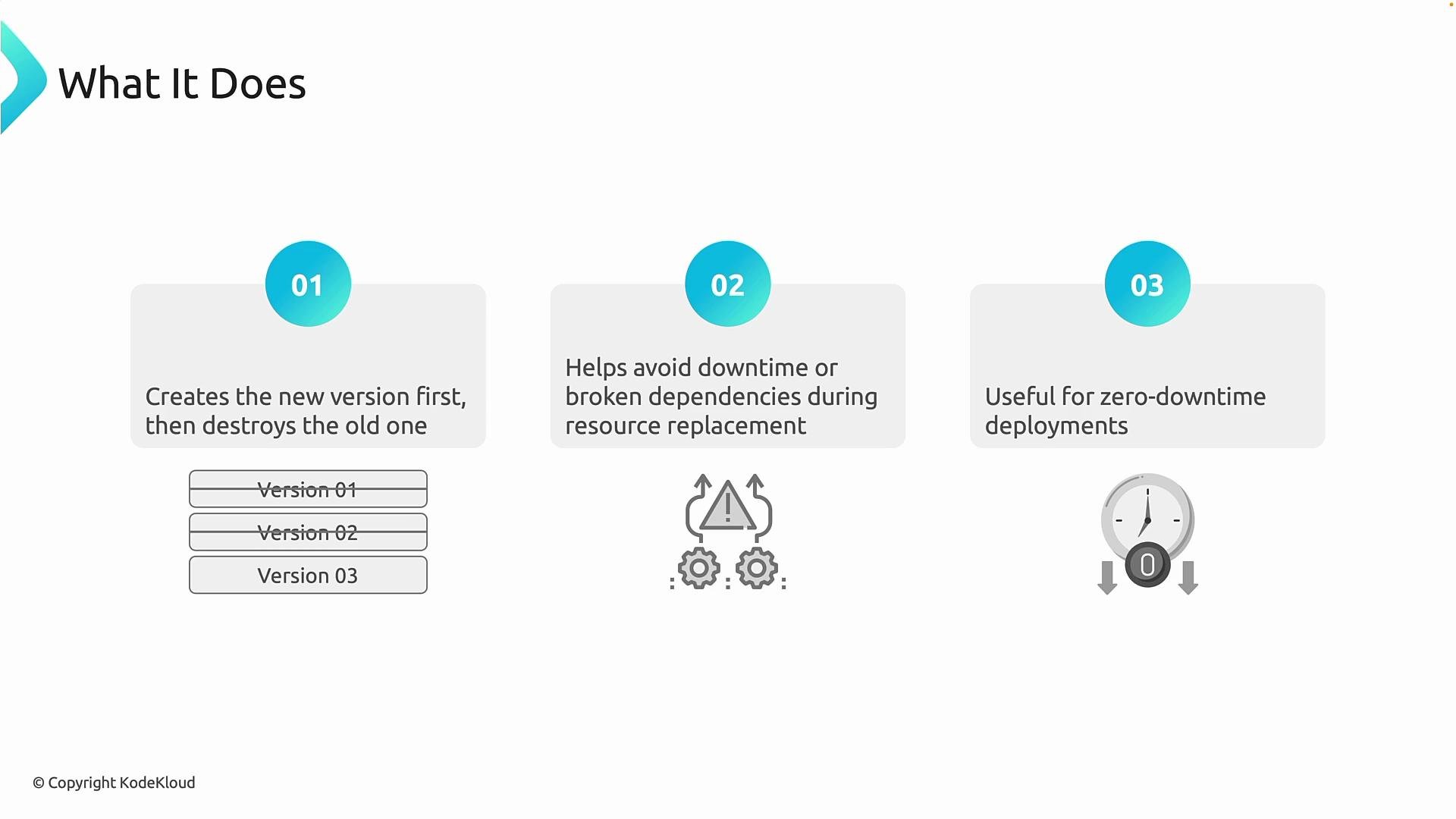
create_before_destroyreverses that order: Terraform will create the replacement resource first, then destroy the original. - This approach lets the original resource remain available while the new one is provisioned, reducing the risk of outages or broken dependents.
- It enables blue/green, canary, and other parallel-deployment patterns where both old and new resources coexist briefly and traffic is switched only after verification.
Example lifecycle configuration (HCL)
Use
create_before_destroy when you design for parallel resources (for example, blue/green deployments) and can ensure the replacement can be created alongside the existing resource. This may require versioned naming, DNS indirection, or a load-balancer swap strategy.- Many Azure resources support in-place updates for most properties. Because Azure often updates resources in place, Terraform’s default destroy-then-create behavior combined with Azure’s update model is usually sufficient and simpler.
- Some Azure services enforce globally unique names (for example, storage account names, CDN endpoint names) or unique DNS labels. If a name or label must be unique, you cannot create a new resource with the same identifier while the old one still exists.
- To use
create_before_destroyeffectively on Azure you usually need one or more of the following:- Versioned or suffixed names so two resources can coexist (for example,
app-v1,app-v2). - An indirection layer such as DNS, Traffic Manager, or an Application Gateway/load balancer to switch traffic after the new resource is ready.
- A migration or synchronization plan for stateful resources (databases, storage) so data is consistent between versions.
- Versioned or suffixed names so two resources can coexist (for example,
Some Azure resources require globally unique names or DNS labels. Attempting to create a replacement with the same unique identifier will fail because Azure does not allow two resources or DNS labels with the same identifier to coexist.
- Favor Terraform’s default behavior for simple updates; use
create_before_destroyonly when your architecture supports parallel instances. - Design naming conventions and indirection early (DNS, load balancer, feature flags) so replacements can coexist without collisions.
- Test replacement flows in a staging environment that mirrors production constraints (naming, quotas, IP limits).
- Document the cutover steps and rollback plan for each resource type that will be replaced using
create_before_destroy.
- Terraform Lifecycle Meta-Argument: create_before_destroy
- Azure Resource Manager documentation
- Designing for zero-downtime deployments on Azure