

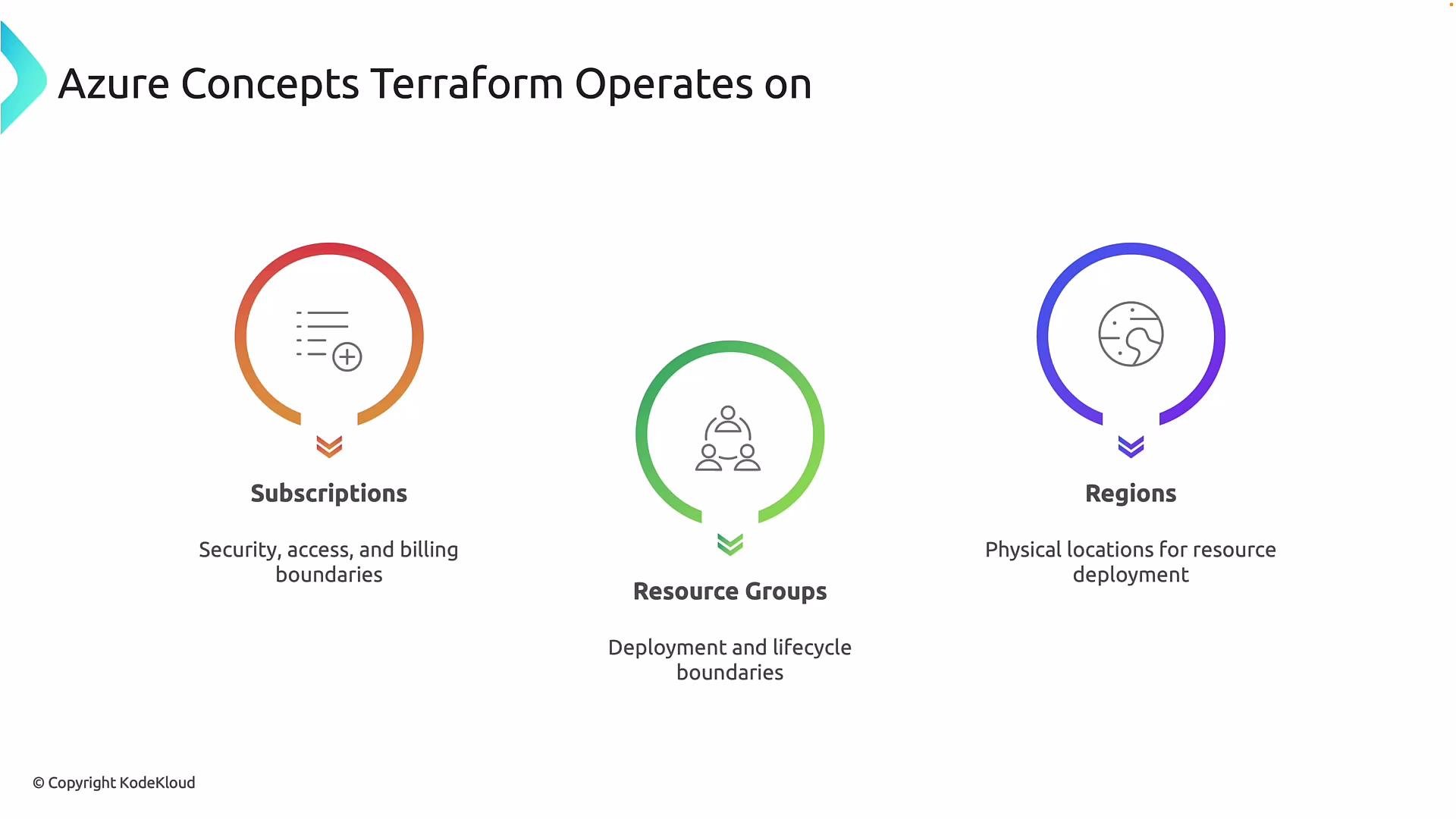
- Subscriptions: Security, access, and billing boundaries. Terraform must be configured to target a subscription (or multiple subscriptions via provider configuration); most resources are scoped to a subscription.
- Resource groups: Logical deployment and lifecycle boundaries used to group related resources for management and deletion.
- Regions: Physical Azure datacenters where resources are deployed. Most resources must have a valid Azure region; some services are global or tenant-scoped.
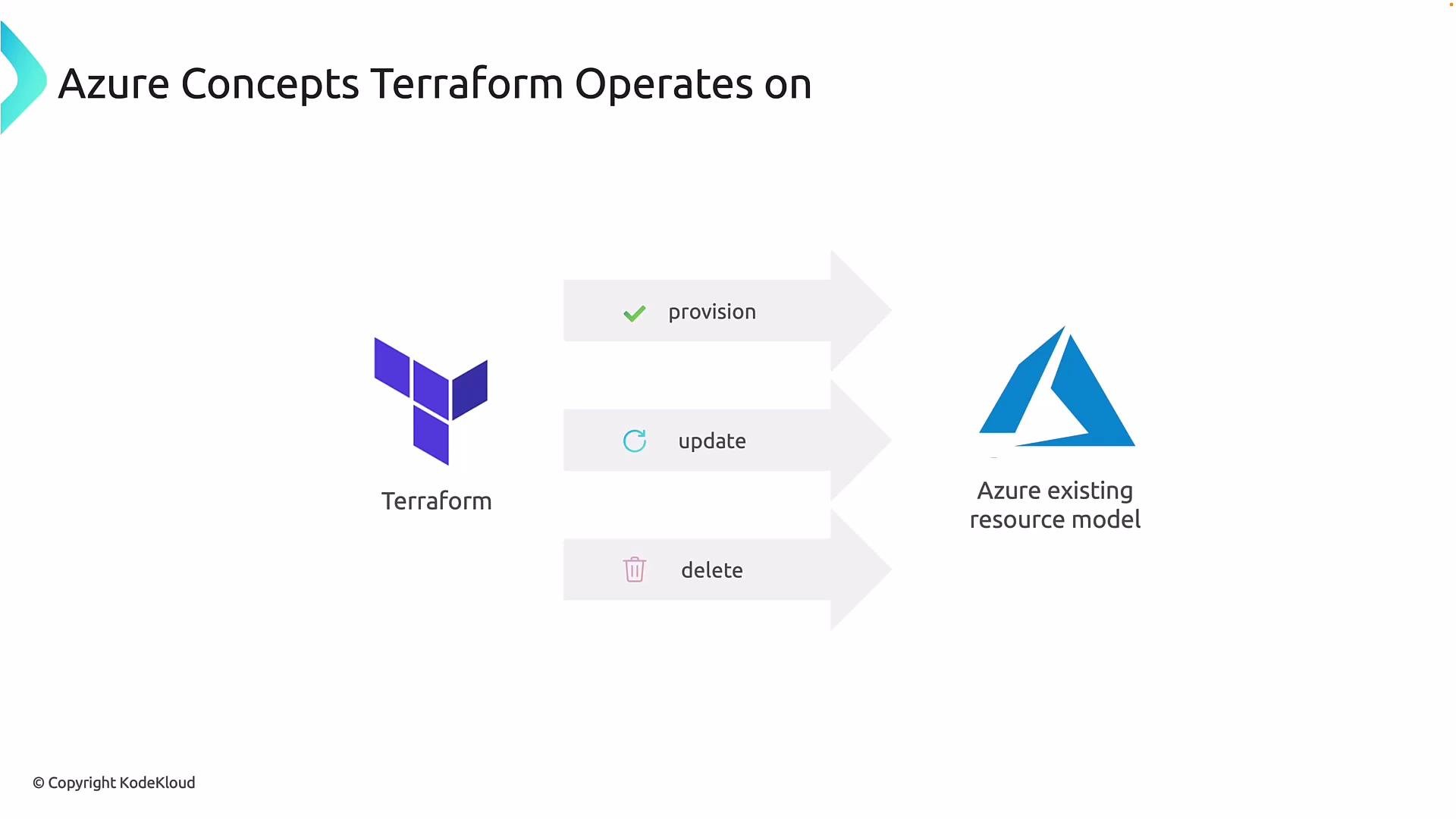
When Terraform runs, it performs three core lifecycle actions against Azure:
- Provision: Create new resources by calling ARM APIs when resources do not exist.
- Update: Modify existing resources when configuration or inputs change.
- Delete: Remove resources when they are removed from configuration or explicitly destroyed.
Terraform state must reflect what actually exists in Azure. State drift happens when resources are changed outside of Terraform (for example, manual deletions in the Azure Portal). If state is out of sync,
terraform plan and terraform apply may produce unexpected results.
Resource groups are commonly used as lifecycle boundaries. Terraform normally:
- Plans across all resources in scope and produces a single execution plan.
- Applies changes in the correct order using dependency resolution (explicit references or implicit attribute dependencies).
- Destroys resources grouped under a resource group if the group itself is removed in Azure.
Deleting a resource group in Azure deletes everything it contains—regardless of whether Terraform created those resources. Accidental deletions outside Terraform cause state drift and can break future Terraform operations. Design resource groups and environment separation carefully to avoid unintended data or service loss.
Use remote state backends and access controls to keep Terraform state consistent and safe. For Azure, the
azurerm backend using an Azure Storage Account plus a container_name and key is a common pattern for team workflows.- Separate environments (dev/test/prod) using resource groups, subscriptions, or workspaces.
- Use multiple subscriptions when needed for security, billing, or policy isolation.
- Store state remotely (e.g., Azure Storage backend) and enable state locking where supported.
- Use least-privilege authentication (service principals, managed identities, or Azure CLI auth) and follow organizational RBAC policies.
- Review and audit changes with
terraform planand CI/CD pipelines before applying to production.
- Azure Resource Manager templates overview
- Terraform language docs (HCL)
- Azure CLI authentication
- Terraform backend azurerm