

main or dev), pull-request-based, or manual. Azure DevOps provisions an agent (Microsoft-hosted or self-hosted) to run the pipeline job.
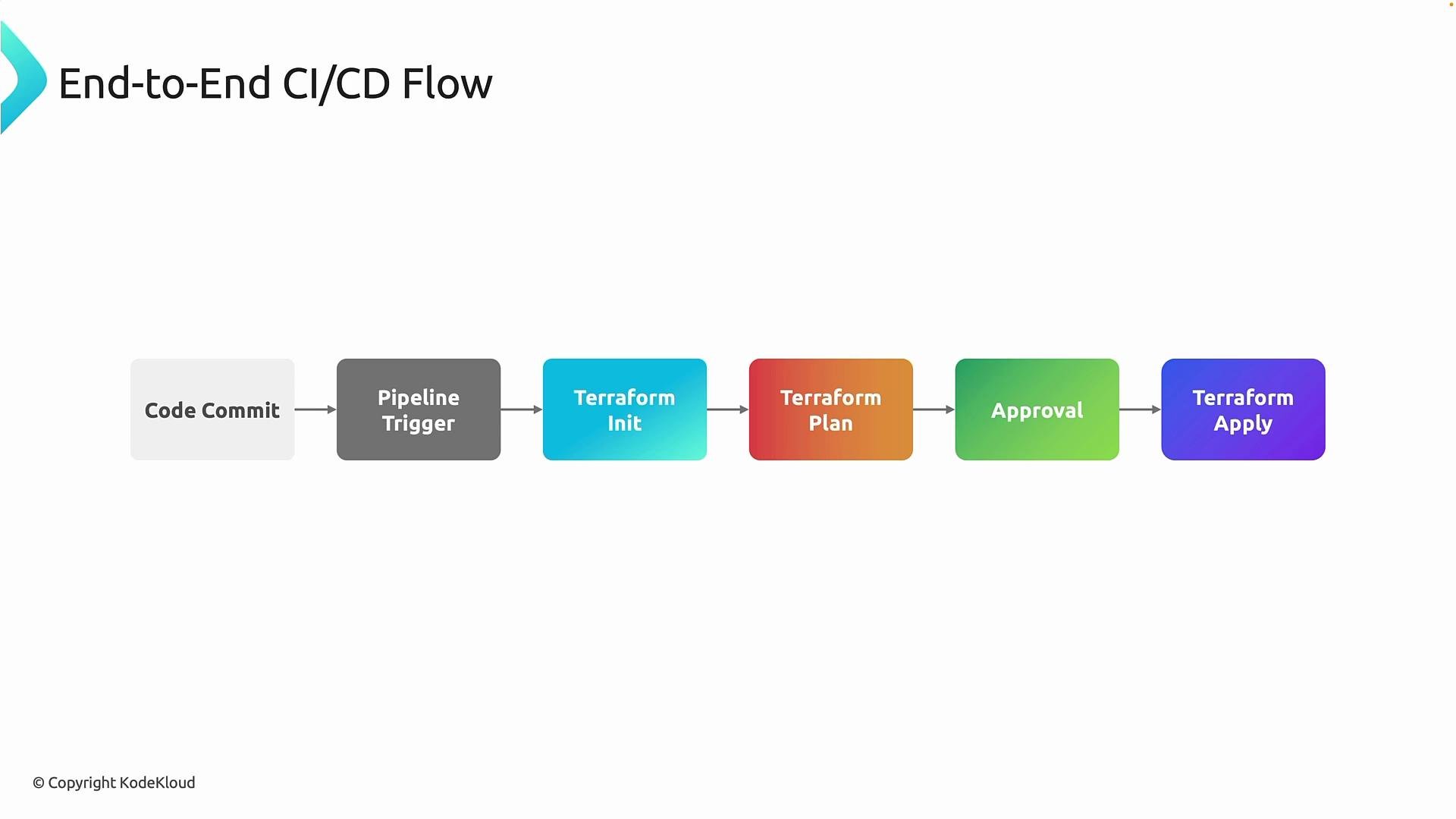
Typical pipeline sequence:
- Terraform init — connects to the remote backend, authenticates via the Azure service connection, downloads providers, and locks/prepares the state. If the backend is unreachable, init fails and the pipeline stops.
- Terraform plan — reads remote state, inspects current infrastructure, and produces an execution plan. This is a read-only validation step; it does not change Azure. In production pipelines, the plan is often saved as a binary artifact using
terraform plan -out=<planfile>so reviewers apply the exact reviewed artifact. - Approval — governance checkpoint where the plan is reviewed and risk is assessed. Azure DevOps supports manual approvals, environment checks, and role-based approvers.
- Terraform apply — applies the reviewed plan, updates remote state, and releases the state lock.
- An Azure DevOps organization and project with a repository to store Terraform code.
- A build agent: Microsoft-hosted or self-hosted (see options below).
- A remote backend for Terraform state (example: Azure Storage account + container).
- An Azure DevOps service connection (Service Principal) with least-privilege permissions for the operations your pipeline will perform.
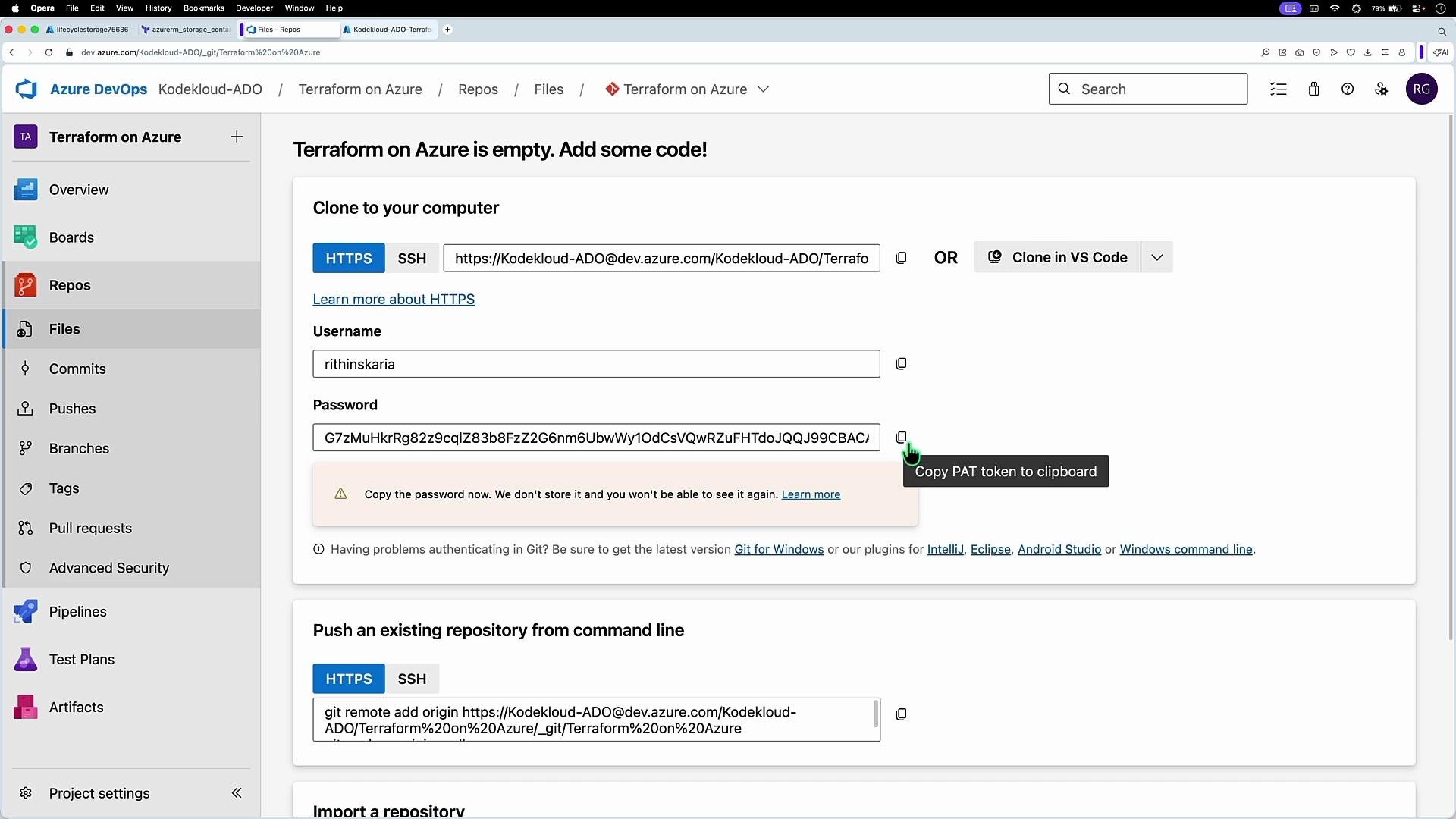
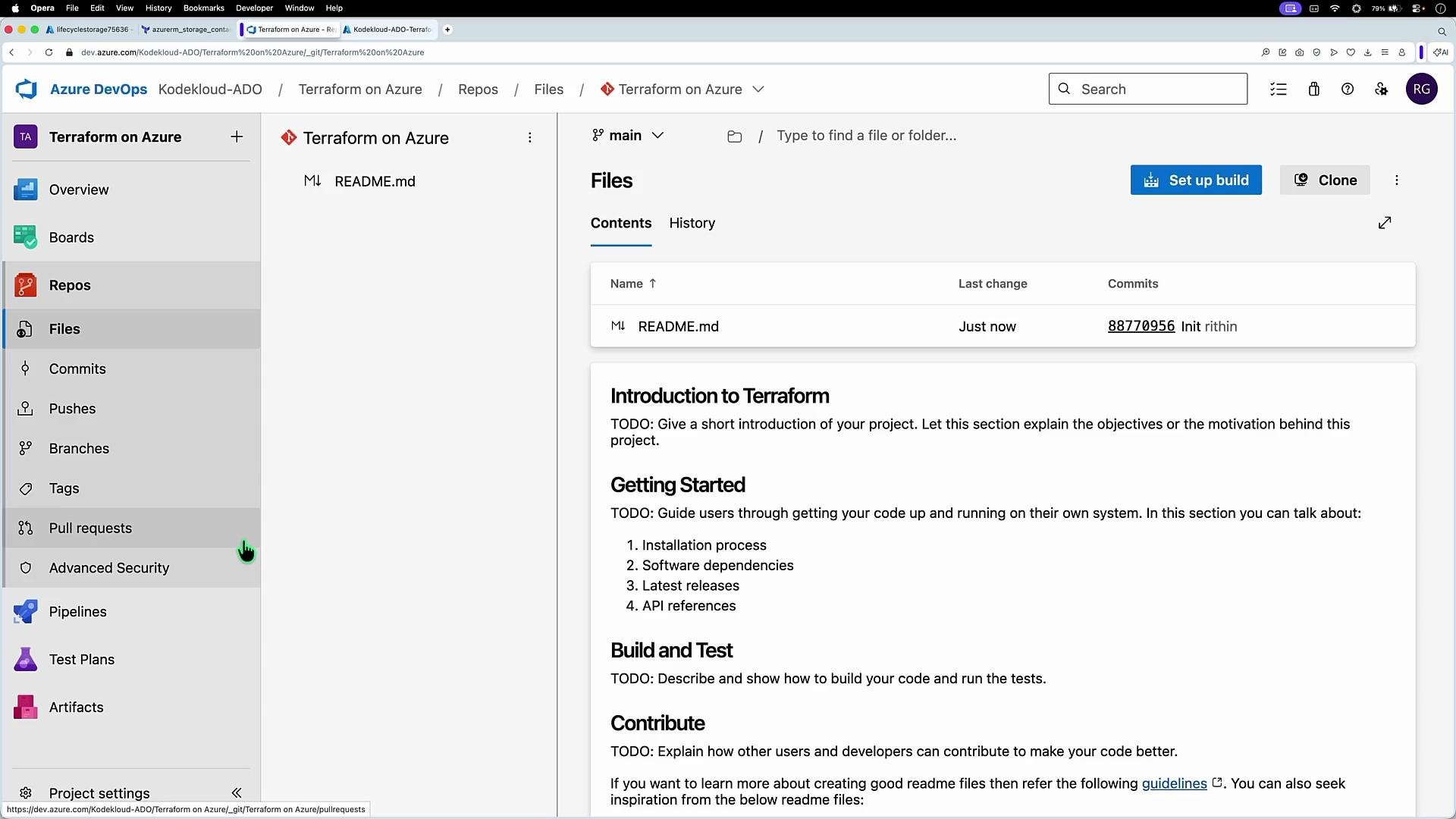
- Create an Azure DevOps repository for your Terraform code.
- If needed, generate Git credentials (Windows Credential Manager often handles this automatically; macOS/Linux can use a personal access token or SSH key).
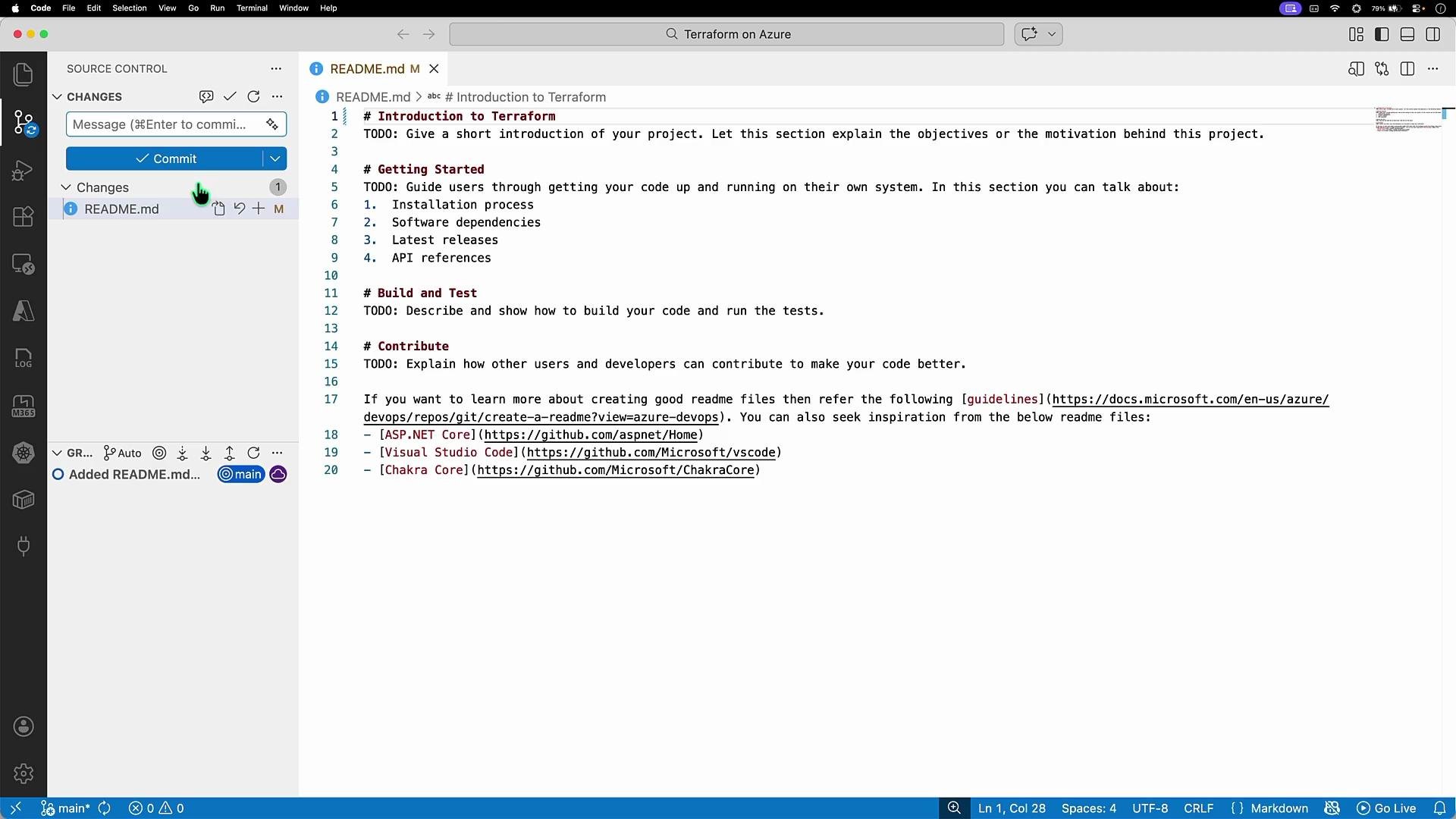
- Clone the repo locally, make a test change (for example, update
README.md), commit and push to verify connectivity and confirm commits are tracked for audit purposes.
Key self-hosted requirements: Azure CLI, Terraform binary, Git, and any other tooling your pipeline needs.
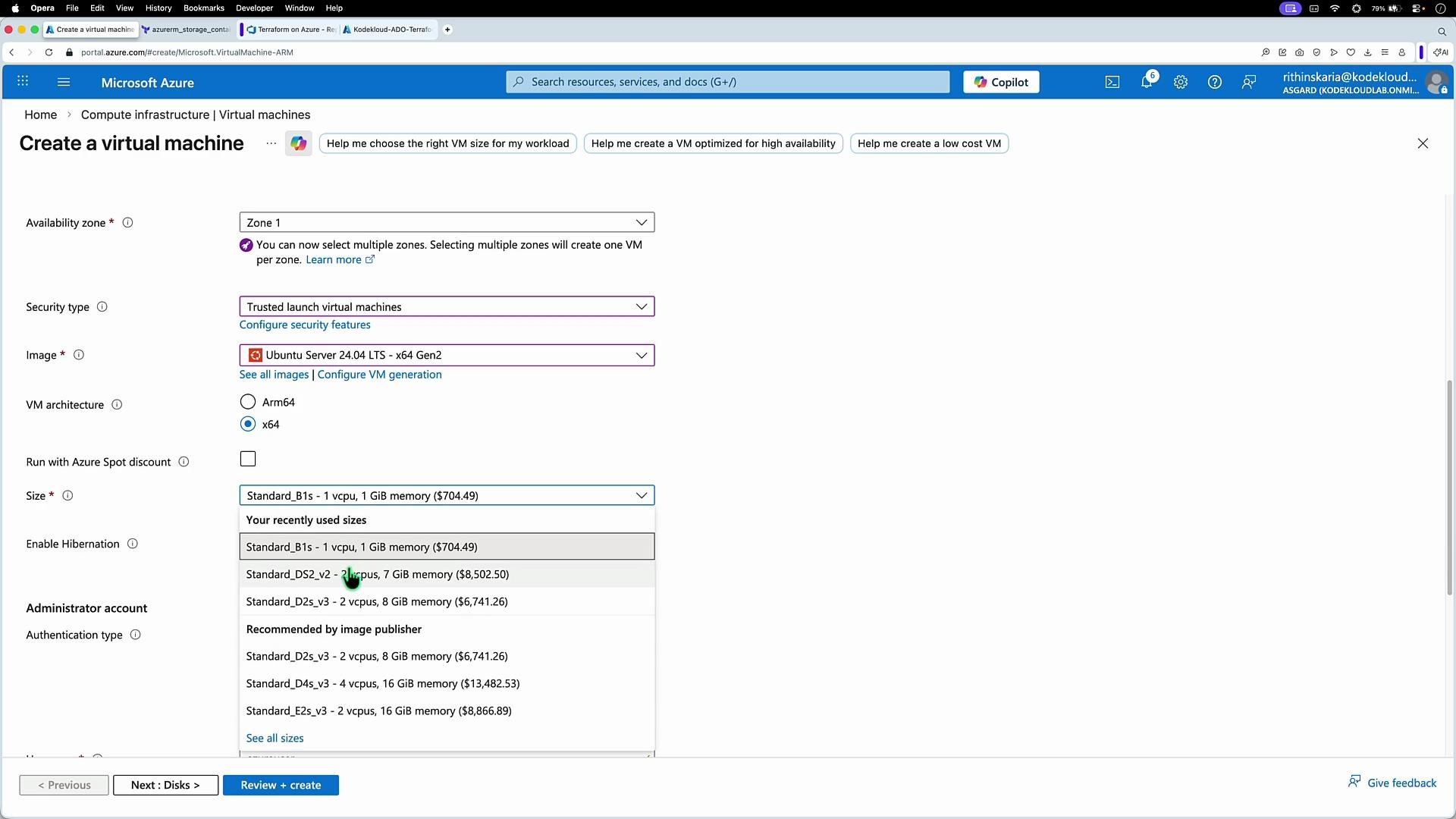
- Provision an Ubuntu VM in Azure. Configure VM name, resource group, region, size, and authentication (SSH).
- SSH into the VM:
- Install Azure CLI (official Microsoft method for Debian/Ubuntu):
- Install Terraform (HashiCorp APT repository):
- Verify installations:
- In Azure DevOps go to Project settings → Agent pools and create a new pool (for example,
Terraform). - Register an agent for Linux (or your OS), copy the agent package URL, then download, extract, configure, and run the agent on the VM.
./config.sh you will:
- Accept license terms
- Enter server URL (e.g.,
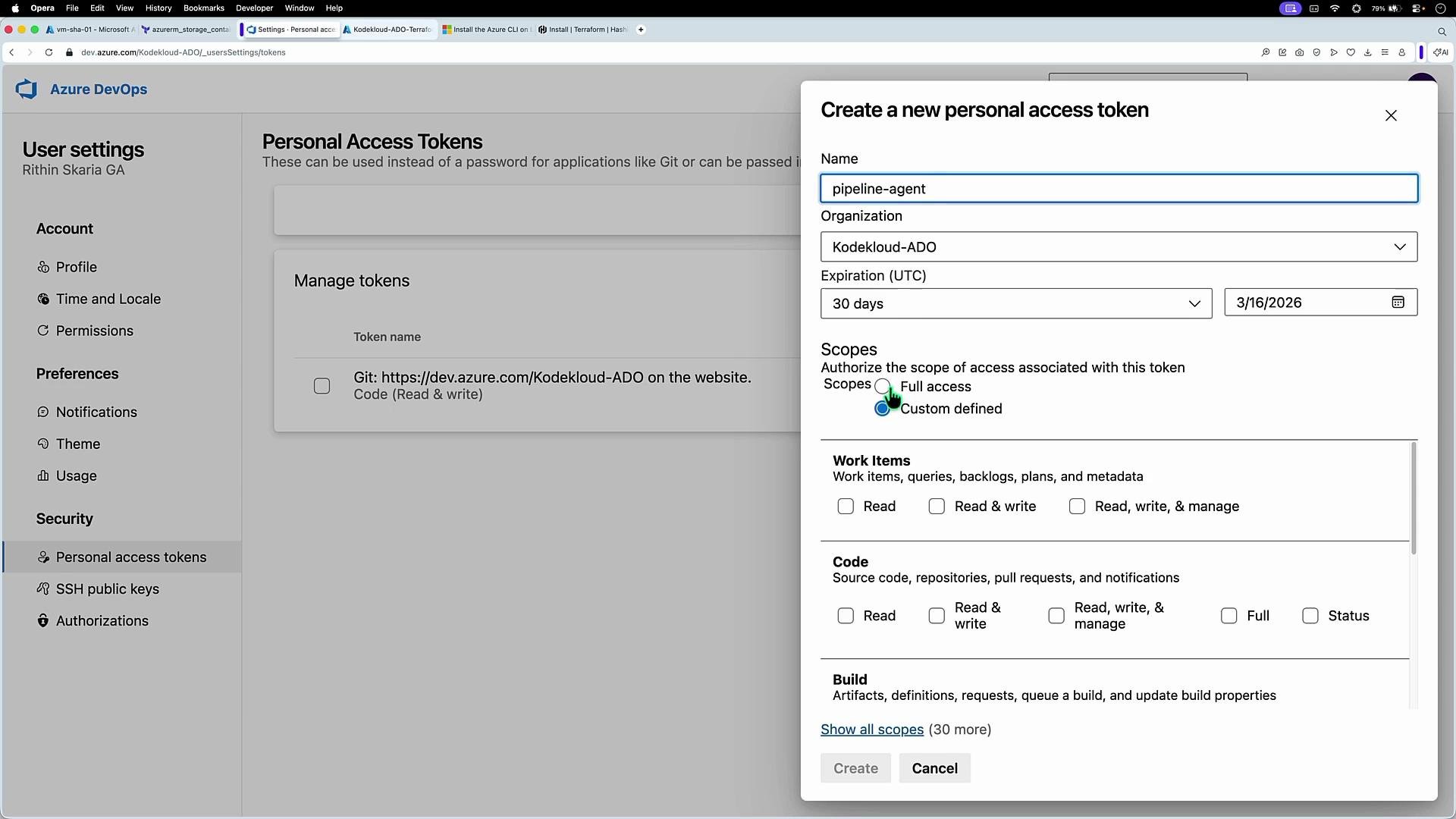
https://dev.azure.com/<ORG>/) - Provide a Personal Access Token (PAT) generated with agent registration scope
- Specify the agent pool name (e.g.,
Terraform) - Choose an agent name (or accept the default)
- Save and run the agent:
./run.sh— the agent will poll for jobs and run them when available.
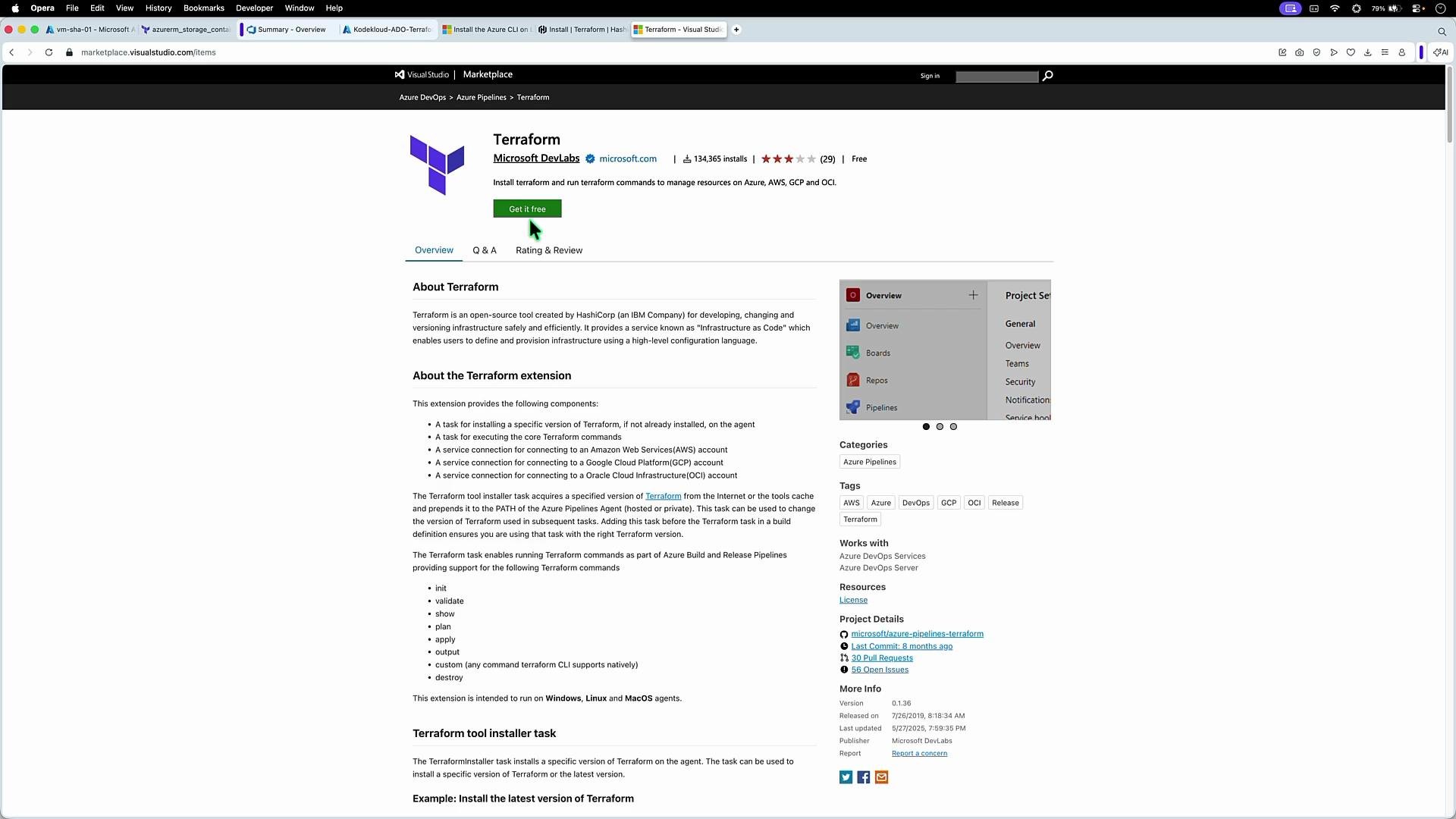
Terraform and the official Terraform tasks:
pool: Terraformtargets the self-hosted agent pool you created.backendServiceArm(forinit) andenvironmentServiceNameAzureRM(forplan/apply) refer to the Azure service connection (example:tf-svc-01).- The backend storage account/container/key are provided to the
inittask so the remote state is configured during pipeline execution. - Remove the
triggerblock if you prefer to run pipelines manually (useful when approvals are required before execution).
Using
-auto-approve bypasses interactive confirmation. Ensure you have robust approvals and artifact-based plan reviews before enabling automatic apply in production.main.tf with a single resource group:
backend.tf (backend details will be provided by the pipeline):
- Checkout
terraform initto configure the remote backendterraform planto validate the changes- Approval gates (if configured)
terraform applyto create/update resources
apply step:
- Save the binary plan as a pipeline artifact and require that the exact plan artifact is applied to ensure auditable, deterministic changes.
- Add approvals, environment checks, and role-based approvers before
applyto enforce governance. - Harden self-hosted agents: apply least privilege, automate updates, and restrict network access; use Microsoft-hosted agents when possible to reduce maintenance.
- Extend pipeline tasks with linting (tflint), validation (terraform validate), and automated tests for modules (terratest).
Keep Terraform state in a secured remote backend and ensure your Azure service connection has the minimum required permissions for the operations your pipeline performs.
- Azure DevOps docs: https://docs.microsoft.com/azure/devops
- Terraform documentation: https://www.terraform.io/docs
- Install Azure CLI on Linux: https://learn.microsoft.com/cli/azure/install-azure-cli-linux