

Common failure scenarios
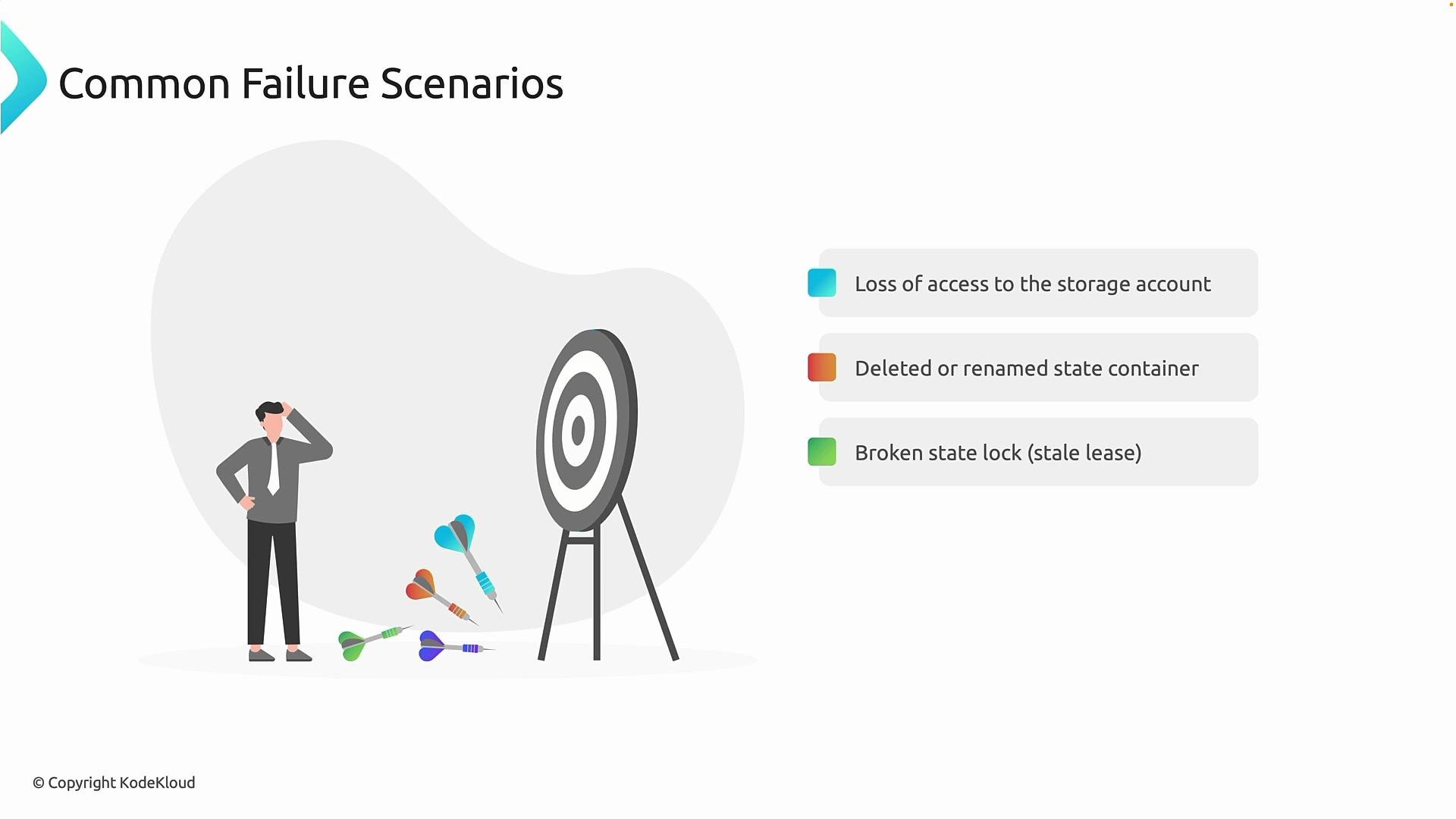
The most frequent remote-state failure modes include:- Loss of access to the backend storage account
- Causes: revoked or changed RBAC roles, expired/rotated credentials, Conditional Access policies blocking automation, or identity misconfiguration.
- Effect: Terraform can no longer authenticate to read/write the state.
- Deleted, renamed, or moved state container/blob
- Causes: accidental human action or overly-broad automation that modifies storage resources.
- Effect: Terraform cannot locate the expected state file; operations fail with “state not found”/“backend error”.
- Stale lock (broken or abandoned state lock)
- Causes: an interrupted or crashed Terraform operation left a lease/lock on the state blob.
- Effect: Subsequent
terraform plan/applyare blocked until the stale lease is broken or allowed to expire.
- Credential drift or identity mismatch
- Causes: secret rotation, switching service principals, or CI/CD pipelines not updated after identity changes.
- Effect: Authentication failures across all consumers of the backend.
What breaks first — and why it matters
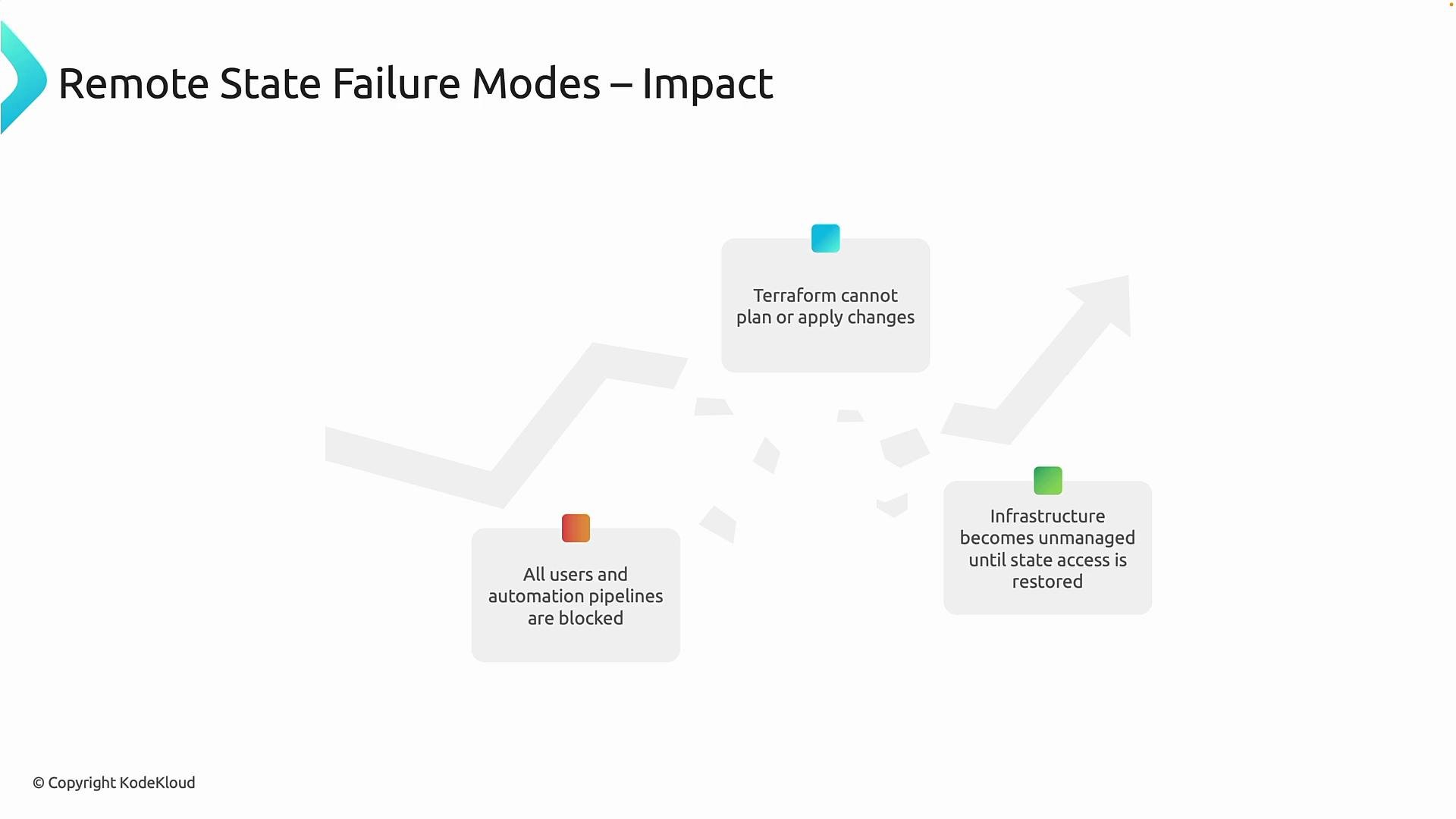
When remote state access fails, the effects are immediate and broad:- Terraform cannot plan or apply changes. Without access to the state, Terraform cannot compute diffs, so both
terraform planandterraform applywill fail with backend/state errors. - All users and automation pipelines are blocked. Because the backend is shared, a backend failure prevents engineers and CI/CD jobs from progressing.
- Infrastructure becomes unmanaged until state access is restored. The live infrastructure continues running, but Terraform cannot make coordinated updates or safely change resources until the state is recovered.
Operational best practices (preventive and detective controls)
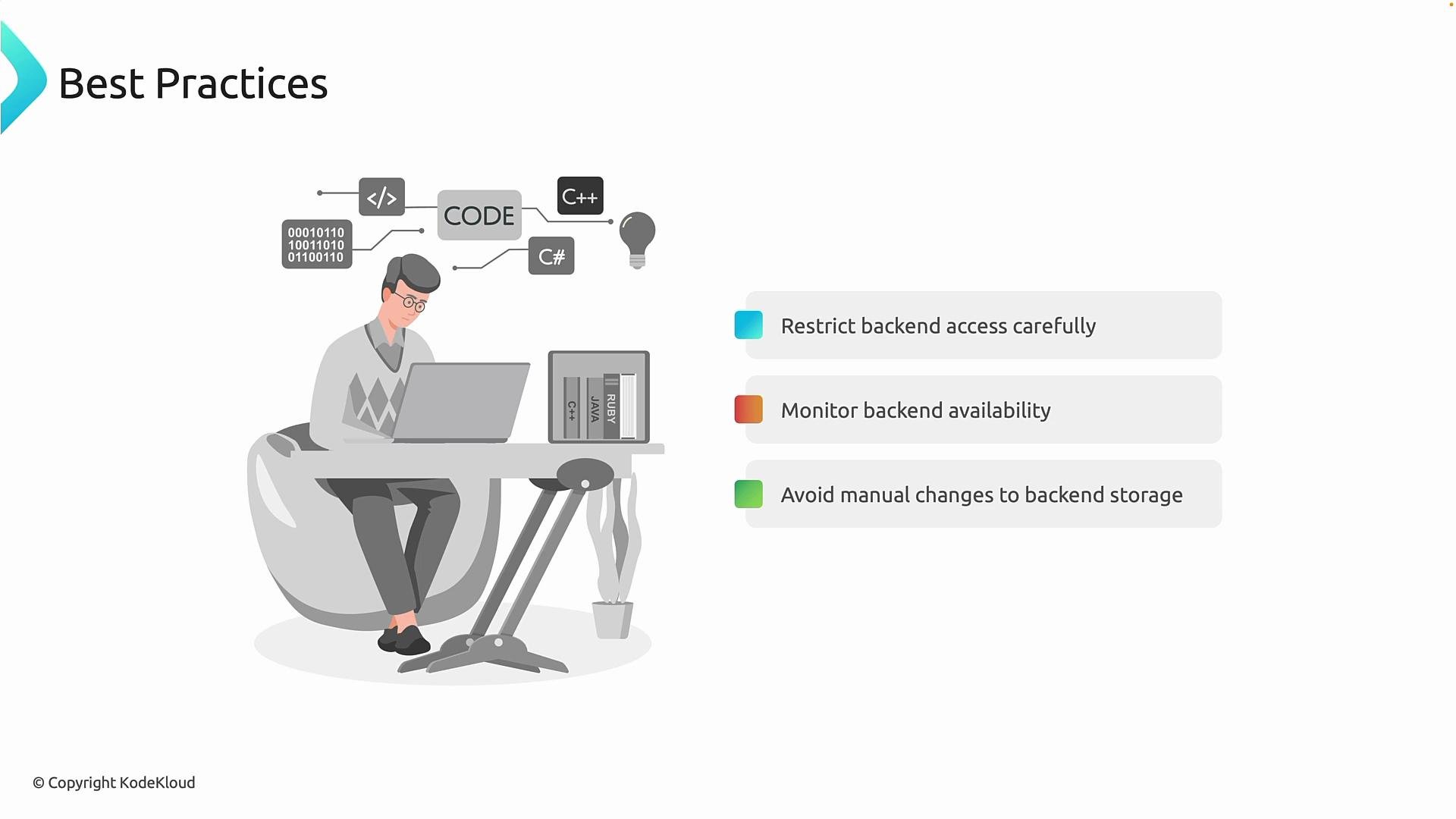
Adopt these practices to reduce both the likelihood of remote-state failures and their blast radius:- Apply least-privilege access to the backend
- Grant only the identities and automation accounts that truly need read/write state access.
- Avoid overly broad roles that also allow resource deletion.
- Make the backend storage “hands-off”
- Avoid manual edits to the state container or blob. Treat backend storage as a critical system that humans and unapproved automation must not touch.
- Protect against accidental deletion
- Use resource locks, deny assignments, and strict role constraints for the storage account.
- Enable built-in storage protections
- Turn on blob soft-delete and blob versioning in Azure Storage to enable point-in-time recovery of state blobs.
- Monitor and alert
- Treat the backend as a dependency: capture storage account metrics, authentication failures, audit logs, and alert on access errors or failed reads/writes.
- Prepare recovery runbooks
- Document how to break stale leases and recover state from versioning or soft-delete. Keep these runbooks accessible to SRE/DevOps on-call teams.
- Plan for credential rotation
- Keep a short documented path to update CI/CD pipelines and automation when secrets or service principals rotate.
Treat the remote state backend as a critical, highly-available system: restrict direct human access, monitor it closely, enable storage protections (soft-delete/versioning), and document recovery steps for stale locks and credential failures.
Actionable recovery steps
Here are practical steps to recover common failure modes. Breaking a stale lease (example using Azure CLI)- If a previous operation left a lease on the blob, break it so Terraform can continue:
- After breaking the lease, re-run
terraform plan(in a safe environment) to confirm state access.
- If you enabled soft-delete or versioning, recover the state blob from the portal or via the Azure CLI. The exact restore steps depend on whether you enabled soft-delete or blob versioning—see Azure Storage docs linked below.
- If you maintain external backups of the state (recommended), copy the backup file back to the expected blob location and re-run Terraform operations to verify state integrity.
- If credentials were rotated, update service principal secrets or managed identity configurations in CI/CD pipelines and automation.
- Verify the identity has the required RBAC role to access the storage account and the specific container/blob.
- If the state file is corrupt, restore from the most recent good backup or blob version. Validate the recovered state with
terraform planbefore making changes. - Consider creating an isolated environment to validate recovery steps before applying changes to production resources.
Example troubleshooting checklist (quick reference)
- Confirm storage account and container exist and the blob name matches Terraform backend configuration.
- Verify identity and credentials:
- Test authentication from the same agent/pipeline that failed.
- Check for stale lease:
- Use Azure CLI to inspect or break the lease.
- Check storage protections:
- Are soft-delete or versioning enabled? If so, recover a previous version.
- Restore from a known-good backup if necessary.
- Validate recovered state with
terraform planin a safe workspace/environment.
Final takeaway
Remote state is the coordination point for Terraform and a single point of failure if not managed carefully. Reduce risk by applying least-privilege access, protecting state storage with locks/versioning, monitoring access, and documenting recovery playbooks. With the right controls and runbooks, you can significantly reduce downtime and safely recover from the majority of remote-state failures.Links and references
- Terraform CLI: plan
- Terraform CLI: apply
- Azure RBAC overview
- Azure Conditional Access overview
- Azure CLI: break blob lease — https://learn.microsoft.com/cli/azure/storage/blob/lease
- Azure Storage: soft-delete — https://learn.microsoft.com/azure/storage/blobs/storage-blob-soft-delete
- Azure Storage: blob versioning — https://learn.microsoft.com/azure/storage/blobs/storage-blob-versioning