In this lesson you’ll learn how Terraform discovers, downloads, versions, initializes, and reuses providers across runs. Mastering this flow helps with reliable team workflows, reproducible CI runs, and faster troubleshooting when provider plugins cause issues. Start with the core command:
terraform init prepares the working directory — it initializes the backend, locates required providers from your configuration, and downloads provider plugins into the project. Importantly, terraform init does not change infrastructure; it sets up the environment so subsequent commands like terraform plan and terraform apply can run. Example configuration referencing multiple providers:
Provider publication and trust model
  • Providers are typically published to the Terraform Registry and are organized by publisher/namespace.
  • Providers fall into three common tiers: Official (HashiCorp-maintained), Verified/Partner (vendor-validated), and Community (third-party).
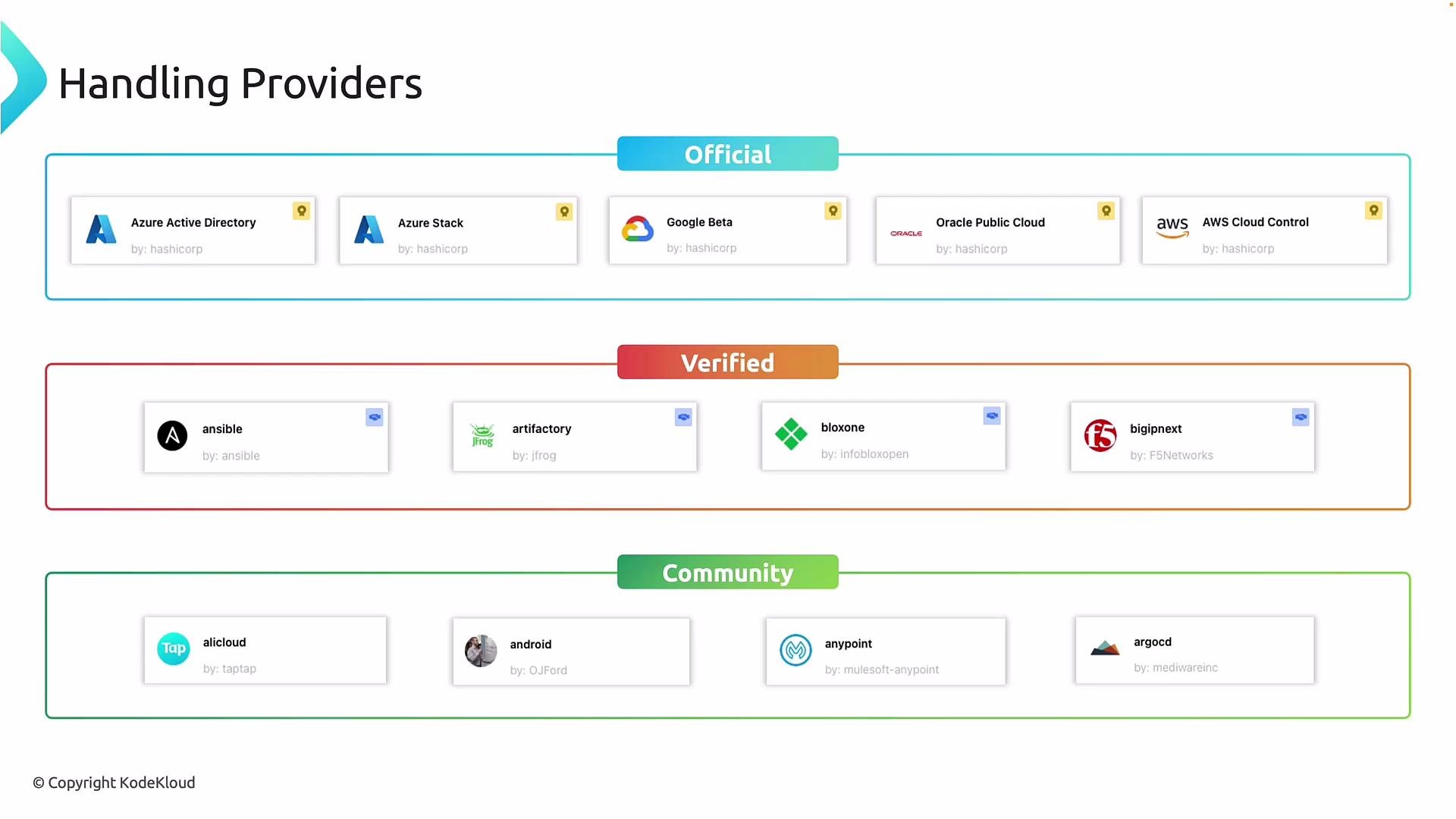
The image categorizes various providers into three groups: Official, Verified, and Community, each containing different cloud and software services.
What happens during terraform init
  1. Initialize the configured backend.
  2. Discover required providers referenced in configuration.
  3. Query the Registry for provider metadata (namespace, available versions).
  4. Download and install provider binaries into the project directory.
Example terraform init output (first run):
Provider binaries and workspace layout
  • Provider plugins are stored inside your project under the .terraform directory (they are not installed globally). Example listing:
  • Provider IDs use a namespace/type pattern such as hashicorp/azurerm. The provider type (for example azurerm, aws, local) is what you reference when declaring resources (e.g., azurerm_virtual_network, aws_s3_bucket).
Provider versioning and lock files
  • Providers are versioned. By default, Terraform will choose the latest compatible version; however, pinning or constraining provider versions is best practice for stability.
  • terraform init creates a terraform.lock.hcl that records the exact provider download selections. When this file exists in the project, subsequent terraform init runs will prefer those locked versions and reuse already-installed binaries.
Example init output when reusing locked provider versions:
Include terraform.lock.hcl in version control. The lock file ensures everyone (local developers and CI) uses the exact same provider versions for reproducible, deterministic runs.
When to re-run terraform init
  • Run terraform init any time you change provider configuration, add a new provider, or modify provider version constraints.
  • CI pipelines should run terraform init at the start of each job so the correct backend and provider plugins are installed.
Exploring providers on the Terraform Registry
  • The Terraform Registry is the authoritative place to browse providers, view version history, filter by tier (official, verified, community), and inspect usage examples and source links.
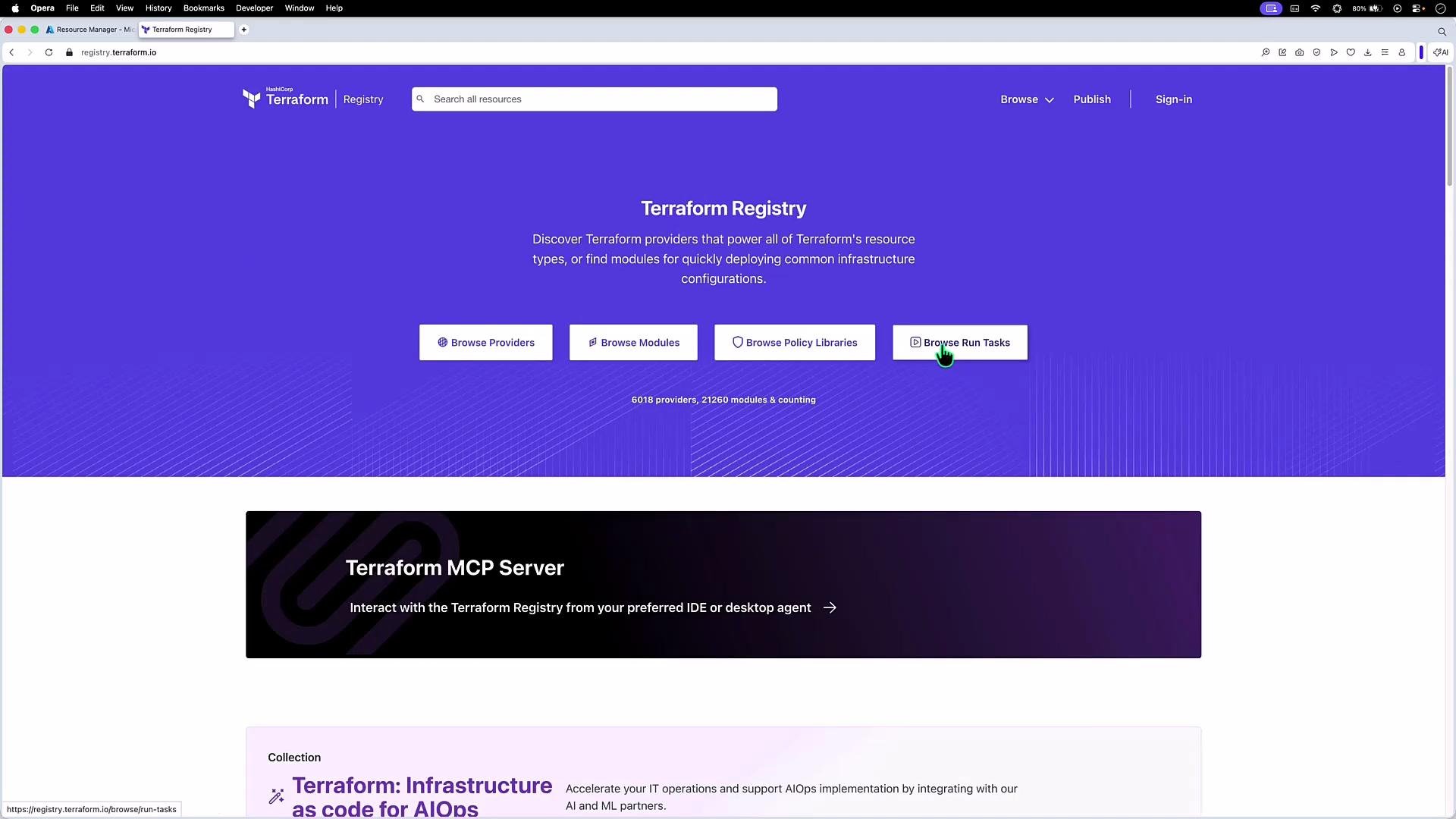
The image shows the Terraform Registry website, featuring options to browse providers, modules, policy libraries, and run tasks against a purple background. A section about the Terraform MCP Server is also visible below.
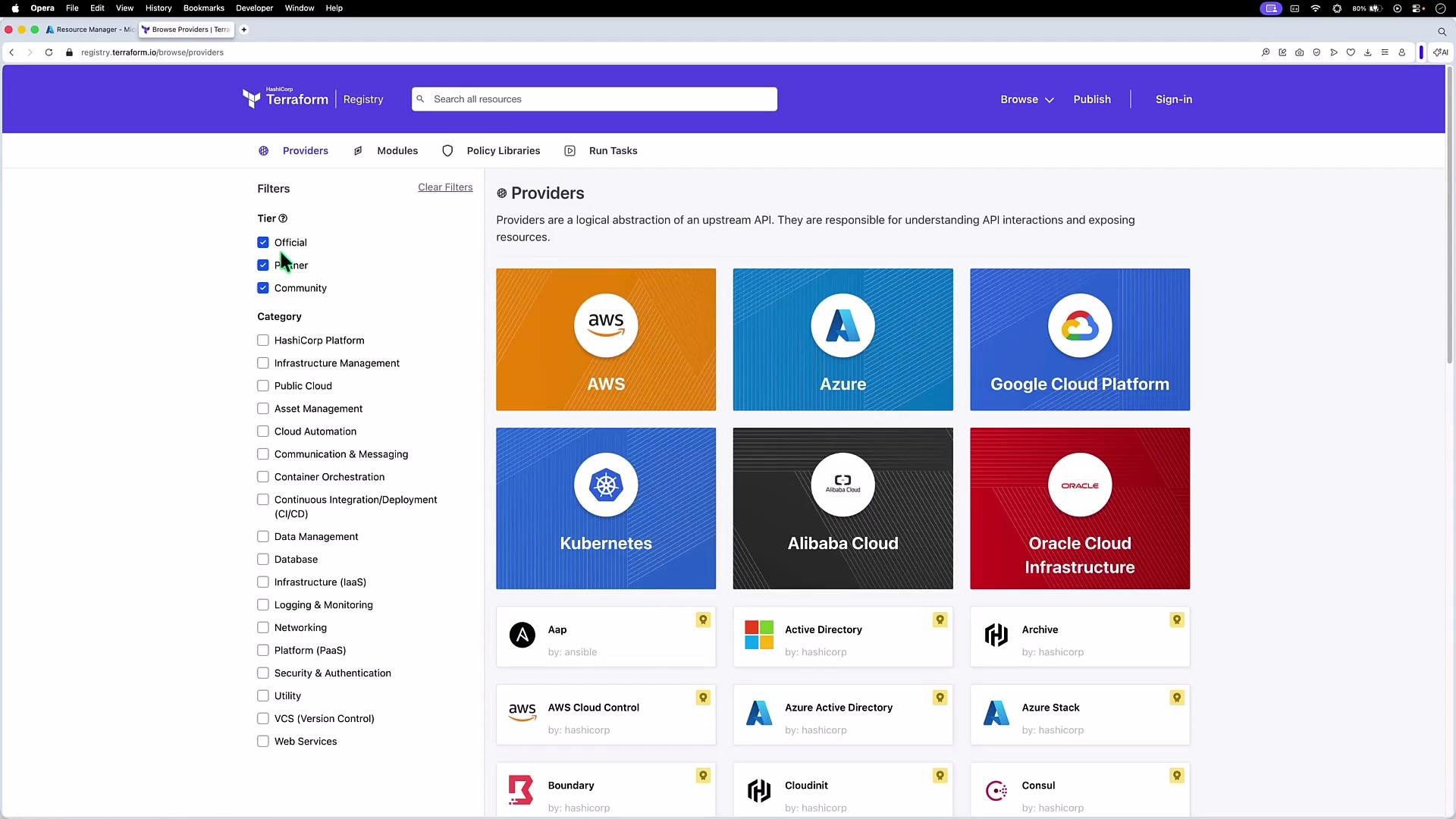
You can filter providers by tier and category on the Registry. Official providers (HashiCorp) include AWS, Azure, and Google Cloud; partner/verified providers are vendor-maintained and validated; community providers are contributed by independent maintainers.
The image is a screenshot of the Terraform registry, displaying various cloud providers like AWS, Azure, Google Cloud Platform, and more, with filters for tier and category on the left panel.
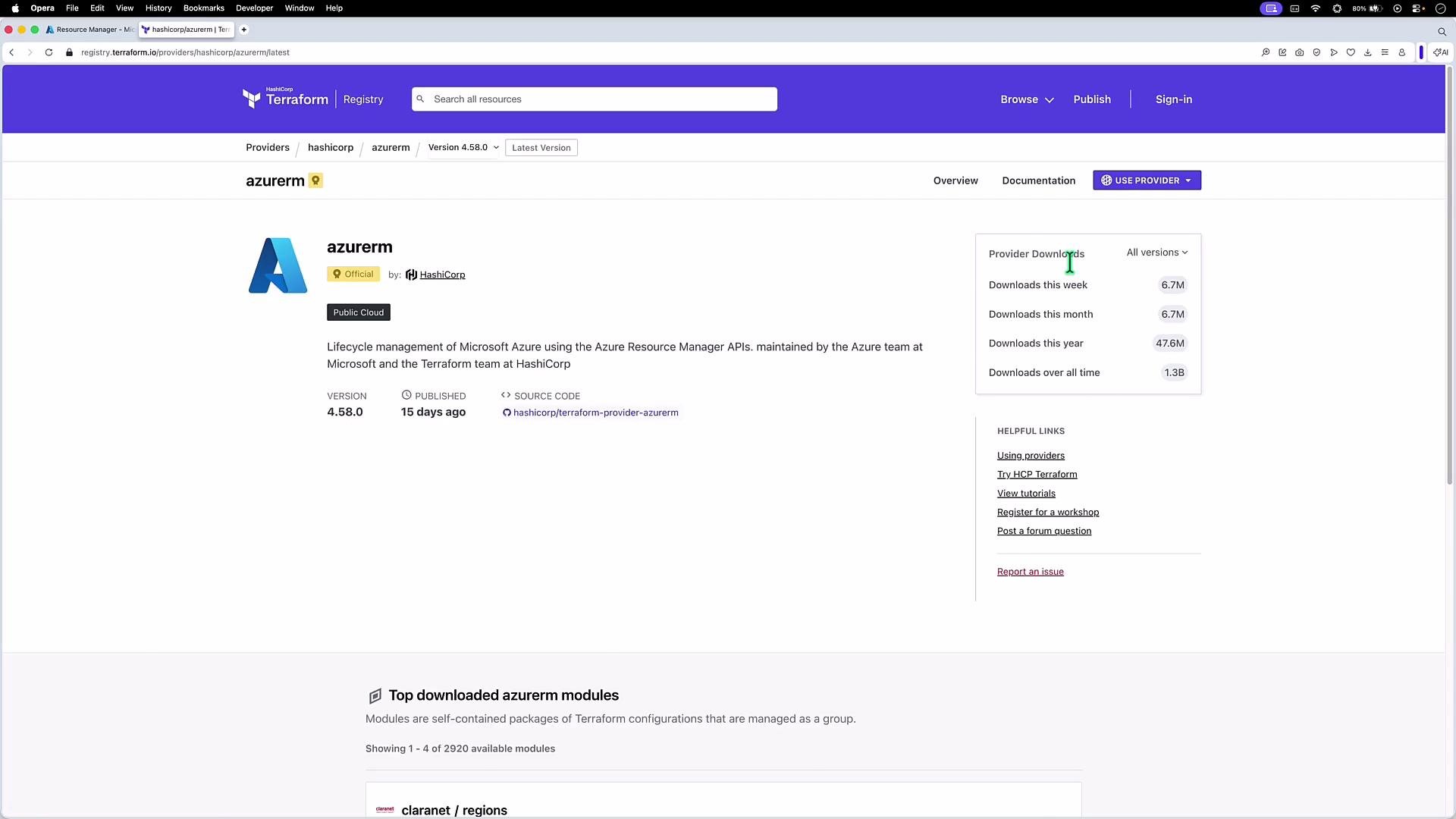
Provider pages include version history, release notes, download stats, and usage instructions. For example, the azurerm provider page shows recent releases and how to pin your configuration:
The image shows a webpage from the HashiCorp Terraform Registry, specifically for the "azurerm" provider, which manages Microsoft Azure resources. It displays version information and download statistics for the provider.
Pinning a provider source and version To ensure Terraform pulls the provider from the intended source and respects a version constraint, add a terraform block with required_providers and then configure the provider. Example:
This pattern guarantees your team and CI use the same provider source and version. In the next lesson we’ll cover version constraints and provider upgrade strategies in more depth. Links and references

Watch Video