

ignore_changes and how it controls drift handling between your configuration and real infrastructure.
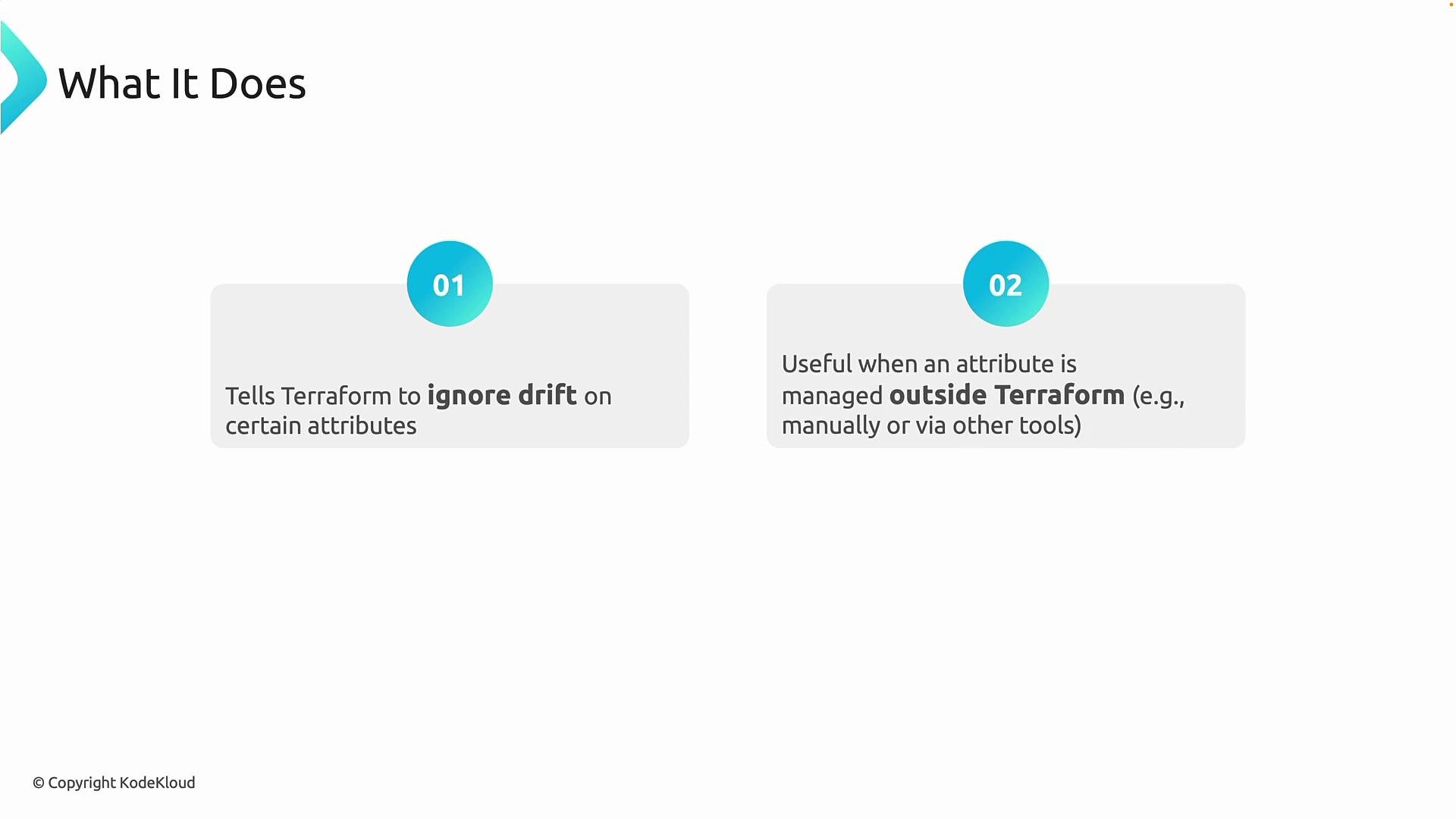
Unlike prevent_destroy, ignore_changes does not block deletion. Unlike create_before_destroy, it does not change replacement ordering. Instead, ignore_changes tells Terraform to tolerate specific differences between the resource configuration and the actual infrastructure — effectively controlling which attribute drift Terraform should not reconcile.
Key behaviors
ignore_changescauses Terraform to detect differences but deliberately avoid acting on them for the specified attributes.- Terraform will still refresh state and show the differences; it just won’t include those attributes in planned changes.
- This is most useful when an attribute is managed outside Terraform (for example by Azure Policy or another automation tool) and you want to avoid continual, unnecessary diffs.
ignore_changes
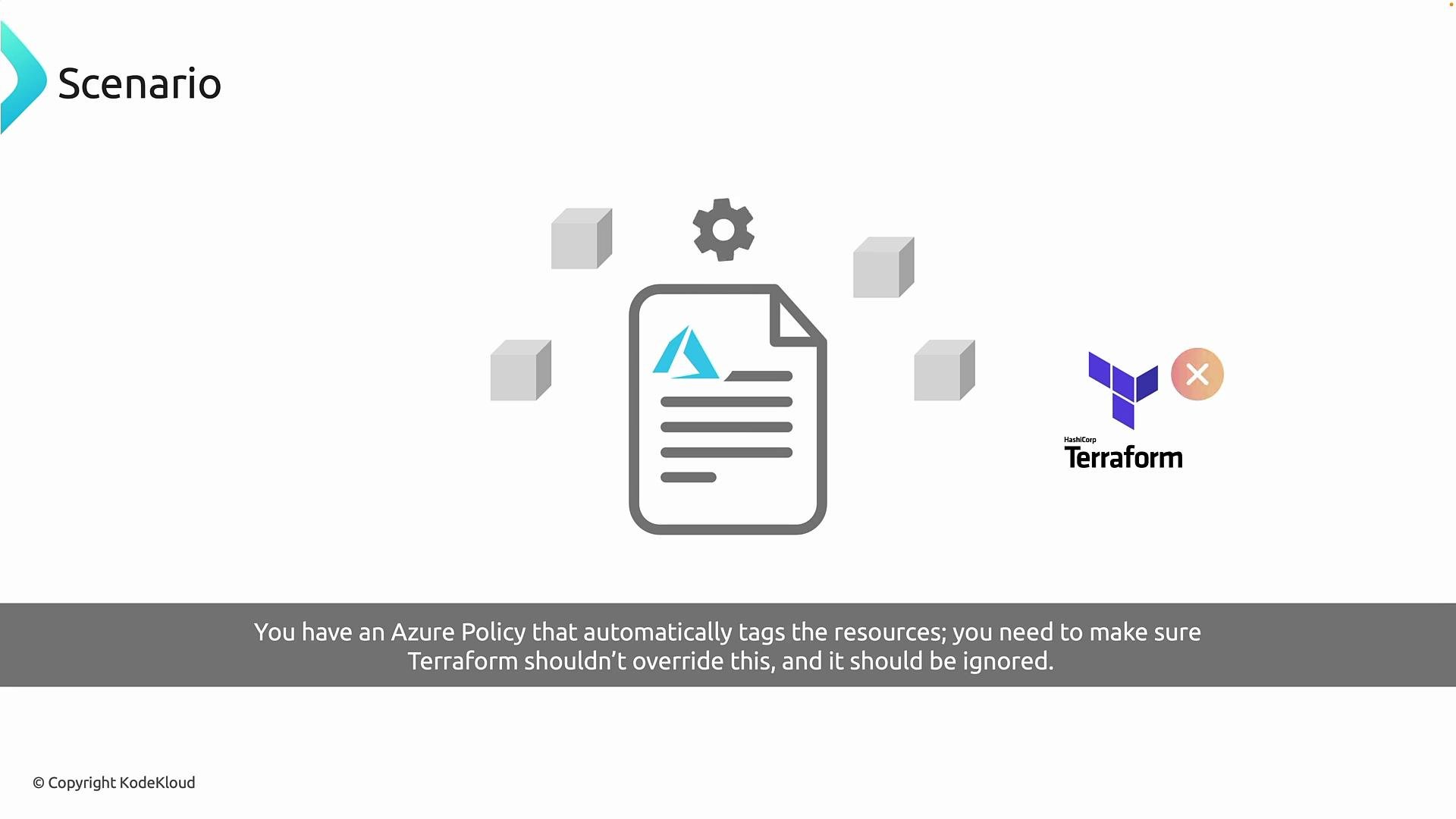
A common scenario is platform-level governance applying tags or other properties to resources. For example, Azure Policy may automatically apply or mutate tags. If Terraform also declares tags in the configuration, Terraform will detect those policy-applied tags as drift and will attempt to reconcile them back to the configuration, causing constant diffs and noisy plans. Using ignore_changes for the tags attribute prevents Terraform from trying to overwrite values that are intentionally controlled by an external system.
- Without
ignore_changes
- With
ignore_changesfortags
lifecycle block that instructs Terraform to ignore changes to the tags attribute:
- Reuse an existing storage account if convenient.
- Confirm the account exists using
az storage account list -o table. - If Terraform initially plans to change
tags, add thelifecycle { ignore_changes = [tags] }block and re-runterraform plan. After addingignore_changes, Terraform should no longer propose updates for that attribute.
terraform plan outputs you may observe
- Before adding
ignore_changes:
- After adding
ignore_changes:
Use
ignore_changes sparingly and only for attributes that are legitimately owned by an external system (for example, tags applied by Azure Policy). Limit its scope to the minimal set of attributes you need to ignore to avoid hiding unexpected drift.Do not overuse
ignore_changes to mask configuration problems. Ignoring attributes makes Terraform blind to changes in those attributes and can make debugging and auditing more difficult. Always prefer centralizing ownership (for example using a policy-first tagging approach) where practical.
Summary
ignore_changesis useful to avoid reconciliation for attributes managed outside Terraform (e.g., tags applied by Azure Policy).- Apply it narrowly — to the minimal set of attributes you explicitly want Terraform to ignore.
- Terraform will continue to detect differences but will not include the ignored attributes in the plan, preventing constant update churn.
- Terraform lifecycle meta-arguments — ignore_changes
- Azure Policy documentation
- Azure CLI: storage account list