

terraform.tfstate) cannot persist across ephemeral build agents such as ubuntu-latest, because each pipeline run creates and then destroys a fresh VM or container. If state were stored locally, subsequent pipeline runs would not see the existing infrastructure state — leading Terraform to recreate resources or fail with inconsistent state. This is risky for production environments and teams collaborating on the same infrastructure.
Below is a representative Azure DevOps pipeline snippet showing how to initialize Terraform with an Azure Storage backend. The task configures the AzureRM provider, runs the init command, and passes the service connection together with the storage account, container, and key to use for remote state:
backendServiceArm) and connects to the storage account to read, write, and lock the remote state file. When terraform init runs in the pipeline:
- The pipeline authenticates using Entra ID / Azure AD (typically via a service principal or managed identity) associated with the service connection. See Azure AD docs: https://learn.microsoft.com/en-us/azure/active-directory/
- Terraform reads the existing state from the specified blob container and key.
- Terraform attempts to acquire a state lock before modifications. The Azure Storage backend uses blob leases for locking: https://learn.microsoft.com/en-us/rest/api/storageservices/lease-container
- CI/CD pipelines are ephemeral and multiple runs (or multiple engineers) can trigger concurrent Terraform applies.
- Without locking, simultaneous applies can corrupt state or leave resources in an inconsistent state.
- The Azure Storage backend leverages blob leasing so only one apply can modify the state at any time.
Never rely on ephemeral build agent disks to persist your Terraform state. Use a remote backend with locking to avoid state corruption and accidental resource recreation.
- Create a dedicated storage account for Terraform state and a private blob container (no public access).
- Limit access with RBAC so only the pipeline identity (service connection) or specific service principals have permissions.
- Enable blob versioning on the storage account to help recover from accidental or corrupted state updates.
- For multiple environments (dev/test/prod), isolate state by using separate containers, keys, or storage accounts — consider one backend per environment/workspace.
Authentication approaches
- Avoid sharing storage account access keys. Historically some pipelines used
ARM_ACCESS_KEYor similar environments, but this increases blast radius. - Prefer Entra ID (Azure AD) authentication so the pipeline identity accesses the storage account via RBAC instead of a shared key: https://learn.microsoft.com/en-us/azure/active-directory/
- Assign the pipeline identity the least-privilege role required. For state operations, granting
Storage Blob Data Contributoron the storage account or the specific container is typical: https://learn.microsoft.com/en-us/azure/role-based-access-control/built-in-roles#storage-blob-data-contributor
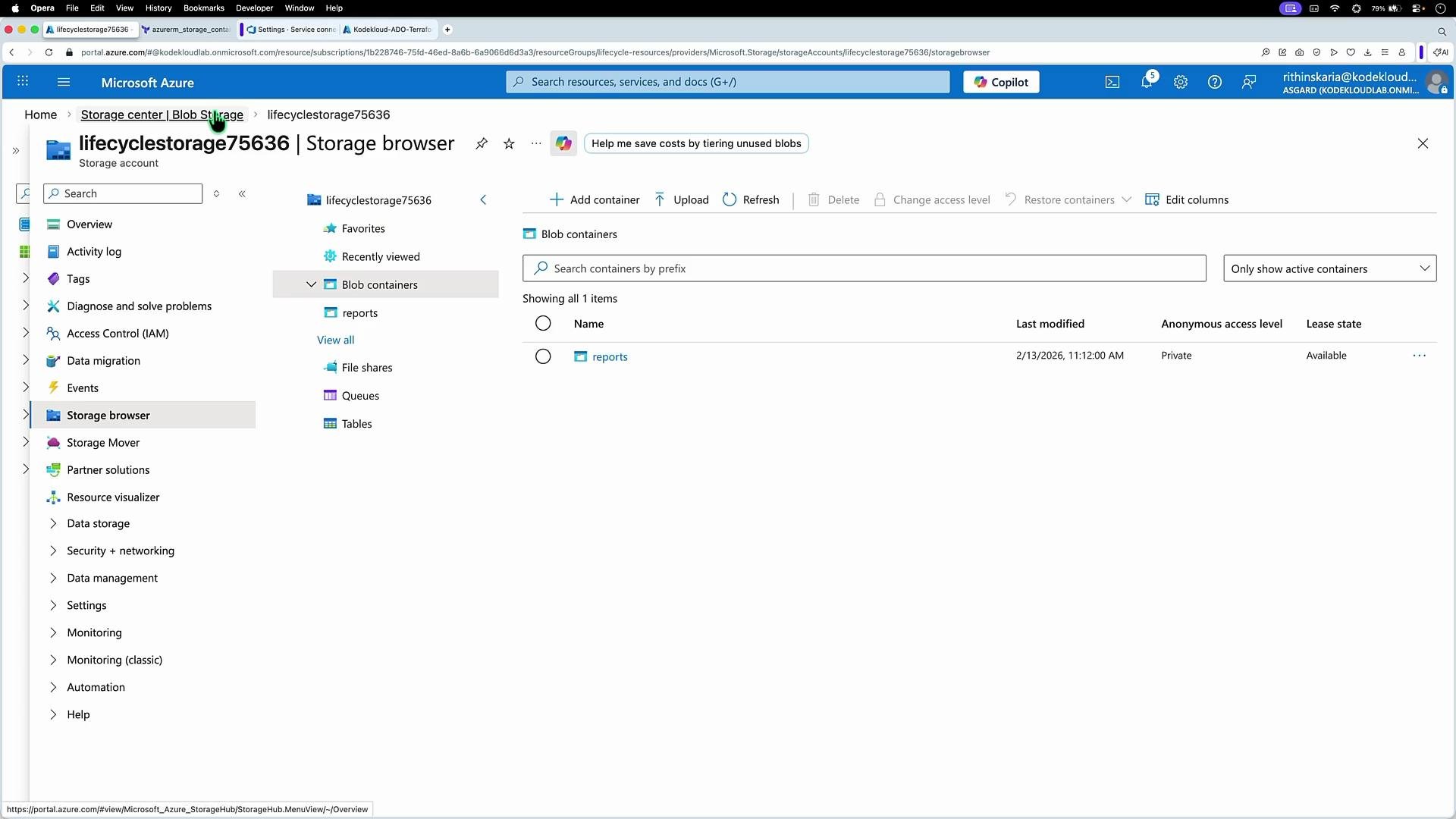
- Identify the storage account you want to use as the Terraform backend.
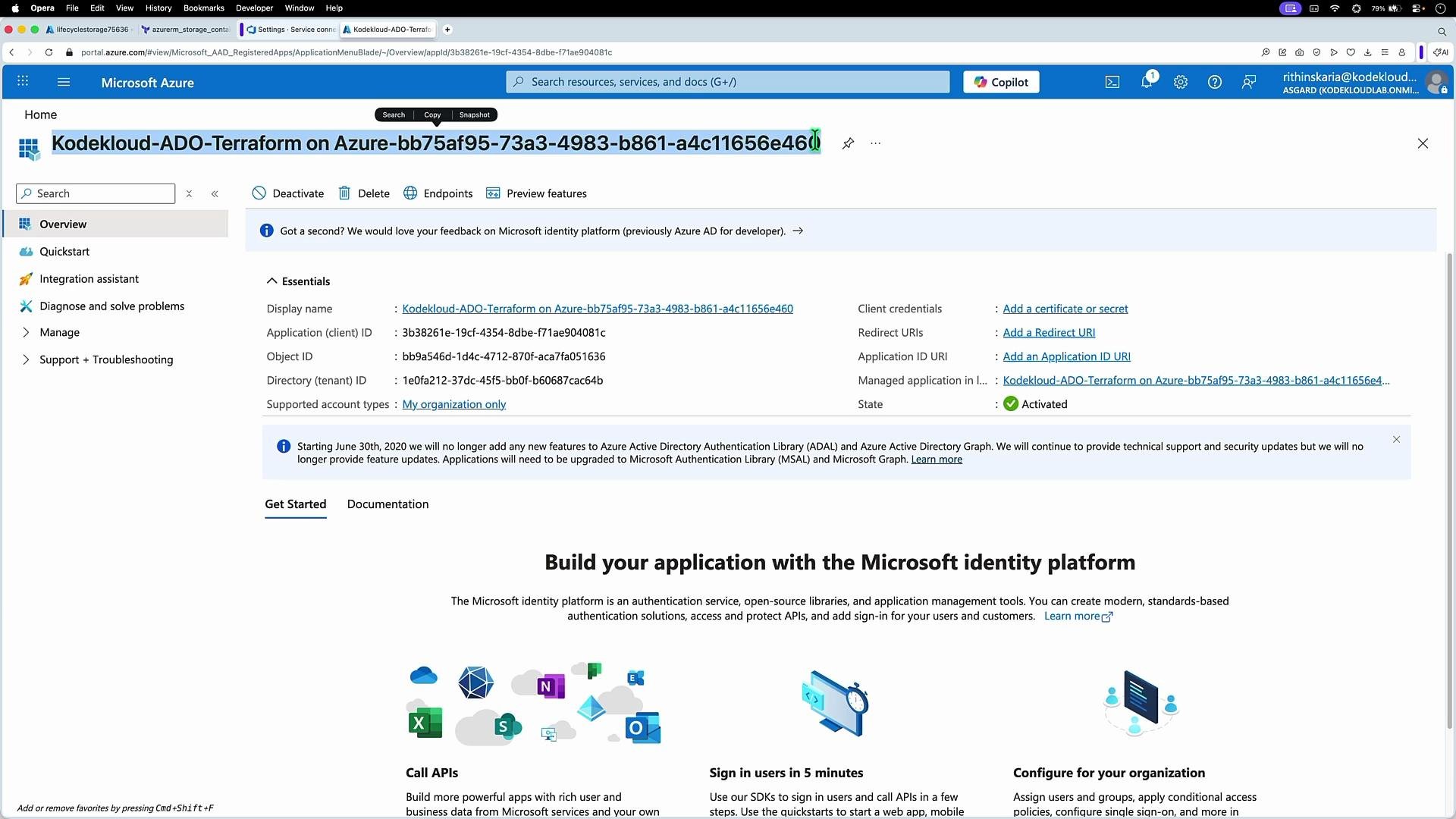
- Verify the identity that the pipeline will use (for example, an application registration / service principal or managed identity).
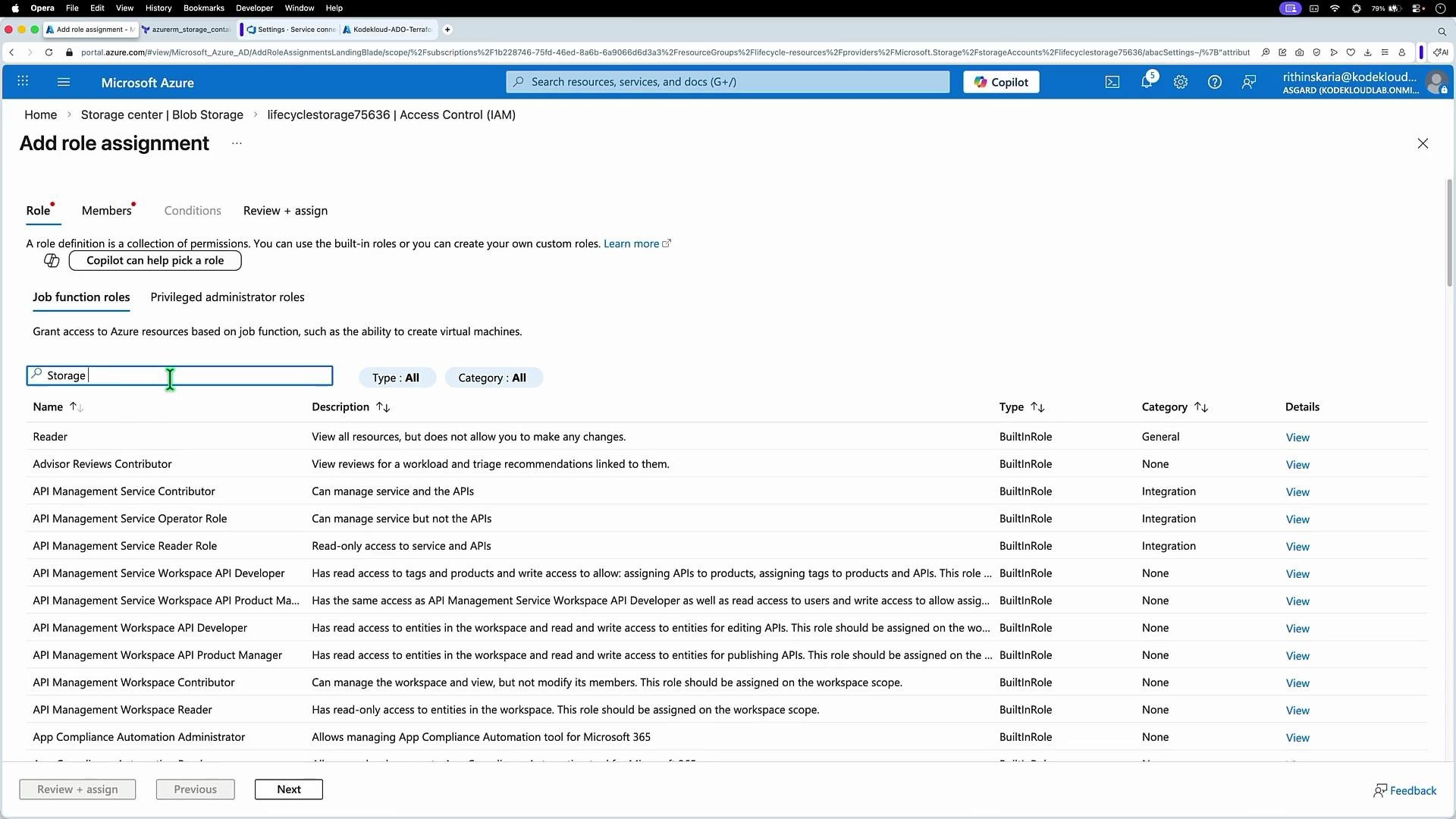
- In the storage account, open Access control (IAM), add a role assignment, and grant
Storage Blob Data Contributorto the pipeline identity (the service principal or managed identity used by your Azure DevOps service connection).
- Configure the Terraform backend in the pipeline
initstep (example shown above) and confirm the service connection has the required RBAC role on the storage account or container. - Structure environments to isolate state: use dedicated containers, distinct keys (for example:
dev.tfstate,prod.tfstate), or separate storage accounts per environment. - Enable storage blob versioning and consider a backup/retention policy to improve recovery options in case the state becomes corrupted.
- Audit access and rotate credentials for service principals; consider using managed identities where feasible to reduce secret management.
- Terraform CLI: init — https://www.terraform.io/cli/commands/init
- Azure Active Directory — https://learn.microsoft.com/en-us/azure/active-directory/
- Storage Blob Data Contributor role — https://learn.microsoft.com/en-us/azure/role-based-access-control/built-in-roles#storage-blob-data-contributor
- Azure Blob leases for locking — https://learn.microsoft.com/en-us/rest/api/storageservices/lease-container
Using a dedicated, RBAC-protected storage account with Azure Blob versioning and Entra ID authentication gives you secure, durable, and recoverable Terraform state for CI/CD pipelines.