

module block.
This guide walks through a concise, practical example of calling a local module, explains the execution flow, and shows how to pass inputs and expose outputs so different modules can interoperate.
Basic example: create a module instance
A simple module call from the root module looks like this:- The left-hand identifier (
backup_storage) is a logical name for the module block inside your configuration — it is not the name of any Azure resource. sourcetells Terraform where to find the module code. In this example it’s a local path (../storage-module). You can also reference Git repositories, the Terraform Registry, or private registries.- The attributes inside the module block (for example,
storage_name,rg_name,location) must match the variable names declared in the module (see itsvariables.tf). These bind values from the calling configuration into the module.
Module block names are local identifiers only. They do not automatically set Azure resource names — pass explicit values through variables for resource naming.
Module sources: local and remote
Common modulesource formats:
The Terraform Registry includes curated modules that often follow provider-specific best practices — useful for production.
Example walkthrough — root configuration and module calls
Below is a typical sequence used in a root configuration that consumes multiple local modules (resource group and storage account).- Provider configuration (root/main.tf or provider.tf)
az account show and assign it in terraform.tfvars or use environment variables.
- Calling the resource group module from the root
rg and region:
- Expose values from the resource group module via outputs so other modules can reference them
- Calling the storage-account module and referencing resource group outputs
storage_account module should accept inputs such as storage, rg, region, and rep, and may expose outputs like the storage blob endpoint.
- Example storage-account module output (so the root can retrieve the blob endpoint)
- Declaring the root variables and tfvars
Practical notes on evaluation and execution flow
terraform init: downloads provider plugins and initializes module source code (including remote module sources).terraform plan: reads the calling configuration (root), loads referenced modules, injects input values, evaluates resources inside the modules, and produces an execution plan. Modules are evaluated as part of the root dependency graph — they are not separate deployments.terraform apply: executes the plan and creates/manages resources described across the root and module code.- Reuse: call the same module multiple times with different inputs (e.g.,
module "rg2" { ... }) to create multiple resource instances without duplicating resource blocks.
Visual Studio Code context
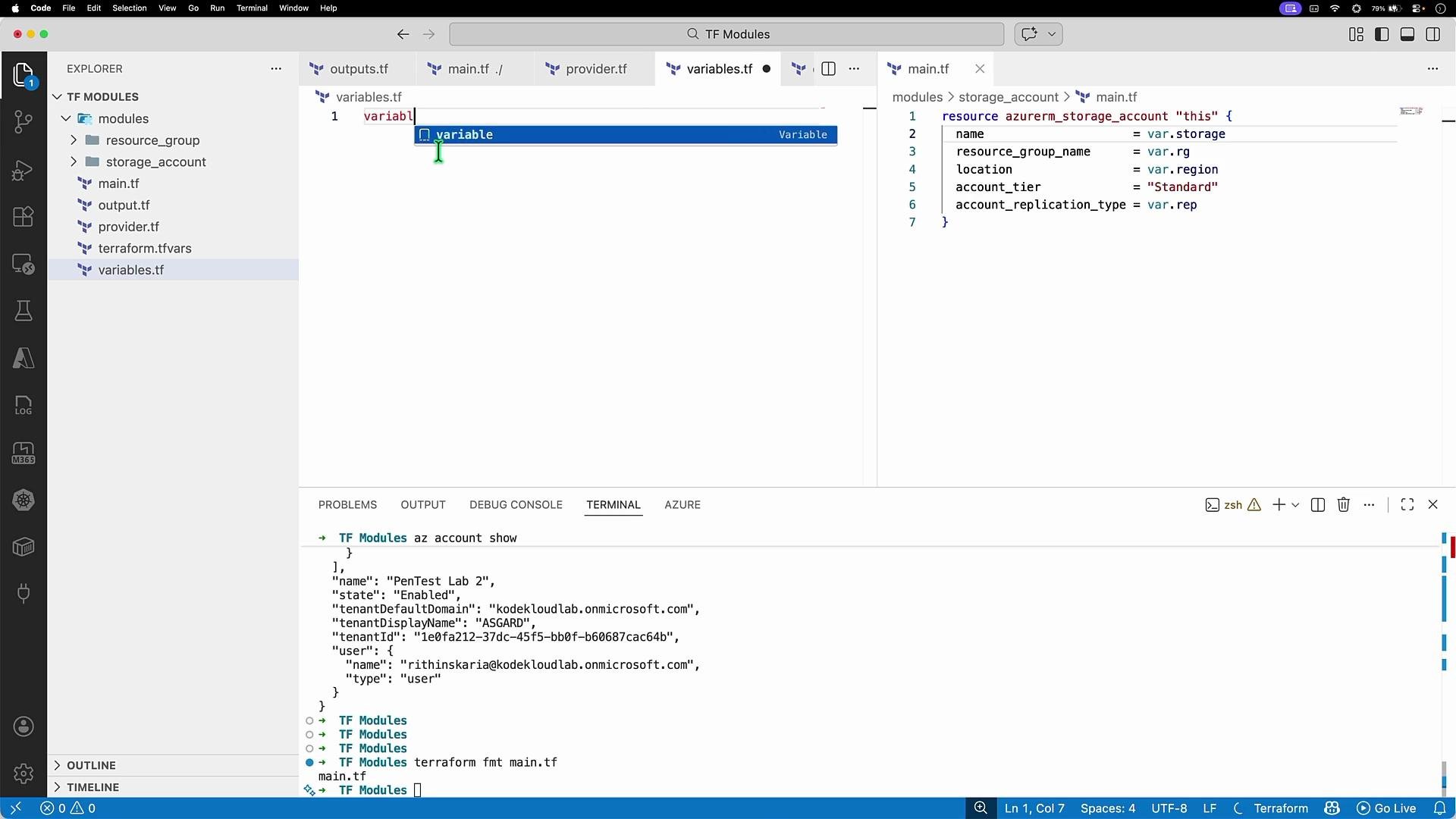
Commands and a sample run
Initialize Terraform (this also initializes modules):terraform init output will indicate initialized modules:
az group show might include the tags created by the module:
Reusing the same module to create additional resource groups
To create multiple resource groups using the same module, call it multiple times with different inputs:rg_name2 to variables.tf / terraform.tfvars to provide the second resource group name.
Keep module variable names and the calling attributes aligned. A mismatch (for example, passing
rg to a module that expects resource_group_name) will cause validation or planning errors.Summary
- Define reusable resources inside a module directory and expose inputs (
variables.tf) and outputs (outputs.tf). - Call that module from the root using a
moduleblock and pass inputs that match the module’s variables. - Export values from modules using outputs so other modules or the root can reference them.
- Initialize with
terraform init, thenterraform planandterraform apply. Modules are evaluated as part of the root execution graph and support scalable, DRY Terraform configurations.