

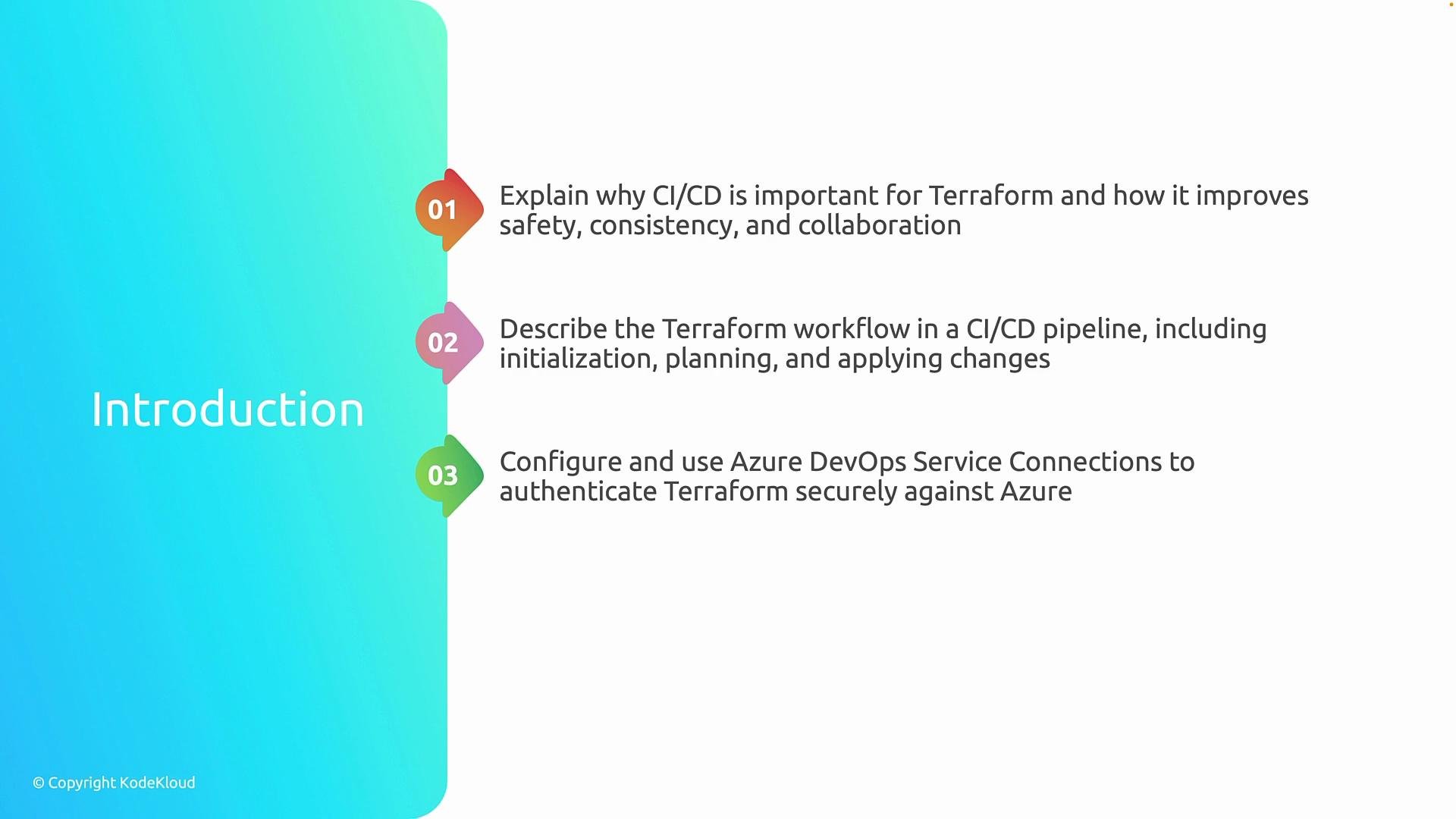
- Understand the benefits of running Terraform in CI/CD and the high-level workflow in Azure DevOps.
- Learn the core Terraform pipeline lifecycle: initialization (
terraform init), planning (terraform plan), and applying changes (terraform apply). - Configure Azure DevOps service connections so pipelines authenticate securely to Azure and other providers.
- Integrate a remote backend into your pipeline to manage Terraform state reliably and avoid conflicts.
Second, we’ll explain how Terraform executes inside a pipeline, including initialization (
terraform init), creating an execution plan (terraform plan), and applying changes (terraform apply).Third, we’ll configure Azure DevOps service connections so pipelines can authenticate securely against Azure and other services.
Finally, we’ll integrate a remote backend into the CI/CD pipeline to manage Terraform state safely and reliably.
Using CI/CD for Terraform adds review gates, auditability, and repeatable automation. A remote backend is essential in pipelines to avoid state conflicts and to ensure team-wide visibility into infrastructure state.
Why run Terraform in CI/CD?
Running Terraform in a CI/CD pipeline brings several enterprise benefits:- Enforces review and approval workflows (pull requests, approvals).
- Creates repeatable, auditable runs of your IaC.
- Prevents “snowflake” environments by using the same automation across environments.
- Reduces human error by automating state management and credential handling.
Core pipeline stages for Terraform
The typical Terraform workflow in an Azure DevOps pipeline follows three main steps. The table below summarizes each stage, the common commands, and their purpose.
Best practices:
- Keep
terraform initand backend configuration in the pipeline to ensure consistent state handling. - Save
terraform planoutput and require an approval step beforeterraform applyin production pipelines. - Use least-privilege service connections and manage secrets via Azure DevOps variable groups or key vault integrations.
Secure authentication: Azure DevOps service connections
Pipelines need a secure way to authenticate to Azure and other providers. Use Azure DevOps service connections:- For Azure: configure a Service Principal (Azure Resource Manager service connection) with the minimum role required.
- For other providers (e.g., AWS, GCP): use provider-specific credentials stored securely in pipeline variables or secret stores.