

- Dynamically create nested blocks (useful when a resource expects multiple child blocks of the same type, like rules, routes, or settings).
- Avoid repeating identical nested configuration with only small variations.
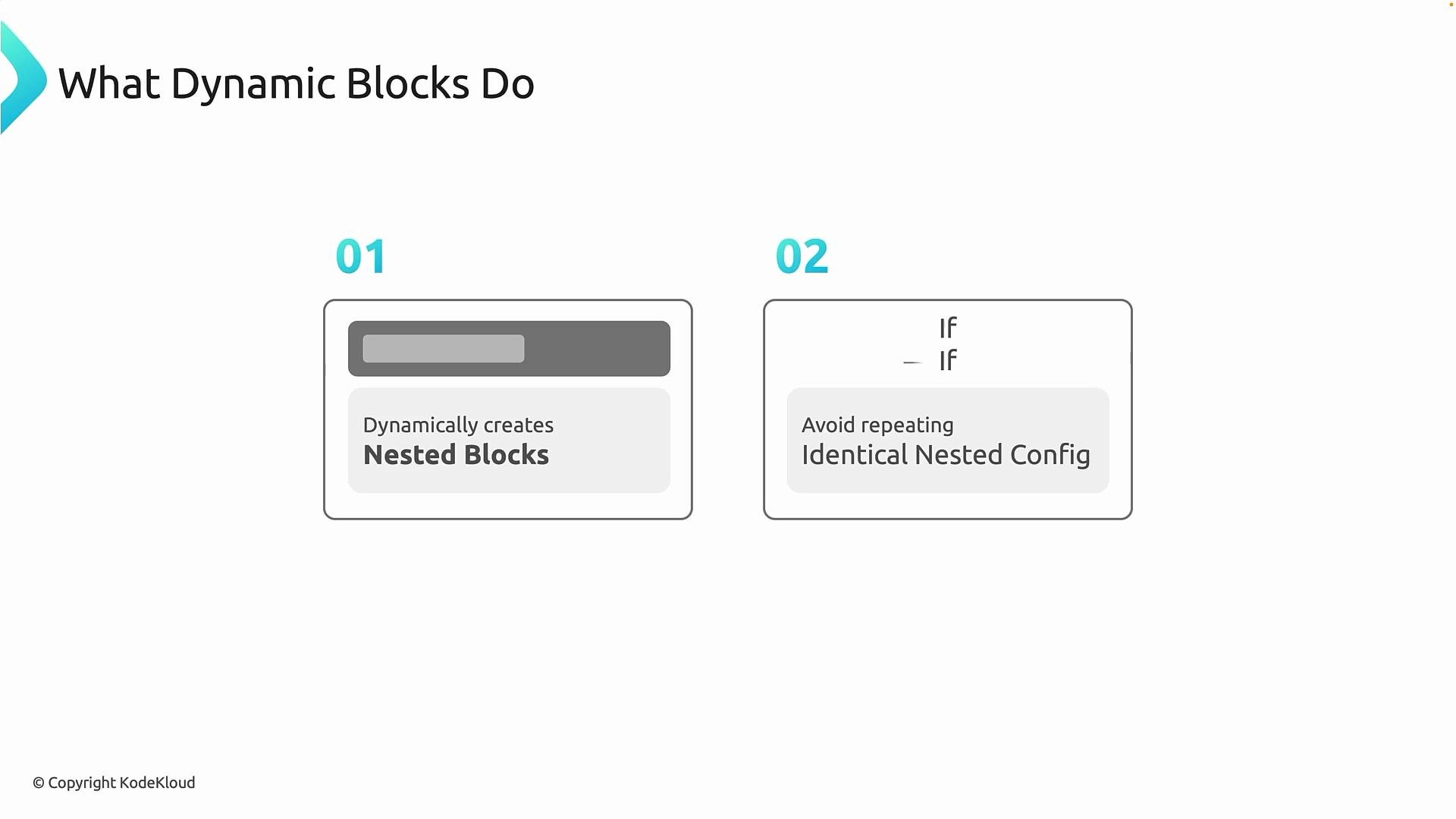
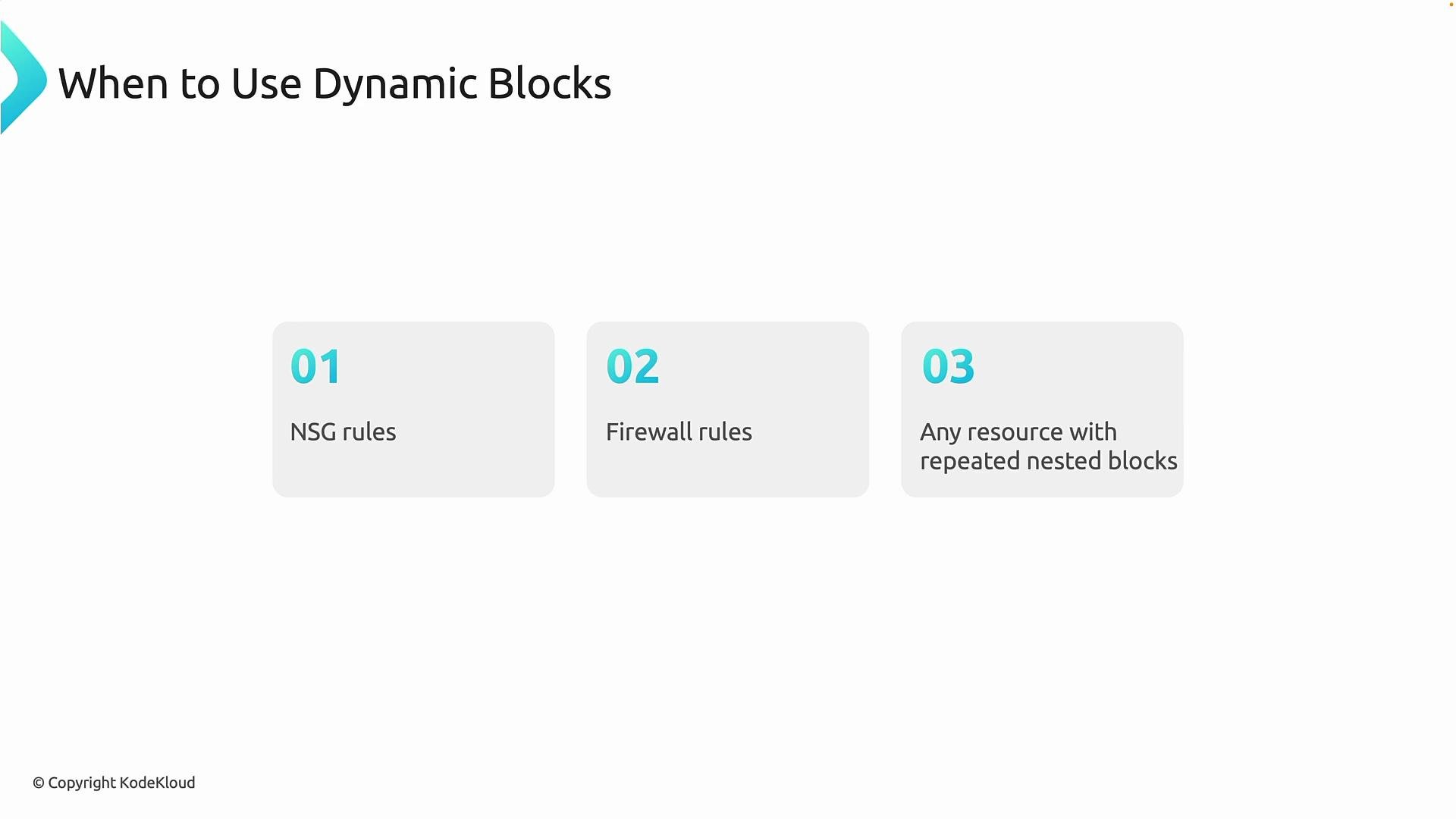
- When a resource contains repeated nested blocks (for example, NSG rules, firewall application rules, or multiple network rules), dynamic blocks keep your code concise and maintainable.
- They are common across Azure networking and security resources and help reduce duplication and human error.
Simple NSG example
Start by defining a variable for the ports you want to allow:azurerm_network_security_group to generate one nested security_rule block per port. The security_rule iterator gives you .key (index) and .value (the item):
for_each = var.portsiterates over the list of ports.- For each item, Terraform emits one nested
security_ruleblock. security_rule.valueis the current port (e.g.,80,443,22).security_rule.keyis the iteration index (0,1,2…), which we used to create unique priorities like100,101,102(via100 + security_rule.key).- Other fields (direction, access, protocol) remain constant for each generated block.
security_rule blocks similar to these:
Azure NSG
priority values must be unique per security group and are typically in the range 100–4096. When generating priorities programmatically, ensure the computation yields unique values and stays within Azure’s allowed range.Alternatives and notes
There are two common ways to define NSG rules in Terraform:- Use nested
security_ruleblocks (inside theazurerm_network_security_group) — good when you want grouped rules defined with the resource and simpler configuration grouping. - Use the separate
azurerm_network_security_ruleresource with afor_each— useful if you prefer each rule as its own top-level resource with independent lifecycle and state addressing.
You can define NSG rules either as nested
security_rule blocks (using dynamic) or as separate azurerm_network_security_rule resources with for_each. Choose the style that best fits your lifecycle, referencing needs, and state management preferences.
Example of the separate-resource approach (using
for_each):
dynamic is often cleaner when rules are tightly coupled to the NSG, while separate resources can offer different lifecycle semantics and easier targeting in state.
Example: VS Code / local iteration demo
The dynamic-block pattern is also useful when iterating to create many top-level resources. Below is a concise example that builds combinations of environment + app and creates resource groups withfor_each.
FQDN / Firewall rules example
The dynamic-block pattern fits other Azure features where repeated nested blocks occur, such as:- Azure Firewall application rules (FQDNs)
- Firewall network rules
- Any resource with repeated nested block types
for_each collection and nested block content appropriately — the pattern remains the same: iterate over a collection and produce one nested block per item.
Full working example (provider + variable + RG + NSG + dynamic rules)
A complete HCL example, ready to use:- Use dynamic blocks when nested block structure is constant but the number of blocks varies.
- Consider separate resources if you need independent lifecycle control.
- Always ensure generated values (like NSG priorities) comply with Azure constraints.