

Key limitations of running Terraform locally
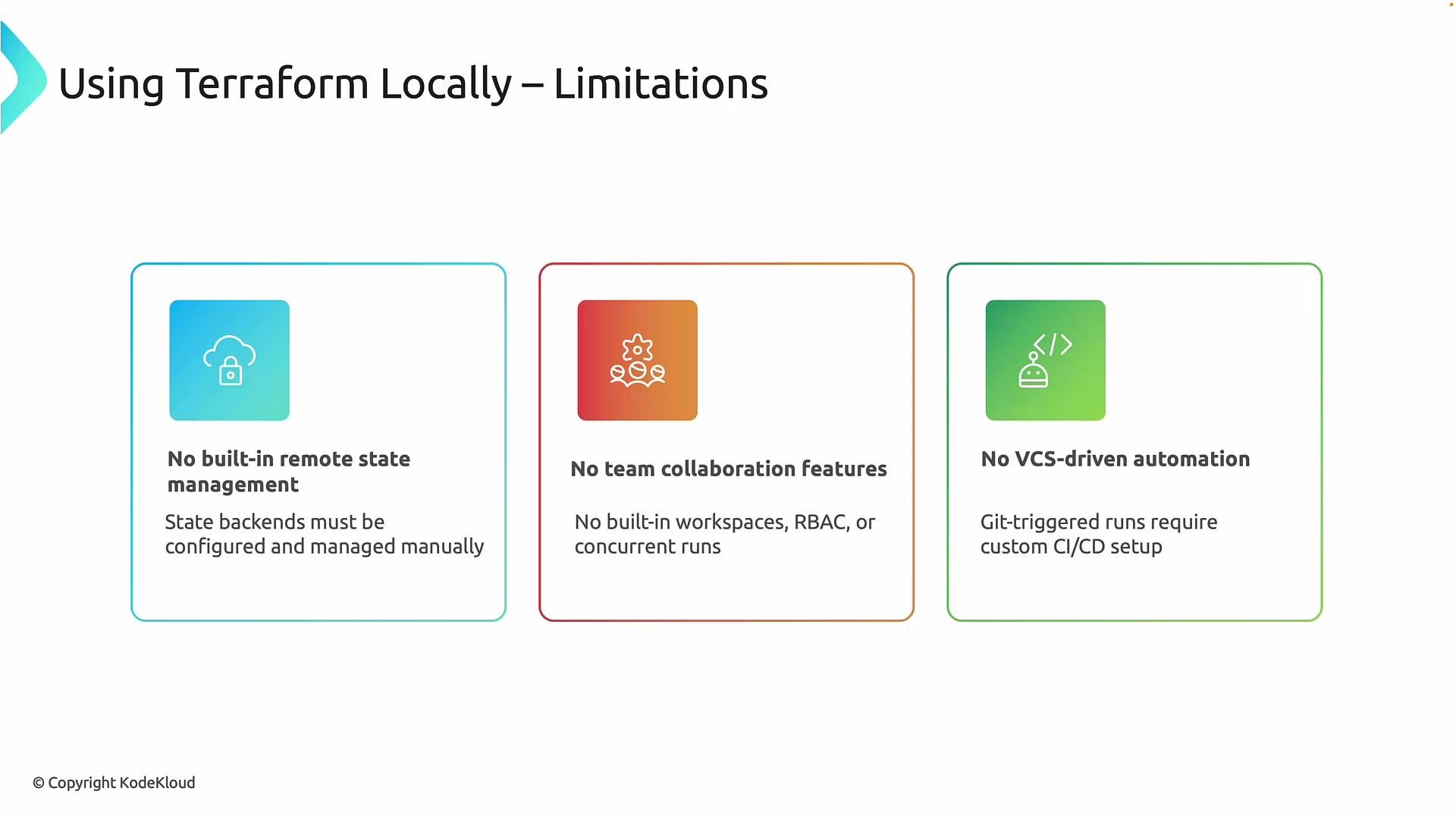
When Terraform runs from a developer laptop or a custom CI pipeline, many capabilities that Terraform Cloud provides out of the box must instead be implemented, operated, and maintained by your team. That transfers platform responsibilities to your organization. Primary operational gaps to consider:- State management and durability are manual. By default Terraform stores state locally; to share state you must configure and operate a remote backend such as
Azure Storage AccountorAWS S3(usually withDynamoDBfor locking) or run a self-hosted state server. This adds operational overhead and increases the risk of misconfiguration and state corruption. - No built-in collaboration model. There’s no native concept of shared workspaces, RBAC, or coordinated concurrent-run handling. Teams must enforce collaboration via processes, CI pipelines, and documentation.
- No native VCS-triggered workflows. Git-triggered plan/apply workflows, gated approvals, and rollbacks must be implemented with custom CI/CD systems.
- Additional integration work. Features like remote runs, shared variables, secure secret storage, and audit trails must be integrated or built.
Governance, visibility, and operational features also differ
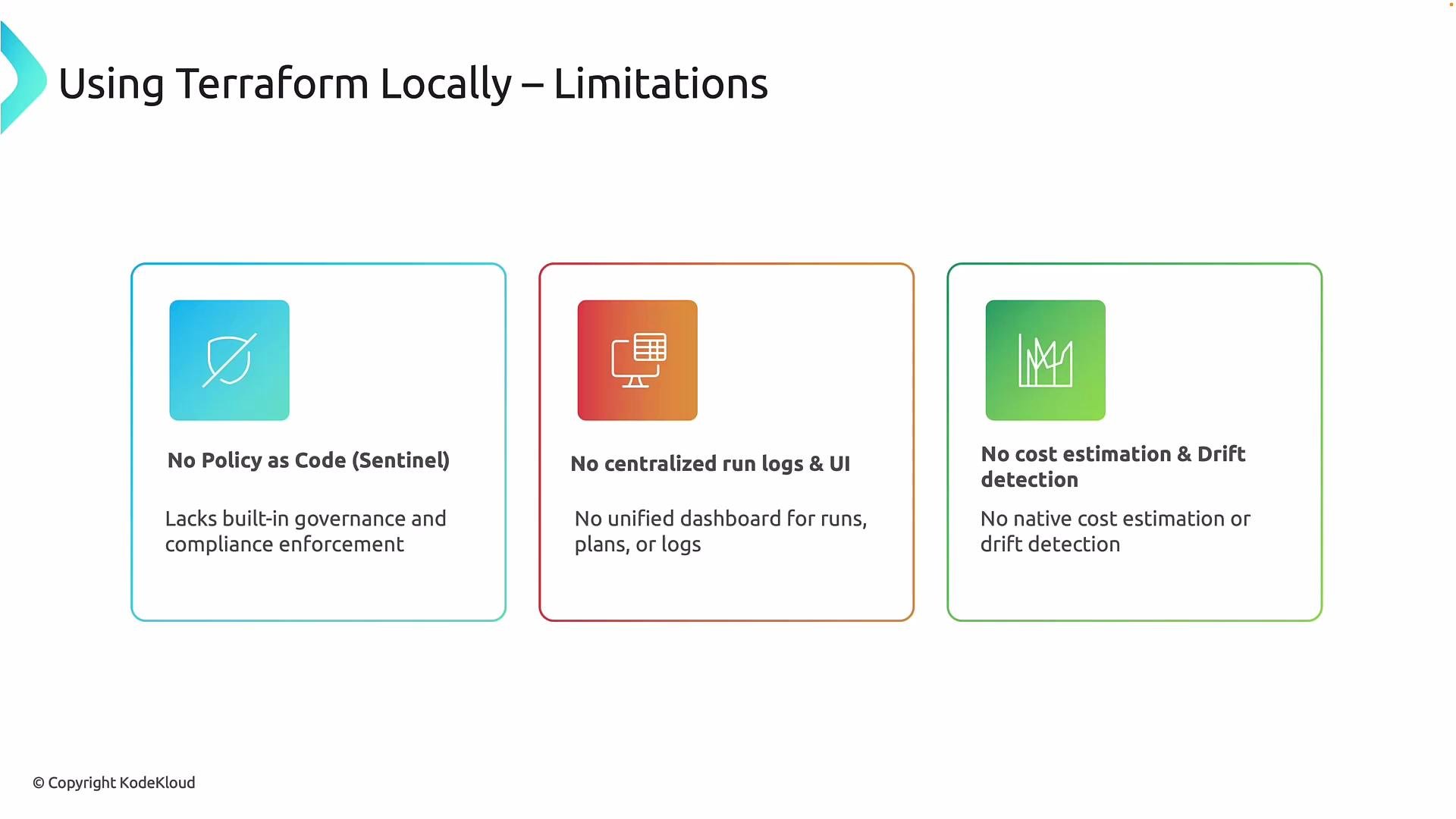
Beyond collaboration and state, local Terraform lacks many governance and visibility features typically provided by a managed platform. Adding them requires additional tooling or custom automation. Common platform features absent from local setups:- No built-in policy-as-code enforcement prior to apply. Policy checks (for example, enforcing tag rules, required approvals, or network restrictions) must be plugged in externally.
- No centralized run logs or unified UI. Plans, applies, and audit logs live across developers’ machines and CI systems, making troubleshooting and compliance reporting harder.
- No automatic cost estimation or continuous drift detection. You’ll need separate tools to estimate cost impacts of changes and to detect drift between code and live infrastructure.
- Limited secrets and credentials management unless integrated with secure stores and CI secrets management.
This lesson intentionally uses a self-hosted Terraform setup so you can see how state, backends, locking, security controls, and CI integrations are designed and operated—concepts that are often abstracted away by SaaS platforms.
Why we chose self-hosted for this course
Choosing a self-hosted approach in a learning environment helps you acquire practical skills that apply whether you later migrate to Terraform Cloud or stay self-hosted. Reasons for using self-hosted Terraform here:- Maximum learning exposure: You will configure backends, enable state locking, and troubleshoot state issues—skills that deepen your understanding of Terraform execution.
- Clearer integration visibility: You’ll build the CI/CD flows, secrets integrations, and policy enforcement points so you understand where and how platform features fit together.
- Applicability to restrictive environments: Organizations with regulatory, security, or data residency constraints often cannot use SaaS platforms. Self-hosted knowledge is essential for those cases.