

Why terraform init runs first
terraform init prepares the working directory for all subsequent Terraform commands. It configures the backend, authenticates via the Azure DevOps service connection, downloads provider plugins, and sets up any required modules. Because hosted Azure DevOps agents are ephemeral, this initialization must run on every pipeline job unless you use a self-hosted agent with preinstalled providers and tooling.
Typical Azure DevOps task to run init:
backendServiceArmshould reference the Azure DevOps service connection with the appropriate permissions.- The resource group, storage account, container, and key determine where the state file is stored. Remote state provides centralized state storage, state locking, and consistent execution across runs.
- Run
initat the start of every pipeline job — beforeplanorapply.
Terraform plan — the safe review step
terraform plan compares your configuration against the remote state, computes proposed changes, and outputs an execution plan without applying changes. In CI/CD, plan is the reviewable artifact that tells reviewers and automation exactly what will change.
Example plan task:
plan in pipelines:
- Run
planautomatically on every commit or PR to maintain visibility over intended changes. - Persist the produced plan as an artifact so the exact plan can be consumed by the
applystage. - Always run
planbefore anyapply.
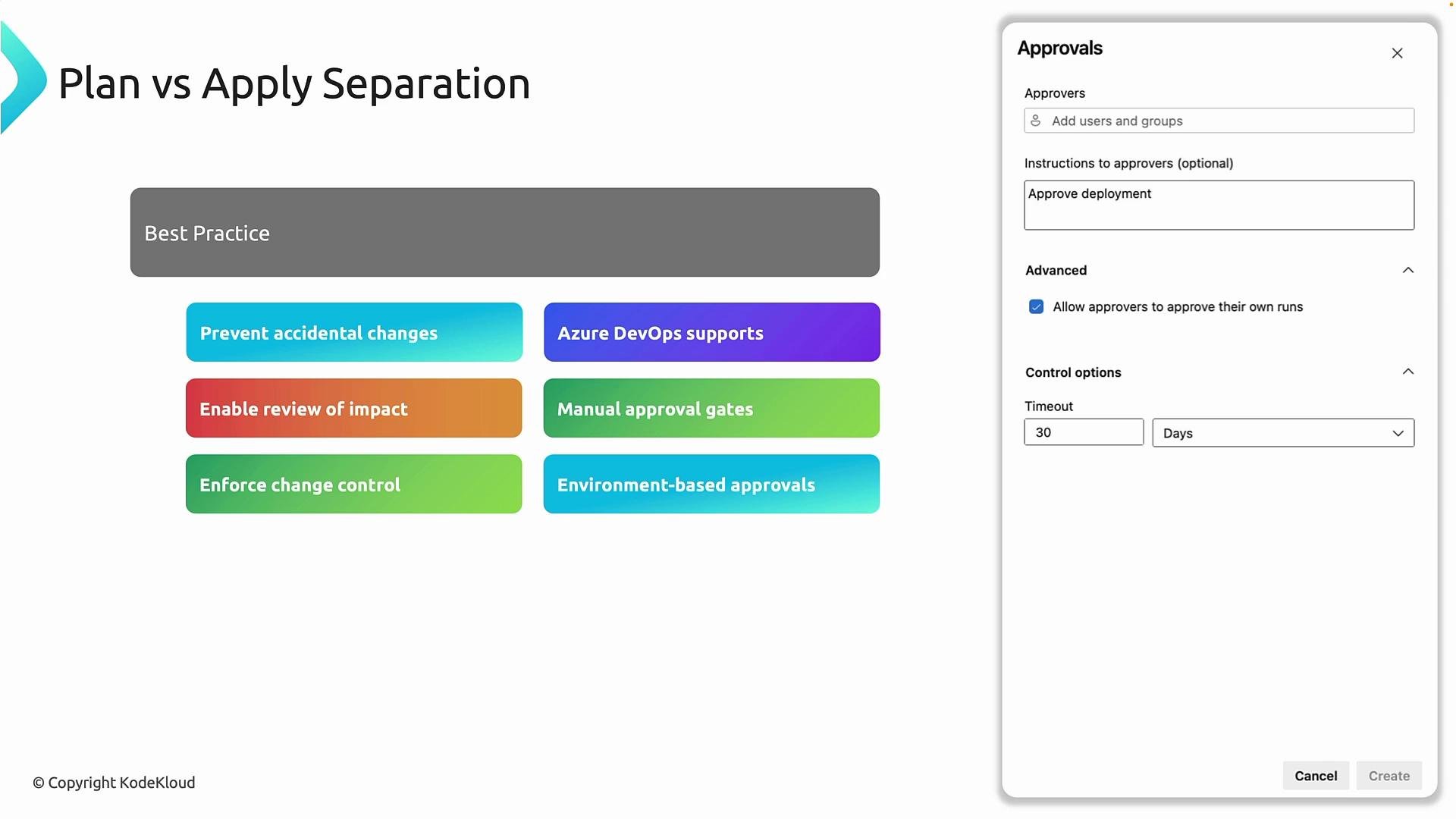
Best practice: Run plans automatically (on every commit or PR) but gate
apply with explicit approvals for non-development environments. This preserves visibility while limiting destructive actions.Plan vs Apply separation and approvals
Separation ofplan and apply is an enterprise pattern that improves safety and governance:
- Automatically run
planfor every pipeline execution (development, feature branches, PRs). - Gate
applyfor test/UAT/production with human approvals or environment checks. - Use Azure DevOps stage approvals, environments, and gates to enforce these controls.
When to use plan separation
Implement plan/apply separation for:- Test, UAT, and production environments — always require review/approval.
- Development environments — you may allow automated
applyfor rapid iteration, but track changes and revert controls.
Terraform apply — execution phase
terraform apply executes the plan (or computes and applies changes), updates remote state, and uses state locking to prevent concurrent modifications. In pipelines, apply is typically run only after the plan has been reviewed and approved.
Example apply task:
--auto-approveis required for non-interactive pipelines but should only be used after an explicit approval gate.applyis production-impacting — restrict it to authorized runs and environments.
Warning: Never enable automated
apply in production pipelines without a gated approval. --auto-approve will apply changes immediately and cannot prompt for interactive confirmation.Quick reference: init, plan, apply
Conclusion
A robust Terraform pipeline follows a consistent sequence:terraform init— initialize backend and providers.terraform plan— produce a reviewable plan and persist it as an artifact.terraform apply— execute the reviewed plan, only after approvals for protected environments.
Links and references
- Terraform: Getting Started
- Terraform CLI Documentation
- Azure DevOps Pipelines documentation
- Azure Provider for Terraform