

At a glance
- Workspaces share the same configuration across environments and keep separate state per workspace.
- Separate state files (backends) decouple environments, allowing independent configuration, pipelines, and ownership.
- The right pattern depends on your need for simplicity versus strict isolation and governance.
Comparison: workspaces vs separate state files
Key takeaway: workspaces optimize simplicity and reduced duplication; separate state files prioritize safety, scalability, and governance.
When not to use workspaces
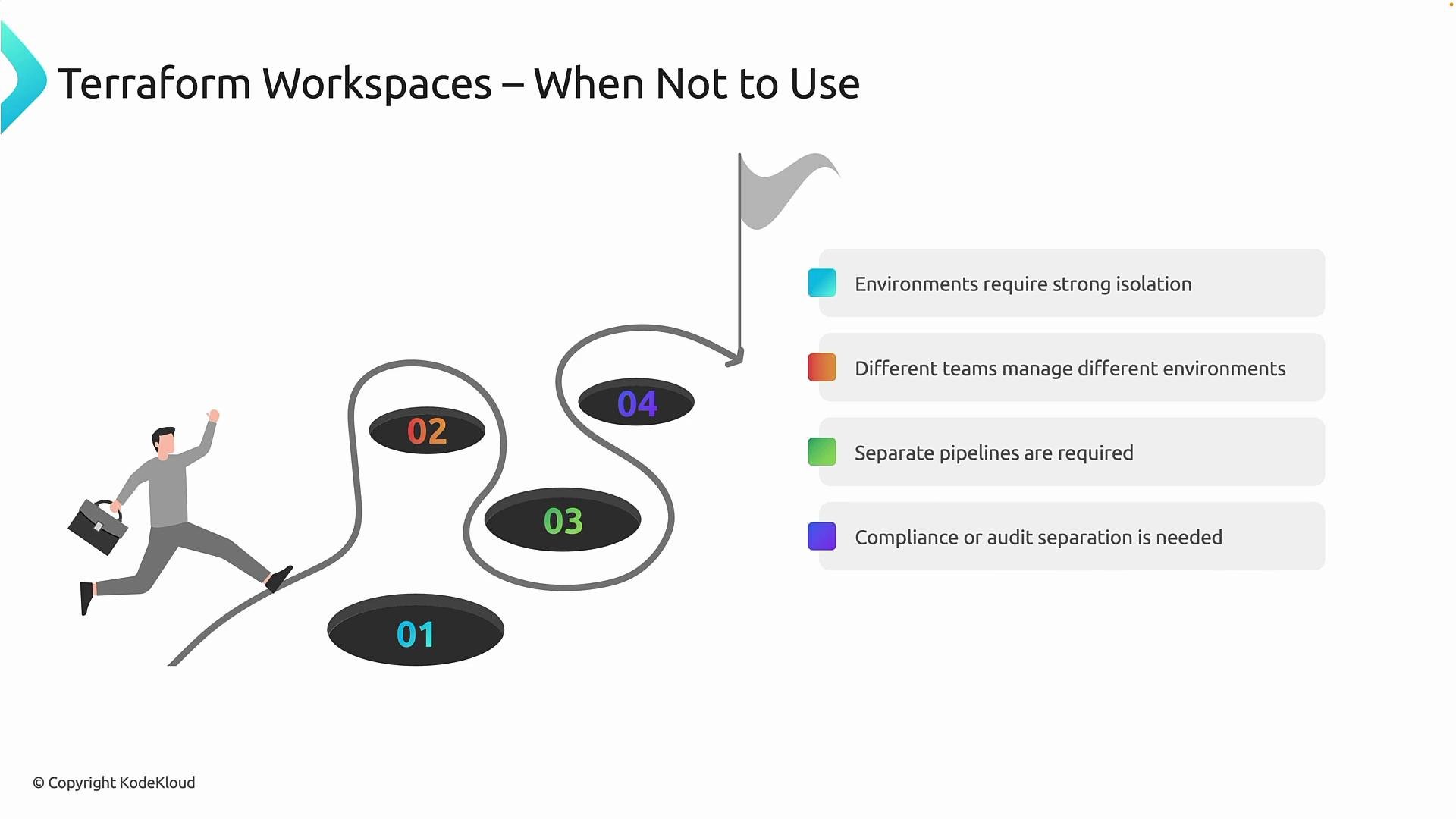
Avoid workspaces when any of the following apply:- Your environment requires strong isolation between environments (security, compliance, or data separation).
- Different teams own different environments and need independent lifecycles or deployment control.
- Each environment must have its own pipeline lifecycle (plan/apply/approve) or separate audit trails.
- Organizational governance demands explicit boundaries and limited blast radius.
Recommended alternatives
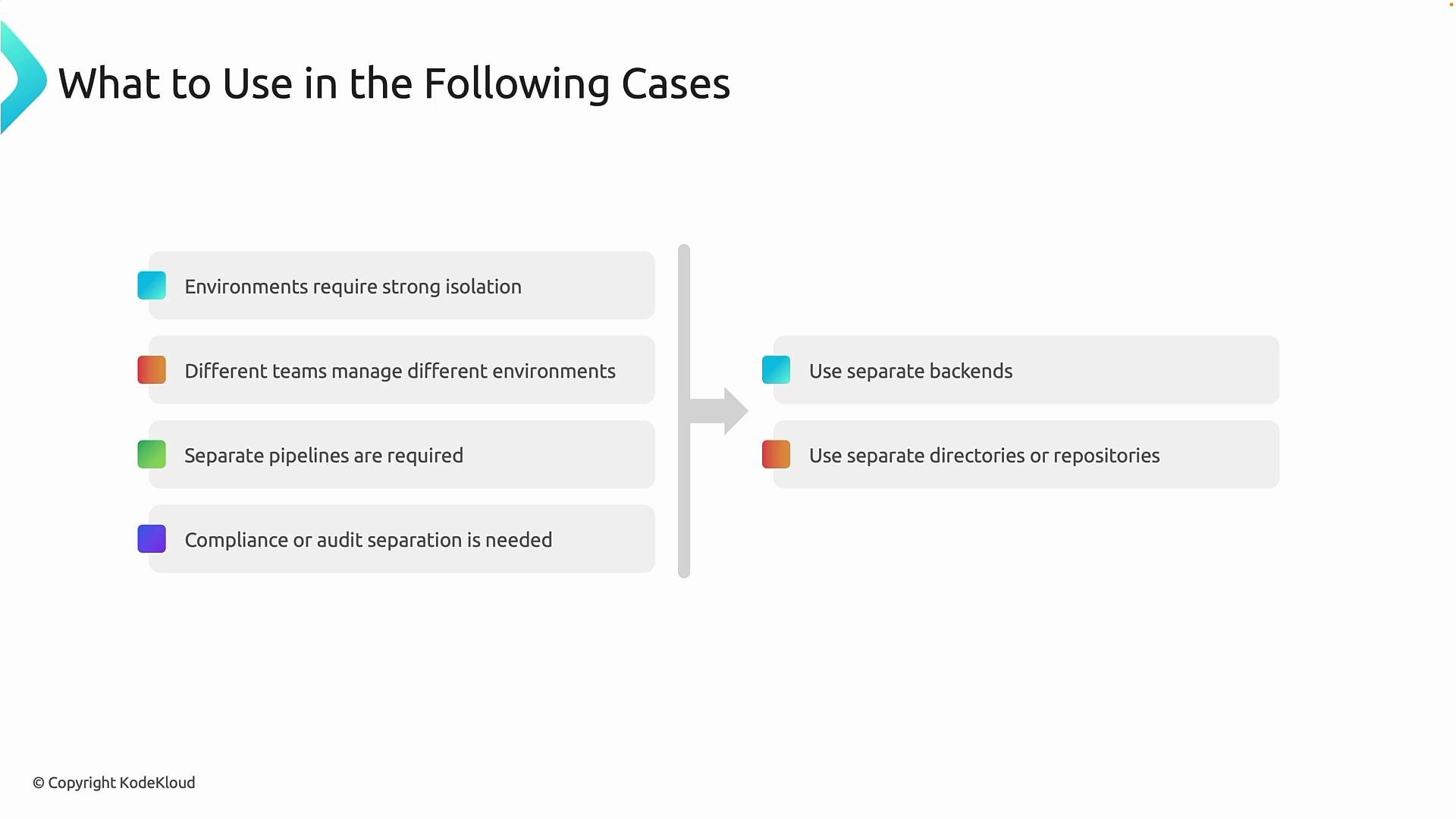
When you need stronger separation, consider these patterns. They trade some convenience for predictability, safety, and governance:- Separate backends
- Use distinct remote backends (e.g., different state storage containers, buckets, or workspaces in a supported backend) to enforce state isolation and manage access controls independently.
- Separate directories or repositories per environment
- Put environment-specific configuration in different folders or repos so teams can evolve independently and apply different lifecycle rules.
- Independent pipelines per environment
- Create dedicated CI/CD pipelines per environment to enforce approvals, reduce accidental cross-environment changes, and provide auditable runs.
Practical guidance
- Start by mapping ownership, compliance requirements, and acceptable blast radius for your systems. This will guide whether simplicity (workspaces) or strong boundaries (separate backends/repos) is the better fit.
- For small teams and non-critical workloads, workspaces can reduce duplication and speed onboarding.
- For production-critical or regulated systems, prefer separate backends/repositories and distinct pipelines to avoid accidental cross-environment impacts.
If you are unsure which approach to choose, map ownership, compliance requirements, and blast-radius tolerance. For small teams with simple requirements, workspaces may be acceptable. For multi-team, compliant, or production-critical environments, prefer separate backends and repositories.
Links and references
- Terraform Workspaces — HashiCorp Documentation
- Terraform Backends — HashiCorp Documentation
- Best practices for managing Terraform state