

local-exec provisioner to run commands on the machine executing Terraform (your laptop, a jump host, or a CI/CD agent).
Unlike remote provisioners, which log into and configure created resources (via SSH, WinRM, etc.), the local-exec provisioner executes a command locally after Terraform completes the resource creation lifecycle event. It does not connect to or modify the created resource; it’s intended for orchestration and automation side-effects.
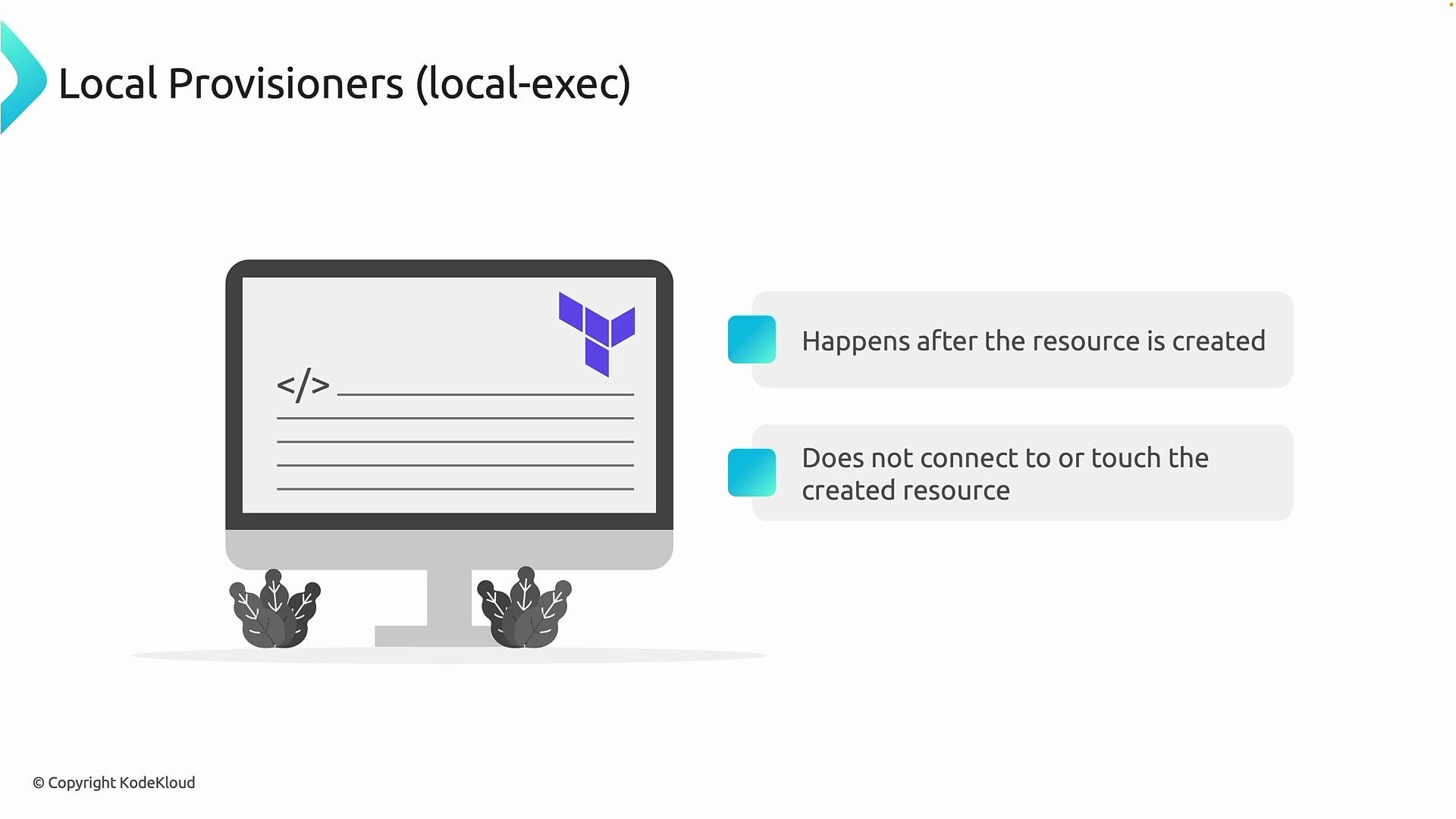
- Runs on the Terraform host (not on the provisioned resource).
- Executes after the resource creation or before destruction depending on configuration.
- Useful for orchestration tasks (writing local files, triggering pipelines, sending notifications).
- Not suitable for resource configuration or long-running configuration management.
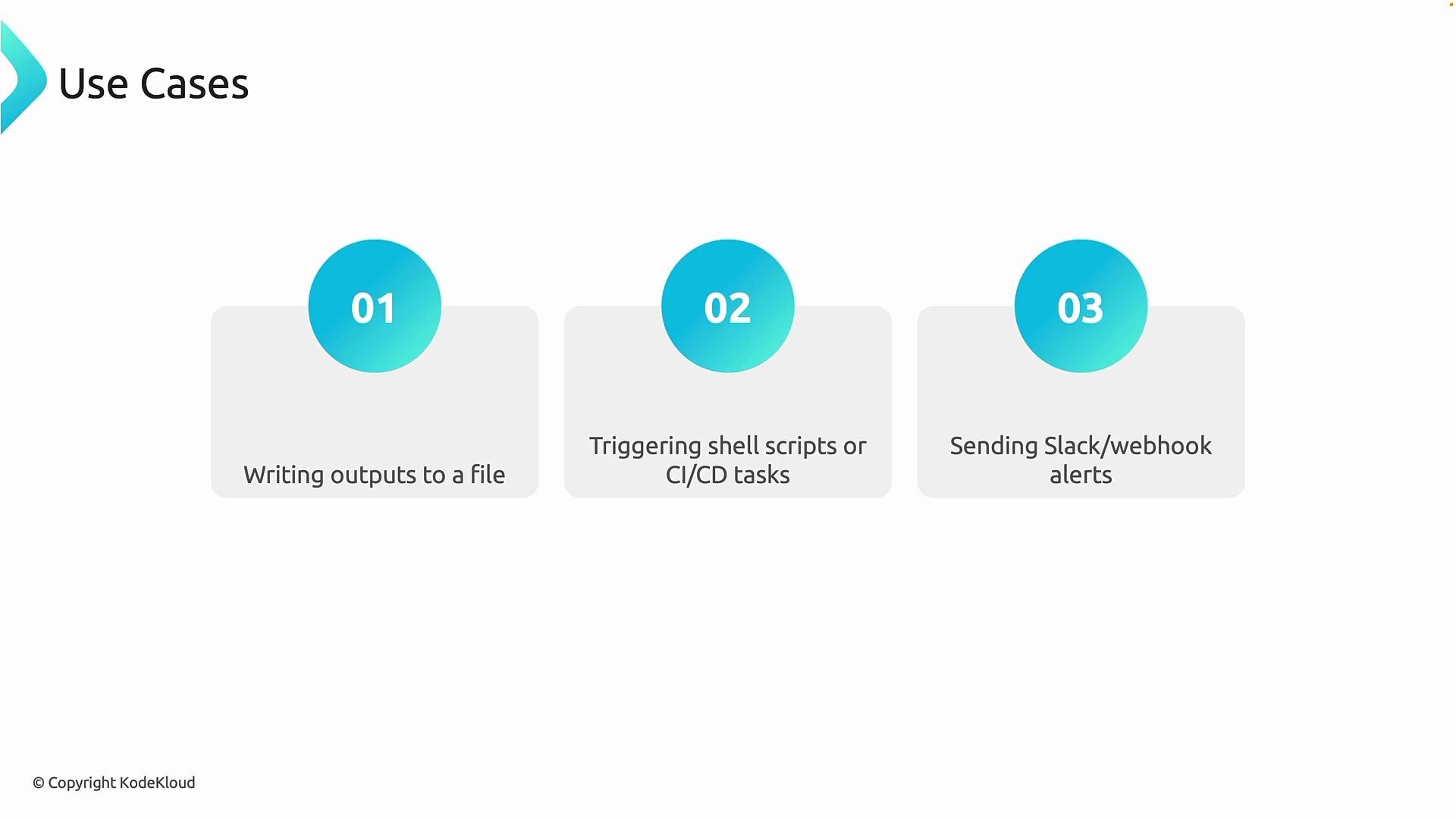
- Writing resource outputs to a local file (for example, capturing a public IP address or a connection string).
- Triggering shell scripts or CI/CD tasks (invoking additional deployment stages, notifying systems, or kicking off pipelines).
- Sending alerts or webhooks (Slack notifications, integrations with monitoring/operational tooling).
Example: save a storage account connection string locally
The following compact example creates an Azure resource group and a storage account, then uses a
local-exec provisioner to write the storage account’s primary connection string to a local file named connection_string.txt.
Notes applied:
- Use
provider "azurerm" { features {} }(required by recentazurermprovider versions). - Wrap provider-marked sensitive values with
nonsensitive()when you intentionally need to emit them. - Wrap the connection string in single quotes in the shell
echoto avoid shell interpretation of semicolons.
- In a provisioner,
selfrefers to the current resource instance (here, the storage account). primary_connection_stringis the attribute exposed by the storage account resource that contains the connection string.nonsensitive()unwraps values marked sensitive by the provider so Terraform can emit them. Use this only when you intentionally want the value exposed.- Single quotes around the interpolated value prevent semicolons in the connection string from being interpreted by the shell.
- Initialize the working directory (downloads providers and sets up the environment):
- Apply the configuration (use
--auto-approveto skip the confirmation prompt):
local-exec provisioner runs on the Terraform host and writes the file. Verify it:
Local provisioners are best for orchestration or integration steps (e.g., saving outputs locally, invoking CI/CD pipelines, or sending notifications). They are not a substitute for configuration management on created resources.
Avoid using provisioners for critical configuration or secrets handling. Sensitive values written locally may be stored in plaintext unless handled carefully; using
nonsensitive() forces Terraform to expose values that would otherwise be masked—use with caution.- Execution environment: Provisioners run on the machine executing Terraform; ensure that host has required permissions, network access, and installed tooling.
- Idempotence: Provisioner commands may have side effects and can make
terraform applynon-idempotent if not written carefully. - Lifecycle coupling: Provisioners are tied to the resource lifecycle (they run during create/destroy as configured). Plan for how retries and re-creates affect side effects.
- Prefer native solutions: When possible, use built-in provider features or established configuration management/orchestration tools such as Ansible or cloud-init. Use provisioners only when no native alternative exists.
- Terraform Provisioners Documentation
- Azure RM Provider Docs
- Learn Ansible Basics - Beginners Course
- cloud-init
local-exec provisioner works and how you can use it to capture and persist resource outputs on the Terraform host.