

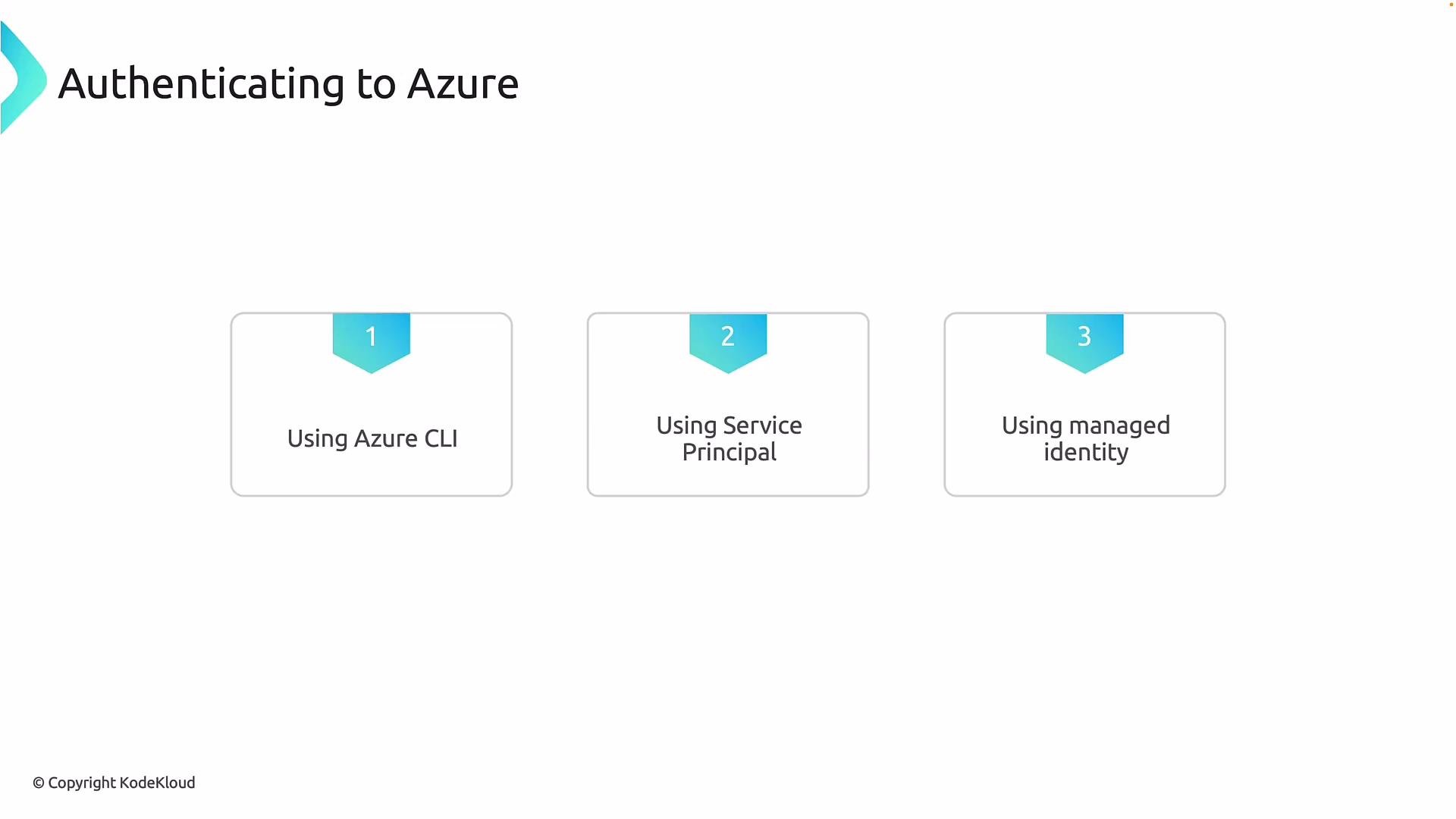
- Azure CLI (best for local development)
- Service Principal (typical for CI/CD automation)
- Managed Identity (recommended for workloads running inside Azure)
How authentication works (quick overview)
- Terraform requests an access token from Microsoft Entra ID.
- The Provider includes that token in API calls to ARM.
- ARM validates the token and enforces RBAC permissions assigned to that identity.
- Local machine or laptop → Azure CLI
- CI/CD pipelines → Service principal
- Azure-hosted VMs, App Services, or other resources → Managed identity
Quick comparison
1) Azure CLI (az login)
The Azure CLI authenticates a user via Microsoft Entra ID and caches an access token locally. The Terraform Azure Provider detects the cached session and reuses the token for ARM API calls. The permissions used by Terraform are the role assignments of the signed-in user. Example: authenticate locallyUse
az login for interactive development, learning, and demos. Avoid using it for production automation because it uses your user identity, which may have broader permissions than necessary.- If you use multiple subscriptions, set the active subscription with
az account set -s <SUBSCRIPTION_ID>. - For headless CI scenarios, prefer a service principal instead of
az login.
2) Service Principal
A service principal is an application identity in Microsoft Entra ID and is commonly used for automation and CI/CD. It provides a dedicated identity with scoped RBAC permissions. Create a service principal and assign it an RBAC role scoped to a subscription or resource group:Do not commit service principal credentials to source control. Store secrets securely (for example, in Azure Key Vault) and rotate them regularly.
- Suitable for non-interactive automation.
- Allows least-privilege RBAC scoping to limit Terraform actions.
- Can use client secret or certificate-based authentication.
3) Managed Identity
Managed identities (formerly MSI) are Azure-managed service principals attached to an Azure resource (for example, a VM, Virtual Machine Scale Set, App Service, or Azure Function). They provide a secretless way for Azure resources to authenticate to Azure services. To use a managed identity with Terraform:- Enable a system-assigned or user-assigned managed identity on your Azure resource.
- Assign the managed identity the necessary RBAC role at the appropriate scope.
- Configure Terraform (or the environment) so the Azure Provider uses the managed identity. Example environment variables:
- The Azure resource requests tokens from the Instance Metadata Service (IMDS).
- No client secrets are stored or shared.
- Terraform running on that resource will acquire tokens transparently.
Best practices
- Principle of least privilege: scope RBAC roles to the minimal required scope (resource group, resource, or custom roles).
- Avoid embedding secrets in source control. Use secret stores like Azure Key Vault.
- Prefer Managed Identity for Azure-hosted automation. Use service principals for external CI/CD systems.
- For local development use
az login, but ensure CI/CD uses explicit, auditable identities (service principals or managed identities).
Links and references
- Microsoft Entra ID (Azure AD): https://learn.microsoft.com/azure/active-directory/
- Azure Resource Manager (ARM): https://learn.microsoft.com/azure/azure-resource-manager/
- Azure CLI: https://learn.microsoft.com/cli/azure/
- Managed identities for Azure resources: https://learn.microsoft.com/azure/active-directory/managed-identities-azure-resources/
- Create a service principal with Azure CLI: https://learn.microsoft.com/cli/azure/ad/sp#create-for-rbac
- Azure CLI (
az login) is convenient for local work. - Service principals are ideal for CI/CD automation; secure secrets properly.
- Managed identities are the recommended, secretless option for resources running inside Azure.