

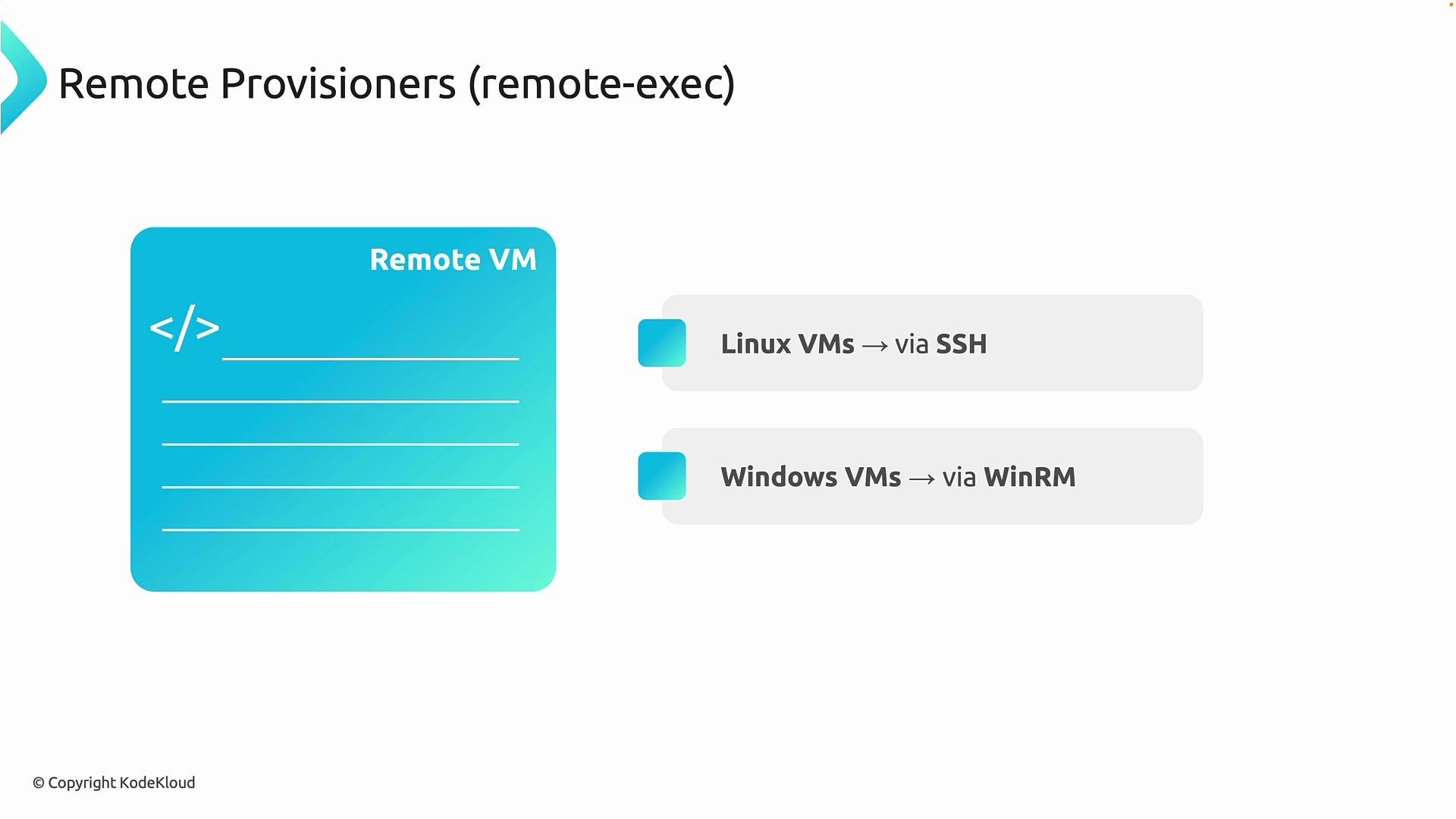
remote-exec provisioner to run commands inside newly created virtual machines. Remote provisioners let Terraform connect to a VM over the network and execute commands inside the guest operating system — for Linux VMs Terraform typically uses SSH, and for Windows VMs it uses WinRM. This is distinct from configuring a VM through cloud-provider APIs; remote provisioners log into the machine and run commands directly.
Typical use cases
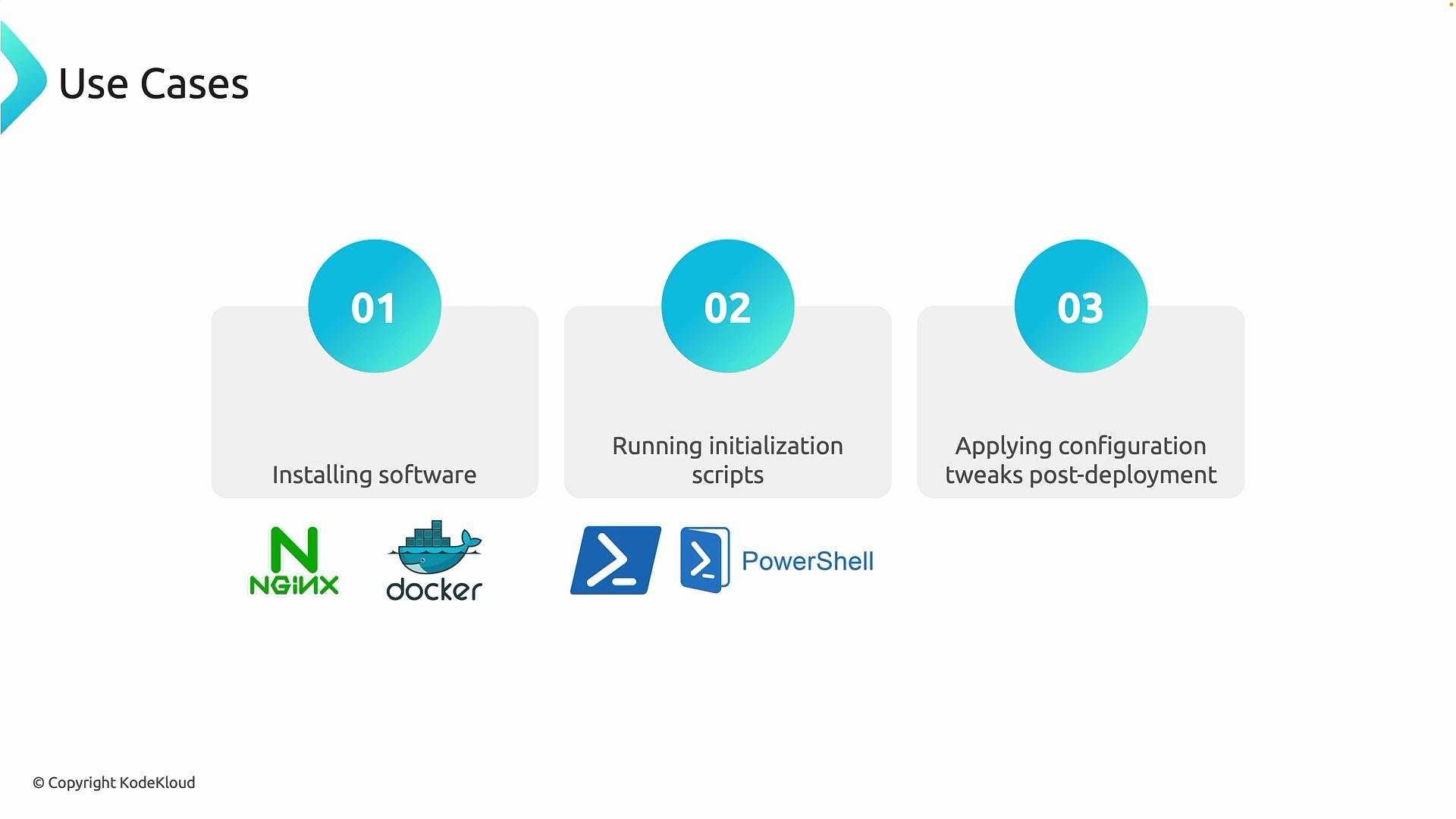
Remote provisioners are best for targeted, small-scale bootstrapping tasks that should run immediately after a VM is created:- Install software right after deployment (e.g., Nginx, Docker, or other runtime dependencies).
- Run initialization or bootstrap scripts to prepare the system before apps are deployed.
- Apply small configuration tweaks after infrastructure creation (e.g., enable a service, update a config file, restart a daemon).
Requirements and constraints
Before using remote provisioners ensure the following: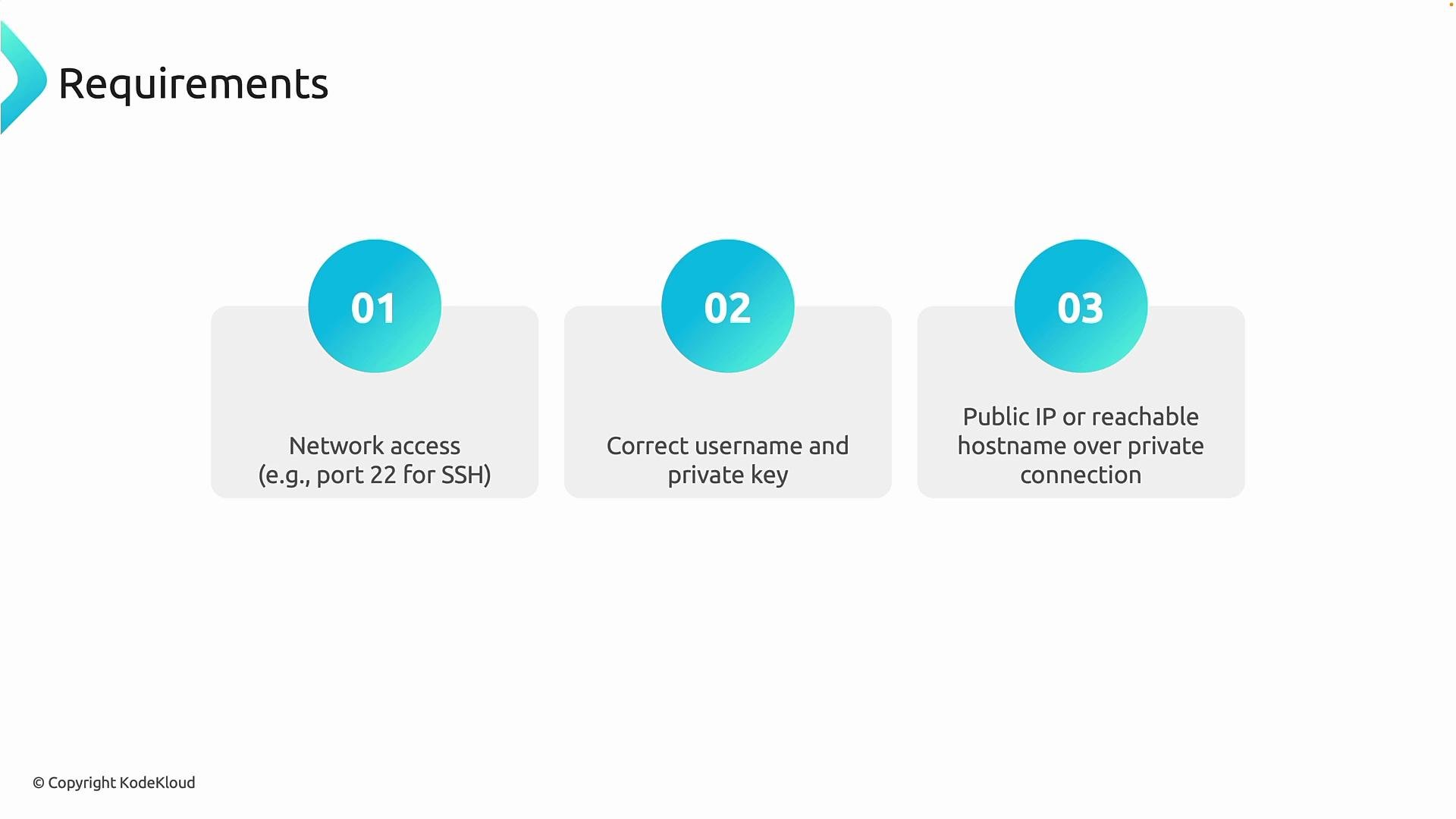
Prefer SSH key-based authentication for Linux VMs and avoid embedding plaintext secrets in your Terraform files. Use an absolute path or pass keys via variables (Terraform does not expand
~ in file() calls).Example: remote-exec to install Apache (apache2)
This concise example shows a core Terraform configuration that creates a Linux VM on Azure and uses aremote-exec provisioner to update packages, install Apache, and write a simple index page.
Notes on the example:
- Add the
provisioner "remote-exec"block inside the VM resource. - Use the
connectionblock to tell Terraform how to reach the VM (SSH for Linux). - Prefer SSH key authentication. Never store production secrets inline.
Run and validate
Typical workflow commands:
Example terminal sequence:
Troubleshooting: platform image errors
If you see an error such as:source_image_reference.
Helpful Azure CLI commands (example using Canada Central and publisher Canonical):
--query to find a non-deprecated version.
Example apply output (successful)
Avoid embedding plaintext passwords or secrets in your Terraform code. Prefer SSH keys or use a secrets manager. Also be cautious when exposing SSH or HTTP ports on public IP addresses.
Summary
Remote provisioners (especiallyremote-exec) let Terraform execute commands inside VMs after provisioning and are ideal for quick bootstrapping and minor post-deploy adjustments. Use them sparingly — they are not a substitute for full configuration-management tooling. Ensure proper network reachability, authentication, and secure handling of credentials so your provisioners can run reliably.
Links and references
- Terraform: remote-exec provisioner — https://developer.hashicorp.com/terraform/language/resources/provisioners/remote-exec
- Azure CLI — https://learn.microsoft.com/cli/azure/
- Azure VM images documentation — https://learn.microsoft.com/azure/virtual-machines/linux/cli-ps-findimage