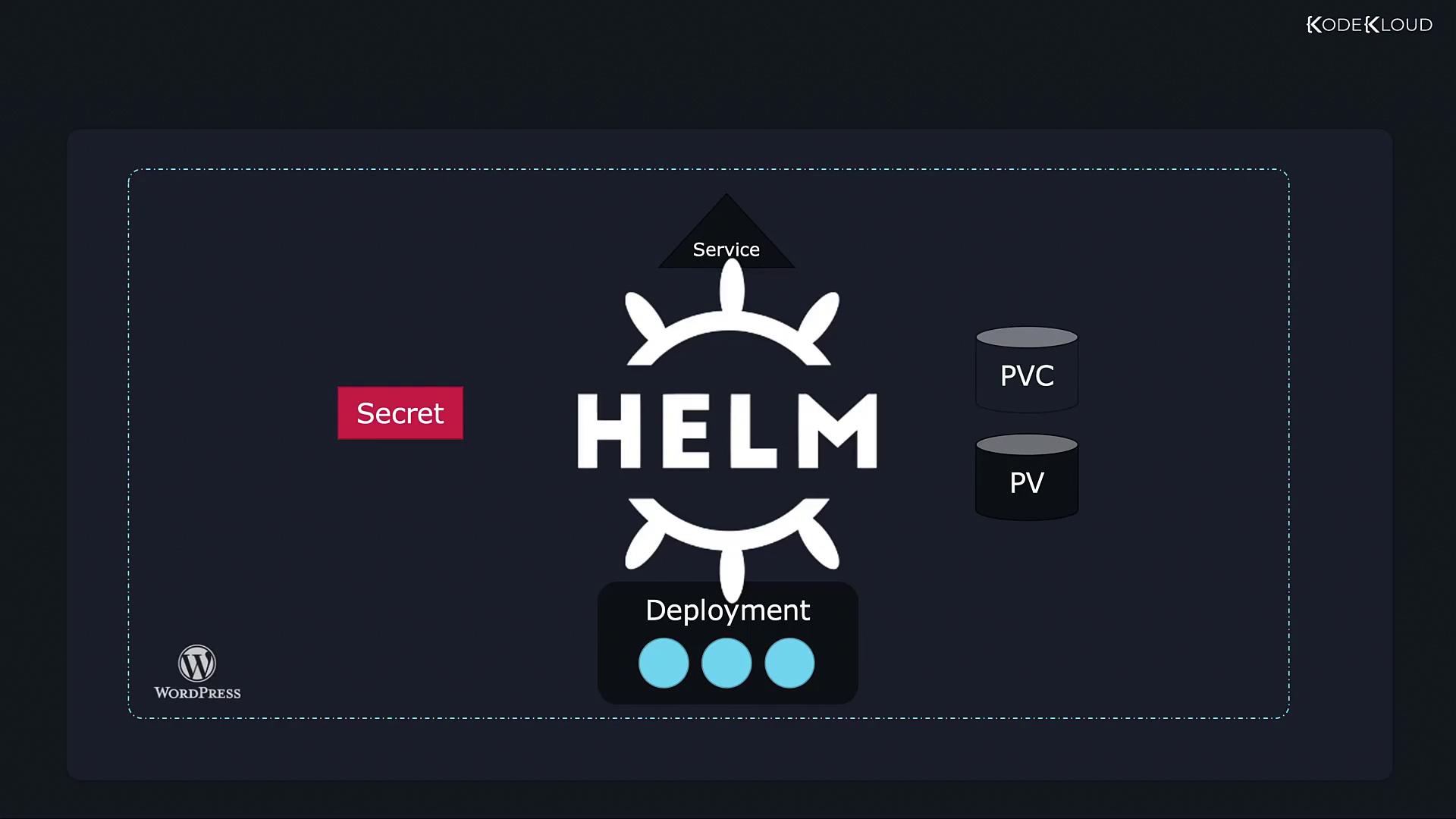
Helm is a package manager for Kubernetes that simplifies application deployment and management by treating related resources as a single application package.
Helm is a package manager for Kubernetes designed to simplify application deployment and management. While Kubernetes is highly effective at orchestrating complex infrastructures, managing individual resources for complex applications can quickly become tedious.Consider a WordPress site that may require multiple interconnected Kubernetes objects, such as:
A Deployment to run Pods (e.g., MySQL database servers or web servers)
A PersistentVolume (PV) to store data
A PersistentVolumeClaim (PVC) to access the storage
A Service to expose the web server to the internet
A Secret to store credentials like admin passwords
Additional components like Jobs for periodic backups
Without Helm, you would create and maintain separate YAML files for each object and apply them using individual kubectl commands. For example:
Managing numerous YAML files individually can lead to operational errors, especially when updating configurations, such as increasing storage sizes from 20Gi to 2200Gi, across several files.
Even if all declarations are combined into a single file, the complexity increases as the file grows, making troubleshooting more challenging.
Helm treats related resources as a single application package, enabling you to deploy and manage your entire Kubernetes application with a single command. For instance, to install a WordPress package, simply run:
$ helm install wordpress
With Helm, configuration settings are centralized in a file like values.yaml, allowing you to customize your deployment effortlessly. An example configuration might look like this:
wordpressUsername: user# Application password (defaults to a random 10-character alphanumeric string if not set)# wordpressPassword:# Admin email (see: https://github.com/bitnami/bitnami-wordpress)wordpressEmail: user@example.com# First name (see: https://github.com/bitnami/bitnami-wordpress)wordpressFirstName: FirstName# Last name (see: https://github.com/bitnami/bitnami-wordpress)wordpressLastName: LastName# Blog name (see: https://github.com/bitnami/bitnami-wordpress)wordpressBlogName: User's Blog!
Helm also streamlines the upgrade process:
$ helm upgrade wordpress
If issues occur during an upgrade, Helm’s rollback feature allows you to revert to a previous, stable release:
$ helm rollback wordpress
When it’s time to remove the application, Helm ensures that all associated Kubernetes objects are tracked and deleted automatically:
In summary, Helm acts as both an install/uninstall wizard and a release manager. It abstracts the complexity of managing individual Kubernetes resources, allowing deployments to be treated as single cohesive entities. This approach substantially reduces operational overhead and minimizes the risk of errors during deployment, upgrades, or removal.This guide provides a brief introduction to Helm. In upcoming lessons, we will explore Helm commands and functionalities in more depth, enabling you to manage Kubernetes applications more efficiently.For additional insights on Kubernetes and container orchestration, visit the following resources: