

Question 1 – Adjusting Network Parameters for Kubernetes
To deploy a Kubernetes cluster using kubeadm, you must enable IPv4 packet forwarding and ensure the settings persist across reboots. Refer to the kubeadm documentation for guidance when provisioning a new cluster.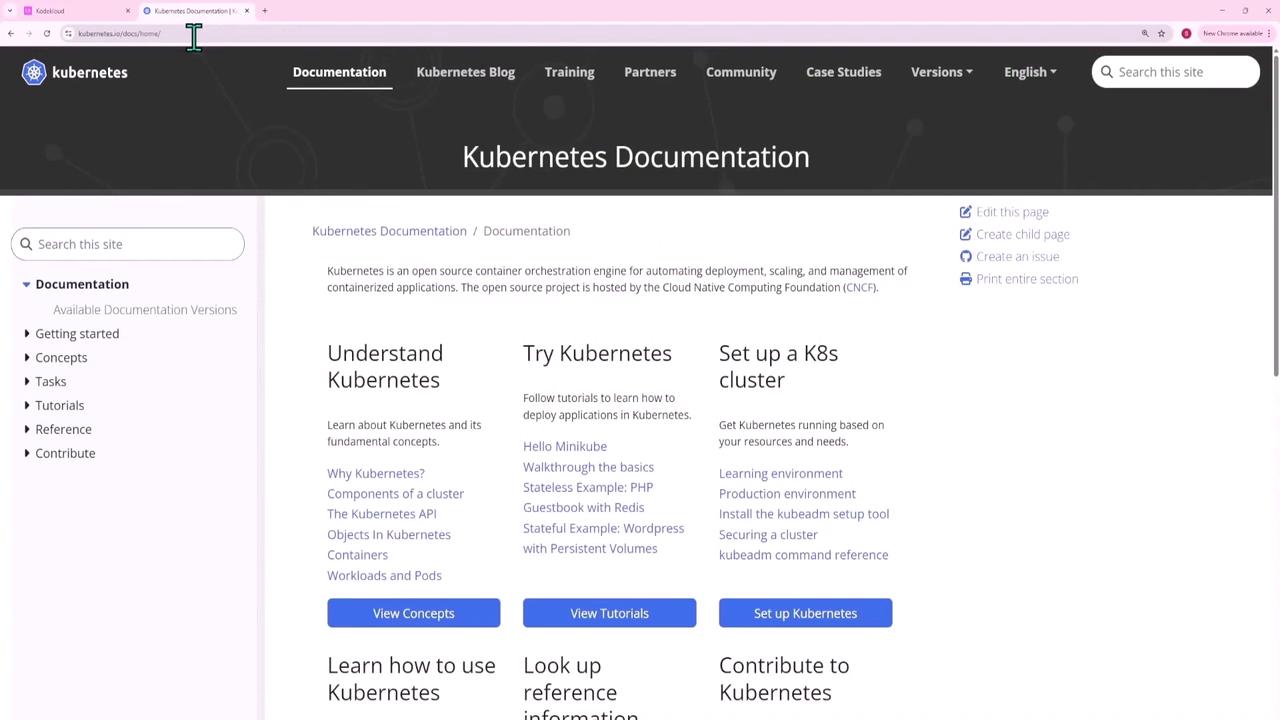
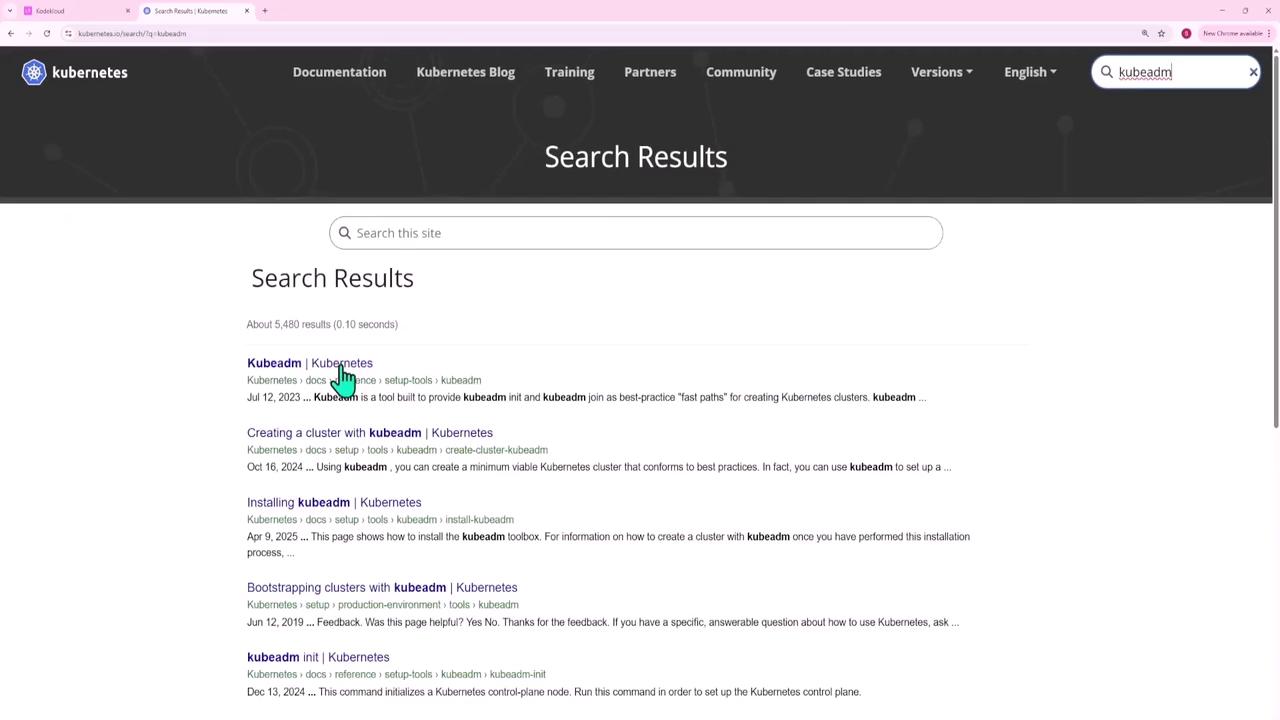
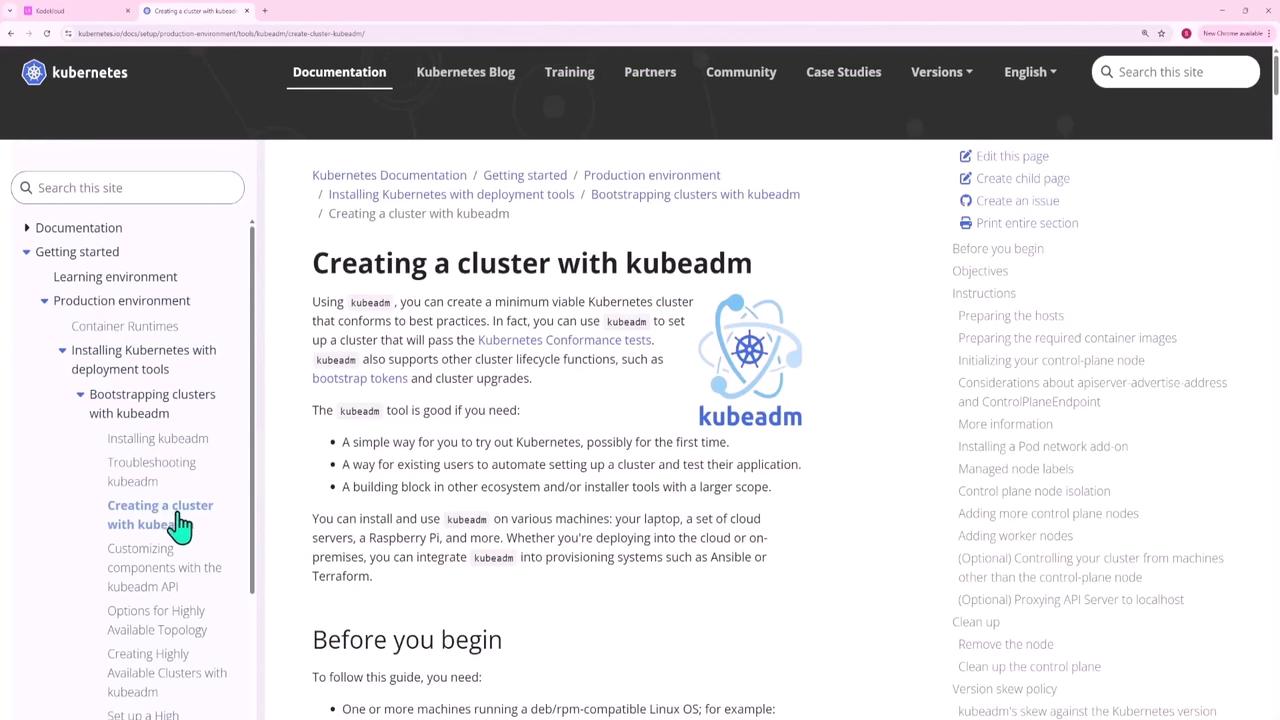
Always copy the exact command names from the exam instructions to avoid errors.
Question 2 – Creating a Service Account and Granting PVC Listing Permissions
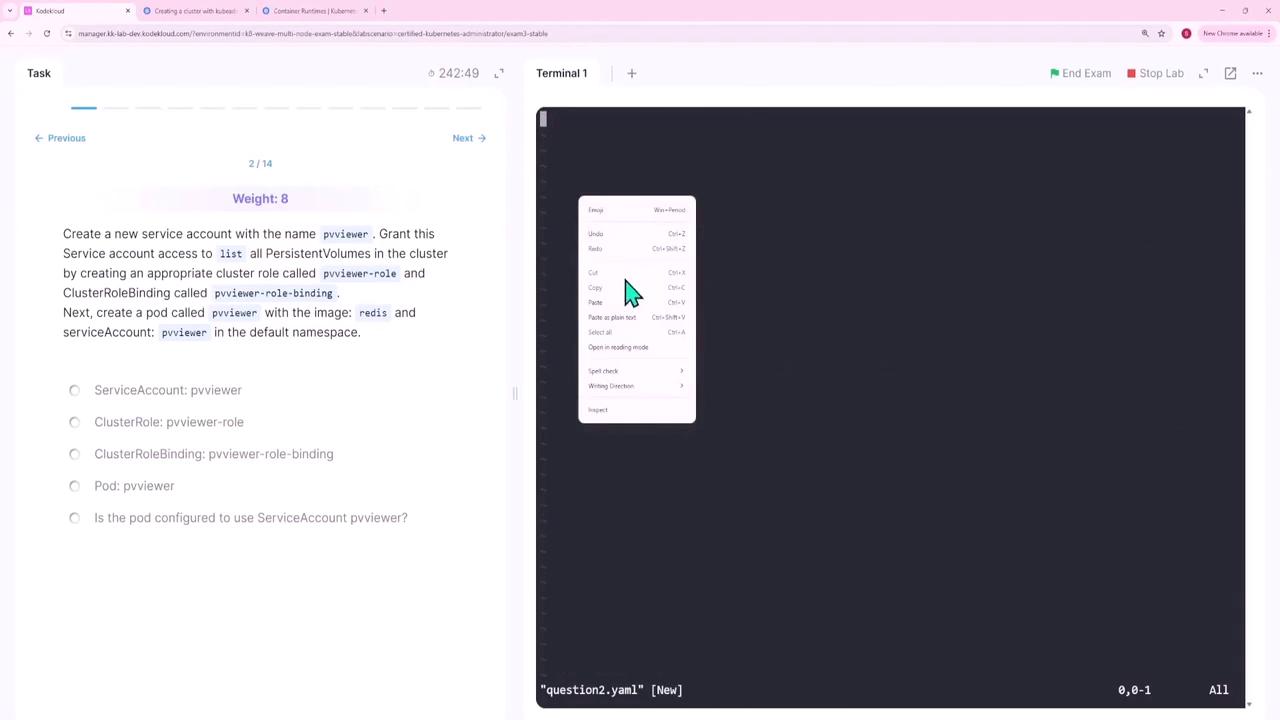
In this question you will:- Create a service account named pvviewer.
- Create a cluster role (pvviewer-role) that grants permission to list persistent volumes.
- Bind the role to the service account with a cluster role binding (pvviewer-role-binding).
- Launch a pod (pvviewer) using the Redis image in the default namespace.
Step 1: Create the Service Account
Step 2: Create the Cluster Role
Create the role with the required permission:Step 3: Bind the Role to the Service Account
Step 4: Launch the Pod
Create a pod manifest (e.g.,question2.yaml):
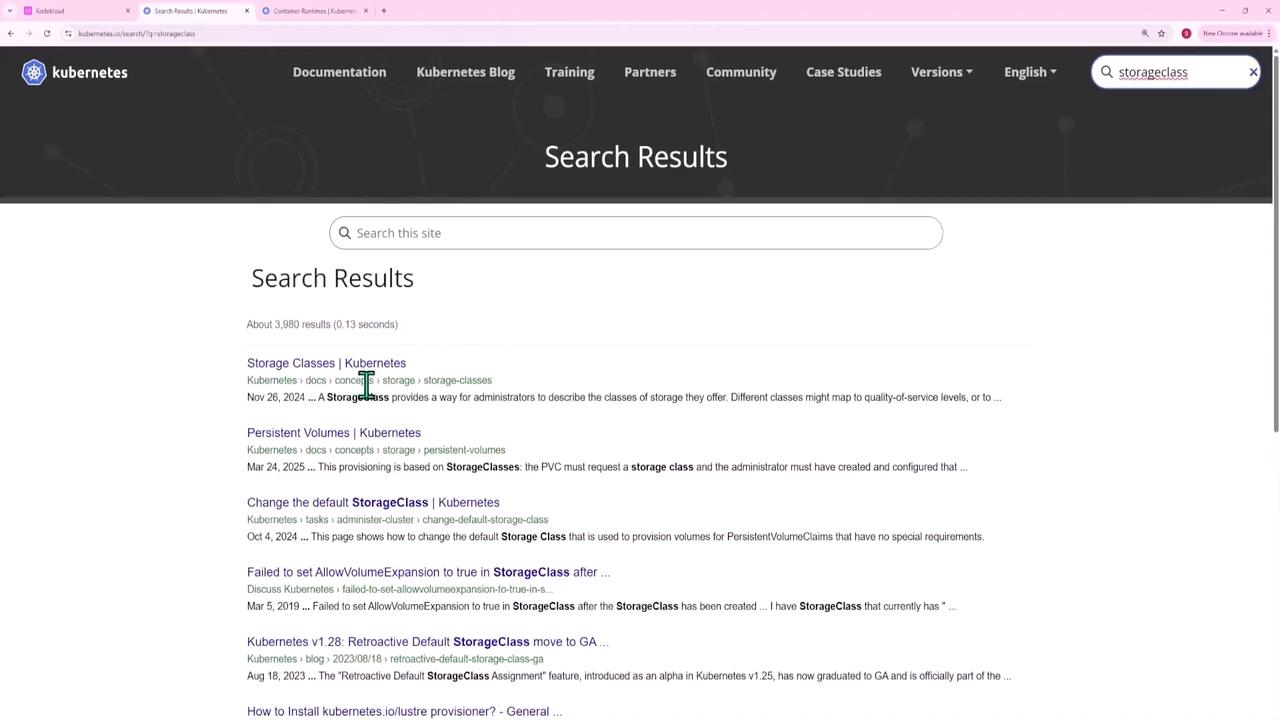
Question 3 – Creating a Storage Class
Create a storage class called rancher-sc with these settings:- Provisioner:
rancher.io/local-path - Allow volume expansion:
true - Volume binding mode:
WaitForFirstConsumer
question3.yaml):
Question 4 – Configuring a ConfigMap and Updating a Deployment
In the cm-namespace, perform these tasks:- Create a ConfigMap app-config containing key-value pairs such as
ENV=productionandLOG_LEVEL=info. - Update the existing deployment cm-web-app to source environment variables from the ConfigMap.
Step 1: Create the ConfigMap
Step 2: Update the Deployment
Edit the deployment to include the ConfigMap: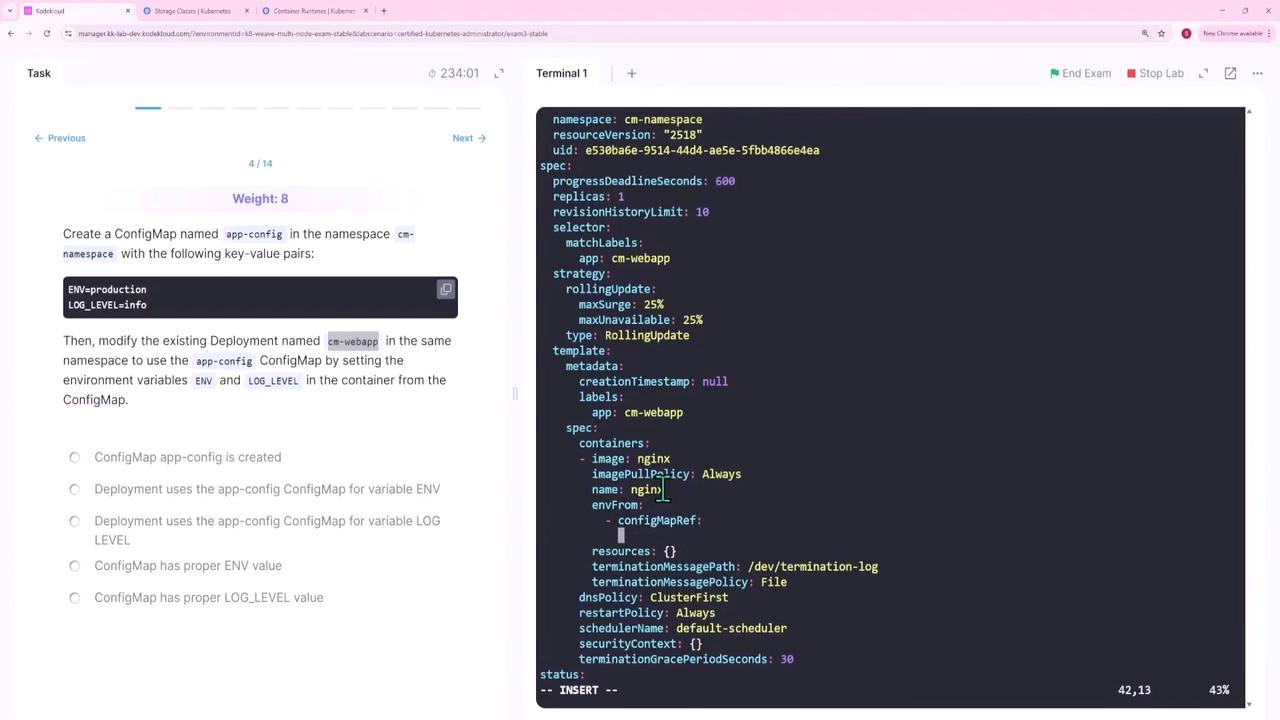
Question 5 – Configuring Priority Classes and Pod Priority
For this task, you need to:- Create a PriorityClass low-priority with a value of 50,000.
- Modify the existing pod lp-pod (in the low-priority namespace) to reference this PriorityClass.
- Recreate the pod so that it picks up the new priority without manually setting a numeric value.
Step 1: Create the PriorityClass
Create a manifest (e.g.,question5.yaml):
Step 2: Update the Pod Manifest
Create or edit the pod manifest (e.g.,question5-pod.yaml) to include only the PriorityClass name:
priority field.
Replace the pod if needed:
Question 6 – Fixing Incoming Connection Issues with a Network Policy
A pod (np-test-1) and its service (np-test-service) are not receiving incoming traffic on port 80. Create a NetworkPolicy named test-network-policy to allow TCP traffic on port 80. First, confirm the pod’s labels:question6.yaml):
run=np-test-1.
Question 7 – Tainting a Node and Creating Pods with Tolerations
In this question, you will:- Taint a worker node (node01) with
env_type=production:NoSchedule. - Create a pod (dev-redis) without tolerations so it avoids node01.
- Create another pod (prod-redis) with a toleration to allow scheduling on node01.
Step 1: Taint the Node
Step 2: Create the Non-Tolerant Pod
Using an imperative command:Step 3: Create the Tolerant Pod
Create a manifest (e.g.,question7.yaml):
Question 8 – Binding a PVC to a PV by Matching Access Modes
A PersistentVolumeClaim (app-pvc) in the storage-ns namespace is not binding with the PersistentVolume (app-pv) because the PVC requests ReadWriteMany and the PV provides ReadWriteOnce. Update the PVC to request["ReadWriteOnce"] as the access mode.
After modifying the PVC manifest, remove the old PVC and apply the corrected file:
Question 9 – Troubleshooting a Faulty Kubeconfig File
The kubeconfig file super.kubeconfig (located at/root/CKA/super.kubeconfig) is returning a “connection refused” error. The issue is found in the cluster section where the server is set to:
Question 10 – Scaling a Deployment
The nginx-deploy deployment currently has 1 replica. To scale it to 3 replicas:-
Check the current status:
-
Scale the deployment:
-
Verify the change:
/etc/kubernetes/manifests/kube-controller-manager.yaml).
This completes Question 10.
Question 11 – Creating a Horizontal Pod Autoscaler (HPA) with Custom Metric
For the api-deployment in the api namespace, create an HPA that scales based on a custom pod metric (requests_per_second), targeting an average value of 1000 with a range of 1 to 20 pods.
Create a manifest (e.g., question11.yaml):
Question 12 – Configuring an HTTPRoute to Split Traffic
To distribute incoming web traffic, configure an HTTP route to split between web-service (80%) and web-service-v2 (20%). The associated web gateway and services already exist. Create an HTTPRoute manifest (e.g.,question12.yaml):
Question 13 – Upgrading an Application Using Helm
You need to upgrade an application using a Helm chart from the directory/root/new-version. Follow these steps:
-
Validate the Chart:
Expected message:
-
Install the Chart:
Use an auto-generated name:
List the releases:
-
Uninstall the Old Version:
Replace
<old-release-name>with the actual release name:
Question 14 – Outputting the Pod CIDR Network
To determine the pod CIDR network of the cluster and save it to/root/pod-cidr.txt, extract the podCIDR from one of the nodes:
End of Lesson.