

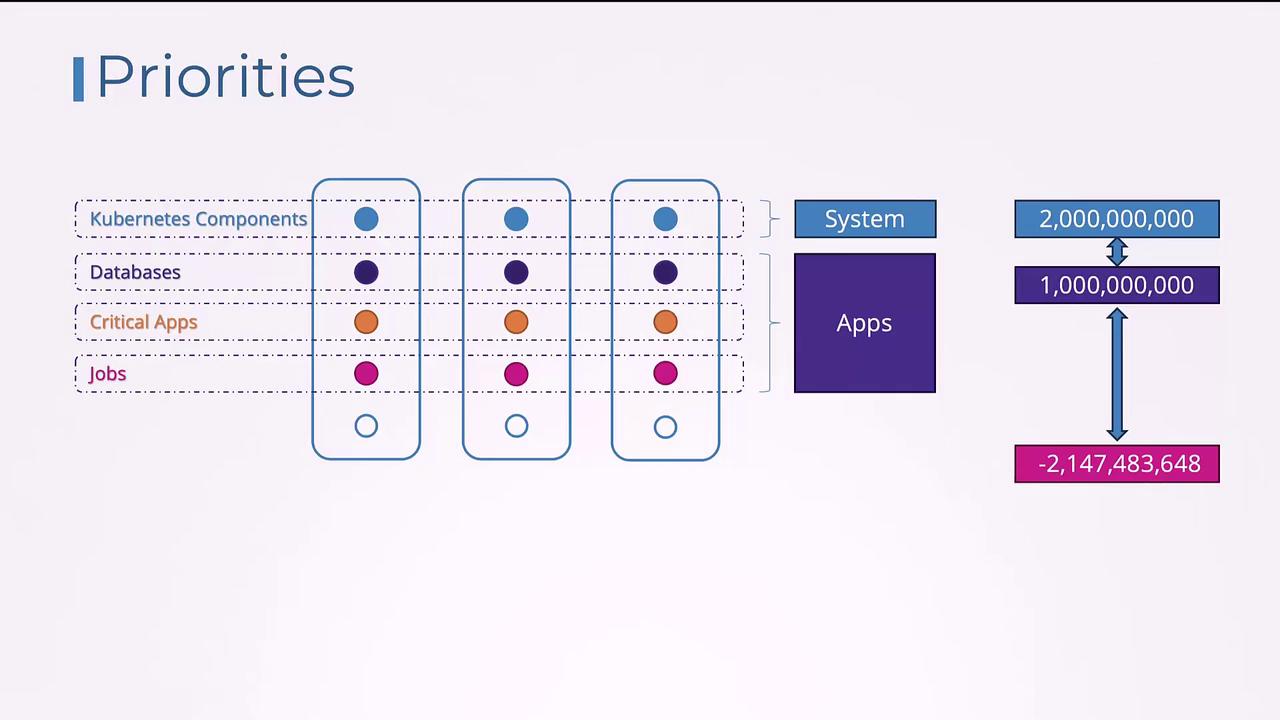
Creating a New Priority Class
To create a new priority class, define an object with the API versionscheduling.k8s.io/v1, set the kind to PriorityClass, and include metadata with a name, numerical value, and an optional description. For example:
priorityClassName field in your Pod’s specification. If you do not specify a priority class, the Pod is assigned a default priority value of zero. To change the default priority for Pods, create a priority class with the globalDefault property set to true. Note that only one priority class can be marked as the global default.
Below is an example that demonstrates both the creation of a priority class and how to use it in a Pod definition:
Pod Priority and Preemption
Consider a scenario where there are two workloads waiting to be scheduled: a critical application with a priority of 7 and a job with a priority of 5. With available resources, the higher priority critical application is scheduled first. If resources remain, the lower priority job is also scheduled.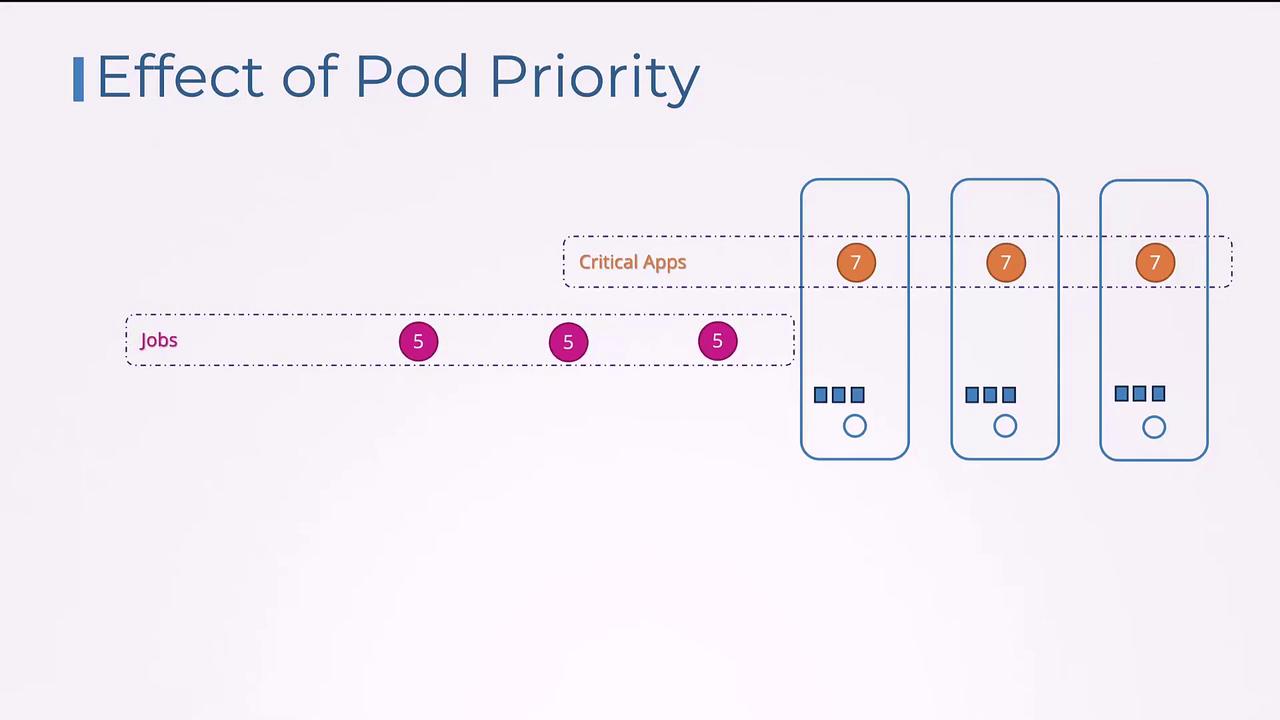
PreemptLowerPriority policy, meaning the scheduler will evict lower priority Pods to free up resources for higher priority ones.
The following YAML snippet demonstrates setting the preemption policy to PreemptLowerPriority:
preemptionPolicy to Never. This change ensures the Pod remains in the scheduling queue without evicting any existing Pods: