

Deploying Kubernetes on a Local Machine
For local development or testing purposes, several setup strategies are available. On a supported Linux system, you can install the Kubernetes binaries manually to configure a local cluster. However, for beginners, this process may be challenging, and a more automated solution is generally preferred to simplify cluster setup. On Windows, since native Kubernetes binaries are not available, you need to rely on virtualization platforms such as Hyper-V, VMware Workstation, or VirtualBox. Windows users typically create Linux virtual machines (VMs) to host Kubernetes. Although Kubernetes components can run as Docker containers on these VMs, they operate on minimal Linux operating systems provided by Hyper-V.Local Deployment Solutions
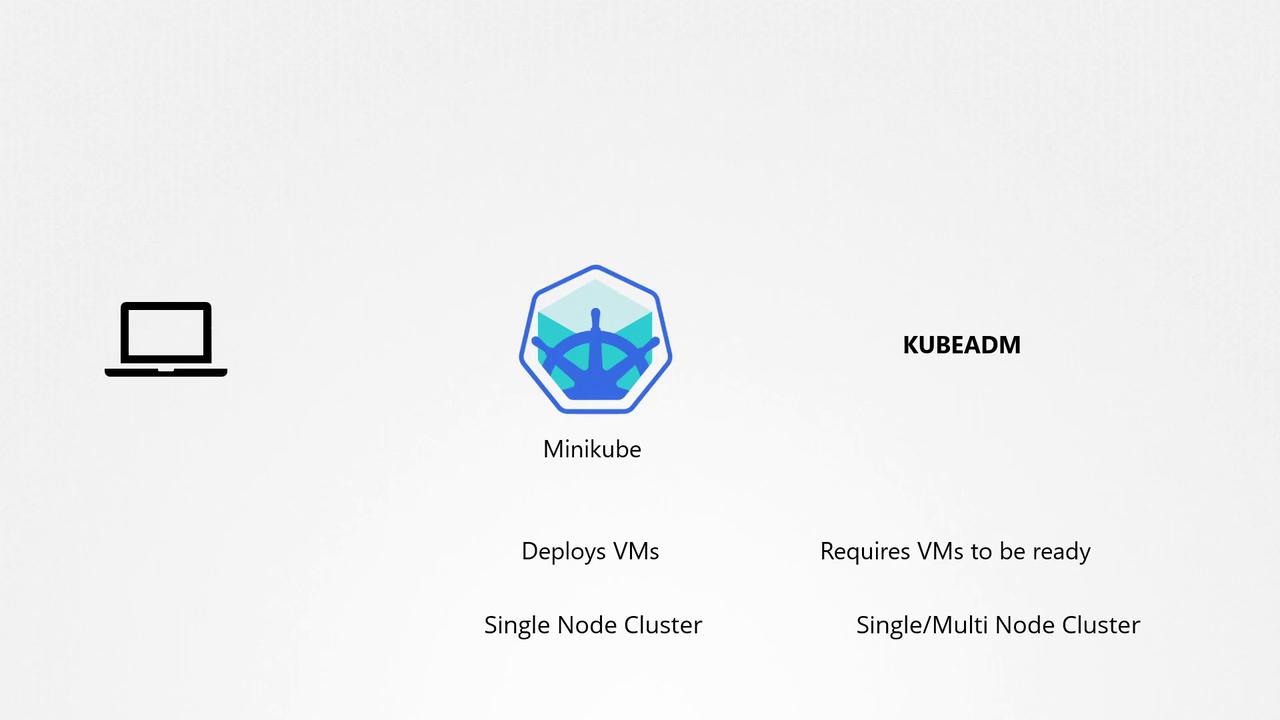
Two popular local deployment methods include:- Minikube: This tool deploys a single-node Kubernetes cluster effortlessly by creating and managing VMs with virtualization software like Oracle VirtualBox. Minikube automatically provisions the VM with the necessary configuration.
- Kubeadm: This tool can quickly bootstrap both single-node and multi-node clusters but requires that you have already provisioned the VMs beforehand.
Production Deployment Options
In production environments, Kubernetes clusters are typically deployed in private or public clouds. Production solutions fall into two main categories: turnkey solutions and hosted (or managed) solutions.Turnkey Solutions
Turnkey solutions enable you to provision and configure Kubernetes clusters with automated tools or scripts. While these solutions automate the deployment process, you remain responsible for maintaining, patching, and upgrading the underlying VMs. For example, deploying a Kubernetes cluster on AWS using the KOPS tool automates much of the setup.Turnkey solutions require careful management of the underlying infrastructure, so ensure you monitor and update your VMs regularly.
Hosted Solutions
Hosted solutions provide Kubernetes as a service, where the provider manages the entire cluster infrastructure, including VM provisioning, maintenance, and configuration. This approach greatly simplifies the deployment process. For instance, Google Container Engine (GKE) lets you deploy a Kubernetes cluster in minutes with minimal manual intervention.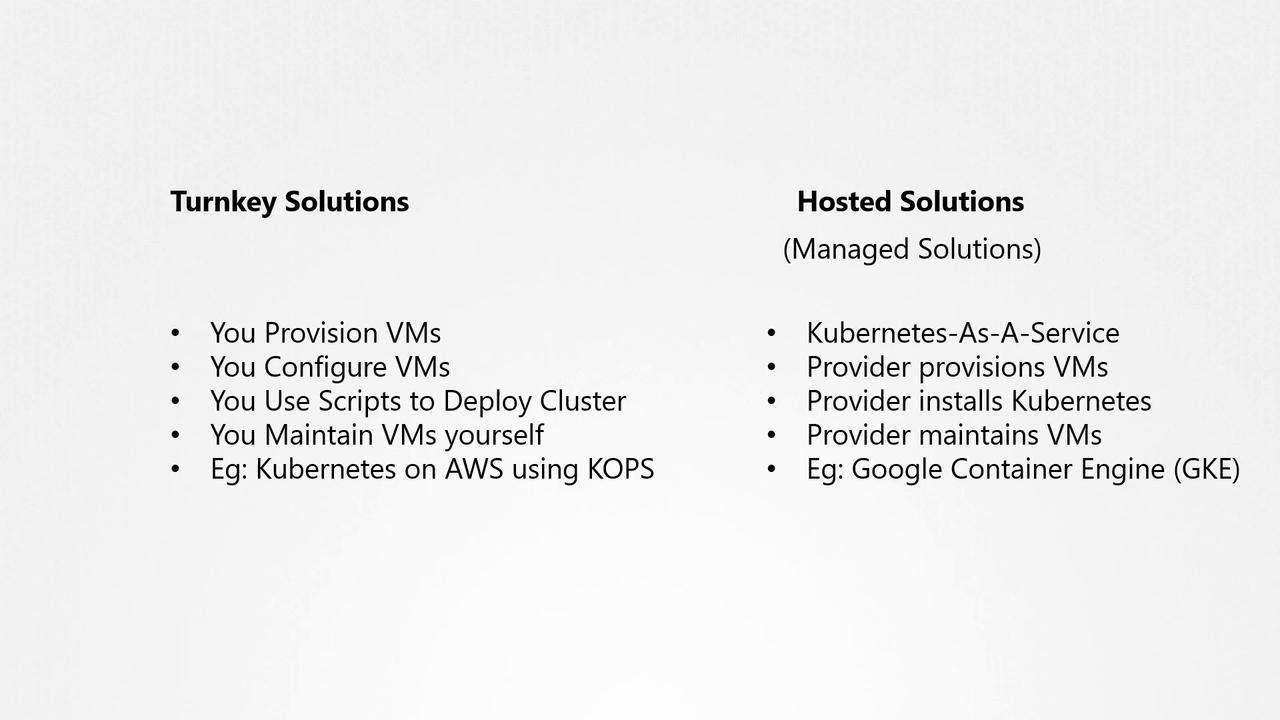
Turnkey Solutions: On-Premises Options
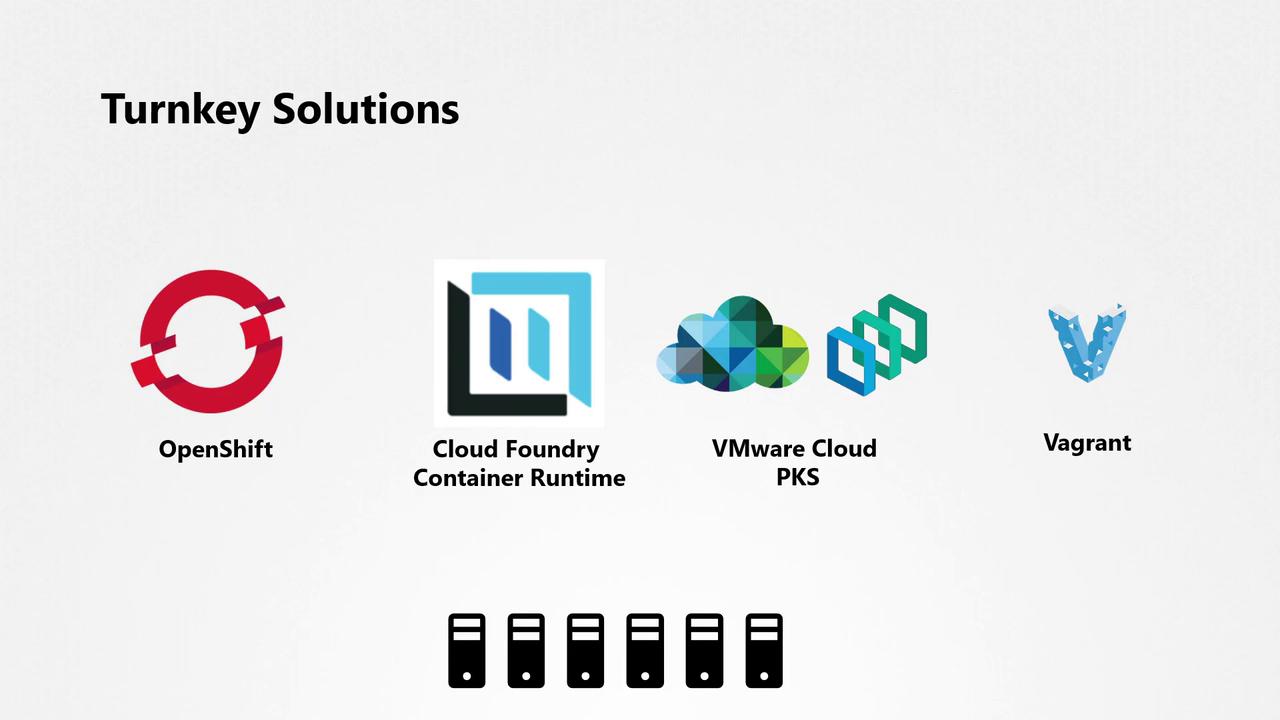
For on-premises deployments, several turnkey solutions are available:- OpenShift: Powered by Red Hat, OpenShift is a robust Kubernetes platform that comes with additional management tools and a graphical user interface for resource management and CI/CD integration. Check out the OpenShift for Beginners course for an in-depth introduction.
- Cloud Foundry Container Runtime: An open-source project that uses the BOSH tool to deploy and manage highly available Kubernetes clusters.
- VMware Cloud PKS: An excellent option for leveraging an existing VMware environment to deploy Kubernetes.
- Vagrant: Provides scripts to deploy Kubernetes clusters across various cloud service providers.
Hosted Solutions: Cloud Offerings
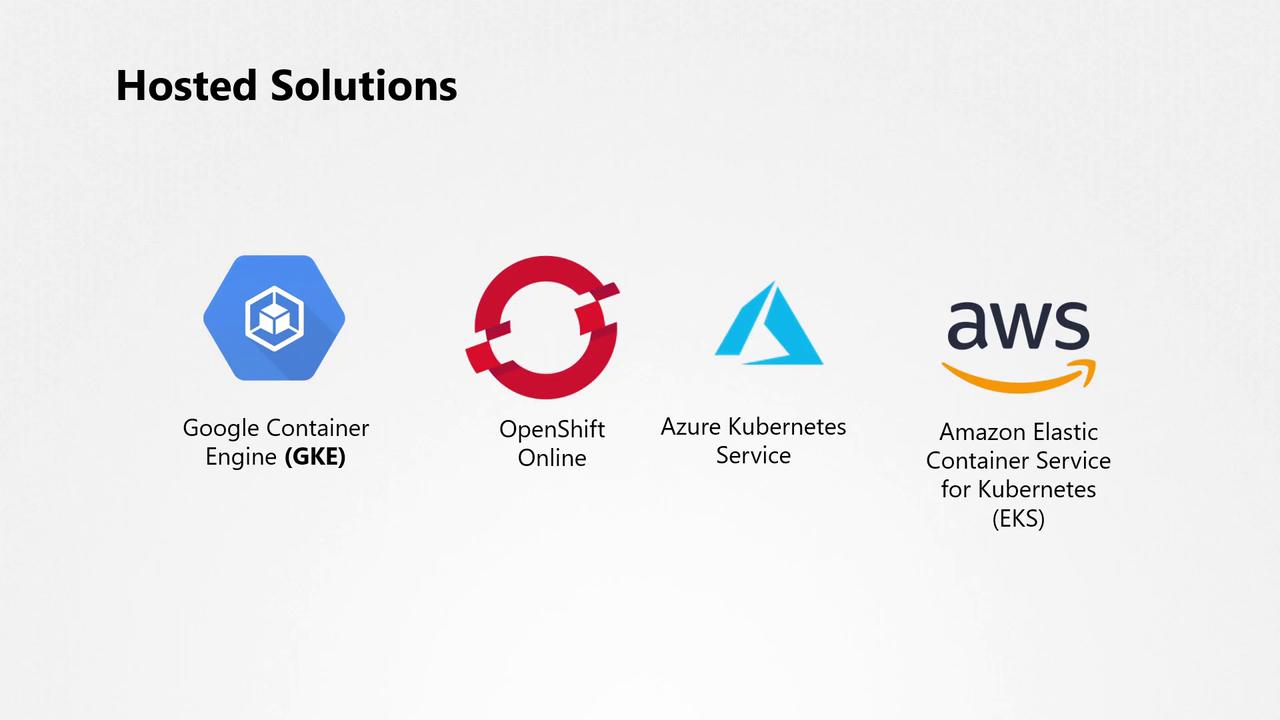
Several cloud providers offer managed Kubernetes services, making it easier to run containerized applications without the overhead of managing the underlying infrastructure. Top hosted offerings include:- Google Container Engine (GKE) on Google Cloud Platform.
- OpenShift Online from Red Hat, delivering a fully functional Kubernetes cluster.
- Azure Kubernetes Service (AKS) on Microsoft Azure.
- Amazon Elastic Container Service for Kubernetes (EKS) on AWS.
Our Deployment Choice
For learning and lab environments—especially for those without access to a public cloud account—we opted for a local deployment using VirtualBox. According to our recent poll, the majority of our users prefer VirtualBox for their lab setups. We deployed a local Kubernetes cluster from scratch by creating several VMs on VirtualBox. The design includes three nodes: one master and two worker nodes, all running on a single laptop.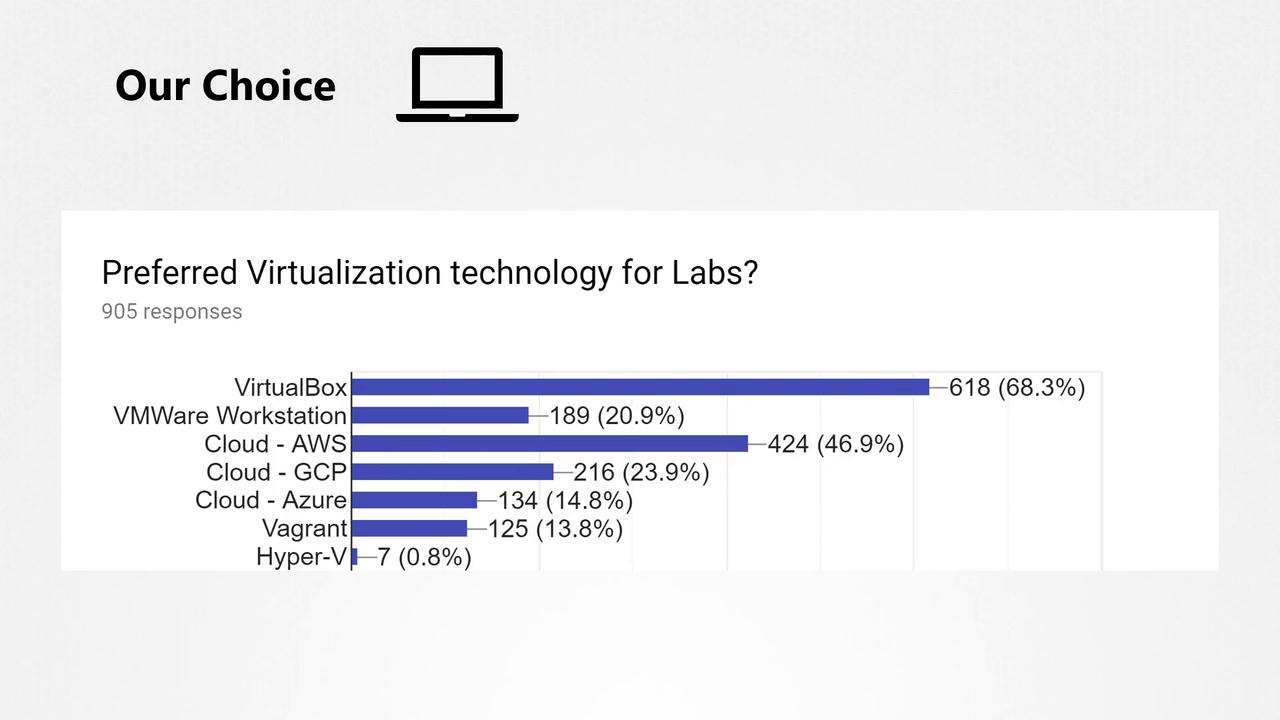
When setting up your own lab using VirtualBox, ensure that your laptop meets the resource requirements for running multiple VMs efficiently.
For more in-depth reading: