Directory Structure and File Overview
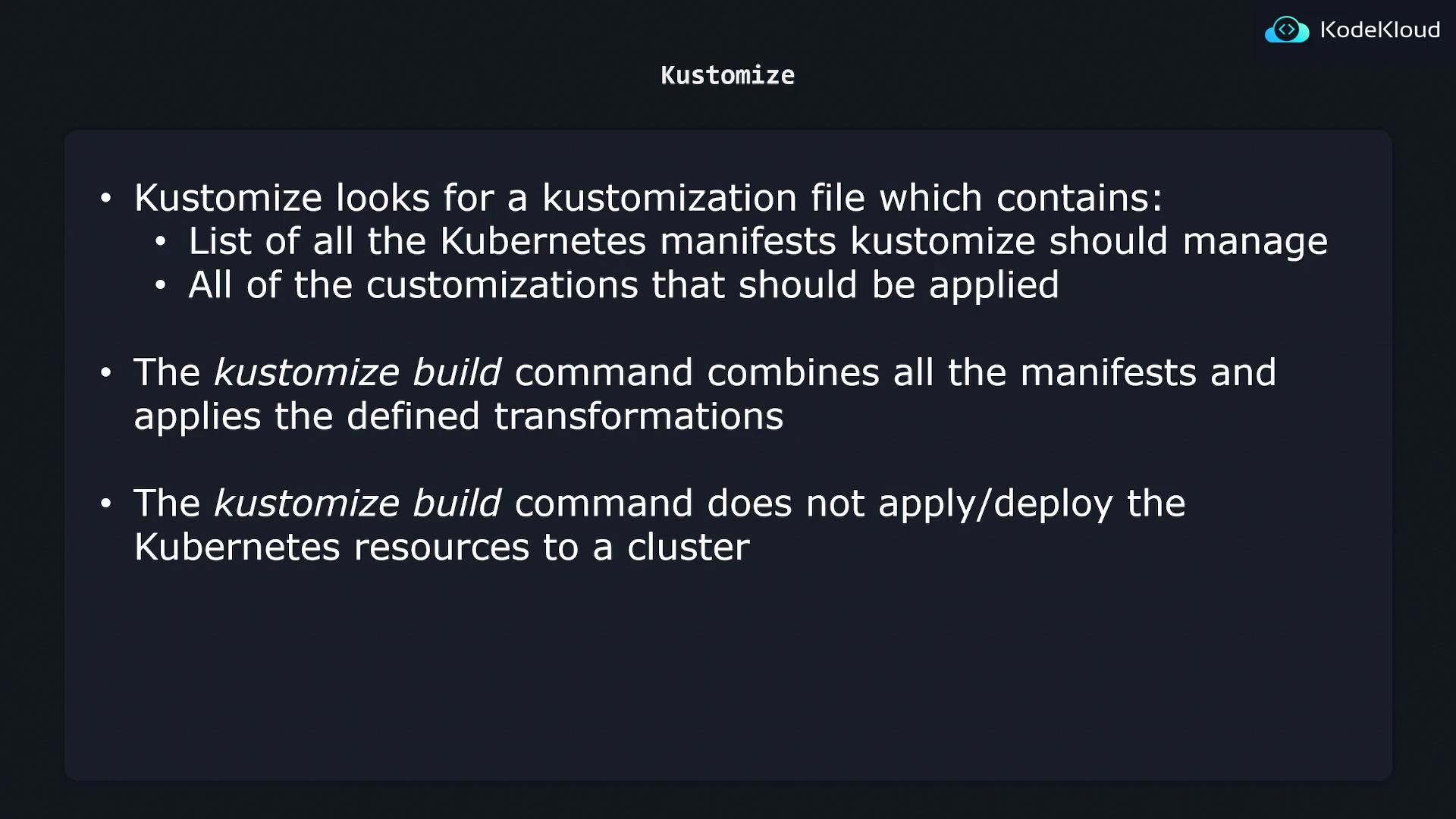
Assume you have a directory named “K8s” that contains two YAML files: one for an nginx deployment and another for an nginx service. Kustomize does not process every file by default; it only considers files listed in the kustomization.yaml, which you must create manually.Structure of kustomization.yaml
The kustomization.yaml file has two main sections:- Kubernetes Resources: A list of resource files that Kustomize should manage.
- Customizations/Transformations: Definitions for transformations to apply to these resources.
The “resources” section tells Kustomize which YAML files to include, while the “commonLabels” section adds a consistent label (key: company, value: KodeKloud) to all the resources. Kustomize supports various other complex transformations beyond adding labels.
Generating the Final Configuration
After creating your kustomization.yaml, you can generate the final Kubernetes configuration by navigating to your “K8s” directory and running:Deployment Considerations
While Kustomize outputs the fully rendered configurations to the terminal, it does not deploy the resources directly. To deploy the rendered configuration to your Kubernetes cluster, you can pipe the output to the kubectl apply command. For example:Remember that this command only outputs and then applies the configurations to your Kubernetes cluster. Always review the generated YAML before deployment to ensure all customizations are correctly applied.
Summary
- The kustomization.yaml file is critical for Kustomize as it lists the Kubernetes resource manifests and the customizations to apply.
- Running
kustomize build k8s/processes the specified resources, applies the transformations, and outputs the final configuration. - To deploy the configurations, pipe the output to
kubectl apply, ensuring that your cluster receives the fully rendered YAML.