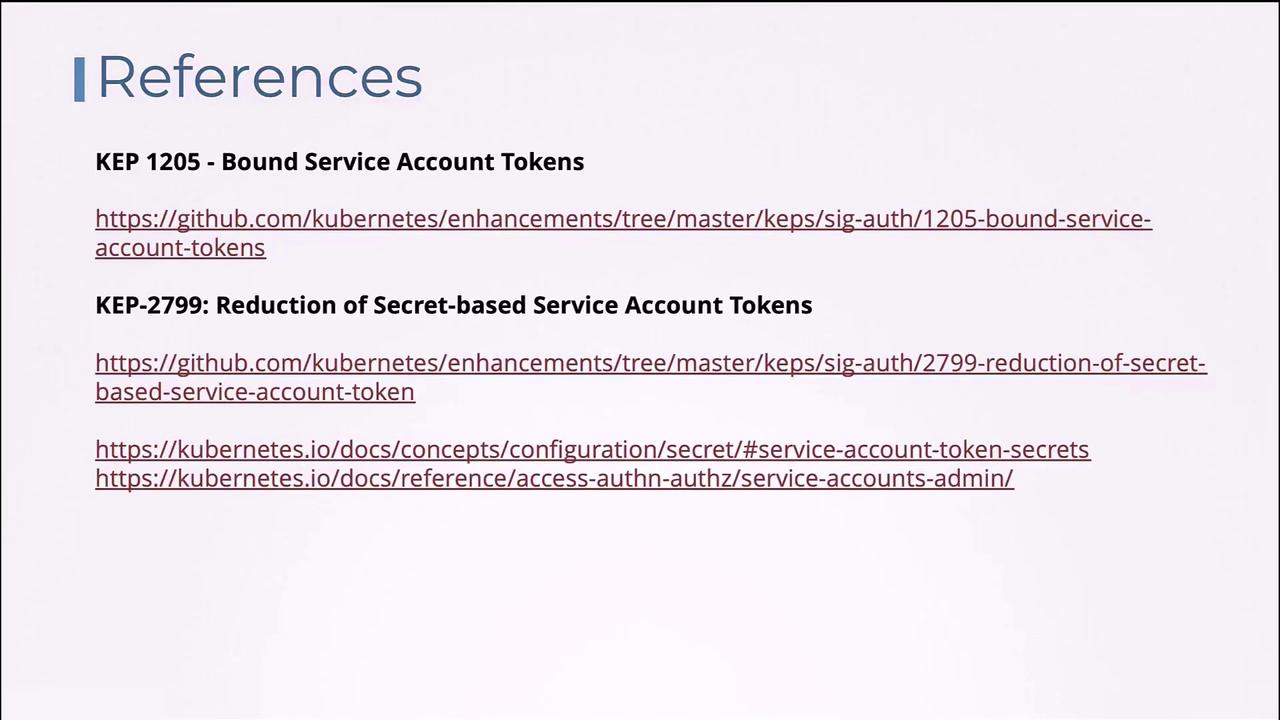
- User Accounts: Designed for human users like administrators or developers.
- Service Accounts: Intended for machine-to-machine interactions or application-specific tasks. For instance, monitoring tools like Prometheus use a service account to query the Kubernetes API for performance metrics, while Jenkins uses one for deploying applications.
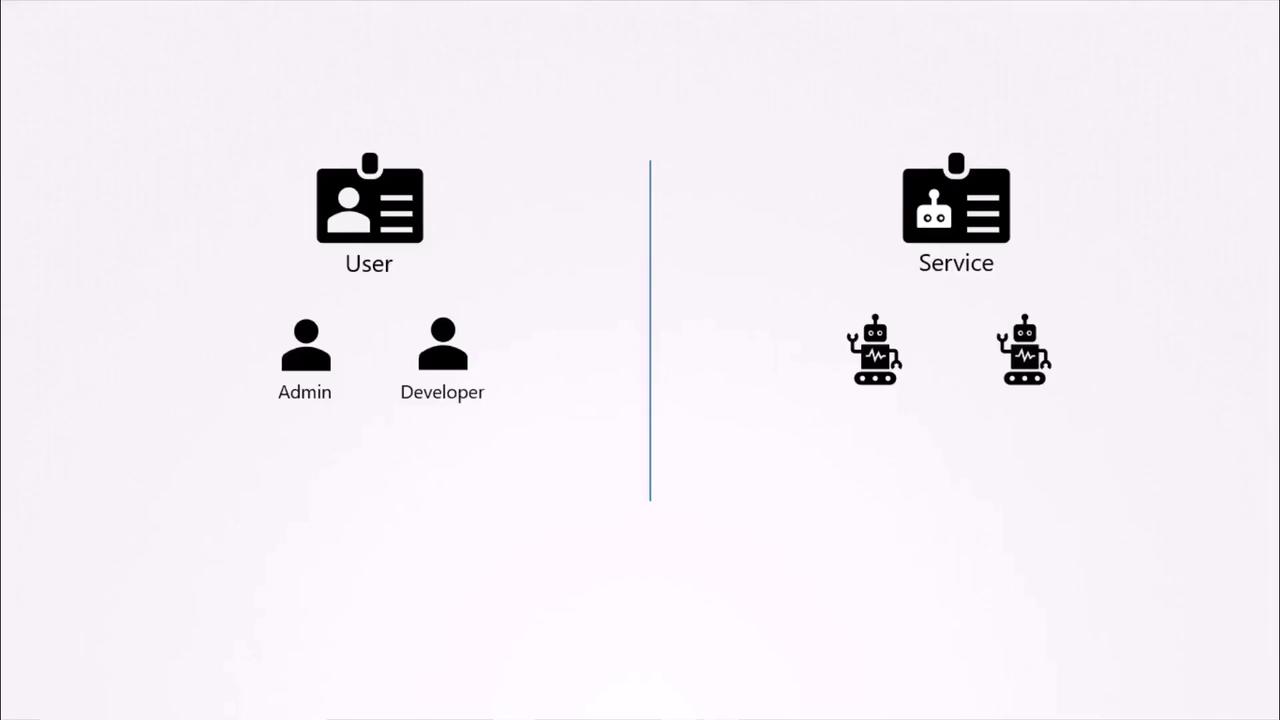
Example: A Kubernetes Dashboard Application
Consider an example: “my Kubernetes dashboard,” a basic dashboard application built with Python. This application retrieves a list of Pods from a Kubernetes cluster by sending API requests and subsequently displays the results on a web page. To authenticate its API requests, the application uses a dedicated service account.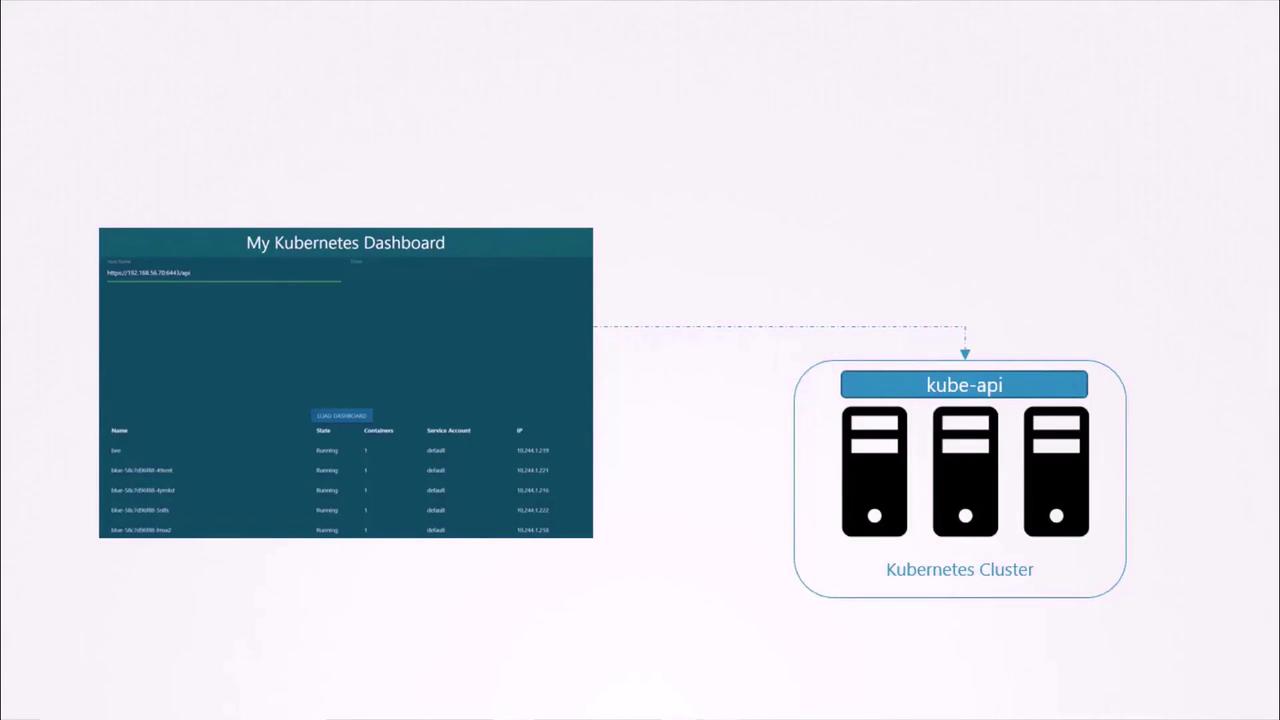
Creating a Service Account
To create a service account nameddashboard-sa, run:
In your custom dashboard application, you would typically place the token into the appropriate configuration field to enable API authentication.
Automatic Mounting of Service Account Tokens
When deploying third-party applications (such as a custom dashboard or Prometheus) on a Kubernetes cluster, you can have Kubernetes automatically mount the service account token as a volume into the Pod. This token is typically available at the path:/var/run/secrets/kubernetes.io/serviceaccount.
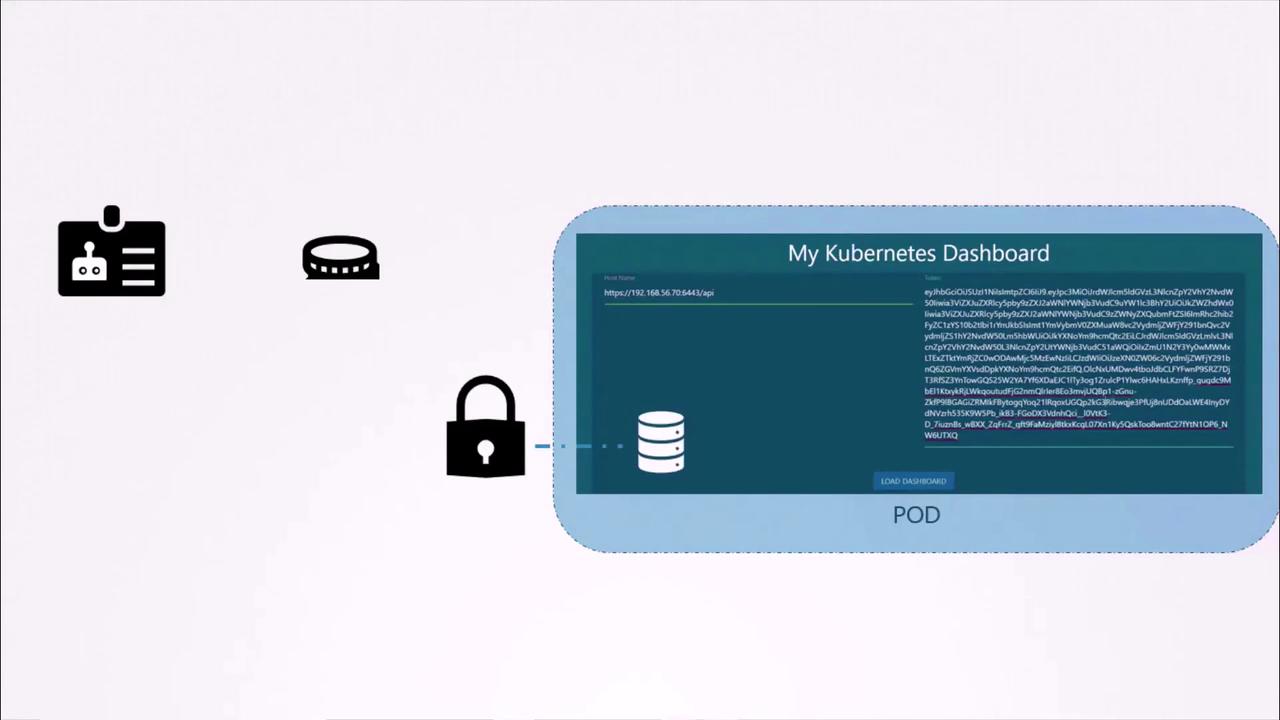
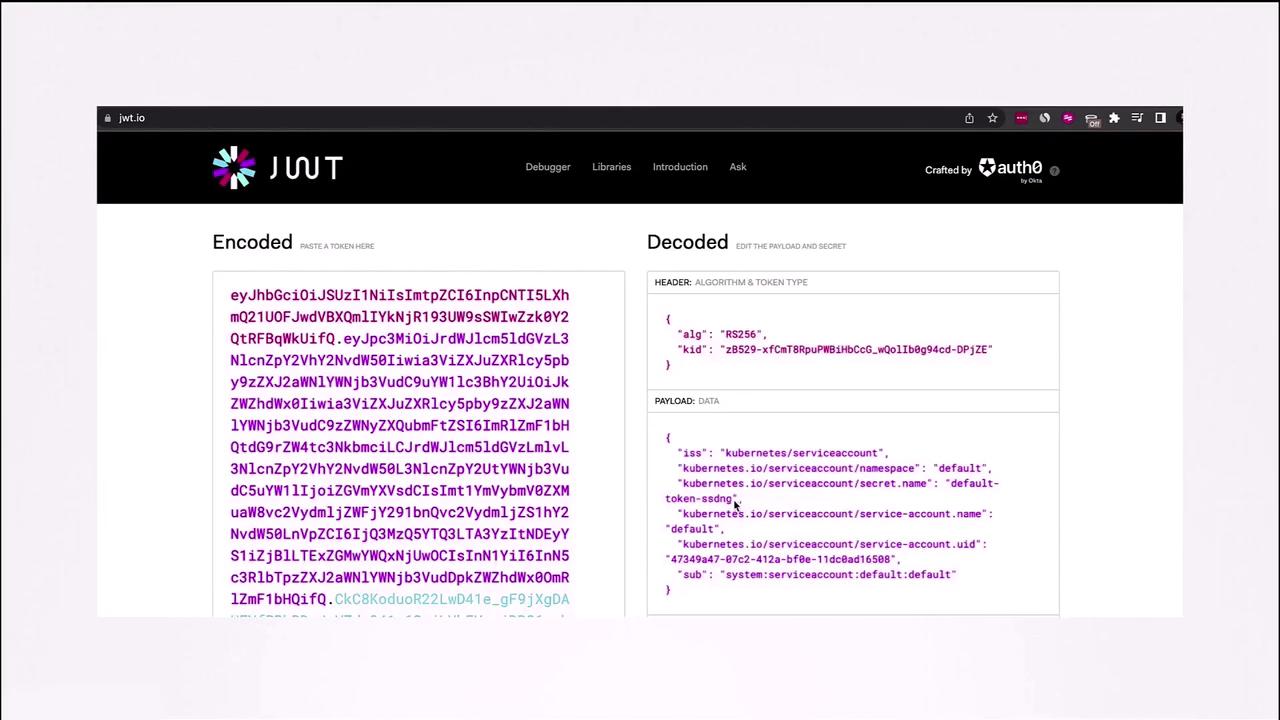
default-token-xxxx). You might see an excerpt similar to:
token file containing the bearer token:
Using a Different Service Account
By default, Pods use thedefault service account. To assign a different service account—like the previously created dashboard-sa—update your Pod definition to include the serviceAccountName field:
Remember that you cannot modify the service account of an existing Pod. To use a new service account, delete and recreate the Pod. Deployments will automatically roll out new Pods when changes are made to the Pod template.
dashboard-sa (e.g., dashboard-sa-token-kbbdm).
If you wish to disable the automatic mounting of the service account token, set automountServiceAccountToken to false in the Pod specification:
Changes in Kubernetes Versions 1.22 and 1.24
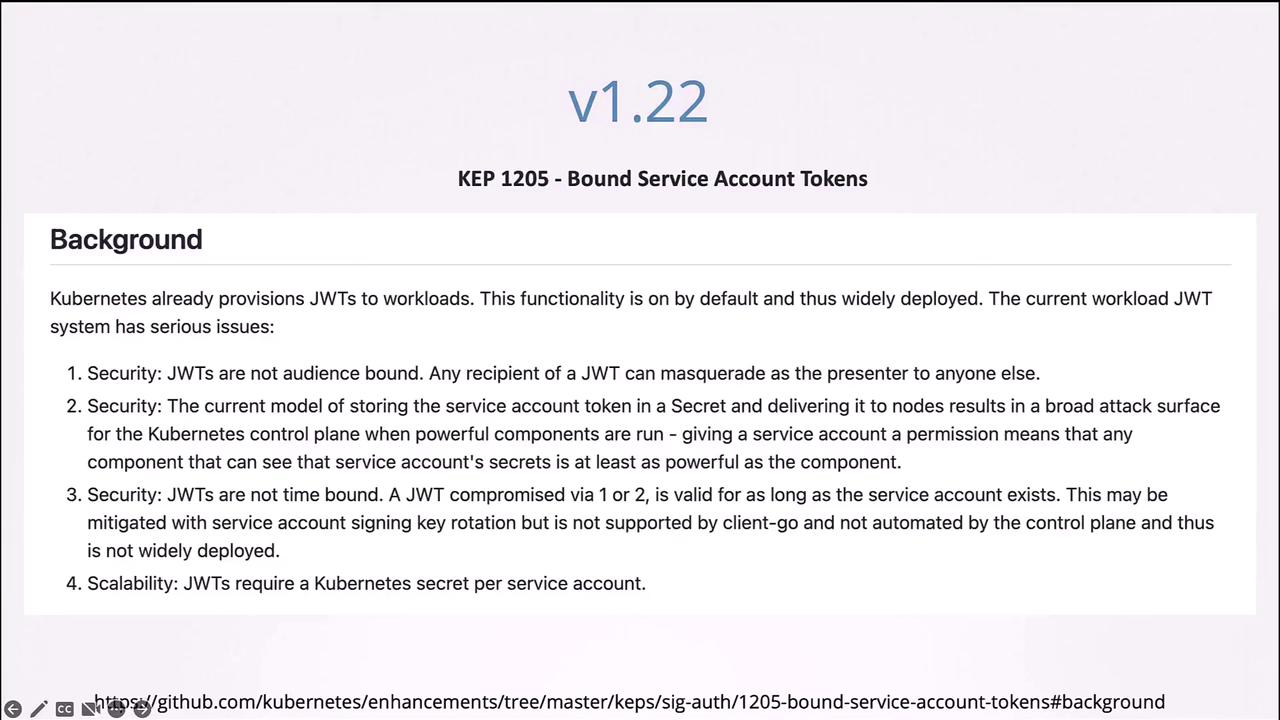
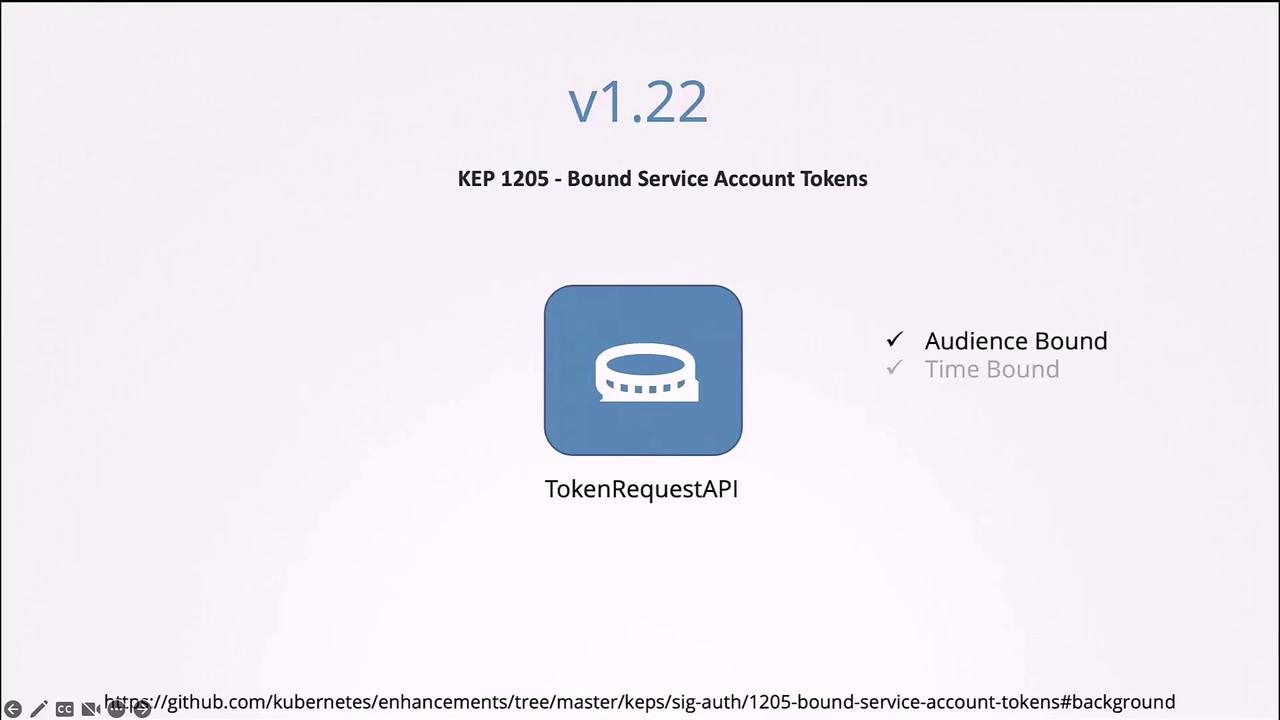
Prior to Kubernetes v1.22, service account tokens were automatically mounted from Secrets without an expiration date. Starting with v1.22, the TokenRequest API (KEP-1205) was introduced to generate tokens that are audience-bound, time-bound, and object-bound—enhancing security significantly. Below is an example Pod definition using a projected volume sourced from the TokenRequest API:It is highly recommended to use the TokenRequest API to generate tokens, as API-generated tokens provide additional security features such as expiry, audience restrictions, and improved manageability.
Summary
- Service Accounts vs. User Accounts: Service accounts are meant for applications (or machines), whereas user accounts are for human users.
- Token Generation: Creating a service account automatically generates a token stored in a Secret, which is used for API authentication.
- Automatic Token Mounting: Pods can automatically mount the service account token at
/var/run/secrets/kubernetes.io/serviceaccount, though this behavior can be modified. - Enhanced Security: Since Kubernetes v1.22, tokens are generated using the TokenRequest API, making them audience-bound, time-bound, and more secure.
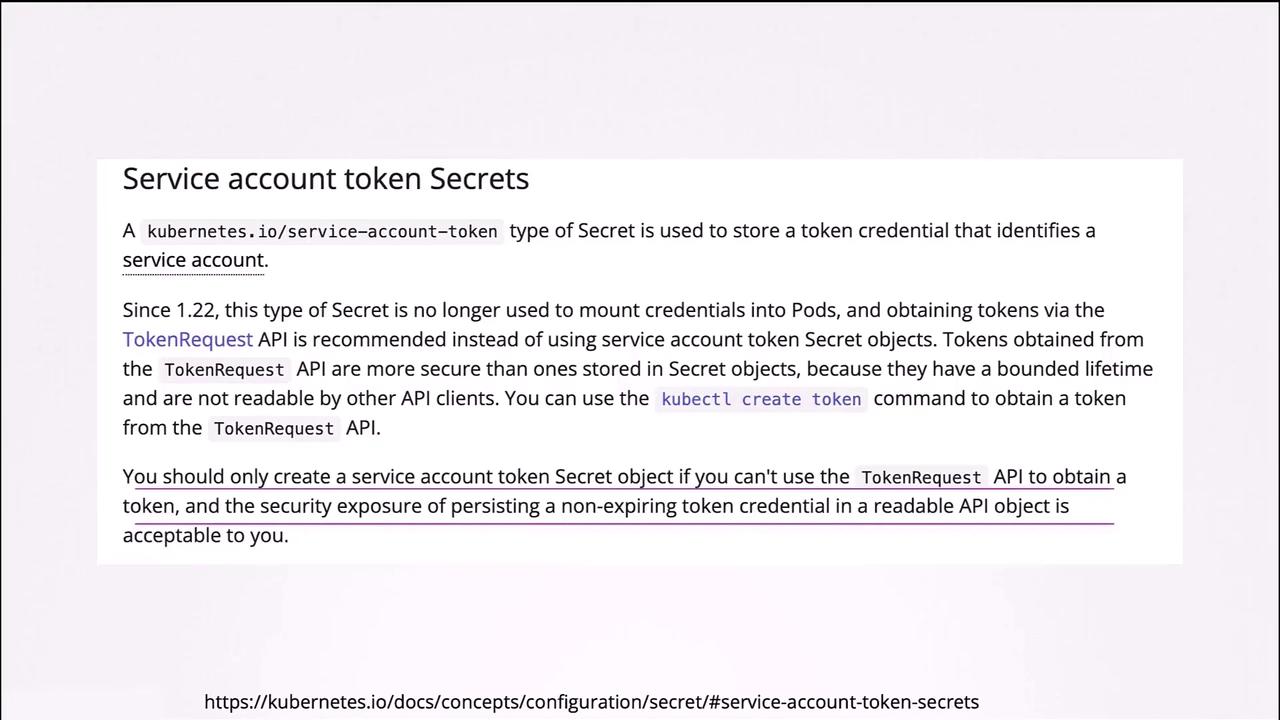
- Kubernetes v1.24 Changes: With v1.24, Kubernetes no longer provisions non-expiring tokens automatically via Secrets; use the
kubectl create tokencommand to generate tokens as needed.