This guide explains how to provision virtual machines for a Kubernetes cluster using Vagrant and VirtualBox.
In this guide, you’ll learn how to provision virtual machines for a Kubernetes cluster using Vagrant and VirtualBox. The Kubernetes environment will include one master node and two worker nodes. We use two essential tools:
VirtualBox – a hypervisor for running the VMs.
Vagrant – an automation tool that spins up multiple VMs from a single configuration file.
Before you begin, ensure that both VirtualBox and Vagrant are installed on your system.
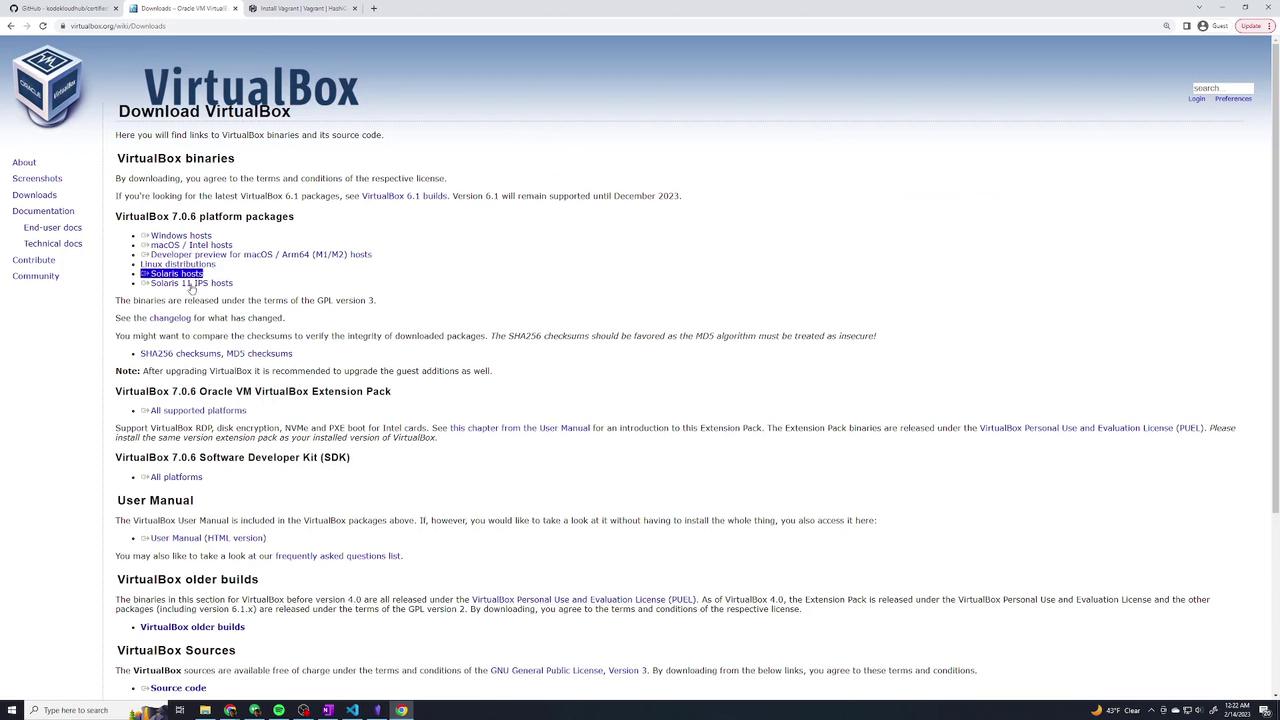
For VirtualBox, download the installer from virtualbox.org.
A preconfigured Vagrantfile is provided in the course repository. This file contains all the configuration details necessary to spin up the VMs. To get started, follow these steps:
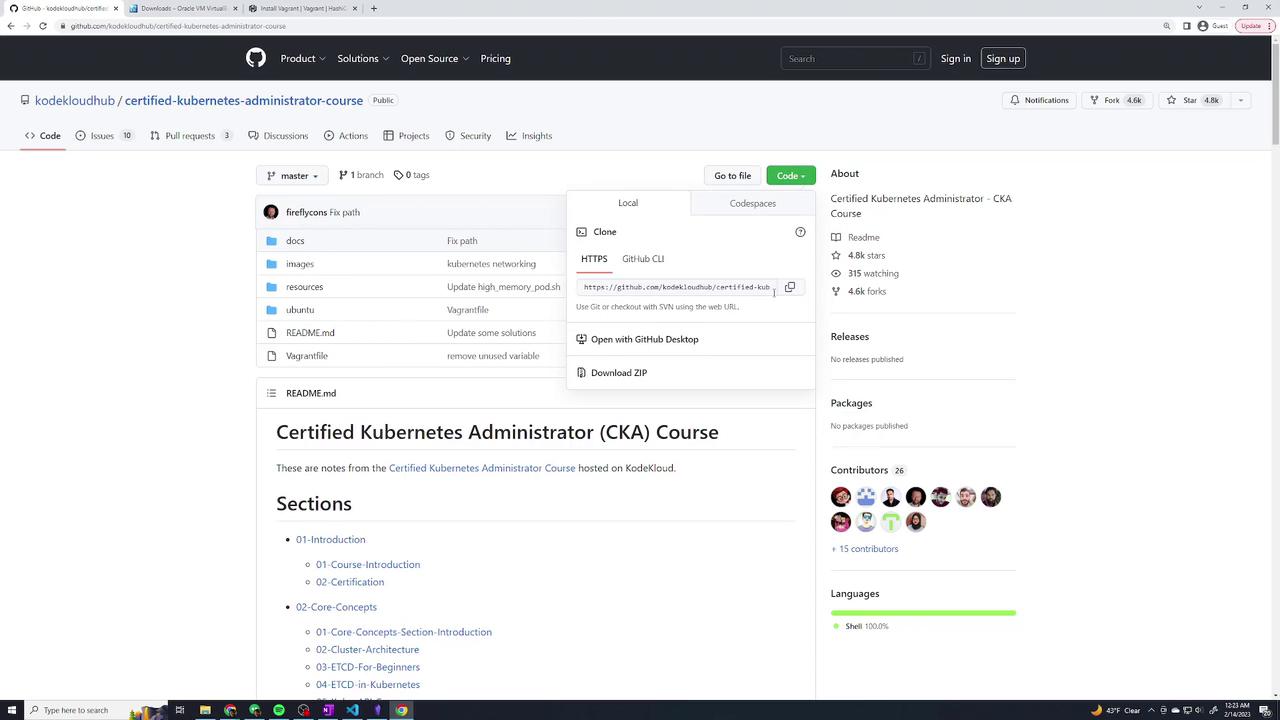
Copy the repository URL from the code dropdown.
Open a terminal and execute the command below to clone the repository:
Copy
Ask AI
git clone <repository-URL>
After cloning the repository, change into the directory:
Copy
Ask AI
cd certified-kubernetes-administrator-course/
List the directory contents using ls and verify that the Vagrantfile is present. Open the Vagrantfile to review its configuration.
The provided Vagrantfile is set up to provision one master node and two worker nodes. It assigns specific IP addresses within the 192.168.56.x network, although Kubernetes configuration will be added later. Below is an excerpt from the Vagrantfile demonstrating the basic configuration:
Copy
Ask AI
# -*- mode: ruby -*-# Define the number of master and worker nodes# If this number is changed, remember to update setup-hosts.sh script with the new host IP details in /etc/hosts of each VM.NUM_MASTER_NODE = 1NUM_WORKER_NODE = 2IP_NW = "192.168.56."MASTER_IP_START = 1NODE_IP_START = 2# All Vagrant configuration is done below. The "2" in Vagrant.configure# configures the configuration version (we support older styles for# backwards compatibility). Please don't change it unless you know what# you're doing.Vagrant.configure("2") do |config| # Every Vagrant development environment requires a box. # For a complete reference, please see the online documentation at # https://docs.vagrantup.com. config.vm.box = "base" config.vm.box = "ubuntu/bionic64" config.vm.box.check_update = false # Create a public network (usually mapped to a bridged network). config.vm.network "public_network"
The Vagrantfile further defines the provisioning of the master node as follows:
Copy
Ask AI
# Provision Master Nodes(1..NUM_MASTER_NODE).each do |i| config.vm.define "kubemaster" do |node| # Name shown in the VirtualBox GUI node.vm.provider "virtualbox" do |vb| vb.name = "kubemaster" vb.memory = 2048 vb.cpus = 2 end node.vm.hostname = "kubemaster" node.vm.network "private_network", ip: IP_NW + "#{MASTER_IP_START + i}" node.vm.network "forwarded_port", guest: 22, host: "#{270 + i}" node.vm.provision "setup-hosts", type: "shell", path: "ubuntu/vagrant/setup-hosts.sh" do |s| s.args = ["enp0s8"] end node.vm.provision "setup-dns", type: "shell", path: "ubuntu/update-dns.sh" endend
This configuration creates the master node with necessary provisioning scripts to update host files and DNS settings.
Before creating the VMs, you can verify their current state. Since the VMs have not yet been created, running the command below will show that all nodes are in the “not created” state:
Copy
Ask AI
vagrant status
The output will list the VMs (e.g., kubemaster, kubenode01, and kubenode02) as “not created.”
This command instructs Vagrant to pull the Ubuntu Bionic 64 base image and provision each machine according to the Vagrantfile configuration. The process might take some time as VirtualBox imports the box and deploys the VMs. You will see log messages that detail tasks such as:
Importing the base box.
Configuring network interfaces.
Executing provisioning shell scripts.
Replacing the default insecure SSH key.
Monitor the logs for progress messages like booting of the master node followed by the worker nodes.Once the provisioning is complete, check the status again:
Copy
Ask AI
vagrant status
The output will now list all three nodes (kubemaster, kubenode01, kubenode02) as “running.”
With all VMs provisioned and accessible, the next phase is to bootstrap the Kubernetes cluster using kubeadm. This step will configure the cluster components on each node and prepare the environment for running Kubernetes workloads.
This guide demonstrated automated provisioning of a multi-node Kubernetes cluster with Vagrant and VirtualBox. By using a consistent Vagrantfile, you ensure that each learner sets up an identical environment for a smooth Kubernetes deployment experience.