/var/lib/docker containing subdirectories such as overlay2, containers, images, and volumes. These directories store Docker images, container runtime data, and volumes. For instance, files associated with running containers reside in the containers folder, image files are stored under images, and any created volumes are kept in the volumes folder.
Docker Image Layers
Docker images are built using a layered architecture. Each instruction in a Dockerfile generates a new layer, containing only the modifications from the previous layer. Consider this Dockerfile for our first application:- The base Ubuntu image (approximately 120 MB).
- A layer installing APT packages (around 300 MB).
- A layer for Python package dependencies.
- A layer adding the application source code.
- A layer that sets the entry point.
When application code changes (for example, modifying
app.py), Docker leverages the cache for all unchanged layers and rebuilds only the layer with the new code.Container Writable Layer and Copy-On-Write
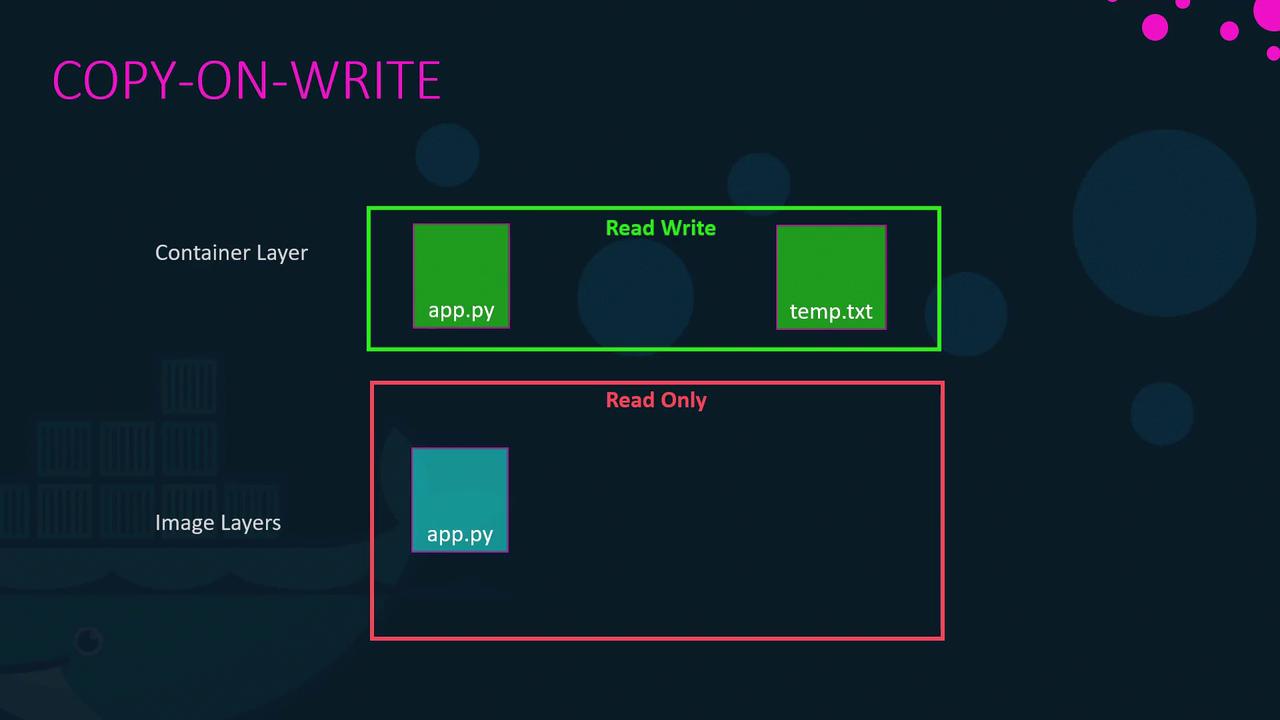
Once an image is built, its layers remain immutable (read-only). Running a container from that image with thedocker run command creates an additional writable layer on top. This layer captures any runtime modifications such as log files, temporary files, or changes to the application. For example:
temp.txt), Docker employs a copy-on-write mechanism. Before modifying a file originating from the read-only image layer, Docker first copies it to the writable layer, and subsequent changes are applied to the copied file—leaving the original image intact. When the container is removed, the writable layer and any changes in it are deleted.
Persistent Data with Volumes and Bind Mounts
The container’s writable layer is ephemeral, meaning any data stored there is lost when the container is removed. To retain data—such as for databases—Docker offers both volumes and bind mounts.Volume Mounts
Volumes are managed by Docker and stored under/var/lib/docker/volumes. Create and mount a volume with the following commands:
Bind Mounts
Bind mounts allow you to use a specific directory from the Docker host. For example, to use data from/data/mysql, run:
Using the —mount Option
The--mount flag provides a more explicit syntax by requiring all parameters to be specified. The following command is equivalent to the bind mount example above:
Docker Storage Drivers
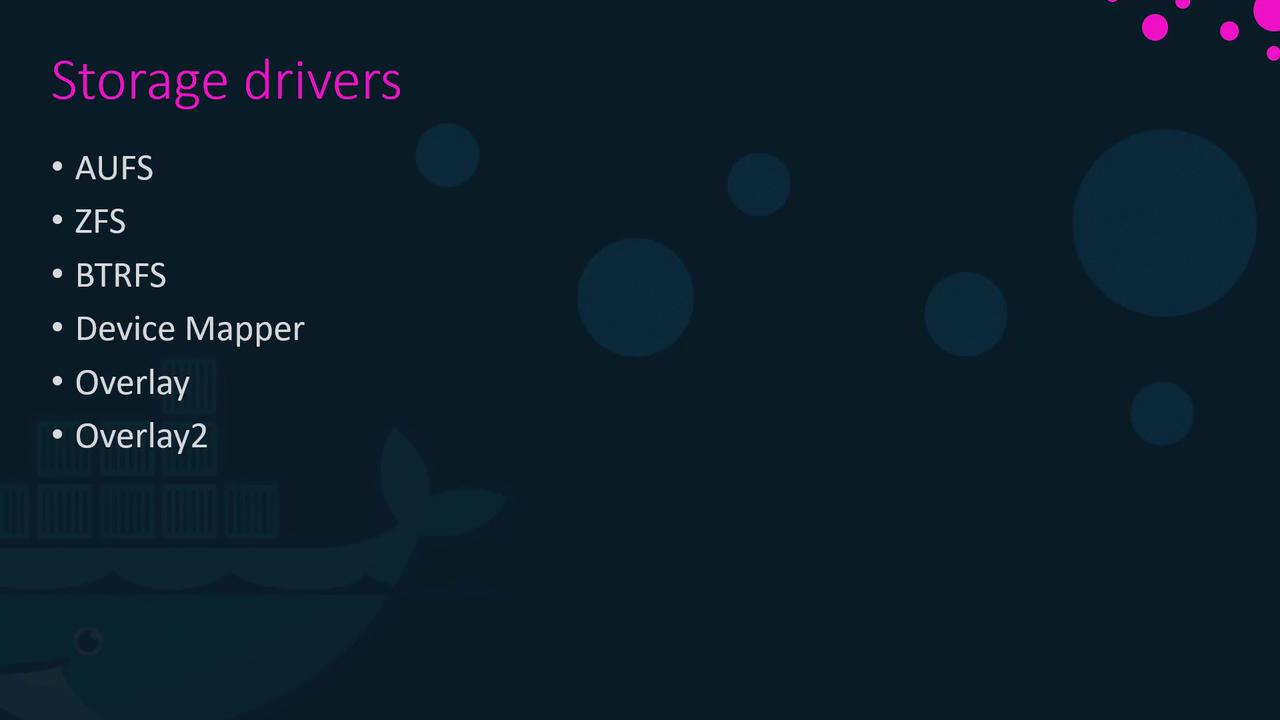
Docker’s storage drivers manage everything from maintaining image layers to handling writable container layers with copy-on-write. Common storage drivers include AUFS, ZFS, BTRFS, Device Mapper, Overlay, and Overlay2. The selection of a storage driver depends on the host OS. For example, Ubuntu often uses AUFS by default, while Fedora or CentOS might prefer Device Mapper. Docker automatically selects the most appropriate driver for your system based on performance and stability factors.