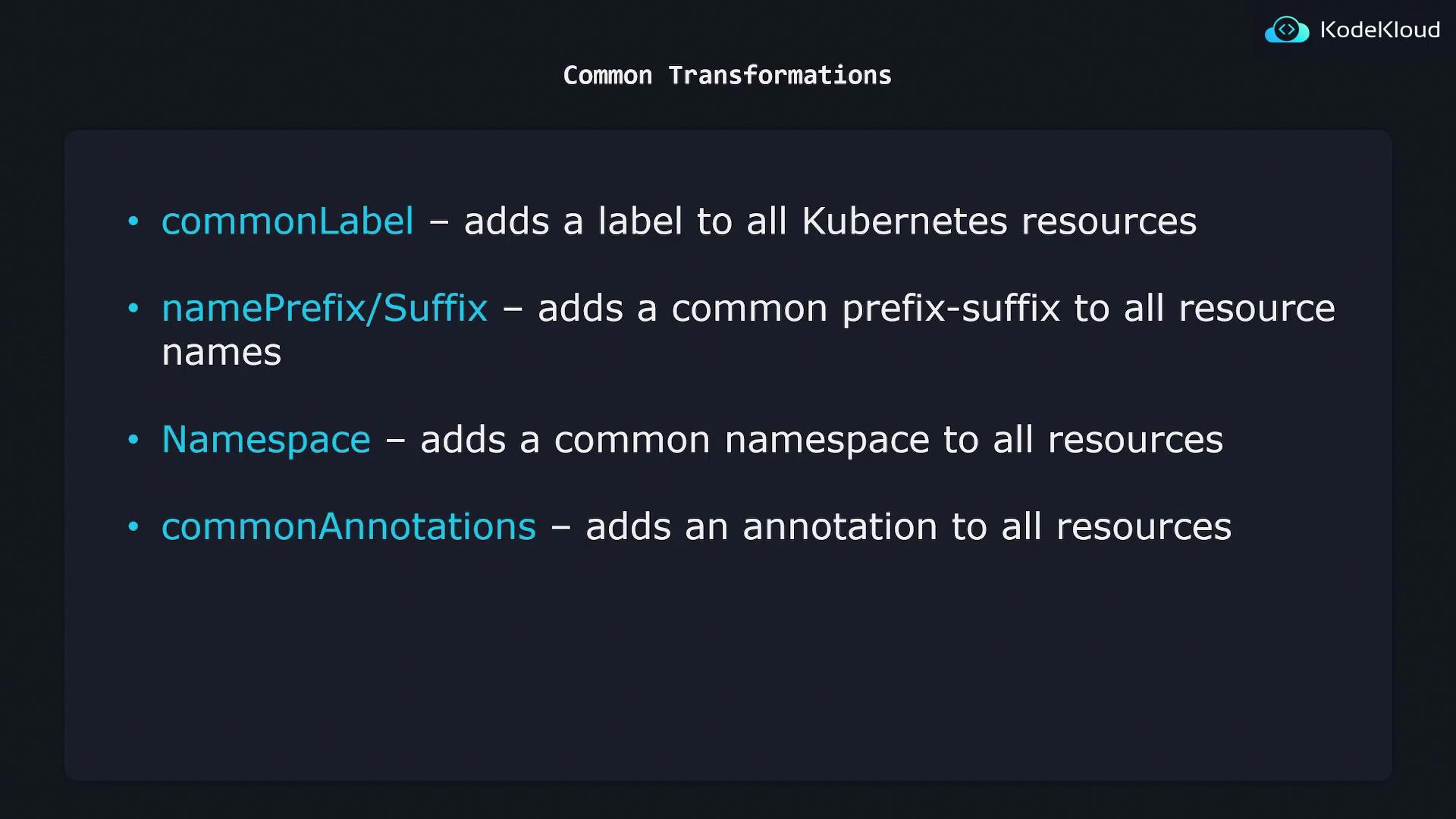
Kustomize transformers are essential for ensuring that your Kubernetes configurations remain consistent and manageable across various environments.
Common Transformation Methods
Below is an overview of common transformations available in Kustomize for managing Kubernetes resources:1. Common Label Transformation
This transformer automatically adds the specified labels to all Kubernetes resources. You can define the labels in yourkustomization.yaml file as shown below:
2. Namespace Transformation
The namespace transformer assigns all Kubernetes resources to a specified namespace. By specifying the namespace in yourkustomization.yaml, all resources will be modified accordingly. For example:
When applying namespace transformations, ensure that the specified namespace exists in your cluster to avoid deployment issues.
3. Name Prefix and Suffix Transformation
This transformer enables you to systematically add a prefix or suffix to resource names. For instance, to prepend “KodeKloud-” and append “-dev” to each resource name, include the following in yourkustomization.yaml:
4. Common Annotation Transformation
If you need to add specific annotations to all resources, use the common annotations transformer. By setting the annotations in yourkustomization.yaml, each resource will automatically include them. For example:
Summary
The common transformations available in Kustomize include:
These methods provide a scalable and systematic approach to maintaining consistent configurations across your Kubernetes resources.