

API Server Request Lifecycle
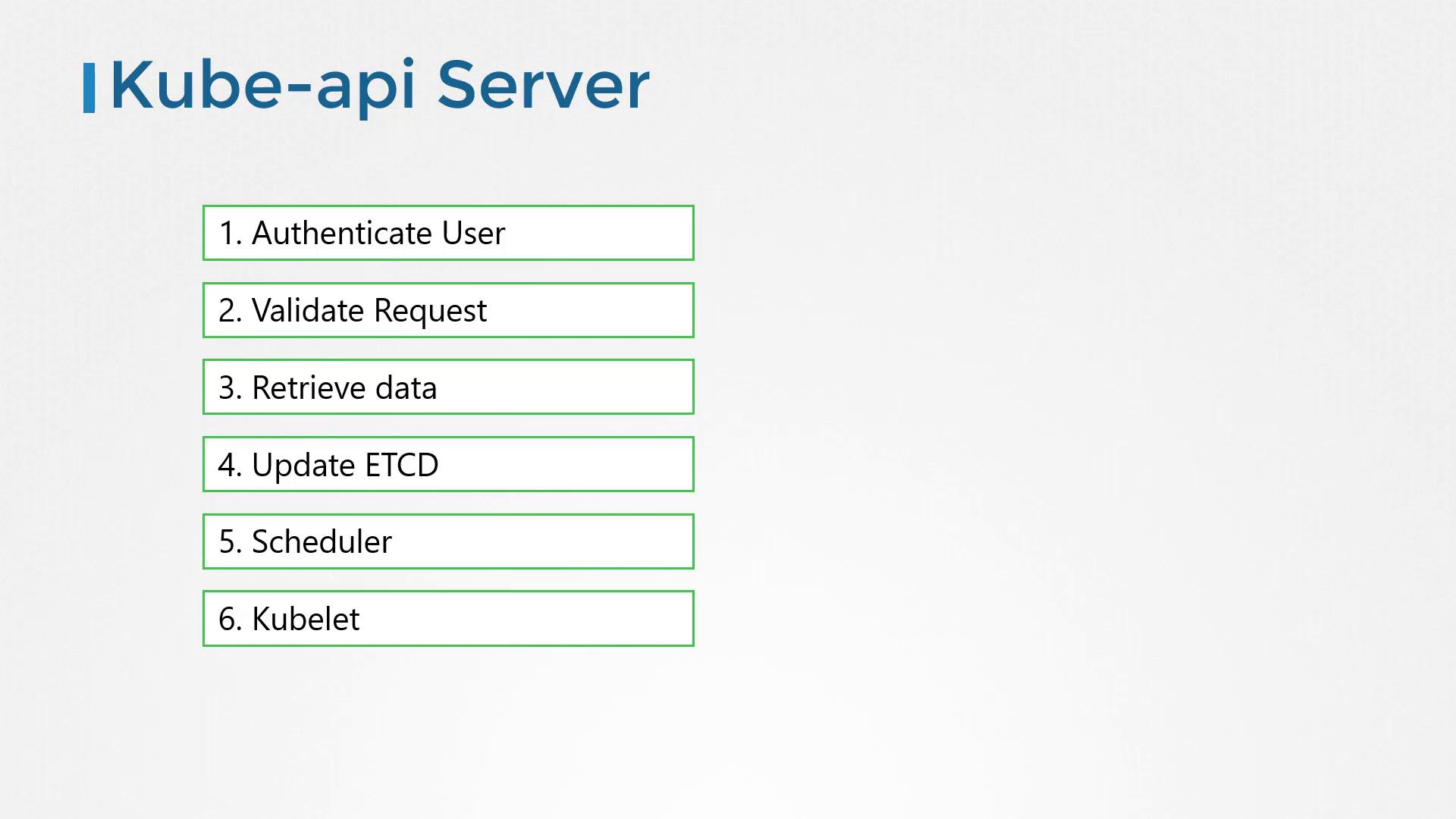
When a direct API POST request is made to create a pod, the API Server:- Authenticates and validates the request.
- Constructs a pod object (initially without a node assignment) and updates the etcd store.
- Notifies the requester that the pod has been created.
At the heart of these operations is the Kube API Server, ensuring secure and validated communication between the cluster components.
Deployment and Setup
If your cluster is bootstrapped with a kube admin tool, most of these intricate details are abstracted. However, when setting up a cluster on your own hardware, you need to download the Kube API Server binary from the Kubernetes release page, configure it, and run it as a service on the Kubernetes master node.Typical Service Configuration
The Kube API Server is launched with a variety of parameters to secure communication and manage the cluster effectively. Below is an example of a typical service configuration file:Verifying the Deployment
For clusters set up with kube-admin tools, the Kube API Server is deployed as a pod in the kube-system namespace. To inspect these pods, run:Quick Reference Table
Below is a summary of some key Kubernetes components involved in the Kube API Server workflow:Summary
In this article, we provided an overview of the Kube API Server, its interactions with other essential components, and various methods to inspect its configuration—both through pod manifests and systemd service files. In subsequent sections, we will delve deeper into certificate management, including SSL/TLS configurations, to reinforce secure communications within your Kubernetes cluster.For a deeper understanding of Kubernetes and its components, explore the Kubernetes Documentation.