

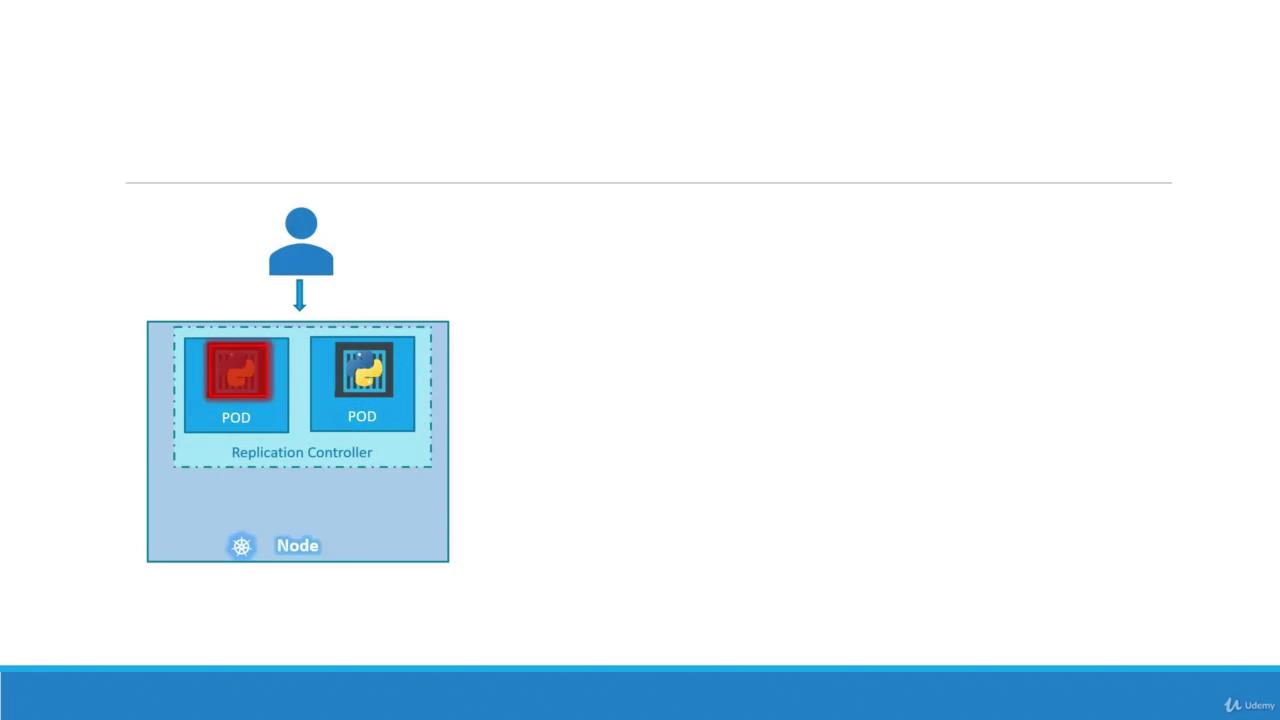
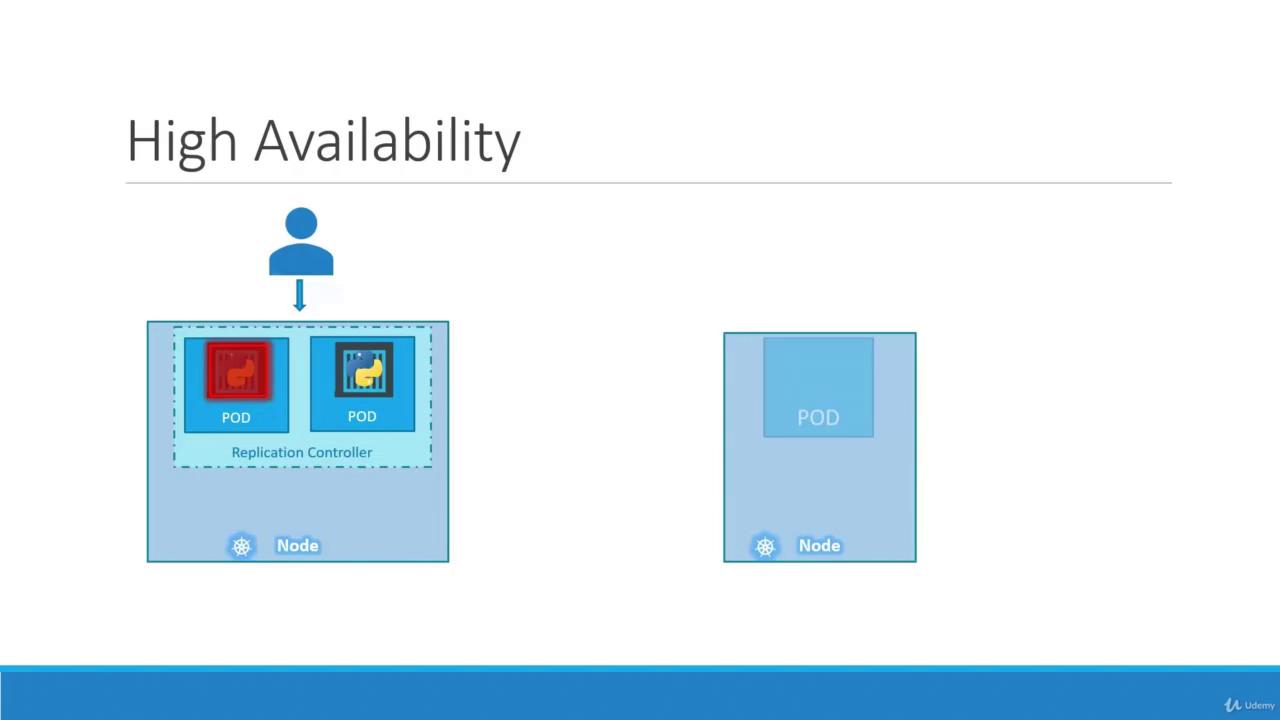
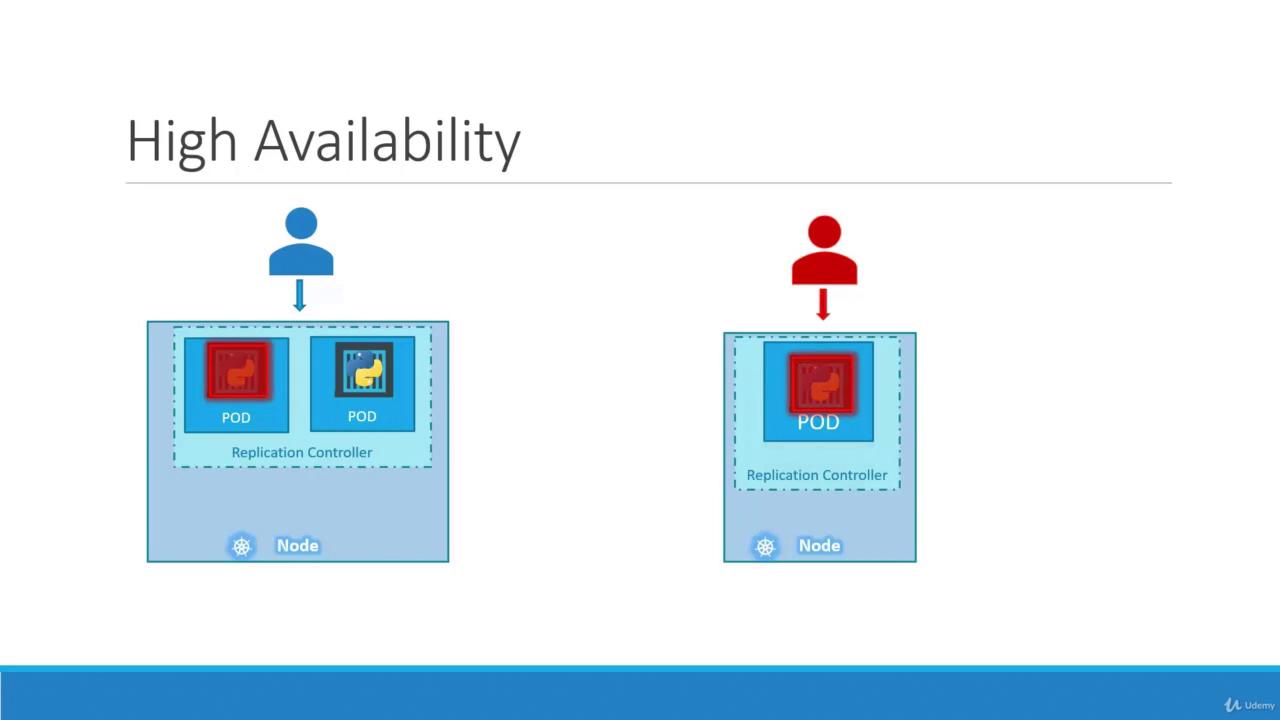
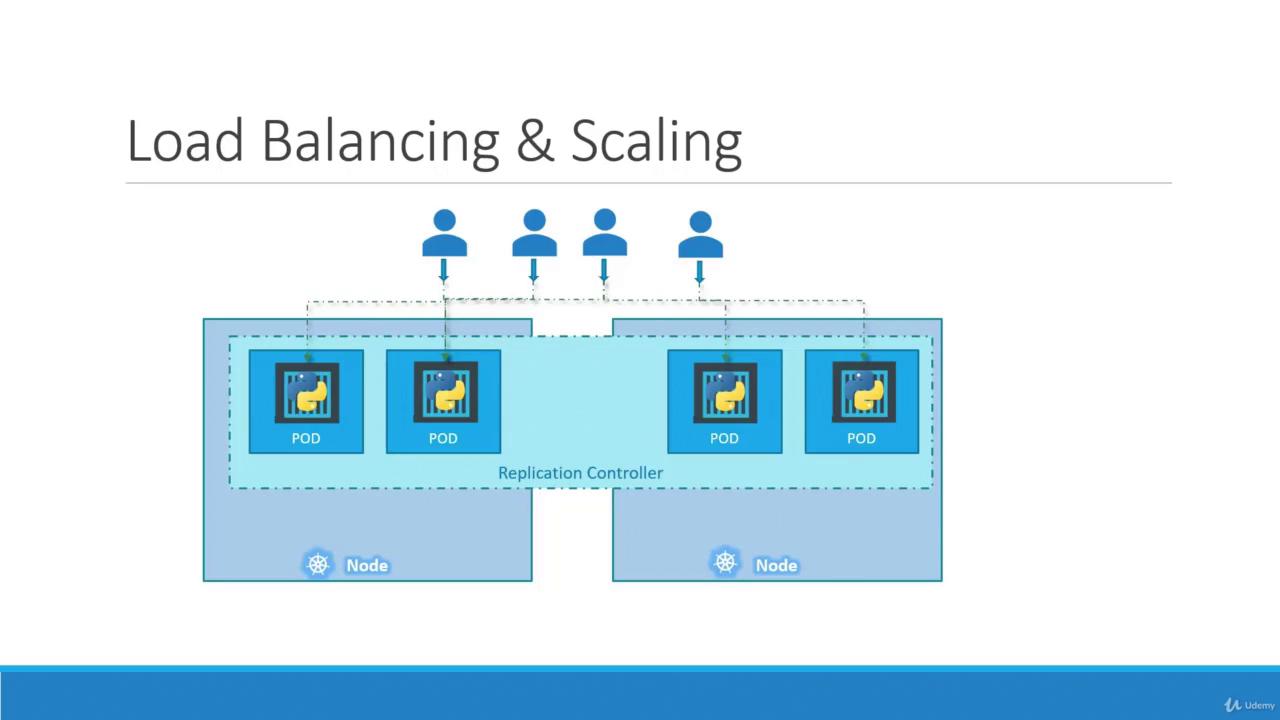
While both replication controllers and replica sets serve similar purposes, the replication controller is the older technology being gradually replaced by the replica set. In this lesson, we will focus on replica sets for our demos and implementations.
Creating a Replication Controller
To create a replication controller, start by writing a configuration file (e.g.,rc-definition.yaml). Like any Kubernetes manifest, the file contains four main sections: apiVersion, kind, metadata, and spec.
- apiVersion: For a replication controller, use
v1. - kind: Set this to
ReplicationController. - metadata: Provide a name (e.g.,
myapp-rc) and include labels such asappandtype. - spec: This section is crucial. It not only defines the desired number of replicas with the
replicaskey but also includes atemplatesection which serves as the blueprint for creating the pods. Ensure that all pod-related entries in the template are indented correctly and aligned withreplicasas siblings.
myapp-rc), indicating their origin.
Introducing ReplicaSet
A ReplicaSet is a modern alternative to the replication controller, using an updated API version and some improvements. Here are the key differences:- API Version: Use
apps/v1for a ReplicaSet. - Selector: In addition to metadata and specification, a ReplicaSet requires a
selectorto explicitly determine which pods to manage. This is defined usingmatchLabels, which can also capture pods created before the ReplicaSet if they match the criteria.
Labels and Selectors
Labels in Kubernetes are critical because they enable controllers, such as ReplicaSets, to identify and manage the appropriate pods within a large cluster. For example, if you deploy multiple instances of a front-end web application, assign a label (e.g.,tier: front-end) to each pod. Then, use a selector to target those pods:
Is the Template Section Required?
Even if three pods with matching labels already exist in your cluster, the template section in the ReplicaSet specification remains essential. It serves as the blueprint for creating new pods if any fail, ensuring the desired state is consistently maintained.Scaling the ReplicaSet
Scaling a ReplicaSet involves adjusting the number of pod replicas. There are two methods to achieve this:-
Update the Definition File
Modify the
replicasvalue in your YAML file (e.g., change from 3 to 6) and update the ReplicaSet with: -
Use the kubectl scale Command
Scale directly from the command line:
Keep in mind that if you scale using the
kubectl scale command, the YAML file still reflects the original number of replicas. To maintain consistency, it may be necessary to update the YAML file after scaling.Common Commands Overview
Below is a quick reference table summarizing some useful commands when working with replication controllers and ReplicaSets:That concludes our lesson on ReplicaSets and replication controllers in Kubernetes. Understanding these concepts is vital for managing high availability and load balancing in your cluster. Happy learning! For further reading, check out Kubernetes Documentation.