

Helm Templating Fundamentals
Helm utilizes Go templating syntax to define variables within your Kubernetes manifests. For example, consider the template snippet below, which outlines a standard Deployment configuration. Notice the use of double curly braces to denote template variables:replicaCount) is not hardcoded. Instead, its value is externally supplied using a separate YAML file—typically named values.yaml. For example:
Project Structure in a Traditional Helm Setup
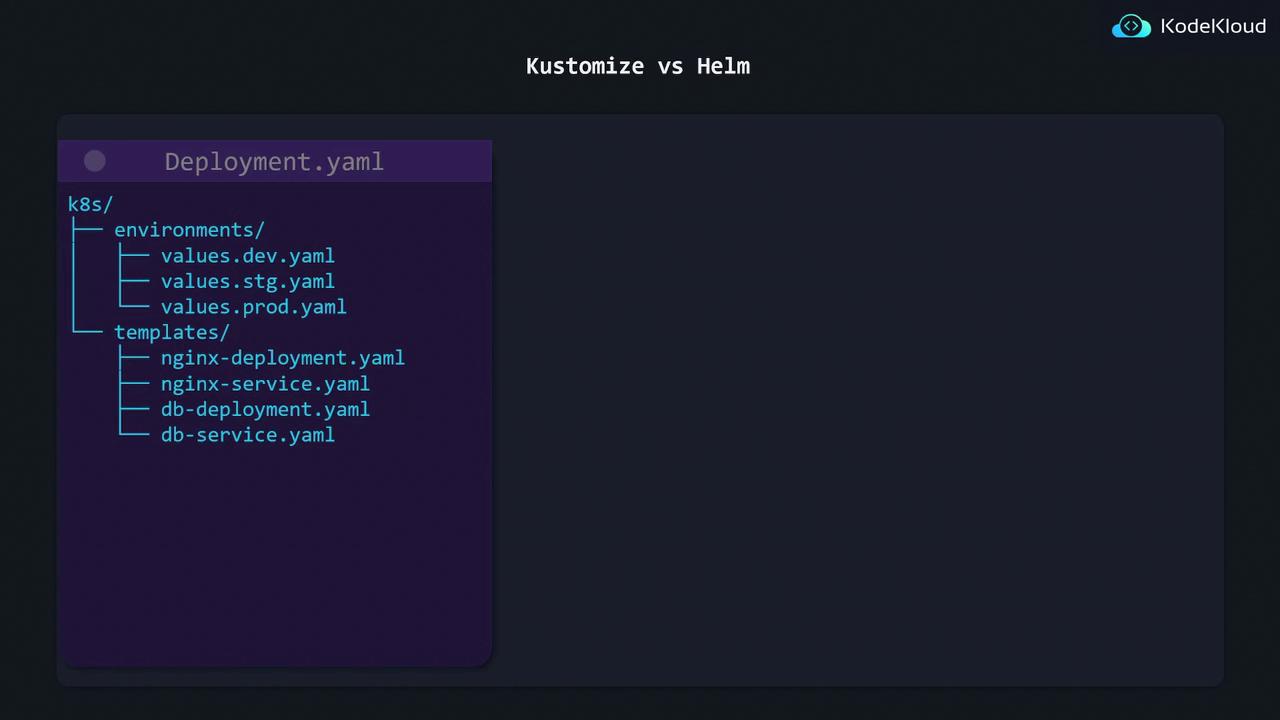
A conventional Helm project organizes deployment templates in one directory and environment-specific configuration files in another. For instance, you might have a directory structure where theenvironments folder contains files such as values.dev.yaml, values.stg.yaml, and values.prod.yaml, while the templates folder stores the Kubernetes manifest files.
Advantages and Trade-offs of Helm
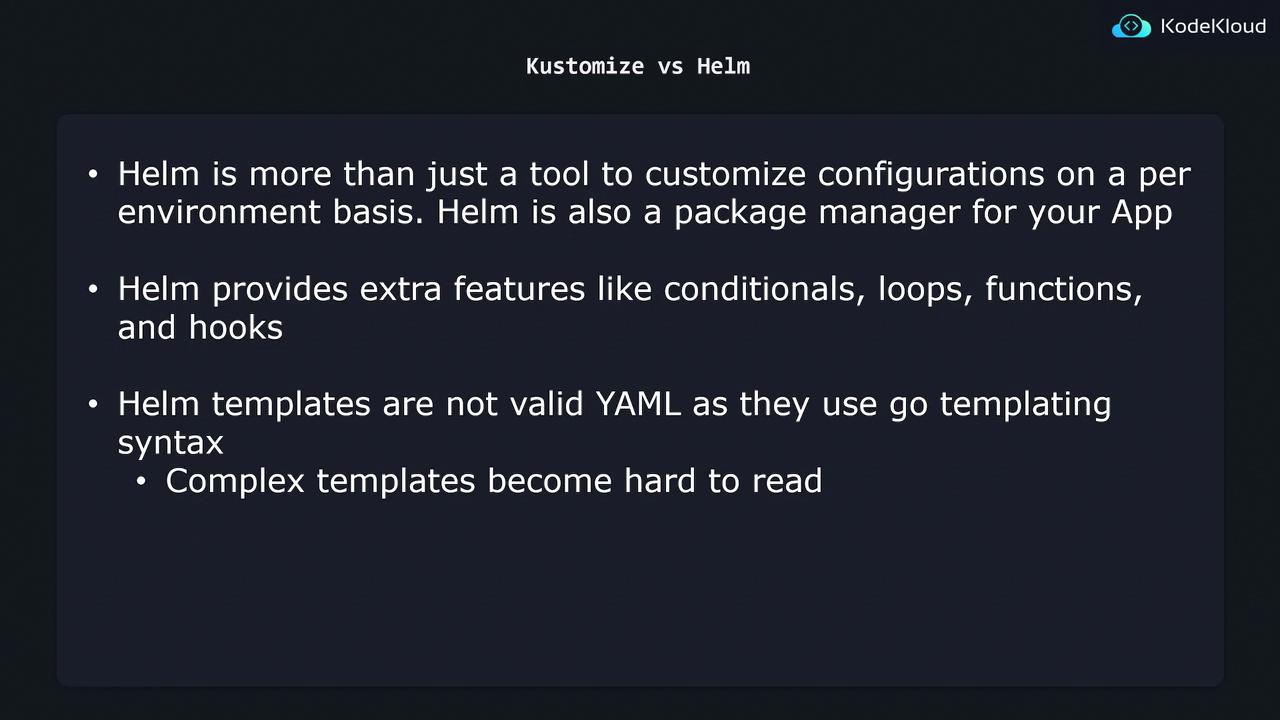
Helm is more than just a templating tool for environment-specific configurations—it serves as a complete package manager for Kubernetes applications. Similar to package managers like yum or apt in Linux, Helm provides additional features such as:- Conditionals and loops
- Functions and hooks
While Helm’s rich feature set offers significant flexibility, it also introduces complexity. The templates, which include Go templating syntax, are not strictly valid YAML and can be challenging to read and maintain initially.
Choosing the Right Tool
When deciding between Helm and Kustomize, consider the specific requirements of your project and your tolerance for complexity:- Choose Helm if you need advanced functionalities like package management, dynamic templating, and additional programming constructs.
- Choose Kustomize if you prefer a straightforward, plain YAML approach that improves readability and simplifies maintenance.
Be mindful that Helm templates can become difficult to manage as complexity increases. Always weigh the benefits against the added learning curve and potential maintenance overhead.