

host, nslookup, and dig alongside various DNS record types (A, CNAME, etc.) and the domain name hierarchy. We even demonstrated how to set up your own DNS server using CoreDNS. Now, we shift our focus to the DNS names assigned to various Kubernetes objects—like services and pods—and the different methods of accessing one pod from another.
Consider a simple scenario with two pods and a service in your cluster:
- A test pod with IP
10.244.1.5. - A web pod with IP
10.244.2.5.
10.107.37.188) and automatically gets a DNS record mapping the service name to its IP.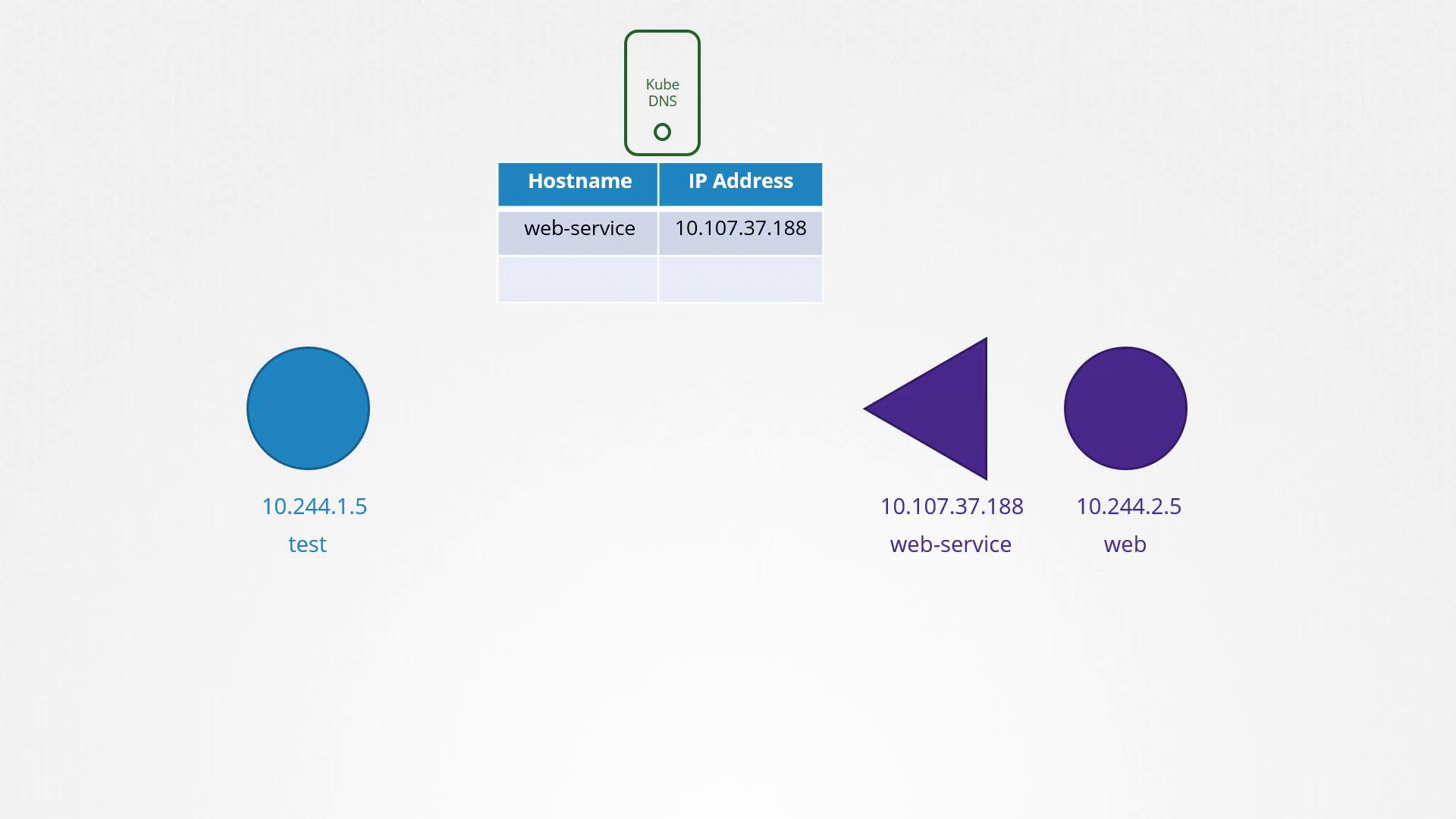
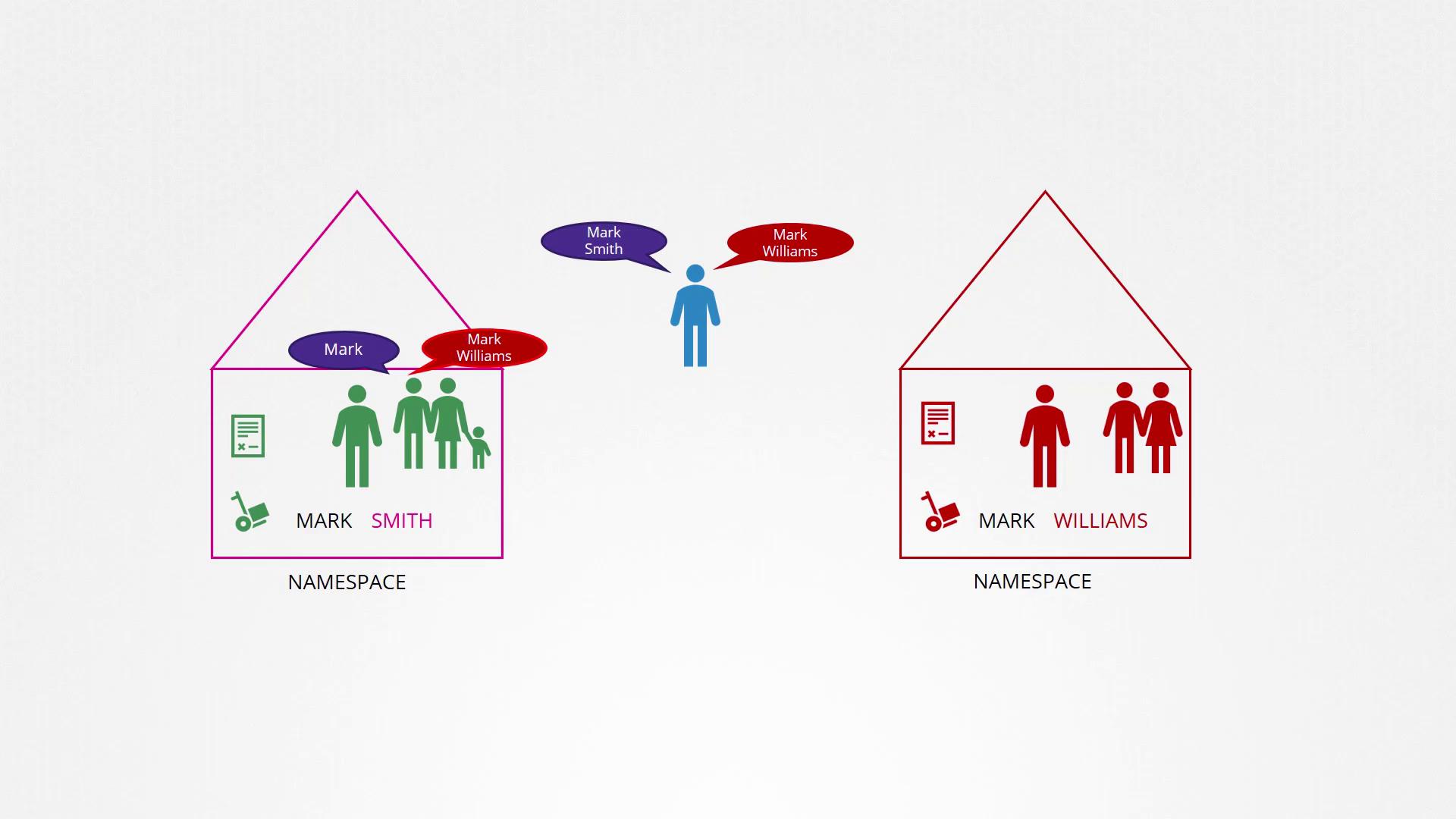
cluster.local). Thus, the fully qualified domain name for a service in the “apps” namespace is:
web-service.apps.svc.cluster.local
Now, let’s discuss pod DNS records. By default, DNS records for pods are not created. However, this behavior can be explicitly enabled. When pod DNS records are activated, Kubernetes generates a DNS record for each pod by converting the pod’s IP address into a hostname—replacing dots (.) with dashes (-). The record includes the pod’s namespace, is set to type “pod,” and utilizes the cluster’s root domain.
For example, if a test pod in the default namespace has the IP 10.244.2.5, the corresponding DNS record becomes:
10-244-2-5.apps.pod.cluster.local
This DNS entry resolves to the pod’s IP address. You can test the resolution with the command below: