Overview
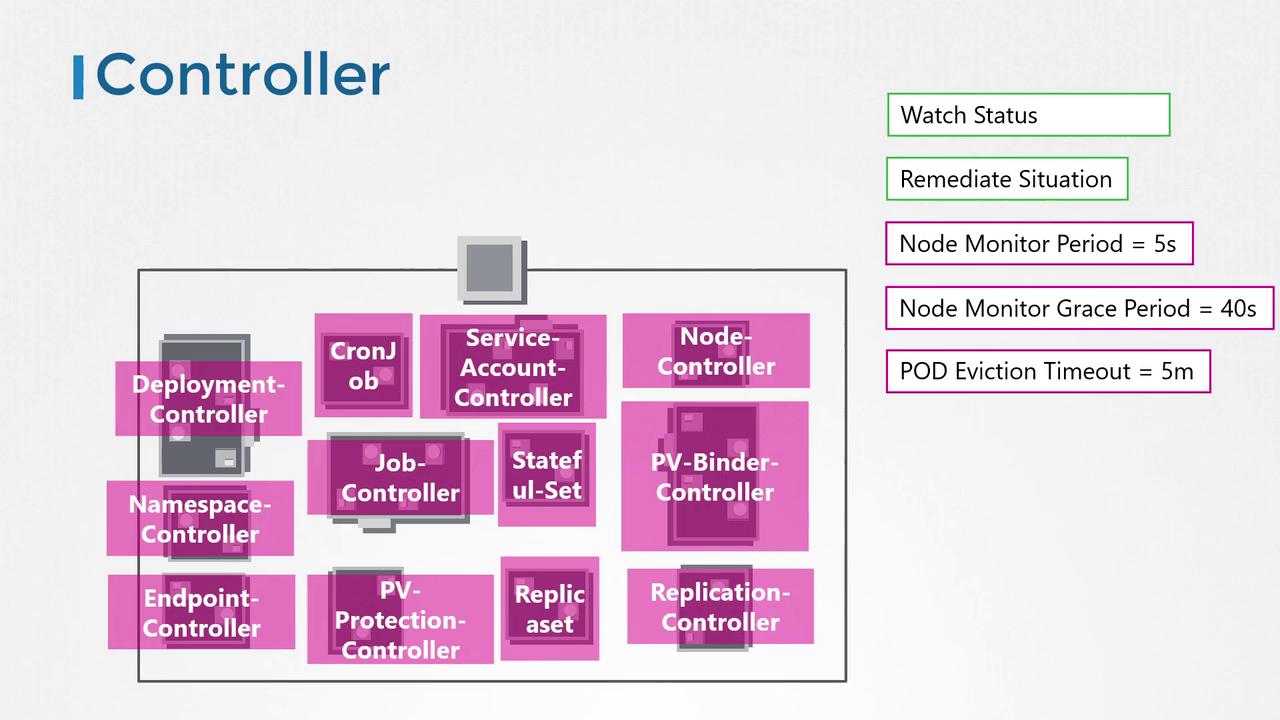
In Kubernetes, a controller acts like a department in an organization—each controller is tasked with handling a specific responsibility. For instance, one controller might monitor the health of nodes, while another ensures that the desired number of pods is always running. These controllers constantly observe system changes to drive the cluster toward its intended state. The Node Controller, for example, checks node statuses every five seconds through the Kube API Server. If a node stops sending heartbeats, it is not immediately marked as unreachable; instead, there is a grace period of 40 seconds followed by an additional five minutes for potential recovery before its pods are rescheduled onto a healthy node.Example: Checking Node Statuses
How Controllers Are Packaged
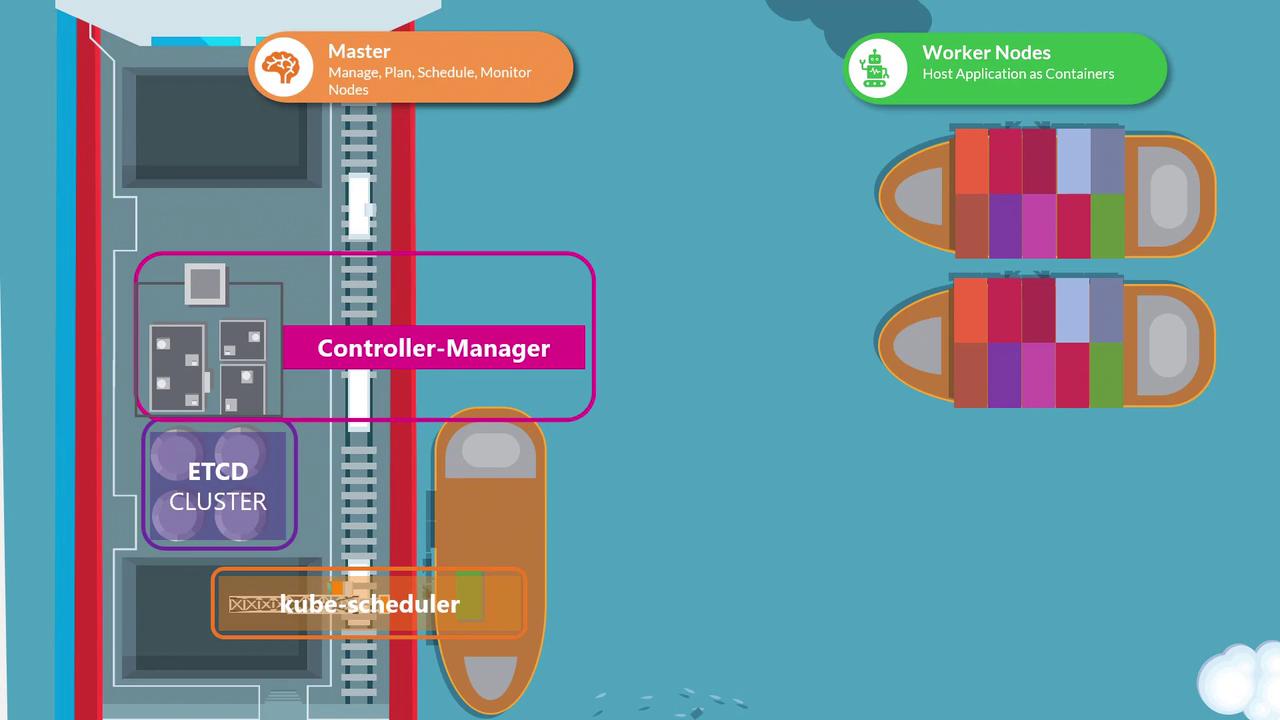
All individual controllers are bundled into a single process known as the Kubernetes Controller Manager. When you deploy the Controller Manager, every associated controller is started together. This unified deployment simplifies management and configuration.Installing and Configuring the Kube Controller Manager
To install and view the Kube Controller Manager, follow these steps:- Download the Kube Controller Manager from the Kubernetes release page.
- Extract the binary and run it as a service.
- Review the configurable options provided, which allow you to tailor its behavior.
Downloading the Controller Manager
Sample Service Configuration
Below is an example of a service file (kube-controller-manager.service) used to run the Controller Manager:
--controllers flag.
By default, all controllers are enabled. You can selectively enable or disable controllers by using the syntax
foo to enable and -foo to disable. For example, --controllers=*,-tokencleaner will disable the tokencleaner controller.Example of Specifying Controllers
Viewing the Controller Manager in Action
Depending on your cluster setup, the Controller Manager may run as a pod in thekube-system namespace (if set up using kubeadm) or as a system service. In kubeadm-based clusters, you can inspect the pod definition located in the /etc/kubernetes/manifests directory.
Service Configuration Example (Non-Kubeadm Environments)
Checking the Running Process
To verify that the Kube Controller Manager is running and to inspect its active options, execute the following command on the master node: